
Ahrefs: A Simple Guide to the SEO Toolkit
Ahrefs is a toolkit for search engine optimization, which means improving a website so it appears well in search results. It helps teams answer questions that are hard to answer by hand: which pages on a site earn links from other sites, which search terms bring visitors, what technical problems block search engines from reading a site, and how rankings change over time. Instead of guessing why a competitor outranks you, you can look at the same kind of data for any site and make a plan from evidence.
Ahrefs works by crawling the web, which means sending automated programs, called crawlers, to visit pages, follow links, and record what they find. From that crawling it builds large databases of links, keywords, and pages, and its reports let you query those databases. It is important to understand what that data is: for your own site, Google's own tools give exact facts, but for other sites, Ahrefs gives estimates modeled from what its crawlers observed. Estimates are still extremely useful for research and comparison, as long as you treat them as guides rather than exact counts.
This guide explains Ahrefs in plain language, tool by tool, including its research features for keywords, links, content, and site health. It also covers how to use Ahrefs without drowning in data, how to combine it with free tools, and what its limits are. If you are new to SEO, read this guide before you open the tool, because knowing which question each report answers will save you hours of clicking through charts you do not yet need.
What Ahrefs Does, in One Picture
Imagine search visibility as a map. Ahrefs draws that map from three kinds of data. First, links: which sites link to which pages, with what words, and whether those links still work. A backlink, which is a link from another site to yours, acts like a vote of confidence, and search engines treat sites with many trusted backlinks as more authoritative, which means more likely to deserve a high ranking. Second, keywords: which search terms a page ranks for, how much traffic those terms might bring, and how hard they are to win. Third, site health: technical problems such as broken links, slow pages, and missing titles that stop search engines from understanding a site.
Most Ahrefs reports combine these three kinds of data. A report on a single page might show its backlinks, its ranking keywords, and its share of estimated traffic, all at once. That combination is what makes the tool powerful: you can see not just that a page ranks, but why it might rank, and what would help a similar page of yours do the same. The danger is the same as the power. With so much data on screen, beginners often chase every number instead of picking one question, answering it, and acting on the answer. For a comparison with another toolkit in the same category, see Semrush.
A good rule is to enter Ahrefs with a question written down. Good questions sound like: "Which pages on my competitor's site earn the most links, and what do they offer?" or "Which keywords does my site rank on page two for, where a small improvement could reach page one?" or "What technical errors block my newest pages from being indexed?" Indexing means a search engine has stored a page in its database so it can be shown in results. Each of those questions maps to one or two reports, and each report gives you a next action, not just a chart to admire.
Site Explorer: Research Any Site or Page
Site Explorer is the flagship report, and it is where most research starts. Enter any domain, which is a site address such as example.com, or any single page address, and you get an overview: estimated organic traffic, which means visitors from unpaid search results; the number of backlinks and referring domains, which means distinct sites that link to it; and its top pages and top keywords. Referring domains matter more than raw link counts, because one site linking a hundred times is less persuasive than a hundred sites linking once.
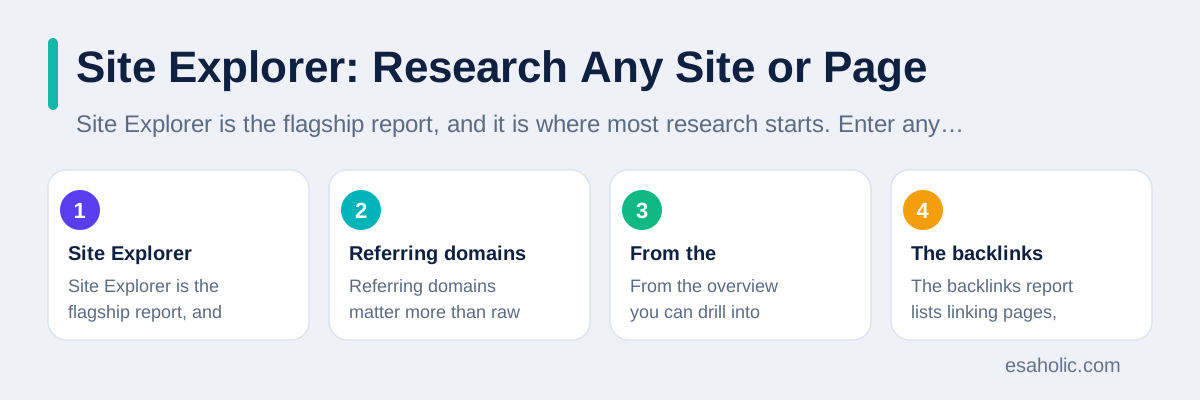
From the overview you can drill into detail. The backlinks report lists linking pages, their anchor text, which is the clickable wording of a link, and whether each link is still live. The organic keywords report lists the terms a site ranks for, its position for each, and an estimate of the traffic each term brings. The top pages report shows which pages earn the most traffic and links, which is often surprising: on many sites, a handful of pages do most of the work, and the rest contribute little. Studying those top pages teaches you what readers and linkers actually value, which is far more useful than studying a site's homepage.
Use Site Explorer for two jobs above all: learning from competitors and auditing your own site. For competitors, look at their top pages and ask what need each page serves, then consider how you could serve that need better or differently, not by copying, but by understanding the gap. For your own site, look for pages that earn links but little traffic, which may need better targeting, and pages with traffic but no links, which may deserve promotion. The official Ahrefs site describes Site Explorer in its own words, and it is worth comparing that description with what you see in the tool.
Keywords Explorer: Research What People Search
Keywords Explorer answers a simple question: what do people actually type into search engines around a topic, and how much opportunity does each term offer? Enter a seed word, such as "garden tools," and the tool returns related terms, questions people ask, search volume, which is an estimate of how often a term is searched, and keyword difficulty, which is a score that estimates how hard it would be to rank for that term. Volume and difficulty together shape your choice: a term with huge volume and huge difficulty may be a poor first target for a new site, while a specific term with modest volume and low difficulty can bring real visitors sooner. Narrowing a shortlist like this is easier with search operators, which limit results to a site, a phrase, or a file type.
Two ideas make keyword research useful instead of mechanical. The first is search intent, which means what the searcher wants to do: learn something, compare options, or buy. A page that teaches will not satisfy a buyer, and a sales page will frustrate a learner, no matter how well it ranks. Read the pages that already rank for a term and notice what kind of content they are, because that tells you the intent Google believes the term carries. The second idea is clicks, not just searches. Some searches end without a click, because the answer appears on the results page itself, so a term with high volume but few clicks may bring less traffic than its volume suggests. Ahrefs reports click estimates to help you judge this.
Group your keywords by topic, not by single words. If twenty related terms all describe one need, such as choosing a first garden tool set, they probably belong on one thorough page, not twenty thin ones. A thin page, which means a page with little original value, rarely ranks and rarely earns links. A thorough page that answers the whole topic, with examples, comparisons, and honest limits, can rank for many related terms at once. That grouping habit is the difference between keyword research that produces a content plan and keyword research that produces a spreadsheet nobody uses.
Site Audit: Find Technical Problems Before Search Engines Do
Site Audit crawls your own site the way a search engine would, then reports problems ranked by importance. Common findings include broken links, which are links to pages that no longer exist; duplicate titles, which confuse search engines about which page to show; slow pages, which frustrate visitors; and pages that search engines cannot reach because of blocking rules. Each issue comes with an explanation and a list of affected pages, so you can fix the worst problems first instead of working through a random list.
Run an audit before you judge content performance. A brilliant article on a page that loads slowly, has no clear title, or is blocked from indexing cannot rank, and no amount of link building will fix that. Fix crawl problems first, then check that important pages are indexed, which you can verify in Google Search Console, and only then invest in new content. After each round of fixes, re-crawl, which means running the audit again, and confirm the issues actually dropped. Fixes that are not verified have a habit of quietly failing, especially when a site changes often.
Keep audits on a schedule, not as a one time event. A monthly audit for a small site, or weekly for a large one that changes daily, catches new problems while they are small. Track one headline number over time, such as the count of errors, which are the most serious issues, and watch its trend. A falling error count with steady content output means the site is getting healthier. A rising count after a redesign means something broke in the change, and the audit tells you exactly where. For a plain language guide to what search engines want from a site, Google's SEO starter guide pairs well with audit reports. When an audit finds structural problems, website development that fixes titles, crawl paths, and page speed is usually the next step.
Rank Tracker: Watch Positions Over Time
Rank Tracker follows a list of keywords you choose and records where your site, or any site you track, appears for each one over time. This matters because a single day's ranking is noisy: positions move with location, device, and search engine testing, so a daily wobble means little. A trend over weeks tells the real story. If a keyword climbs steadily after you improved a page, the improvement likely worked. If it falls steadily while competitors rise, something changed that deserves investigation.
Choose tracked keywords with care. Track the terms that bring business value, not just the terms you already rank well for, because tracking only easy wins hides real problems. Include a mix: a few head terms, which are short, popular searches; several specific terms that describe real needs; and the brand name, which should rank first and acts as a health check. If your brand name ever stops ranking first, something serious, such as a penalty or a technical failure, may have happened, and you should investigate at once rather than waiting for the monthly report.
Read Rank Tracker beside traffic, not instead of it. Rankings can rise while traffic falls, if the term's search volume drops or if results page features steal clicks, and rankings can fall while traffic rises, if other pages pick up new terms. When a tracked keyword moves sharply, check Site Audit for technical changes, check the page itself for accidental edits, and check competitors in Site Explorer for new pages. Rank Tracker tells you where to look, and the other reports tell you why. That combination turns a scary chart into a fix list.
Set up alerts for the keywords that matter most, so a sharp fall reaches you by email instead of waiting for a monthly review. An alert is only useful if it names the keyword, the size of the move, and the page involved, and if someone owns the response. Without an owner, alerts become background noise that everyone learns to ignore, which is worse than no alert at all, because it creates a false sense of coverage. Review your alert list each quarter and remove keywords that no longer matter, so the alerts that remain always deserve attention.
Content Explorer and Backlink Research
Content Explorer searches the web for pages about any topic and ranks them by links, shares, and traffic. Use it to learn what content earns attention in your field. Sort by links to find pages that other sites reference, which usually means the page offers original data, a useful tool, or a clear explanation. Read those pages critically: what do they offer that yours does not, and can you offer something genuinely different, such as newer data, a worked example, or a viewpoint for a different audience? Content Explorer rewards curiosity, but it punishes copying, because a copy earns no links and may earn a penalty.
Backlink research, through Site Explorer's link reports, shows who links to a site and why. Study a competitor's new links over time to see which of their pages attract attention and which kinds of sites link to them. That pattern suggests where your own outreach, which means contacting site owners to suggest your content, might work. It also reveals broken link opportunities: pages that link to a competitor's removed page might link to your replacement instead, if your page genuinely serves the same need. Outreach works best when the suggestion helps the linking site's readers, not just your rankings.
Also use link reports defensively. Check your own new links regularly for spammy or irrelevant sites, because a flood of low quality links can signal manipulation, even if you did not create it. Ahrefs lets you disavow, which means telling Google to ignore certain links, but disavowal is a last resort for clear abuse, not a routine cleanup, and Google's own guidance says most sites never need it. Far more valuable is the habit of checking: a monthly glance at new links catches problems early and shows which of your pages naturally attract links, which tells you what to make more of. The Ahrefs blog publishes case studies of these workflows, and reading a few will show you how experienced teams use the same reports.
A Simple Ahrefs Workflow That Avoids Data Overload
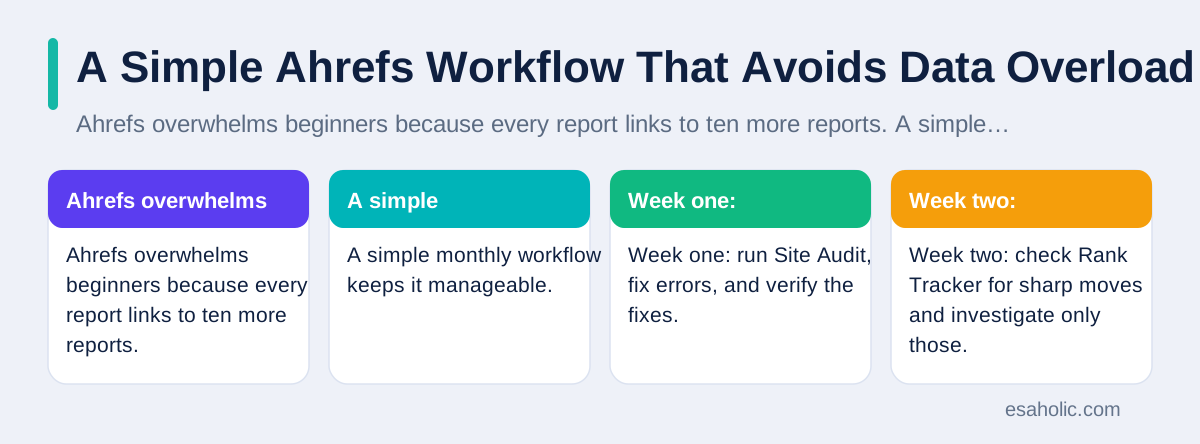
Ahrefs overwhelms beginners because every report links to ten more reports. A simple monthly workflow keeps it manageable. Week one: run Site Audit, fix errors, and verify the fixes. Week two: check Rank Tracker for sharp moves and investigate only those. Week three: research one topic in Keywords Explorer and Content Explorer, and plan or improve one page from what you learned. Week four: review new backlinks in Site Explorer and note which pages earned them. That rhythm covers health, rankings, content, and links in about a few hours a month for a small site, and it produces actions, not just observations.
Two limits deserve honesty. First, Ahrefs data is modeled, not exact, especially for traffic estimates and keyword volumes, so never quote its numbers as facts about a competitor's business. Use them to compare and to prioritize, and confirm important decisions with your own analytics, which show real visits to your own site. Second, Ahrefs cannot judge content quality, honesty, or usefulness. A page can have strong metrics and still mislead readers, and a page with weak metrics can still be the most helpful page on a topic. Metrics guide attention, but human judgment decides what to publish.
Finally, pair Ahrefs with free tools rather than replacing them. Google Search Console gives exact data for your own site, including which queries actually brought clicks and which pages Google struggled to index. Google Analytics shows what visitors did after they arrived. Page speed tools show why a page feels slow. Ahrefs adds research and comparison that those tools cannot offer, and together they give a fuller picture than any one tool alone. Start with one question, use one report, act on the answer, and repeat. That discipline is what separates teams that benefit from Ahrefs from teams that merely subscribe to it.
Conclusion
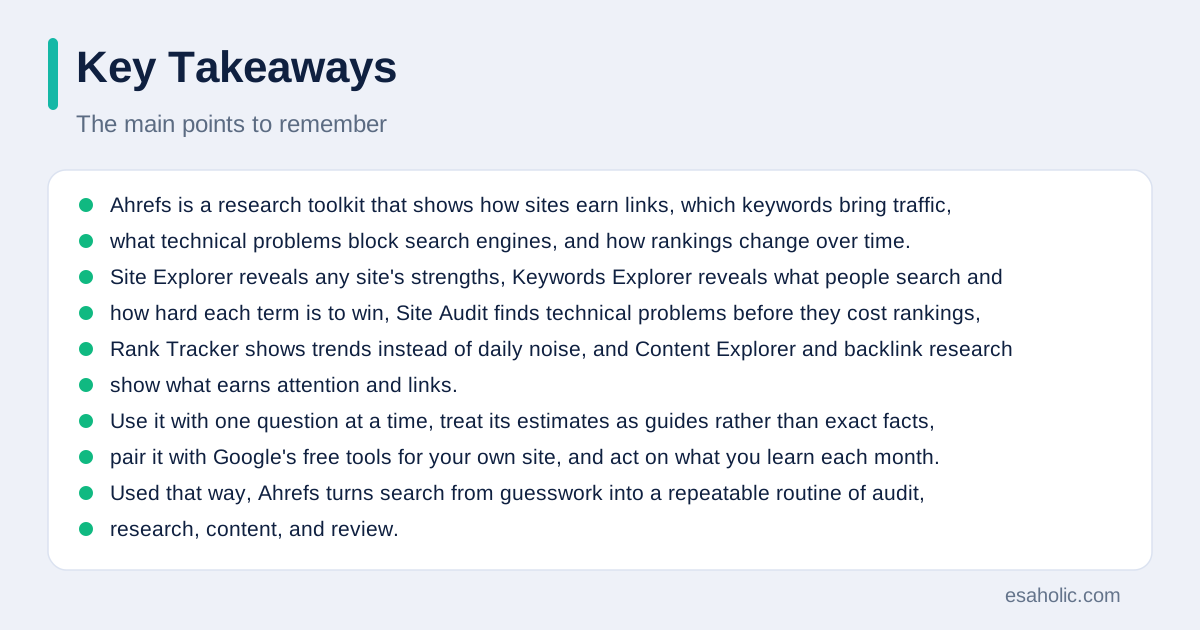
Ahrefs is a research toolkit that shows how sites earn links, which keywords bring traffic, what technical problems block search engines, and how rankings change over time. Site Explorer reveals any site's strengths, Keywords Explorer reveals what people search and how hard each term is to win, Site Audit finds technical problems before they cost rankings, Rank Tracker shows trends instead of daily noise, and Content Explorer and backlink research show what earns attention and links. Use it with one question at a time, treat its estimates as guides rather than exact facts, pair it with Google's free tools for your own site, and act on what you learn each month. Used that way, Ahrefs turns search from guesswork into a repeatable routine of audit, research, content, and review. Pages that answer a question directly also help AI tools cite them, as making content easy for AI answers to cite explains.
Frequently Asked Questions
What is Ahrefs used for?
Ahrefs is used to research how websites perform in search: which pages earn links, which keywords bring traffic, what technical problems block crawling, and how rankings change over time. Teams use it to plan content, fix site problems, and understand competitors, all from data the tool collects by crawling the web.
Is Ahrefs a free tool?
Ahrefs offers some free tools with limited data, such as its webmaster tools for sites you verify, while its full research reports require a paid plan. Plan names and prices change over time, so check the official Ahrefs site for current details before you buy, and start with the free tools to learn the interface.
What is the difference between Ahrefs and Google Search Console?
Google Search Console shows data only for sites you own, from Google itself, while Ahrefs estimates data for any site by crawling the web and modeling traffic. Use Search Console for exact facts about your own site, and use Ahrefs for research, comparisons, and estimates about competitors, treating those estimates as guides, not exact counts.
Written by Ahmad Haseeb Cheema
International SEO Consultant and Technical Auditor
Ahmad Haseeb Cheema is an international SEO consultant at Esaholic who audits page structure, canonical tags, and link value.
Reviewed by Nabeel Ali
Senior SEO Specialist
Nabeel Ali is a senior SEO specialist at Esaholic who works on enterprise and international search, language versions, and crawler rules.
Relevant blogs
Search Google or Type a URL: A Simple Guide
When to search, when to type an address, and how to avoid fake sites.
Semrush: A Simple Guide to the SEO Toolkit
What Semrush does, how its research tools work, and how to use them for search growth.
Image Search Techniques: A Simple Guide
How to search with pictures, use reverse image search, and verify images before you trust them.
What Is Generative Engine Optimization Explained
How to make content clear, factual, and easy for AI answers to cite.