
Hugging Face News: A Simple Guide To The Hub

Hugging Face appears in AI stories almost every week. A headline may praise a new open model, warn about a security risk, or claim that a small team beat a giant lab with a shared model. Readers who do not use the platform can feel lost, because the stories assume you already know what the hub is, what a model card says, and why a download needs care. This guide fills that gap. It explains the platform in plain language, shows how to read its news safely, and warns you against inventing details that no source supports.
Think of Hugging Face as a library and a workshop combined. Builders publish trained models, which are programs that learned patterns from data, and they also publish datasets, which are organized collections of data used for training and testing. Each published item carries a card that describes what it does, what data shaped it, which license governs its use, and which limits the builders found. Visitors can try many models through small demo apps in the browser, called spaces, without installing anything. That mix of sharing, documentation, and easy testing explains why the platform sits at the center of so much AI news.
This guide stays honest about what it does not claim. It does not invent specific releases, funding rounds, or security incidents, because those details change fast and they need a primary source. Instead, it teaches you the durable skills: how the hub works, how to read a model card, how to judge a security story, and how to follow updates through official pages first. With those skills, any future headline becomes easier to judge, whether it celebrates a breakthrough or warns about a risk.
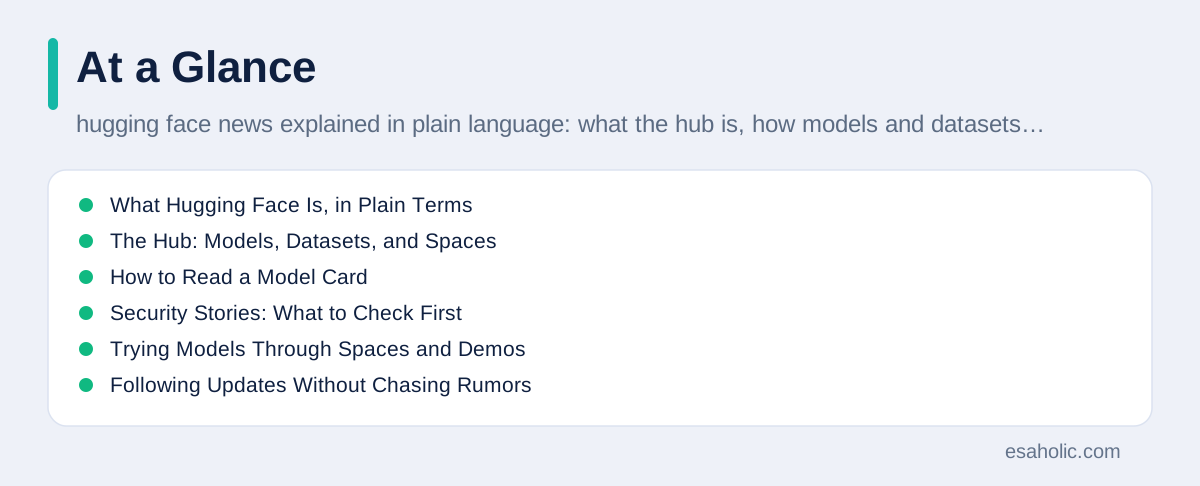
What Hugging Face Is, in Plain Terms
Hugging Face started as a company that built tools for language models, and it grew into the largest public home for shared AI models. The hub now hosts models for text, images, audio, and more, alongside datasets and demo apps. Researchers publish models so others can test and build on them. Companies publish models to reach developers. Hobbyists publish experiments to learn in public. That open sharing speeds up research, because a team can start from a strong shared model instead of training everything from scratch, which saves time, computing power, and data effort.
Open sharing also creates a duty of care, and that duty grows as models grow more capable. A model trained mostly on one language, one region, or one style of writing will serve those users better than others, and a team that deploys it widely without testing across its real audience can ship unfair results without noticing. Testing across varied inputs, reading community reports on the model page, and keeping a human review step for sensitive outputs all reduce that risk. Openness helps here, because public cards and public discussion let outsiders spot problems that a closed product might hide until customers complain.
Open sharing also creates a duty of care. A shared model carries the biases, gaps, and limits of its training data, and a careless user can misuse a capable model. The hub answers that risk with transparency tools: model cards, dataset cards, licenses, usage statistics, and community discussion on each page. Transparency does not remove risk, but it gives a careful reader the facts needed to judge a model before use. A model with a thin card, no license, and no test results deserves more caution than a model with a full card and a named publisher.
Two vocab words help here. Weights are the trained model files, meaning the numbers the model learned during training, and they decide how the model responds. Inference means the model producing an answer, whether that answer is text, an image label, or a transcription. When a story says a model is "open weights," it usually means anyone may download the weight files under a stated license. That differs from a fully open project, which also shares training data and code. Keep that distinction in mind, because headlines often blur it.
The Hub: Models, Datasets, and Spaces
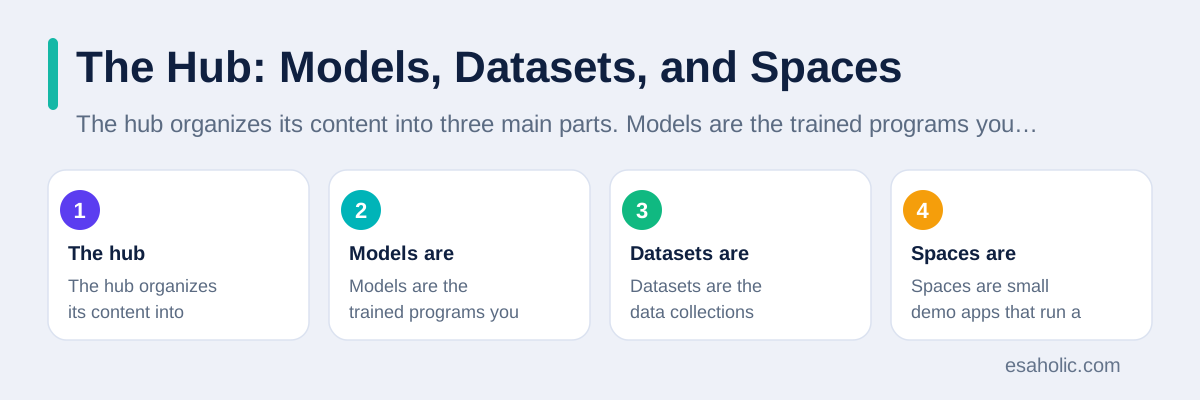
The hub organizes its content into three main parts. Models are the trained programs you can download or run through an interface. Datasets are the data collections behind training and testing, and they matter because data quality shapes model behavior more than any single design choice. Spaces are small demo apps that run a model in the browser, so you can type a prompt, upload an image, or speak a phrase and watch the result without setup. Together, these parts let a reader move from a headline to a hands-on test in minutes.
Each hub page follows a similar layout, which helps once you learn it. The top shows the publisher, the license, and the download count. The card below describes the intended use, the training data, the evaluation results, and the known limits. Tabs or links may lead to files, community discussion, and related models. A careful reader checks the publisher first, because a known research lab or a company with a track record differs from an anonymous upload with no history. Popularity alone proves little, because a fun demo can trend while a careful model stays quiet.
The official hub documentation explains these pages in detail, and it serves as the best first stop when a story confuses you. Our guide on how to read model update stories pairs well with it, because model news and hub news overlap heavily. When a story mentions a model you have never heard of, open its hub page, read its card, and try its space before you repeat any claim about what it can do.
How to Read a Model Card
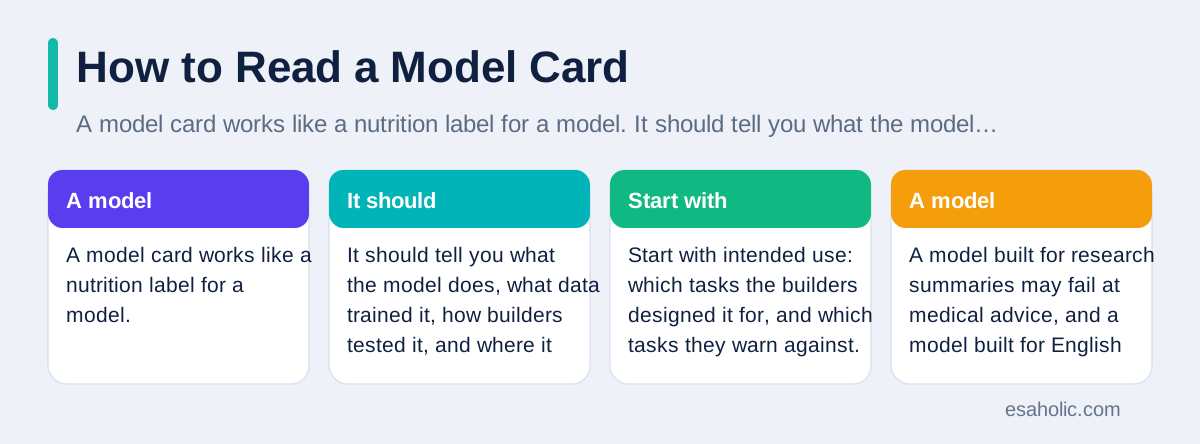
A model card works like a nutrition label for a model. It should tell you what the model does, what data trained it, how builders tested it, and where it performs poorly. Start with intended use: which tasks the builders designed it for, and which tasks they warn against. A model built for research summaries may fail at medical advice, and a model built for English text may stumble in other languages. Using a model outside its intended use explains many public failures that headlines blame on AI in general.
Next, check the training data and the evaluation. Training data tells you whose words, images, or sounds shaped the model, and evaluation tells you how it scored on set tests. A card that names its data sources and shows test scores with context earns trust. A card that hides its data or quotes one score with no test description earns caution. Also check the license, which is the legal permission that states how you may use, share, or sell work built on the model. Some licenses allow commercial use freely, some require credit, and some block certain uses entirely. Never ship a product on a model whose license you have not read.
Finally, read the limits section as carefully as the strengths. Honest cards list failure modes, such as poor performance on rare topics, sensitivity to phrasing, or a tendency to invent details. Those limits tell you where human review must step in. A team that builds on a hub model should copy the limits into its own project notes, so nobody later treats a research demo as a production guarantee. Our generative AI development work follows that habit, and our guide on how language models read text explains the techniques behind many hub models.
Security Stories: What to Check First
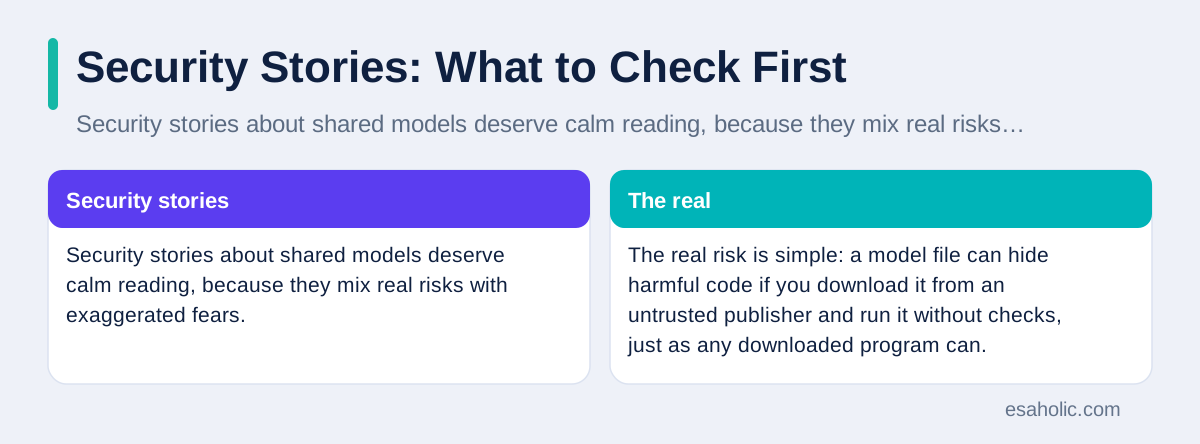
Security stories about shared models deserve calm reading, because they mix real risks with exaggerated fears. The real risk is simple: a model file can hide harmful code if you download it from an untrusted publisher and run it without checks, just as any downloaded program can. The exaggerated version claims that every shared model is dangerous, which ignores the hub's scanning tools, publisher histories, and community reports. Your job as a reader is to place each story on that scale, using the primary source rather than the loudest post.
When a security story breaks, ask four questions. Which publisher and which files does it name? Does the official hub page or the publisher confirm the issue? What exact action does the advice require, such as updating a version, deleting a file, or changing a setting? And does the story separate a proven incident from a possible risk found in a test? A story that names files, links to a fix, and quotes the publisher earns trust. A story that warns in general terms, names no file, and links to no fix earns skepticism, even if its warning sounds urgent.
For your own use, follow a short safety routine. Download only from publishers you recognize or can verify, prefer models with full cards and clear licenses, scan files with your normal security tools, and run unfamiliar models in an isolated setting before you connect them to real data. Keep private data out of public demo spaces, because a demo may log inputs. The hub security documentation describes the platform's own protections, and the Transformers library documentation explains how many teams load and run hub models safely in code.
Trying Models Through Spaces and Demos
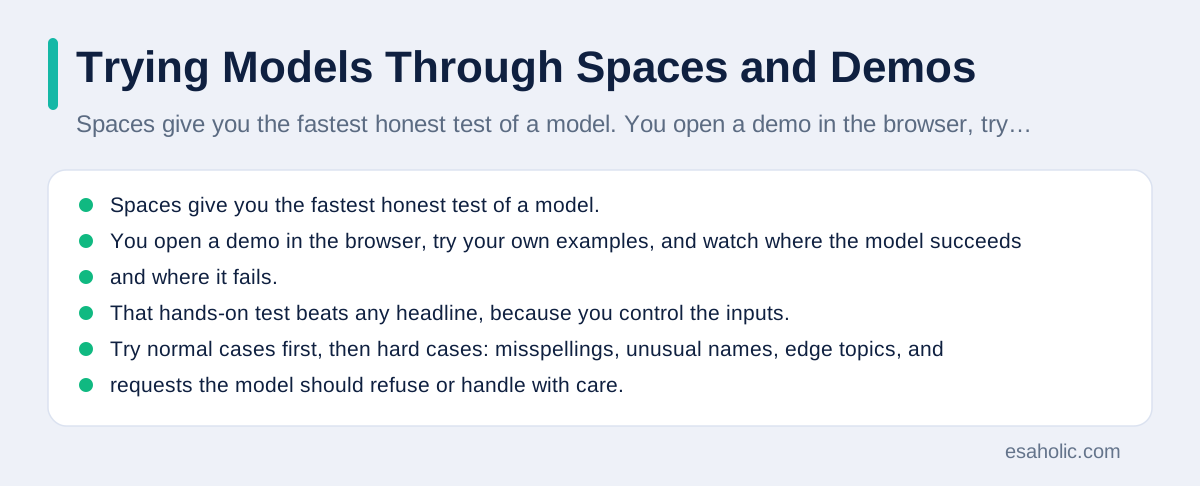
Spaces give you the fastest honest test of a model. You open a demo in the browser, try your own examples, and watch where the model succeeds and where it fails. That hands-on test beats any headline, because you control the inputs. Try normal cases first, then hard cases: misspellings, unusual names, edge topics, and requests the model should refuse or handle with care. A model that handles your hard cases earns a closer look. A model that fails them tells you its limits before you invest any build time.
Demos can still mislead, so read them with care. A demo may run on powerful hardware that your own setup lacks, so its speed may not match yours. A demo may use curated examples that flatter the model, while your real inputs look messier. A demo may also add hidden help, such as extra instructions or a second model that cleans up the output. None of that makes demos useless. It only means you should treat a demo as a first impression, then test the model on your own data in your own setting before you decide.
For teams, demos also serve as a shared language. A product manager, a designer, and an engineer can all try the same space and discuss the same outputs, which beats debating a headline in the abstract. Save the examples that matter, note the model version and date, and keep a short log of what worked and what failed. That log becomes the evidence base for a build decision, and it protects the team when a newer model arrives and everyone wants to switch on the strength of a fresh headline alone.
Record your demo tests in a consistent format so later readers can repeat them. Note the model name and version, the date you tested it, the exact inputs you tried, and the outputs you received, including the failures. A test log with failures earns more trust than a highlight reel, because it shows the team where the model needs help, supervision, or a different tool entirely. When a vendor or a colleague later claims the same model handles a hard case easily, your log lets you answer with evidence from your own trials instead of trading opinions. Keep the log beside the project notes, not in a private chat thread where nobody can find it when the decision returns for review.
Following Updates Without Chasing Rumors
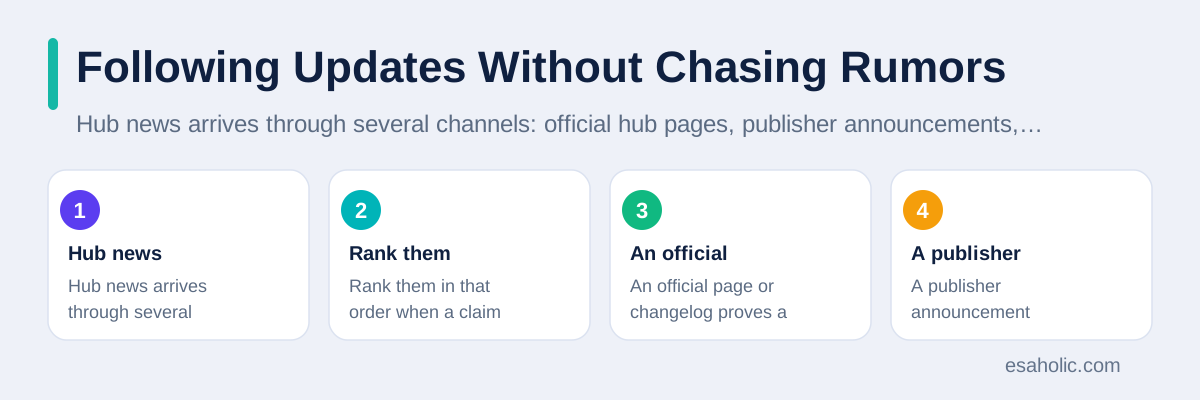
Hub news arrives through several channels: official hub pages, publisher announcements, documentation updates, and independent news coverage. Rank them in that order when a claim matters. An official page or changelog proves a release exists. A publisher announcement explains why it matters. Independent coverage adds context, comparison, and criticism. Social posts rank last, because they strip dates and sources and they reward confident wording. When a post excites you, follow it back to the hub page and confirm the claim there before you share it.
Dates matter more than most readers admit. Model news recirculates constantly, because old demos resurface, old benchmarks get reposted, and old warnings return without their original context. A story without a date, a version number, or a hub link should not travel further from you. A story with all three can still mislead if you skip the limits section, but at least you can verify it. Make a habit of noting the model version beside every claim you save, because two models with similar names can differ sharply in skill and safety.
A weekly routine works well here too. Check the hub pages for models you actually use, skim one trusted news source for wider trends, and ignore the daily churn. Our guide on how to follow generative AI stories clearly shares the same routine, because hub news and general AI news reward the same patience. Readers who check weekly catch every real shift, while readers who check hourly mostly catch repetition, rumor, and reposted demos.
Treat trending pages with the same caution you apply to social feeds. A model can trend because it is fun, novel, or controversial, not because it is accurate, safe, or well documented. Before you forward a trending model to your team, open its card, check its publisher and license, and try its demo with one of your own examples. That three minute check filters out most trending noise, and it builds a habit your team can copy. Over time, your colleagues will start sending you hub links with cards and test notes attached, instead of bare claims that you must verify alone.
Using the Hub in a Team
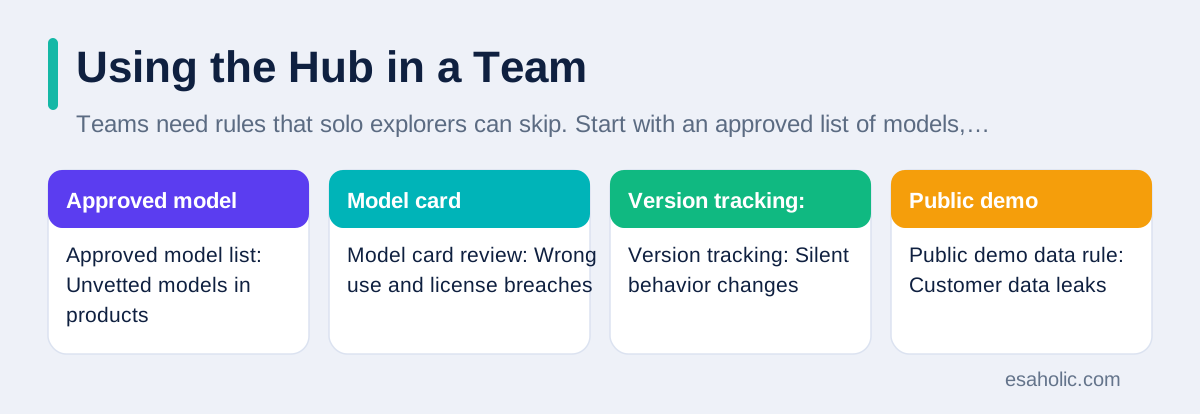
Teams need rules that solo explorers can skip. Start with an approved list of models, publishers, and licenses for production work, and review that list on a schedule. Require a model card review before any new model enters a project, with notes on intended use, limits, and license terms. Track model versions like code versions, so a quiet update cannot change behavior without review. These rules sound bureaucratic, but they prevent the most common team failure: a demo model slipping into a customer product because nobody checked its license or limits.
Access rules matter as well. Private models and private datasets need clear permissions, so only the right team members can read or change them. Public demos need a data rule too: nobody pastes customer data, secrets, or personal details into a public space, even for a quick test. Test data should be fake or clearly cleared for sharing. A short written policy, shared with every new team member, covers most cases, and a quarterly review keeps it current as the hub and the team's projects evolve.
| Team rule | What it prevents | How often to review it |
|---|---|---|
| Approved model list | Unvetted models in products | Every quarter |
| Model card review | Wrong use and license breaches | Before each new model |
| Version tracking | Silent behavior changes | At every release |
| Public demo data rule | Customer data leaks | With every new hire |
Small teams can keep these rules light. One page of rules, one owner, and one review meeting per quarter beats a thick policy nobody reads. As the team grows, add owners per area, add a simple approval log, and add automated checks that block unapproved models from production builds. Our AI and machine learning development services use that staged approach, and our guide on how to read agent headlines calmly covers the related skill of judging vendor claims before they reach a project plan.
Conclusion
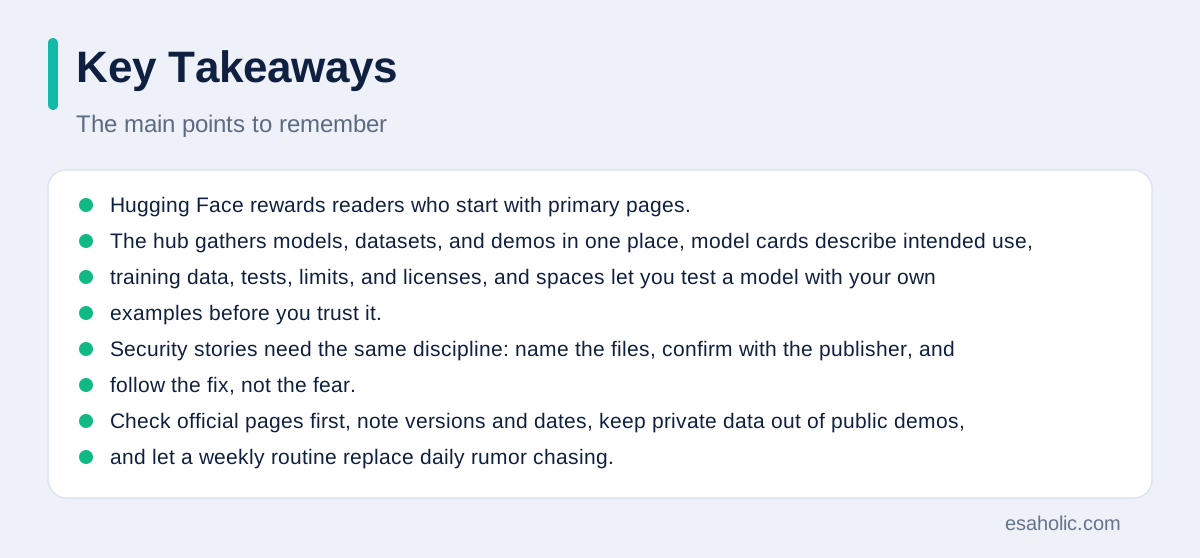
Hugging Face rewards readers who start with primary pages. The hub gathers models, datasets, and demos in one place, model cards describe intended use, training data, tests, limits, and licenses, and spaces let you test a model with your own examples before you trust it. Security stories need the same discipline: name the files, confirm with the publisher, and follow the fix, not the fear. Check official pages first, note versions and dates, keep private data out of public demos, and let a weekly routine replace daily rumor chasing. That habit turns hub news from noise into a useful tool for learning and building.
Frequently Asked Questions
What is Hugging Face in simple terms?
Hugging Face runs a public hub where people share AI models, datasets, and small demo apps, plus tools and documentation for using them. Think of it as a library and workshop combined: you can read a model card, try a demo in your browser, and download a model only after you check its license and limits.
Is it safe to download any model from the hub?
No, you should not download every model you find. Check the publisher, read the model card for training data and limits, confirm the license allows your use, and scan files before you run them. For work projects, use a short approved list of models and keep private data out of public demos.
How do I follow Hugging Face updates without hype?
Start with the official hub pages and documentation, then add one or two trusted news sources that link back to primary pages. Ignore posts that claim a release without a hub link, a changelog, or a model card, and always note the date, because old model news often recirculates as if it were new.
Written by Ahmad Jajja
Senior AI Research Engineer and Generative AI Specialist
Ahmad Jajja is a senior AI research engineer who specializes in generative AI and data systems grounded in real documents.
Reviewed by Umar Abbas
Founder, Principal AI Architect and Operator
Umar Abbas is the founder of Esaholic and a principal AI architect who designs reliable large scale AI systems for regulated industries.
Relevant blogs
Llm News Today: A Guide To Model Updates
A calm guide to large language model news, open versus closed models, and how to read updates without hype.
Natural Language Processing Explained Simply
How computers read, understand, and reply to human language, where you meet NLP daily, and its honest limits.
Agentic AI News: A Plain Guide To What Matters
How to follow agent developments, spot real progress, and ignore hype without missing what matters for your work.
GenAI News: How To Follow Generative AI Clearly
How to follow enterprise and policy stories, and how to tell a real advance from marketing hype.
Back to all blog guides · Back to AI News & Regulation guides · Explore Generative AI Development Services