
What Is Prompt Engineering?
You have probably felt the gap yourself. You ask an AI tool a question, and the answer comes back vague, off topic, or far longer than you wanted. Then you rephrase the question, add a little detail, and suddenly the answer is exactly what you needed. Nothing about the tool changed. Only your instructions changed. Prompt engineering is the skill behind that difference. A prompt is the instruction you give an AI tool, and prompt engineering is the practice of writing those instructions clearly, testing them, and improving them until the tool reliably gives you useful work.
The word engineering can make the skill sound harder than it is. You do not need to write code to engineer a prompt, although coders use prompts too. You need the same habits that make any instruction clear: say what you want, say who it is for, give the facts the tool needs, show an example when one helps, and state how the answer should look. An AI tool cannot read your mind, and it cannot see the document on your desk unless you share the relevant part. It works only with the words you give it, plus its training, which is the large set of text it learned from. Good prompts close the gap between what you meant and what you actually wrote.
This guide explains prompt engineering from the ground up, with no assumed knowledge. You will learn how a model reads a prompt, which parts make a prompt strong, which patterns work for common jobs, and how to test and fix prompts that fail. You will also learn the honest limits: when a prompt cannot fix a bad task, when you must check the output, and when private data should never enter a prompt at all. The goal is practical skill, not jargon. By the end, you should be able to take a vague request, rewrite it into a clear prompt, and judge the answer like an editor rather than accepting it like a verdict. If you want an official starting point, Google Cloud explains prompt engineering in plain language, and our generative AI development work applies the same instruction habits inside client systems.
What Prompt Engineering Means in Daily Work
In daily work, prompt engineering looks less like a science and more like good briefing. A manager who briefs a new assistant well gives context, states the goal, names the audience, and shows a past example. A manager who briefs poorly says only "write something about our product" and then complains about the result. AI tools respond the same way. A prompt that says "write a product description" leaves the tool guessing about tone, length, audience, and key facts. A prompt that says "write a 60 word product description for busy parents, in a friendly tone, using these three facts" gives the tool a job it can actually finish well.
Prompt engineering also includes what happens after the first answer. A skilled user reads the answer, spots what missed, and revises the prompt instead of starting over from scratch. Maybe the answer was too formal, so the user adds "use plain language." Maybe it missed a key fact, so the user adds that fact and asks again. Maybe it invented a detail, so the user adds "use only the facts below." That loop of draft, check, and revise is the real skill. Anyone can write one clever prompt. A prompt engineer builds prompts that keep working when the topic changes, because the structure stays sound even as the details change.
How a Model Reads Your Prompt
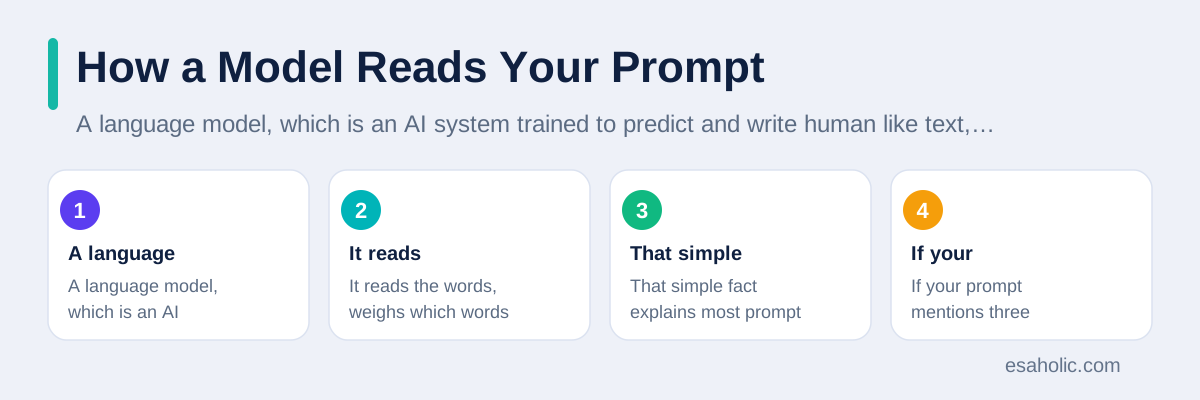
A language model, which is an AI system trained to predict and write human like text, does not understand your prompt the way a person does. It reads the words, weighs which words matter most for the task, and generates, or writes, the most likely next words based on patterns in its training. That simple fact explains most prompt failures. If your prompt mentions three topics, the model may blend them. If your prompt uses a vague word such as "good," the model must guess what good means to you. If your prompt contains a contradiction, such as "short and fully detailed," the model must pick one side, and it may pick the side you did not want.
Context changes everything, because a model has no memory of your project unless you put that context in the prompt or in a connected document. Tell it the audience, the purpose, and the limits, and the answer sharpens at once. Give it the facts it should use, and it invents less. Give it an example of the style you want, and it copies that style far better than it follows a long description of the style. Think of context as the briefing pack you hand a freelancer on day one: without it, even a talented freelancer guesses, and with it, the same freelancer delivers work you can use with light edits.
The Parts of a Strong Prompt
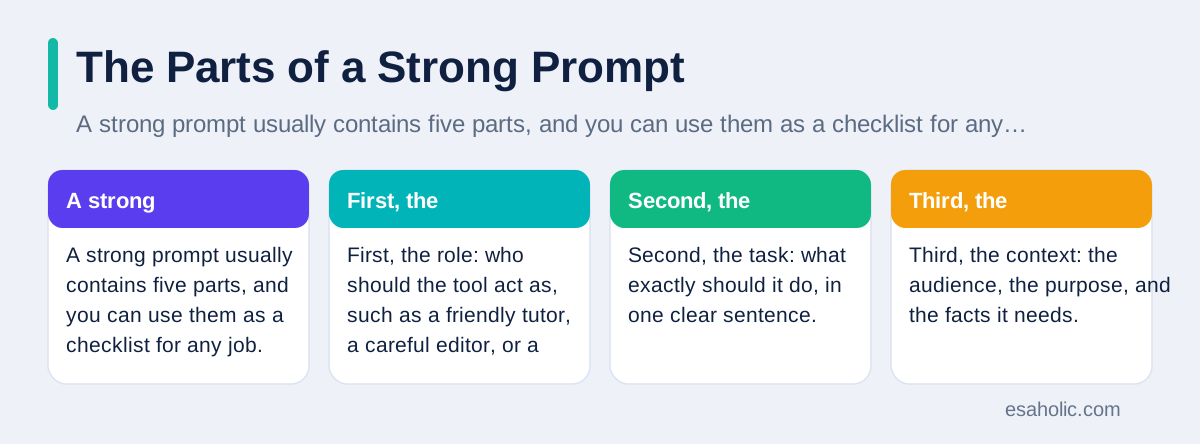
A strong prompt usually contains five parts, and you can use them as a checklist for any job. First, the role: who should the tool act as, such as a friendly tutor, a careful editor, or a support agent. Second, the task: what exactly should it do, in one clear sentence. Third, the context: the audience, the purpose, and the facts it needs. Fourth, the format: how the answer should look, such as a list, a table, or three short paragraphs. Fifth, the limits: length, tone, and things to avoid, such as invented facts or jargon. You do not need all five parts for a tiny job, but a prompt that fails usually misses at least one of them.
Try the checklist on a real example. A weak prompt says, "Tell me about solar panels." A strong prompt says, "Act as a plain language guide for homeowners. Explain in 150 words whether rooftop solar panels suit a small house with a shaded roof. Use short paragraphs, avoid technical terms or explain each one, and end with two questions the homeowner should ask an installer." Notice how the strong version removes guessing at every step: audience, length, format, tone, and ending are all stated. The tool can still make a mistake, but it cannot mistake the job itself, and that clarity is what you are paying for with a few extra sentences.
Examples deserve special attention, because one good example often beats a paragraph of description. If you want product descriptions in a certain style, paste one description you like and say, "Write in this style, but for this new product, using only these facts." If you want a summary in a certain shape, paste a short summary and say, "Use this shape." This technique is often called few shot prompting, which simply means showing the model a few examples before the real task, so it can copy the pattern. Use one or two examples, not ten, and make sure each example is correct, because the model will copy errors just as faithfully as it copies style.
Prompt Patterns That Work
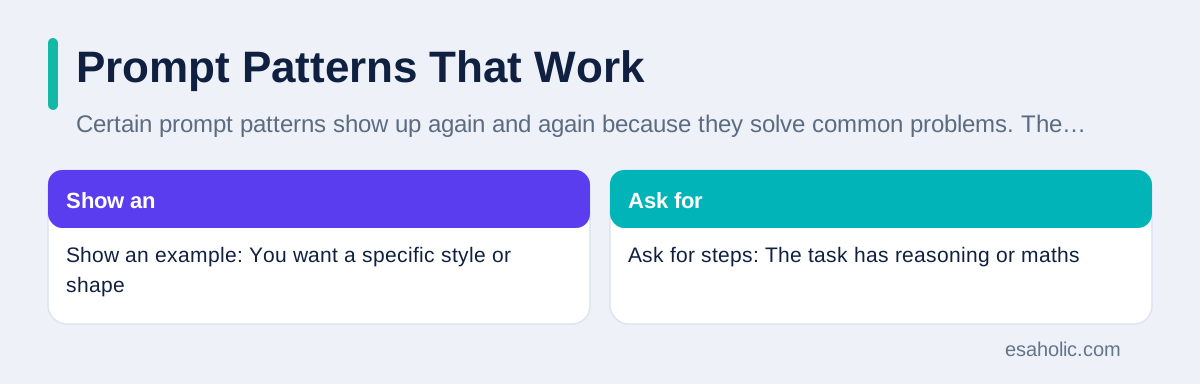
Certain prompt patterns show up again and again because they solve common problems. The first pattern is to ask for steps before an answer, which is often called chain of thought prompting, meaning the model works through reasoning steps in order instead of jumping to a conclusion. For a maths word problem or a multi part analysis, a prompt such as "Work through the steps one by one, then give the final answer" often beats a prompt that asks only for the answer. The steps let you spot where the reasoning went wrong, and they let the model check its own work along the way. For simple facts, steps add little, so use this pattern only when the task truly has steps.
The second pattern is to break a big job into small prompts. Instead of asking for a full report in one prompt, ask for an outline, approve it, then ask for one section at a time, then ask for a summary of the finished sections. Each small prompt has a clear job, a clear check, and a clear fix when it fails. The third pattern is to ask for a self check: "Before your final answer, list any fact you are unsure about." That check does not make the model perfectly honest, because models can still sound sure about unsure facts, but it surfaces weak spots you can verify by hand. Combine patterns freely: a section prompt can include an example, a format, and a self check in one short instruction.
| Pattern | When to use it | Example prompt move |
|---|---|---|
| Show an example | You want a specific style or shape | Paste one good example, then give the new facts |
| Ask for steps | The task has reasoning or maths | Work through the steps, then give the final answer |
| Break the job down | The job is long or has many parts | Outline first, then one section at a time |
| Ask for options | You want choice, not one verdict | Give three versions, then pick the best |
Prompt Engineering for Everyday Work Tasks
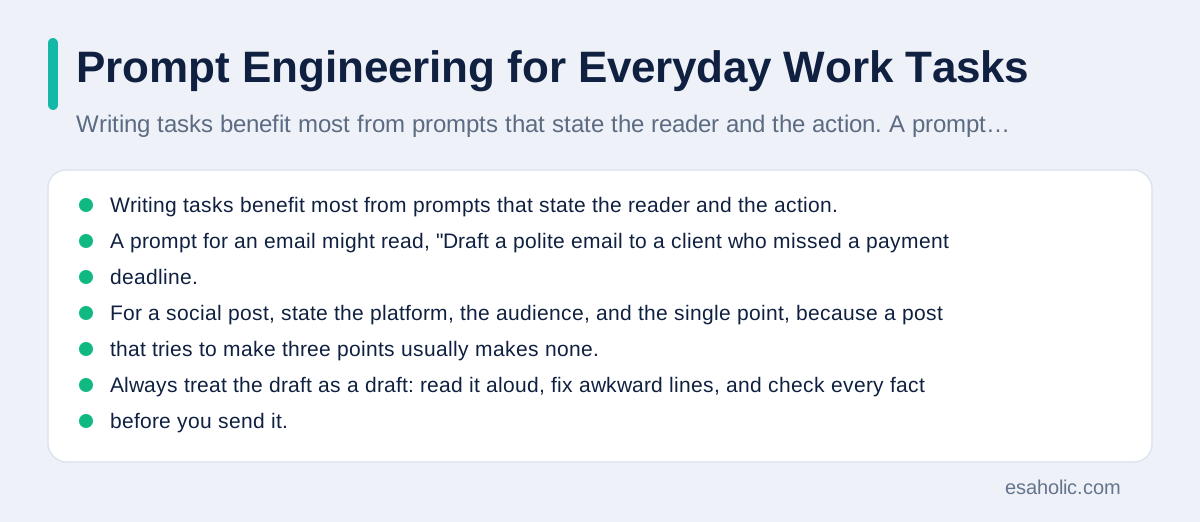
Writing tasks benefit most from prompts that state the reader and the action. A prompt for an email might read, "Draft a polite email to a client who missed a payment deadline. Keep it under 120 words, state the amount due from the facts below, offer one clear next step, and avoid blame." That prompt gives tone, length, facts, and structure, so the draft needs light editing rather than a rewrite. For a social post, state the platform, the audience, and the single point, because a post that tries to make three points usually makes none. Always treat the draft as a draft: read it aloud, fix awkward lines, and check every fact before you send it.
Learning and analysis tasks benefit from prompts that ask for structure first. Ask for a summary with headings, then read the summary against the original document to catch omissions. Ask for a comparison table when you must choose between options, because a table forces the tool to compare the same points for each option instead of praising each one in turn. Ask for questions, not only answers: "What questions should I ask before I decide" often surfaces risks that a direct answer would hide. For coding help, paste the exact error message, state what you already tried, and ask for an explanation plus a small fix you can test, never a large rewrite you cannot review. Our guide on how retrieval grounded agents check sources shows the same check habit at system level, and our AI agent development services build that checking into agent prompts themselves.
Test, Fix, and Improve Your Prompts
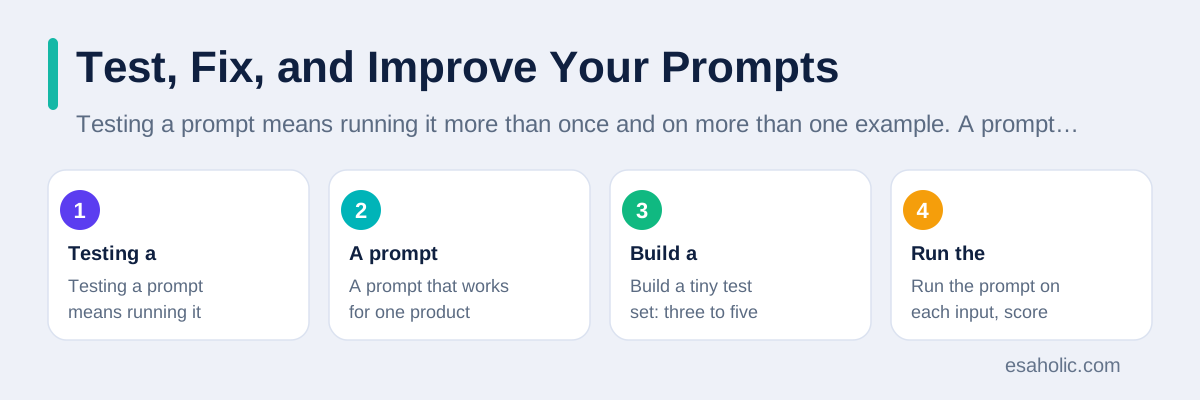
Testing a prompt means running it more than once and on more than one example. A prompt that works for one product description may fail for a product with different facts, and a prompt that works today may behave differently after a tool update. Build a tiny test set: three to five real inputs that cover easy, typical, and tricky cases. Run the prompt on each input, score each answer on accuracy, format, and usefulness, and keep the scores in a simple note. When you change the prompt, rerun the same test set, so you can tell whether the change helped or only felt better on one example.
Fix prompts by diagnosing the failure, not by adding random words. If the answer is too long, add a length limit and a format, not a paragraph about brevity. If the answer invents facts, add "use only the facts below" and actually supply those facts, because a limit without facts leaves the tool nothing to work with. If the answer misses the audience, restate the audience and give one example sentence in that voice. If the answer mixes two tasks, split it into two prompts. Each fix should target one cause, and each new version should face the same test set, so improvement is measured rather than guessed. OpenAI's prompt engineering guide and IBM's guide to prompt engineering both stress this test and revise loop, and both are worth reading once you have the basics.
Common Prompt Mistakes to Avoid
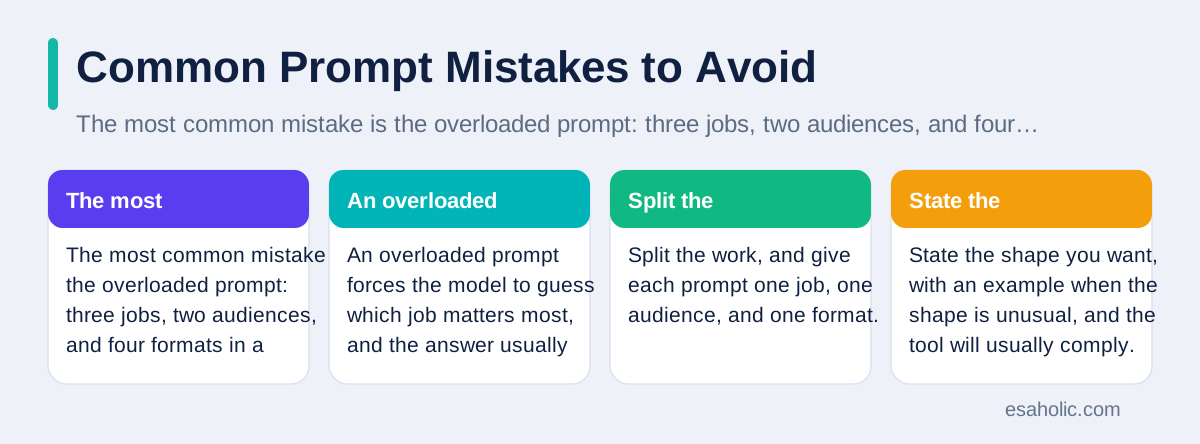
The most common mistake is the overloaded prompt: three jobs, two audiences, and four formats in a single block of text. An overloaded prompt forces the model to guess which job matters most, and the answer usually serves none of them well. Split the work, and give each prompt one job, one audience, and one format. The second common mistake is the missing format: a user who wants a table but asks only for "information" will get paragraphs, and then blame the tool for a choice the user never stated. State the shape you want, with an example when the shape is unusual, and the tool will usually comply.
The third mistake is trusting the first answer for high stakes work. An AI tool can write a fluent legal summary, a medical explanation, or a financial calculation that contains a subtle error, and fluency makes the error easy to miss. For any answer that affects health, money, safety, or legal rights, verify the key claims against a trusted source and ask a qualified human to review the final version. The fourth mistake is feeding the tool private data without thinking: customer details, passwords, internal documents, or personal health information should never go into a public AI tool unless your organization has approved that tool and its data handling. A good prompt cannot fix a bad data choice, so decide what may enter the tool before you write the prompt at all.
The fifth mistake is copying prompts blindly from the internet. A prompt that worked for someone else's tool, task, and data may fail on yours, because prompts depend on context. Use shared prompts as starting points, test them on your own test set, and adapt the role, facts, and format to your job. The sixth mistake is never iterating: users who accept the first answer, flaws and all, never learn what their tool can do with a better instruction. Spend two minutes on one revision, such as adding an audience or an example, and you will often see a larger gain than from switching to a different tool. Skill beats tool choice in most everyday tasks.
Prompt Safety and Honest Limits
Prompt safety starts with data. Treat every prompt as a message you send outside your organization, unless you know for certain that the tool keeps data private under an agreement you trust. Do not paste passwords, access keys, customer lists, unpublished business plans, or personal details into a general chat tool. If a task needs private facts, use only the minimum facts the task requires, remove names and identifiers when you can, and prefer a tool your organization has approved for that data. When in doubt, ask your manager or IT team before you paste, because a leaked prompt cannot be recalled once it leaves your screen.
Honest limits matter just as much. A prompt cannot turn an AI tool into an expert witness, a doctor, or a lawyer, and it cannot make the tool know facts that appeared after its training unless those facts come from a connected source or from your prompt. It cannot reliably count, calculate large numbers, or quote sources it never saw, unless you give it the source and ask it to work from that source alone. It can also repeat biases, which are unfair patterns in its training data, so check answers that describe people, jobs, or groups for fairness before you use them. Naming these limits in your team guide prevents the most dangerous prompt failure: a confident answer used as if it were verified truth.
Finally, keep a human in charge of every published result. AI tools draft fast, but humans judge accuracy, tone, and risk. Read the output, check the facts that matter, fix the tone for your reader, and own the final version under your name. That habit protects your readers, your brand, and your own skill, because editing AI output teaches you what good work looks like far faster than accepting it does. Prompt engineering, at its best, is not about tricking a tool into brilliance. It is about briefing clearly, checking honestly, and improving steadily, so the tool becomes a reliable assistant for work you already understand. Teams that build content optimized for AI search answers use the same discipline in reverse: they write pages that answer clearly, so AI tools can quote them correctly.
Conclusion
Prompt engineering is the skill of writing clear instructions for AI tools: state the role, the task, the context, the format, and the limits, show an example when one helps, and test the result instead of trusting it. Strong prompts come from briefing well, breaking big jobs into small ones, and revising one cause at a time. The limits stay real: keep private data out of public tools, verify facts that matter, and keep a human in charge of the final version. Practice on real tasks, save the prompts that pass your tests, and your AI assistant will stop feeling random and start feeling reliable. Prompt skills also matter for generative engine optimization, where clear, citable answers are the goal.
Frequently Asked Questions
Is prompt engineering a real job or just a skill?
Prompt engineering is mainly a skill that many jobs now use, from writing and support to coding and analysis. A few roles focus on it full time, but most people benefit by adding it to an existing job, because clear instructions improve any AI assisted work.
Why does the same AI tool give different answers to different prompts?
An AI tool builds its answer from the words, examples, and limits in your prompt, so a vague prompt leaves many possible answers open while a specific prompt narrows the choice. Changing the task, the audience, or the format changes the answer, even when the topic stays the same.
Can you trust an AI answer without checking it?
No, you should check important facts, numbers, quotes, and links before you use an AI answer, because AI tools can write fluent text that sounds certain and still contains errors. Use AI output as a draft, verify the key claims against a trusted source, and keep a human in charge of the final version.
Written by Danish Mustafa
Senior Agentic AI Engineer and Systems Architect
Danish Mustafa is a senior agentic AI engineer at Esaholic who builds AI agents, voice systems, and messaging systems for real customers.
Reviewed by Amir Iqbal
Senior AI Systems Architect and Lead Technical Reviewer
Amir Iqbal is a senior AI systems architect at Esaholic who reviews code and architecture and keeps live AI systems fast and reliable.
Relevant blogs
What Is Generative Engine Optimization Explained
How clear, factual content earns citations inside AI search answers.
Agentic RAG Explained: Architecture, Agents, and Uses
How retrieval grounded agents plan searches, check sources, and answer from your own documents.
Generative AI for Marketing: Uses, Tools, and Limits
How teams draft ads, emails, and product pages faster, and where human review stays essential.
What Is Agentic AI? A Simple Explanation
AI systems that set goals, plan steps, use tools, and check their own work.
Back to all blog guides · Back to Generative AI and Agentic AI guides · Explore Generative AI Development Services