
Best API Search Company's Homepage: What Great Ones Do
First, an honest note about the question itself. The phrase best api search company's homepage is ambiguous, because it could mean a company that sells search as an API, a company whose homepage has a great search box, or simply a great homepage for any API company. There is no single company that owns this title, and any guide that names one winner without stating its criteria would be guessing, not advising. This guide therefore takes the defensible path: it explains what makes a great API company homepage, how to judge one in ten minutes, and how to compare providers fairly, so you can pick the best one for your own project.
An API, which means an application programming interface, is a set of rules that lets one piece of software talk to another. A search API lets your app search through products, documents, or site content without building a search engine yourself. An API company homepage is therefore not a normal marketing page. Its visitors are often developers, who arrive with a practical question: can I understand this API fast enough, trust it enough, and try it cheaply enough to build with it? A homepage that answers those questions clearly will beat a prettier homepage that only shouts slogans.
That is why a homepage is a useful test of an API company itself. Docs, pricing, examples, and support are hard to fake on a homepage that links to them openly, while vague claims are easy to spot when the links behind them are missing. This guide walks through each part of a great homepage, from the first screen to the signup button, with a scorecard you can reuse. It names well known providers only as general examples of clear docs and search, without inventing claims about their homepages, prices, or features, and it leaves current pricing and plan details to the providers' own sites, where they belong.
The First Ten Seconds: What, Who, and What Next
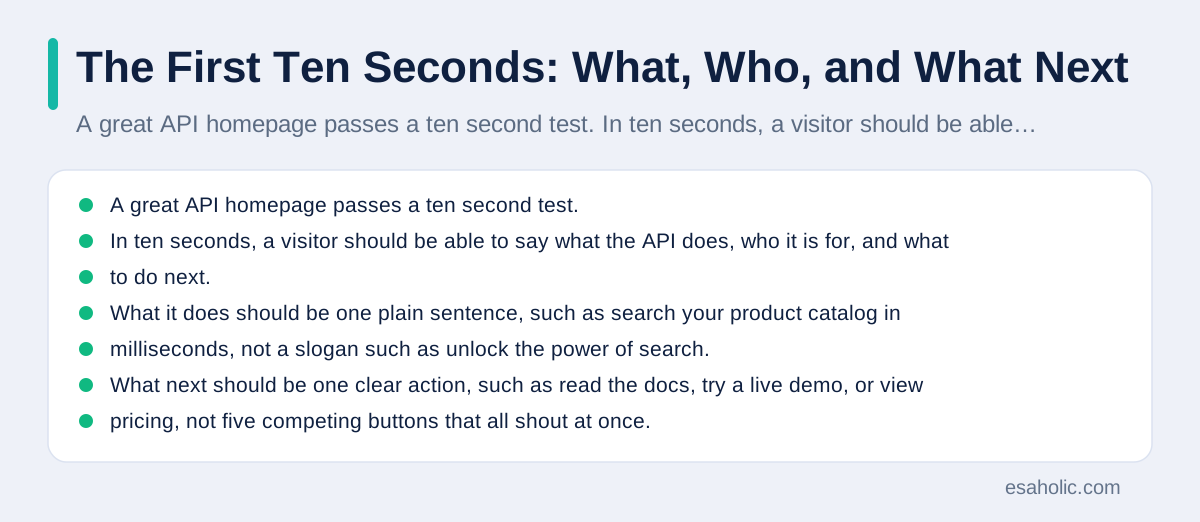
A great API homepage passes a ten second test. In ten seconds, a visitor should be able to say what the API does, who it is for, and what to do next. What it does should be one plain sentence, such as search your product catalog in milliseconds, not a slogan such as unlock the power of search. Who it is for should be visible too, such as for online stores, for support teams, or for developers building apps, because an API that serves everyone often serves nobody clearly. What next should be one clear action, such as read the docs, try a live demo, or view pricing, not five competing buttons that all shout at once.
Watch for jargon in that first screen. Words such as synergy, next generation, and AI powered appear on many homepages, but they tell a developer nothing about endpoints, which are the specific addresses your code calls, or about limits, errors, and data formats. A homepage that uses plain verbs, such as search, index, and filter, and that shows a short code sample near the top, respects a developer's time. A homepage that hides its product behind animation and slogans, with no code and no docs link in sight, is asking you to trust it before it has shown you anything worth trusting.
Test this yourself on any provider you consider. Open the homepage, start a timer, and write down what the API does, who it is for, and the next step, without scrolling. If you cannot write all three, the homepage failed, even if it looks beautiful. Beauty matters for trust, but clarity matters more for an API, because the buyer is often a developer who will live with the docs, not with the hero image. Keep that test in mind for every section that follows, because each section is really the same test applied to a different part of the page.
Documentation: The Homepage Link That Matters Most
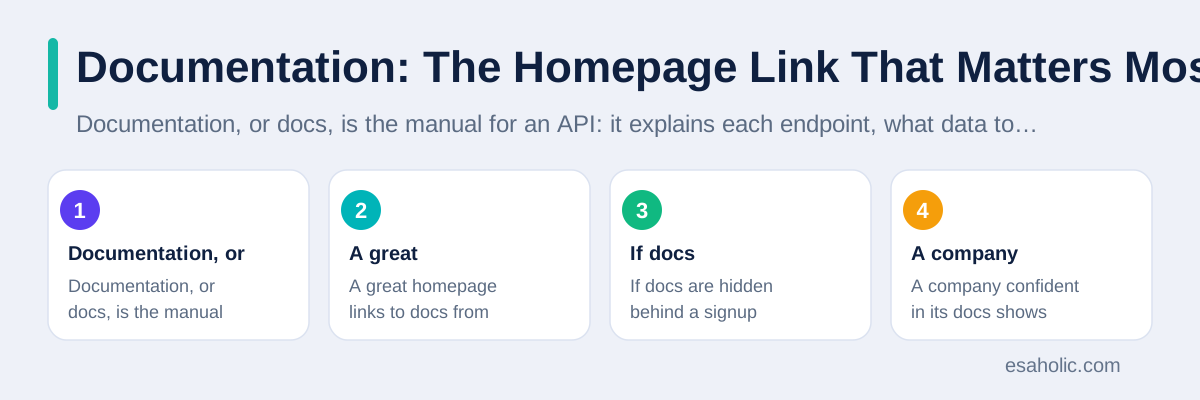
Documentation, or docs, is the manual for an API: it explains each endpoint, what data to send, what data comes back, and what can go wrong. A great homepage links to docs from the top navigation, from the hero area, and from the footer, so a developer never has to hunt for them. If docs are hidden behind a signup form, that is a warning. A company confident in its docs shows them openly, because open docs let a developer judge quality before committing time or money.
Good docs have a few visible signs you can check in five minutes from the homepage link. They are searchable, so you can find an endpoint by name without scrolling through a long page. They show code in more than one language, such as JavaScript, Python, and curl, which is a command line tool developers use to test web requests, so teams with different stacks can follow along. They explain errors in plain words, telling you what a code such as 401 or 429 means and how to fix it, rather than leaving you to guess. They also note version changes clearly, so you know when an update might break your code.
Our guide to clear API design for teams explains naming, versioning, and error handling in detail, and it is a useful companion when you judge docs, because good docs usually reflect good design underneath. A homepage that links to strong docs is therefore telling you two things at once: the company respects developers, and the API was likely designed with care. A homepage that links to thin docs, or to docs full of broken examples, is telling you the opposite, and you should believe it. The Stripe API docs are a well known example of docs that many developers cite for clarity, and they are a useful reference for what clear docs look like, even if Stripe is not the provider you end up choosing.
Search and Navigation: Can You Find Anything?
An API homepage should itself demonstrate good search, especially if the company sells search. That sounds obvious, but many API homepages have a search box that only searches marketing pages, not docs, or no search at all. A great homepage offers search inside the docs, grouped guides by task, such as getting started, searching, filtering, and troubleshooting, and a changelog, which is a dated list of product changes, that is easy to reach. If you cannot find the changelog, you cannot judge whether the product is actively maintained or quietly stalled.
Navigation should follow tasks, not org charts. Developers arrive with tasks: set up an account, index data, run a first search, handle errors, and go live. A homepage and docs nav that group content by those tasks will feel fast, while a nav grouped by internal team names, such as platform, solutions, and ecosystem, will feel like a maze. Click through the nav on a candidate homepage and count how many clicks it takes to reach a working example, a pricing page, and a status page. If any of those takes more than three clicks from the homepage, the company is making its own product hard to evaluate, which is rarely a good sign.
Search providers themselves offer a useful reference here. Algolia, a well known search API provider, is often discussed for its focus on fast, relevant search, and its homepage and docs are a reasonable reference for how a search company presents itself, though you should still judge it by the same scorecard as any other provider, not by reputation alone. The same scorecard helps when you compare search engines other than Google for a docs search, because their docs search and task guides differ too. The test remains the same: can you find docs, pricing, examples, and status quickly, and do the pages you find answer real questions in plain language?
Pricing Transparency: What Free Really Means
Pricing is where many API homepages fail, and the failure is usually vagueness, not price itself. A great homepage states what is free, what each paid tier includes, what the limits are, and what happens when you exceed them, in plain words on or near the pricing page linked from the homepage. Free should mean a usable amount of searches or records for testing, not a trial that expires before you can build anything, and not a free label that hides a required card or a sales call. If the homepage says free but the pricing page requires a card for any use, that gap is information, and you should weigh it.
Limits deserve special attention for search APIs. A search API may limit searches per month, records indexed, which means items stored for searching, or operations per second, which means how fast you can query. A homepage that states those limits clearly lets you estimate cost for your real traffic, while a homepage that says contact sales for every tier leaves you unable to estimate anything. Contact sales is reasonable for large enterprise deals, but it should not be the only pricing option for a small team that wants to test a product this week.
Compare pricing on the same basis across providers. One provider may charge per search, another per record, and another per month, and those models are not directly comparable without your own numbers. Estimate your monthly searches and records, plug them into each provider's pricing page, and compare the total for your usage, not the headline price. A provider that looks cheapest at a glance can be the most expensive at your scale, and a provider that looks expensive can be cheaper if its free tier covers your testing and its first paid tier covers your launch. The homepage's job is to make that math possible, and a homepage that hides the numbers is failing that job.
Examples and a Playground: Proof You Can Touch
A code sample on a homepage is a promise, and a working playground is proof. A playground is an interactive demo where you can run a search, change a filter, and see a real response without writing code. A great API homepage offers at least one working example you can copy and paste, and ideally a playground you can try without a credit card. Copy the example, run it, and see whether it works as written. If it works, the docs are likely maintained. If it fails, or if it shows a fake response that never changes, the docs may be decorative, and you should be cautious.
Examples should cover the common tasks, not just the easiest one. For a search API, look for examples of a basic search, a filtered search, a typo tolerant search, which means a search that still finds results when you misspell a word, and an error case, such as what happens when a query is empty. A homepage that only shows a hello world example, which means the simplest possible demo, tells you little about real use. A homepage that links to a set of examples for real tasks tells you the company understands how developers actually build.
Try the example in your own language and environment, not just in the browser demo. Browser demos can hide setup steps, such as authentication, which means proving who you are with a key, or region settings, that matter in real code. A good docs page will show the same example in several languages and will state the setup steps plainly, including how to get a key, where to store it safely, and what to do when it expires. If setup steps are missing, budget extra time for trial and error, or pick a provider whose docs respect that time.
Signup, Security, and Support: The Quiet Trust Signals
Signup should be honest about what it asks for. A great homepage states whether a card is required, what the trial includes, and how to cancel, before you create an account. It should also link to security information in plain words, such as how data is stored, whether data is encrypted, which means scrambled so only authorized readers can read it, and whether the company supports single sign on for teams. You do not need to read every security page before testing, but the pages should exist and should be reachable from the homepage, not buried in a sales deck.
Support is another quiet signal. A homepage should state support hours, support channels, such as docs, community forums, email, or chat, and response expectations for paid plans, in plain words. A company that only offers support through a sales form, with no community or docs forum, will be hard to reach when you hit a bug at midnight. A company with an active community, public status page, and clear support tiers is easier to trust, because problems are visible and help has a path. Check the status page history too: a page that shows past outages honestly is more trustworthy than a page that claims perfect uptime, which no real service achieves.
For teams building a site around an API, these trust signals connect directly to the site itself. A search ready website build that depends on an API should be paired with an API whose status, limits, and support you have checked, because your site's reliability will depend on that API's reliability. Our guide to narrowing searches with operators is also useful here, in a different way: it shows how to search the web for real user complaints and outage reports about a provider, beyond the claims on its own homepage. A homepage is a claim, and claims deserve a second source.
Red Flags That Should Make You Pause
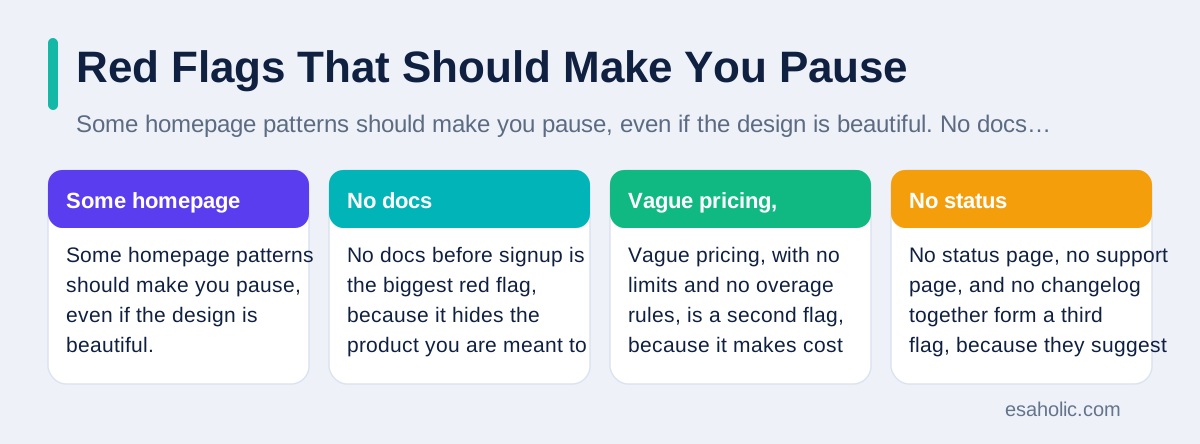
Some homepage patterns should make you pause, even if the design is beautiful. No docs before signup is the biggest red flag, because it hides the product you are meant to judge. Vague pricing, with no limits and no overage rules, is a second flag, because it makes cost unpredictable. No status page, no support page, and no changelog together form a third flag, because they suggest the product is not maintained in public. Claims with no proof, such as fastest search or loved by millions, with no customer names, no benchmarks, and no methodology, are a fourth flag, because they ask for trust without evidence.
Other flags are subtler. A homepage that changes its pricing page often, without a changelog note, may be testing prices rather than serving customers. A homepage that shows logos of famous customers with no case studies, quotes, or links may be borrowing credibility it has not earned. A homepage that requires a sales call for any trial, even for a small test, may be built for enterprise sales, not for developers, and a small team will struggle to get help in that model. None of these flags alone proves a product is bad, but two or three together should push you to test a rival before you commit.
Use the web to check flags, not just the homepage. Search for the provider name plus outage, pricing change, or docs complaint, and read a few independent posts, not just the provider's own blog. Check whether the provider's docs and status pages are linked from independent developer sites, such as the MDN guide to HTTP, which explains the web basics every API depends on, though MDN itself is a reference, not a provider review. Independent evidence, even if it is only a few posts, often reveals patterns a homepage hides, such as slow support or sudden pricing changes.
A Scorecard You Can Reuse for Any Provider
| Check | Great homepage does this | Score 0 to 2 |
|---|---|---|
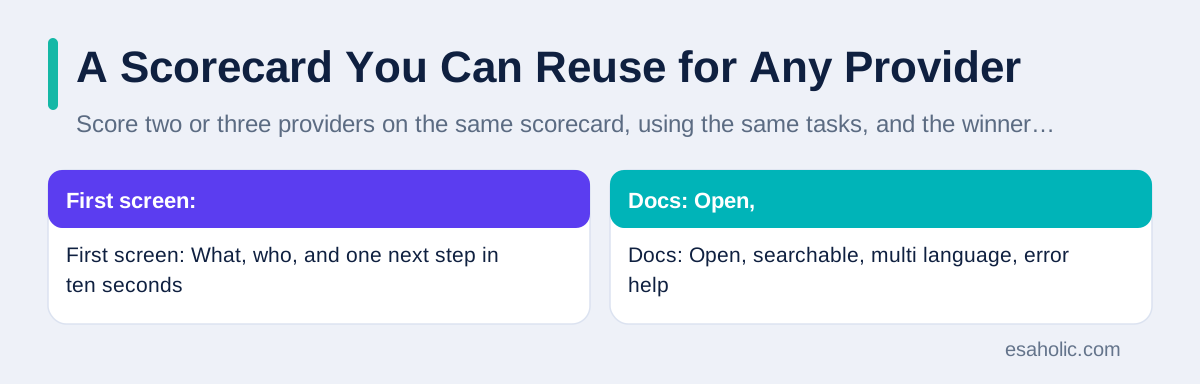
| First screen | What, who, and one next step in ten seconds | Your score |
| Docs | Open, searchable, multi language, error help | Your score |
| Search and nav | Docs search, task guides, changelog, status | Your score |
| Pricing | Free limits, tier contents, overage rules stated | Your score |
| Examples | Working code and a playground without a card | Your score |
| Trust | Security pages, support hours, honest status history | Your score |
Score two or three providers on the same scorecard, using the same tasks, and the winner will usually be clear. Score 2 for a check that is fully met, 1 for partly met, and 0 for missing or vague. Do not let design alone sway the score: a beautiful homepage with hidden docs should score low on docs, even if it scores high on first impression. Weight docs and pricing more heavily than design if you must choose, because you will live with docs and pricing every day, while you will forget the hero image within a week.
After scoring, run one real task on the winner before you commit. Index a small sample of your own data, run ten searches that reflect real user questions, and check speed, relevance, which means how well results match the question, and error handling. A homepage scorecard narrows the choice, but only a real task proves fit, because your data and your users are different from any demo. If the real task fails, return to the second place provider and test it the same way, rather than forcing a poor fit to work. A homepage that looks best but fails a real task is not the best homepage for you, no matter what any ranking says.
For teams that need help building the site around the chosen API, a website design service focused on clear action can turn a good API into a good user experience, because search results still need a clear layout, filters, and result pages that users understand. The API homepage test and the site design test share the same principle: clarity beats decoration, and the best page is the one that helps a visitor take the next step without confusion. Keep that principle in mind, and you will judge API homepages, and your own pages, with the same honest standard.
Conclusion
The best api search company's homepage is not a single winner you can copy from a ranking, because the phrase itself covers different needs and no provider owns the title. The best homepage for you is the one that passes the tests in this guide: a clear first screen, open and searchable docs, navigation by task, honest pricing with stated limits, working examples and a playground, and trust signals such as security pages, support hours, and an honest status history. Score two or three providers on the same scorecard, watch for red flags such as hidden docs and vague pricing, and finish with a real task on your own data before you commit. A homepage that respects a developer's time usually reflects a product that will respect it too, and that respect, more than any slogan, is what makes an API homepage great.
Frequently Asked Questions
What should an API company's homepage show first?
An API homepage should show, in plain words, what the API does, who it is built for, and one clear next step, such as reading the docs or trying an example. If you cannot answer those three questions after ten seconds on the page, the homepage is failing, no matter how polished it looks.
How can I tell if API docs are good before I sign up?
Good docs are open before signup, searchable, and written with working code examples in more than one language. Check whether the docs explain errors in plain words, show real responses, and note version changes clearly. If docs are hidden behind signup, vague about limits, or full of broken examples, treat that as a warning about the product itself.
Is there one best API search company homepage?
No single homepage is best for every buyer, because needs differ by use case, budget, and team skill. The best homepage for you is the one that answers your questions fastest: clear docs, honest pricing, working examples, and a signup path you trust. Use the scorecard in this guide to compare two or three providers on the same criteria, rather than trusting a single ranking.
Written by Syed Zulqurnain
Technical Search Architect and Digital Marketing Director
Syed Zulqurnain is a technical search architect at Esaholic who explains how search engines crawl, index, and rank large websites.
Reviewed by Nabeel Ali
Senior SEO Specialist
Nabeel Ali is a senior SEO specialist at Esaholic who works on enterprise and international search, language versions, and crawler rules.
Relevant blogs
API Design Principles: A Simple Guide for Teams
How to name resources, version safely, handle errors clearly, and document an interface that teams can trust.
Search Operators: A Simple Guide to Smarter Searches
How to narrow searches with operators and check what search engines index.
Semrush: A Simple Guide to the SEO Toolkit
What Semrush does, how its research tools work, and how to turn reports into search growth.
Image Search Techniques: A Simple Guide
How to search with pictures, use reverse image search, and verify images before you trust them.