
API Design Principles: A Simple Guide for Teams
An API, which stands for application programming interface, is a set of rules that lets one piece of software ask another piece of software for data or work. When you open a weather app, the app does not measure the weather itself. It asks a weather service through an API, and the service sends back the forecast in a structured form the app can display. Good design decides how clear that request is, how easy the answer is to use, and how safely the whole exchange can change over time. A poor design can work in a demo and still fail in real use, because real users send unexpected input, build on old versions, and depend on behavior they cannot see.
The best way to think about design is to think about the developer who will use your interface. That developer may work on your team, at a partner company, or alone at midnight with a deadline. They cannot ask you what a field means, and they should not have to guess. Every name, every error message, and every example either reduces their work or adds to it. A clear interface saves support time, prevents bugs in client apps, and lets teams ship faster, because the interface itself explains the product. A confusing interface does the opposite. It creates tickets, workarounds, and fear of change, and teams start to avoid the very service they built.
This guide covers the principles that matter most in practice. It starts with resources and naming, then covers consistency, versioning, errors, security, pagination, and documentation. It also shows how to test a design before release, how to handle change without breaking clients, and how to judge whether a design is ready. The examples use web APIs, which are interfaces reached over HTTP, the protocol, or set of rules, that browsers and apps use to move data across the web. The same principles apply to other interfaces too, because clarity, safety, and stability help every caller. For the official HTTP rules behind status codes and methods, the HTTP semantics standard RFC 9110 is the reference, and MDN Web Docs on HTTP explains those rules in friendly terms.
Start From Resources, Not From Database Tables
A resource is a thing your API talks about, such as a customer, an order, a book, or a ticket. Designing an API well means first listing those things and the actions people take on them, before writing any code. A customer can be created, read, updated, and listed. An order can be placed, paid, shipped, and cancelled. When you list resources first, the endpoints, which are the URLs a caller uses to reach each action, almost write themselves. You get a clean set of paths such as /customers, /customers/123, and /customers/123/orders, and each path means one clear thing. When you skip this step, endpoints tend to mirror database tables or internal code, and callers must learn your internal structure just to do a simple task.
Use nouns for resources and plural names for collections. A collection holds many items, so /orders reads better than /order or /getOrders, and it stays consistent across the whole interface. Use standard HTTP methods, which are verbs that say what kind of action a request performs, for actions: GET to read, POST to create, PUT or PATCH to update, and DELETE to remove. Keep verbs out of the path itself, because the method already carries that meaning. A request such as DELETE /orders/45 says exactly what it does, while a path such as /deleteOrder?id=45 mixes the action into the address and breaks the pattern every other endpoint follows. Consistency here matters more than cleverness, because a caller who learns one endpoint can then predict the rest.
Nesting, which means placing one resource inside another in the path, should stay shallow. A path such as /customers/123/orders/45 tells a useful story, because the order belongs to that customer. A path with four or five levels tells a confusing story, and it makes filtering, linking, and testing harder. When a relationship grows deep, prefer a top level collection with a filter, such as /orders?customer=123, which stays simple and still returns the right set. Our guide on how companies connect their systems shows why clean resource boundaries also help when several systems must share data, and our custom software development work starts from the same resource first approach.
Consistency Beats Cleverness Every Time
Consistency means the same pattern appears everywhere, so learning one part of an interface teaches the rest. Field names should follow one style, such as snake_case, where words are joined with underscores, or camelCase, where each new word starts with a capital letter, and that style should never change halfway through. Dates should use one format, money should use one unit and one field shape, and identifiers should always be strings, even when they look like numbers, so a large identifier never loses digits in a client that treats numbers loosely. Small breaks in consistency feel harmless when you write them, but they force every caller to add special cases, and special cases are where bugs hide.
Responses should share one shape too. A single item, a list, and an error should all feel like they came from the same system. A list response can carry the items plus paging details in one place, while a single item response carries just the item. Error responses should always carry the same fields, so client code can handle every failure with one routine instead of a different routine per endpoint. When you add a new endpoint, copy the shape of a good existing endpoint first, then change only the fields that truly differ. Teams that review designs for consistency before they review code catch most of these problems early, when fixes cost minutes instead of migrations.
Version Safely, and Never Break Clients in Silence
Versioning is how an interface changes without breaking the apps that already depend on it. A breaking change is any change that makes old client code fail or behave differently, such as removing a field, renaming an endpoint, changing a field from text to a number, or making an optional field required. A non breaking change adds something new without disturbing old behavior, such as adding a new field or a new endpoint. The rule is simple: you may add freely, but you must version when you break. Teams that follow this rule can improve an interface for years while old apps keep working, and teams that ignore it learn the cost through angry users and emergency rollbacks.
The most common versioning style puts the version in the URL, such as /v1/orders and /v2/orders. This style is easy to see, easy to test, and easy to explain, which is why many public interfaces use it. Other styles put the version in a header, which is extra information sent with the request, or use a date, so clients ask for the behavior that existed on a given day. Header and date styles keep URLs clean, but they hide the version from a quick glance, and they make debugging harder when a caller forgets to send the header. For most teams, URL versions are the clearest choice, and clarity wins when many different developers must use the same interface.
When you release a new version, keep the old version running and give clients a clear path to move. Publish a change log that lists what changed, what broke, and what replaces it. Send notice well before you retire an old version, and measure how many callers still use it before you switch it off. A retirement date announced in advance, with reminders as the date nears, treats clients as partners rather than as problems. Never retire a version silently on a Friday, and never change the meaning of a field in place while calling it the same version, because silent changes break trust faster than any planned migration.
Errors Should Teach, Not Just Fail
Every API will fail sometimes, because networks drop, input turns out wrong, and permissions run out. Good error design treats failure as part of the product, not as an afterthought. Start with the right HTTP status code, which is a number that tells the caller what kind of result a request produced. Use 400 when the request itself is wrong, 401 when the caller has not proved who they are, 403 when they are known but not allowed, 404 when the resource does not exist, 409 when the request conflicts with current state, 429 when the caller asks too fast, and 500 when the server itself has a problem. Callers build retry and display logic around these codes, so using them wrongly causes real harm, such as retrying a request that will never succeed.
Add a body to every error that a human can read and a program can check. Include a short message in plain words, a stable code such as INVALID_EMAIL or ORDER_ALREADY_SHIPPED, and, when it helps, the name of the field that caused the problem. Tell the caller what to do next when you can: fix a field, wait a stated number of seconds, or request a different permission. Avoid leaking internal details in errors, such as database names, file paths, or stack traces, which are lists of internal function calls, because those details help attackers and confuse honest developers. Log the full detail on the server side, where your team can use it, and send the caller only what they need to act.
Handle the tricky cases with care. A 404 for a missing resource should not reveal whether a private resource exists when the caller lacks permission; in that case, returning the same response for missing and forbidden resources protects privacy. A validation failure, which means input that fails your rules, should list every problem at once when possible, so the caller does not fix one field only to learn about the next one. An idempotency key, which is a unique value a caller sends so a retried request is recognized as the same request, prevents double charges when a network fails after a payment was made but before the answer arrived. These details separate an interface that merely works from one that teams trust with money and with customer data.
Security Belongs in the Design, Not in a Later Patch
Security starts with authentication, which proves who the caller is, and authorization, which decides what that caller may do. Keep those two ideas separate in your design, because a caller can be known and still not allowed to read another customer's order. Use tokens, which are short secret strings a caller sends with each request, rather than passwords in every call, and give each token narrow scopes, which are stated permissions such as read orders or create orders. A token that can do everything is a single point of failure. A token that can do only one job limits the damage if it leaks, and it makes audits, which are reviews of who did what, much clearer.
Protect data in transit and at rest. Data in transit moves across the network, and it must travel over HTTPS, which encrypts the connection so others on the network cannot read it. Data at rest sits in storage, and sensitive fields should be encrypted there too. Never accept secrets in URLs, because URLs appear in logs, browser history, and error reports. Send secrets in headers or in the request body instead, and rotate keys on a schedule, which means replacing them before they grow stale. Rate limiting, which caps how many requests a client may make in a time window, protects the service from accidents and abuse alike, and it should return a 429 response with a clear wait time, not a silent failure.
Validate everything a caller sends, on the server side, even when the client app already checks it, because an attacker can send requests directly without using your app. Reject input that is too large, has the wrong type, or contains values outside the allowed range. Use allow lists, which state exactly what is permitted, rather than block lists that try to guess every bad value. Test security with the same seriousness as features, including checks for access to other users' data, for tokens with expired or revoked status, and for requests that try to skip steps in a workflow. Our guide on grouping frontend code by feature helps keep client code tidy, but server side checks remain the real boundary, and our website development services build those checks into every release.
Pagination, Filtering, and Performance for Real Lists
Lists need limits, because a collection with a million items cannot be sent in one response without harming the server, the network, and the caller. Pagination splits a list into pages, so a caller asks for one page at a time. Offset paging, which asks for page two after page one, is simple and works well for small, stable lists. Cursor paging, which asks for items after a marker from the last item seen, works better for large or changing lists, because new items added at the top do not shift every page. Pick one style per list, document it, and keep page sizes bounded, so a caller cannot ask for a million rows by changing one number.
Filtering and sorting turn a large list into a useful answer. Let callers filter by the fields they actually need, such as status, date, or owner, and let them sort by a small set of safe fields, such as creation date or name. Validate filter values, and return a clear error when a filter names a field that does not exist, rather than silently ignoring it and returning a misleading list. Include paging details in the response, such as the next cursor or the total count when the total is cheap to compute, and note in the documentation when a total is only an estimate. A list endpoint that returns predictable pages, clear filters, and honest totals will be used correctly, while a list endpoint that surprises callers will be worked around with extra requests that load the server more.
Documentation and Testing Before Anyone Depends on You
Documentation is part of the interface, not a favor added at the end. A good reference lists every endpoint, every field, every required value, and every error, with a working example for success and a working example for the most common failure. A short getting started guide should take a new developer from zero to a first successful call in minutes, including how to get credentials, how to make the first request, and how to read the first response. Keep examples real and copy ready, because developers copy examples first and read theory later, and an example that does not run teaches distrust faster than any missing paragraph.
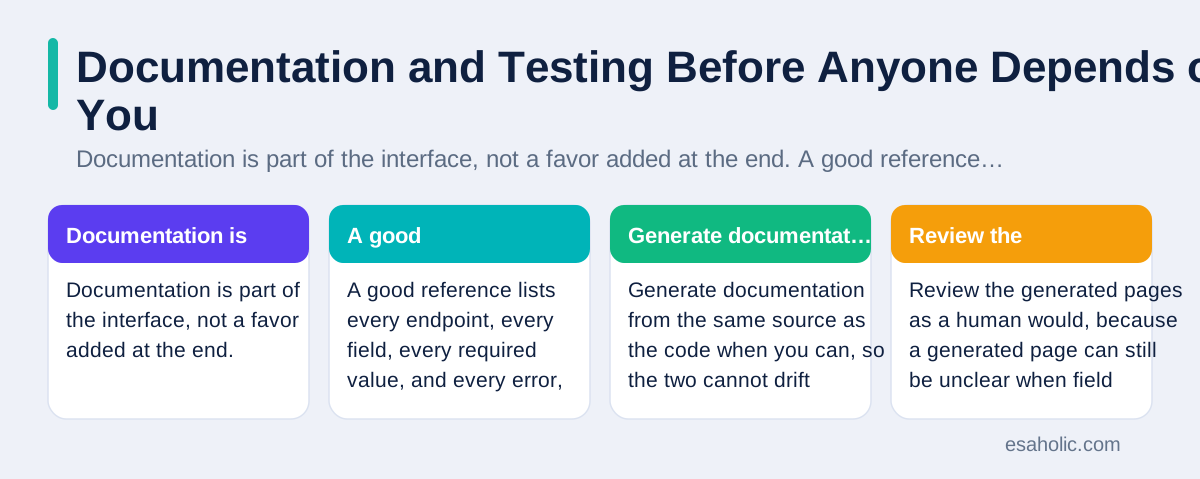
Generate documentation from the same source as the code when you can, so the two cannot drift apart. An OpenAPI document, which is a standard machine readable description of an interface, can produce reference pages, client libraries, and test cases from one definition, and many tools read it for free. Review the generated pages as a human would, because a generated page can still be unclear when field descriptions are missing or examples are stale. Add a change log beside the reference, so returning developers can see what changed since their last visit without reading every page again. The GitHub REST API documentation shows this pattern at scale, with clear examples, version notes, and error guidance on nearly every page.
Test the design, not only the code. Write contract tests, which check that the interface keeps the promises in its documentation, and run them on every change. Test with a real client program, not only with manual requests, because client code reveals awkward shapes that manual testing hides. Test failure paths with the same care as success paths, including bad input, expired tokens, missing resources, and rate limits. Ask a developer outside the team to complete a task using only the documentation, and watch where they pause. Every pause is a design problem you can fix before release, when fixes are cheap and no client has built on the rough edge yet. Those contract checks sit naturally alongside software testing basics, which covers how teams plan checks before release.
Design Checklist for Launch Day
| Check | What good looks like | Common failure |
|---|---|---|
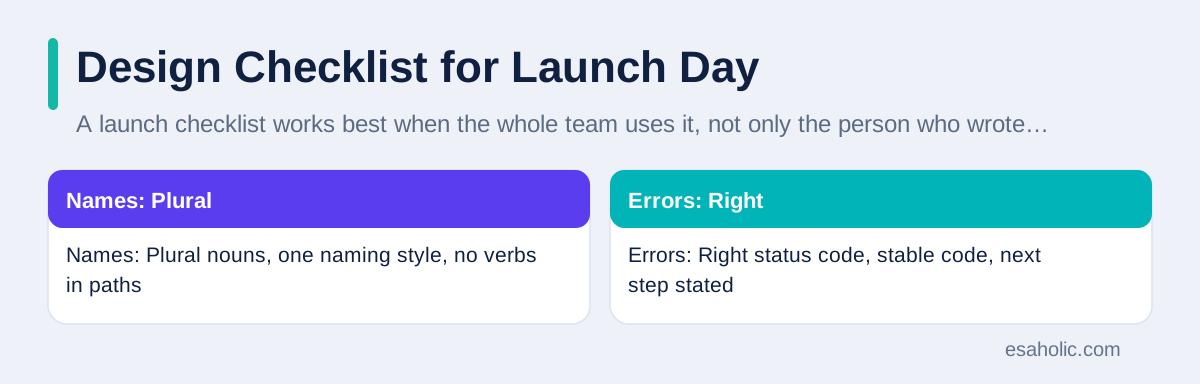
| Names | Plural nouns, one naming style, no verbs in paths | Mixed styles that force special cases |
| Errors | Right status code, stable code, next step stated | Bare codes with no guidance |
| Versions | New version for breaking change, old version kept running | Silent change that breaks old apps |
| Security | Narrow tokens, server side checks, HTTPS only | Secrets in URLs or checks only in the client |
| Docs | Working examples for success and failure | Reference pages with no examples |
A launch checklist works best when the whole team uses it, not only the person who wrote the endpoint. Reviewers should check names, errors, versions, and docs before they check code style, because a well formatted endpoint with a confusing design still ships confusion. Track adoption after launch too, by watching which endpoints get used, which errors appear most, and which questions support answers again and again. Repeated support questions point to design gaps, not to careless users, and fixing the design fixes every future question at once. An interface that improves from real use, while keeping old versions stable, becomes a lasting asset rather than a source of fear.
Conclusion
Good API design comes from respect for the developer who must use the interface: clear resource names, consistent patterns, safe versioning, helpful errors, narrow security, predictable lists, and honest documentation. Add features only when real use demands them, test the design with outside developers before release, and keep old versions running while clients move. Follow those habits, and your interface will stay easy to learn, safe to change, and trusted by every team that builds on it.
Frequently Asked Questions
What makes a good API design?
A good API design uses clear resource names, consistent patterns, predictable errors, safe versioning, and complete examples. A developer should be able to guess the next call from the last one, and should never need to read source code to understand a basic task.
When should you create a new version of an API?
Create a new version when a change would break existing clients, such as removing a field, renaming an endpoint, or changing what a field means. Add new fields and new endpoints without a new version, and keep old versions running until clients have time to move.
How should an API report an error?
An API should return the right status code, a short human readable message, a stable error code for programs to check, and guidance on what to do next, such as fixing a field, waiting before retrying, or asking for different permission.
Written by Amir Iqbal
Senior AI Systems Architect and Lead Technical Reviewer
Amir Iqbal is a senior AI systems architect at Esaholic who reviews code and architecture and keeps live AI systems fast and reliable.
Reviewed by Danish Mustafa
Senior Agentic AI Engineer and Systems Architect
Danish Mustafa is a senior agentic AI engineer at Esaholic who builds AI agents and full stack back ends for real customers.
Relevant blogs
Enterprise Application Integration Explained Simply
How companies connect their systems so orders, stock, and billing agree, without manual copying or fragile links.
Feature Sliced Design: A Simple Guide to Frontend Layers
How grouping frontend code by feature and layer keeps large apps clear, testable, and easier to change.
Cross Platform Mobile Programming Explained Simply
How one code base can serve Android and iPhone apps, where shared code helps, and where native code still wins.
Rapid Prototyping: A Simple Guide to Fast Product Tests
How teams turn an idea into a testable model in days and learn fast without wasting budget.
Back to all blog guides · Back to Software Development guides · Explore Custom Software Development Services