
Compliance Monitoring: A Simple Guide for Teams
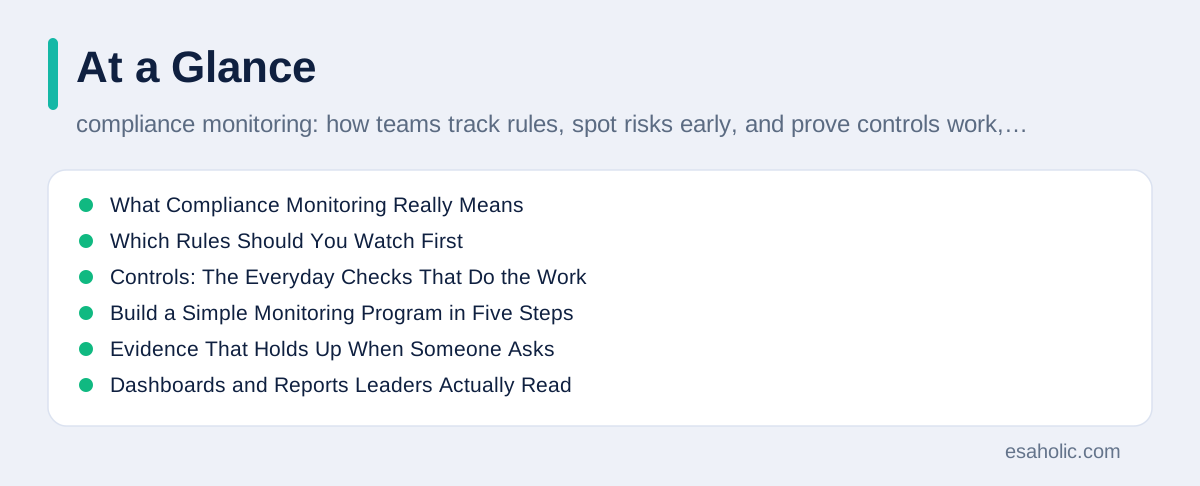
Compliance monitoring is the regular checking that a team follows the rules that apply to its work, and that it keeps proof of those checks. Rules here mean laws, contracts, industry standards, and the team's own internal policies, which are written rules a company sets for itself. Monitoring turns those rules from a document on a shelf into a routine: someone checks, someone records the result, and someone fixes gaps on a schedule. Without that routine, a company can believe it follows the rules while nobody has actually verified it for months, and the first sign of trouble arrives as a failed audit, a lost customer, or a fine.
Small teams often assume this work belongs only to large companies with compliance departments, but that is a costly mistake. A ten person company that handles customer data, takes payments, or signs contracts with security requirements faces the same questions as a large one, only with fewer people to answer them. The good news is that a small team does not need a large program. It needs a short list of rules that matter, a named owner for each rule, a simple check on a schedule, and a safe place to store proof. This guide shows how to build that program step by step, with examples from everyday business work.
Think of compliance monitoring as the smoke alarm of a business. A smoke alarm does not prevent fires by itself, but it warns you early enough to act, and it works only if someone tests it and changes the battery. In the same way, a monitoring program warns a team when access rights drift, when a required review is skipped, or when a vendor misses a promise, while the fix is still cheap. Teams that monitor well also answer customer questions faster, because when a customer asks how data is protected, the team can show records instead of promises. That proof is often what wins a contract against a larger competitor.
What Compliance Monitoring Really Means
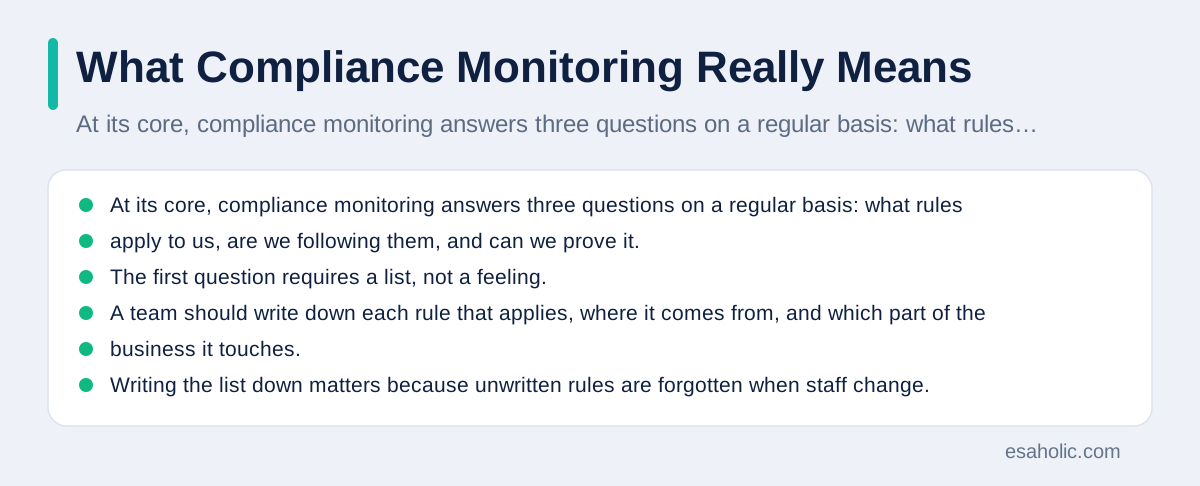
At its core, compliance monitoring answers three questions on a regular basis: what rules apply to us, are we following them, and can we prove it. The first question requires a list, not a feeling. A team should write down each rule that applies, where it comes from, and which part of the business it touches. For example, a rule might come from a privacy law, from a customer contract that requires data encryption, which means scrambling data so only authorized people can read it, or from an internal policy that says only managers approve refunds. Writing the list down matters because unwritten rules are forgotten when staff change.
The second question is about checks, and a check is only useful if it has a clear pass or fail result. "We take security seriously" is not a check. "Every user account was reviewed this month, and accounts for staff who left were removed within one day" is a check, because anyone can repeat it and get the same answer. Each check needs an owner, a schedule, and a record of the result. The owner does not have to be a specialist. In a small team, the owner is simply the person who will actually do the check and report problems, and that person should never check their own work alone for high risk items.
The third question, proof, is what separates monitoring from good intentions. Proof means dated records that show what was checked, what was found, and what was fixed. When an auditor, which is an independent person who reviews records and tests controls, asks for evidence, a team with monitoring records can answer in hours. A team without them must reconstruct the past from memory, which is slow and rarely convincing. Keep proof simple: a shared folder with dated checklists, screenshots, and short notes beats a complex tool that nobody updates.
Which Rules Should You Watch First
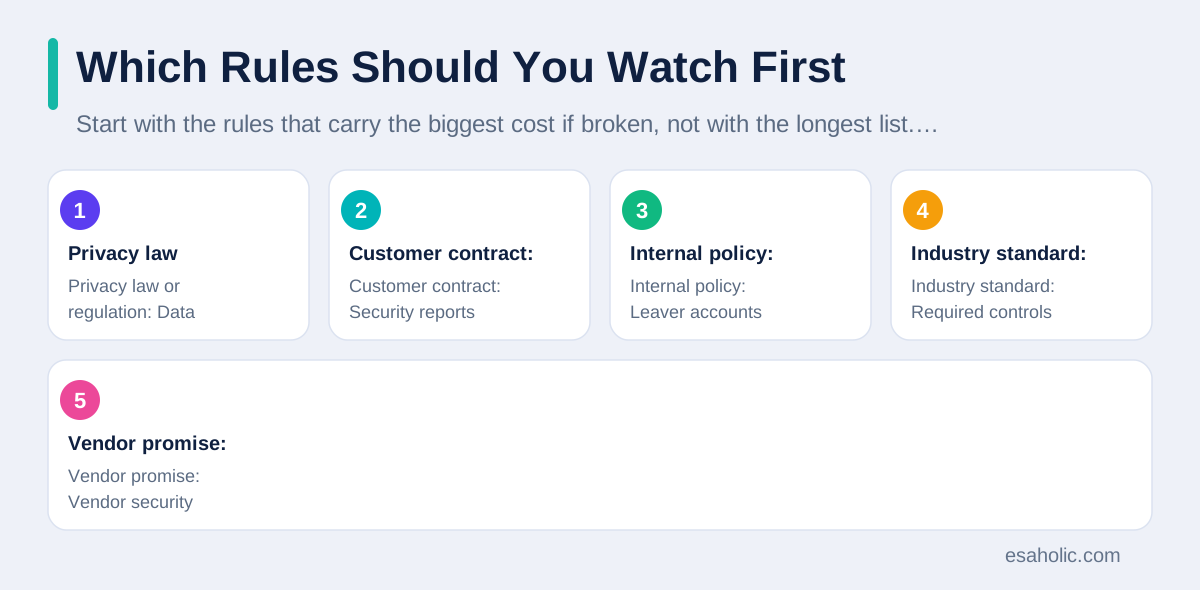
Start with the rules that carry the biggest cost if broken, not with the longest list. For most teams, that means rules about customer data, money, and safety. Data rules cover how personal information is collected, stored, shared, and deleted. Money rules cover accurate billing, honest records, and approval for spending. Safety rules cover workplace safety and product safety where they apply. A team that tries to monitor everything at once will monitor nothing well, so rank rules by risk, which means combining how likely a failure is with how bad it would be, and start at the top.
Contracts are a source of rules that teams often overlook. A customer contract may require security controls, response times, or regular reports, and breaking those promises can cost a contract even when no law is broken. Read the contracts your team signs, pull out every promise that needs a repeated action, and add each one to the monitoring list with its deadline. The same applies to vendor promises in reverse: if a vendor promises to protect your data, your monitoring should check that the vendor still meets that promise, for example by asking for its current security report each year.
Internal policies deserve the same care as outside rules. If a policy says passwords must change regularly or that two people approve large payments, then the team should check that it happens, because an ignored internal policy teaches staff that rules are optional. It also creates a trap: an auditor may read the policy, assume it is followed, and find the opposite. A better approach is to write policies that match what the team can actually do, and then monitor them honestly. If a policy is unrealistic, change the policy, not the record, because changing a record to look compliant is dishonest and can create legal trouble of its own.
| Rule source | Example check | How often |
|---|---|---|
| Privacy law or regulation | Data deletion requests completed on time | Monthly |
| Customer contract | Security reports delivered by the promised date | Each deadline |
| Internal policy | Leaver accounts removed within one day | Monthly |
| Industry standard | Required controls tested and recorded | Quarterly |
| Vendor promise | Vendor security report reviewed and filed | Yearly |
Controls: The Everyday Checks That Do the Work
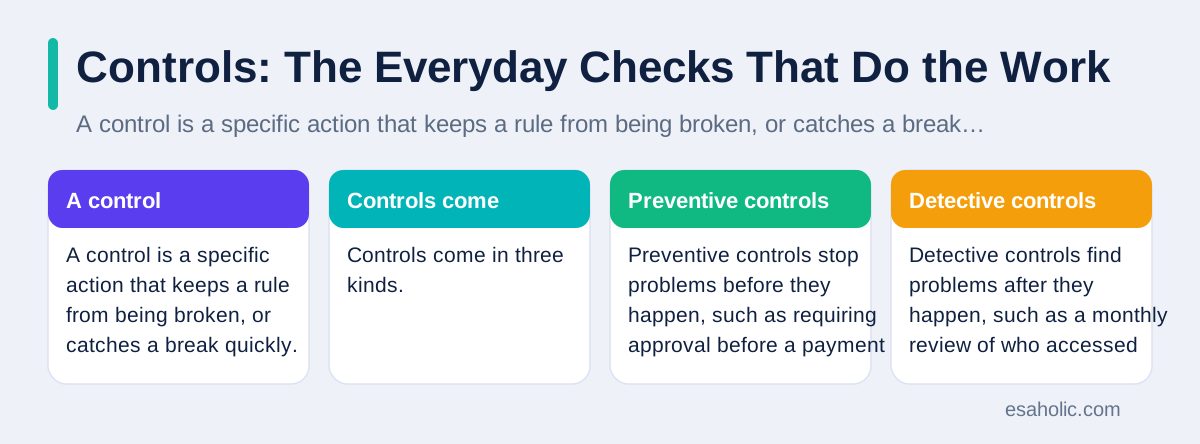
A control is a specific action that keeps a rule from being broken, or catches a break quickly. Controls come in three kinds. Preventive controls stop problems before they happen, such as requiring approval before a payment is sent. Detective controls find problems after they happen, such as a monthly review of who accessed sensitive data. Corrective controls fix problems and stop them from repeating, such as changing a process after an error is found. A healthy program uses all three, because prevention alone fails when people make mistakes, and detection alone fails when nobody acts on what it finds.
Choose controls that fit the size of the risk. A control should cost less than the problem it prevents, in time as well as money. For example, a second person reviewing every expense over a set amount is a cheap control for a real risk, while a daily manual review of every system log would exhaust a small team and soon be skipped. Automate the boring parts where you can: systems can flag unusual logins, list accounts that have not been used, or remind owners when a review is due. Our guide on automated checks and reminders explains how small automation removes the manual chasing that causes most monitoring programs to fade.
Every control needs a test that proves it works, not just a note that it exists. A password policy is not a control until someone tests that weak passwords are actually rejected. An approval step is not a control until someone checks that payments without approval cannot go through. Test controls by trying to break them in a safe way, or by reviewing a sample of real cases. If a control fails its test, treat that as useful news, not as a failure to hide. A failed test found by your own team is far cheaper than the same failure found by an auditor or a customer.
Build a Simple Monitoring Program in Five Steps
Step one is to list the rules that apply, with a source and a business area for each. Keep the list short at first, perhaps ten to twenty rules, and note which ones are high risk. Step two is to assign one owner per rule. The owner does not need to be senior, but the owner must have time to do the check and the authority to raise problems. Step three is to define the check in plain words: what exactly will be looked at, what counts as a pass, and what evidence will be saved. Write the check so a new hire could follow it without asking for help.
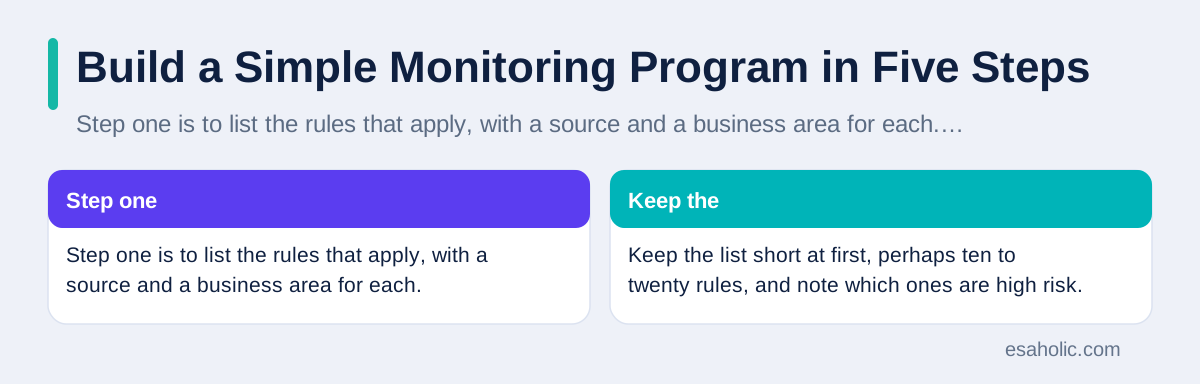
Step four is to set a calendar. High risk checks run monthly, medium risk checks run quarterly, and the full list gets a review once a year. Put the checks on a shared calendar with reminders, and treat a missed check as an incident, which means an event that needs a recorded response, not as a task that can quietly slide. Step five is to report results to someone with authority to fix problems. A short monthly note to a manager, listing what passed, what failed, and what is overdue, is enough for a small team. Without that report, problems stay with the checker and never get fixed.
A risk register helps a team keep this program honest. A risk register is a simple table that lists each risk, its owner, its rating, and its current status. Rating a risk means judging its likelihood and its impact, then combining them into a simple level such as low, medium, or high. The register should be reviewed every quarter, because risks change: a new product, a new vendor, or a new law can raise a risk, while a fixed process can lower one. Teams that keep their register current avoid the common trap of monitoring last year's risks while this year's risks grow unnoticed.
Evidence That Holds Up When Someone Asks
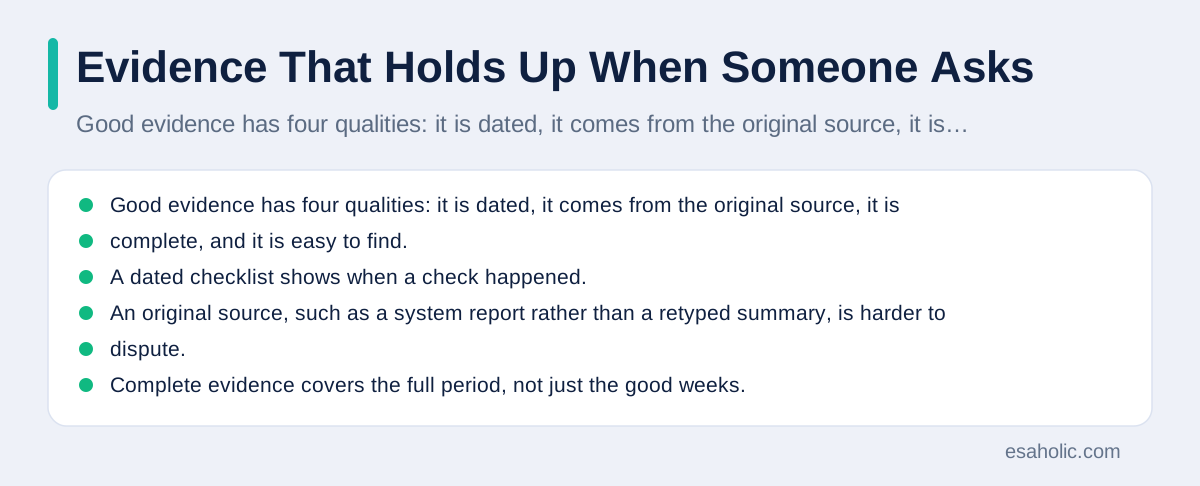
Good evidence has four qualities: it is dated, it comes from the original source, it is complete, and it is easy to find. A dated checklist shows when a check happened. An original source, such as a system report rather than a retyped summary, is harder to dispute. Complete evidence covers the full period, not just the good weeks. Easy to find evidence lives in one shared folder with clear names, not in personal inboxes. When an auditor asks for proof from six months ago, a team should be able to find it in minutes, not days.
Decide how long to keep evidence before you need it. Different rules require different retention periods, which means the length of time records must be kept, so check the rules that apply to your team and keep the longest period that covers them. Store evidence in a way that survives staff changes: shared drives with clear permissions beat a laptop folder that leaves with an employee. Also protect evidence from silent changes. Once a check is recorded, it should not be edited without a note explaining the change, because unexplained edits destroy trust in the whole record set.
Dashboards and Reports Leaders Actually Read
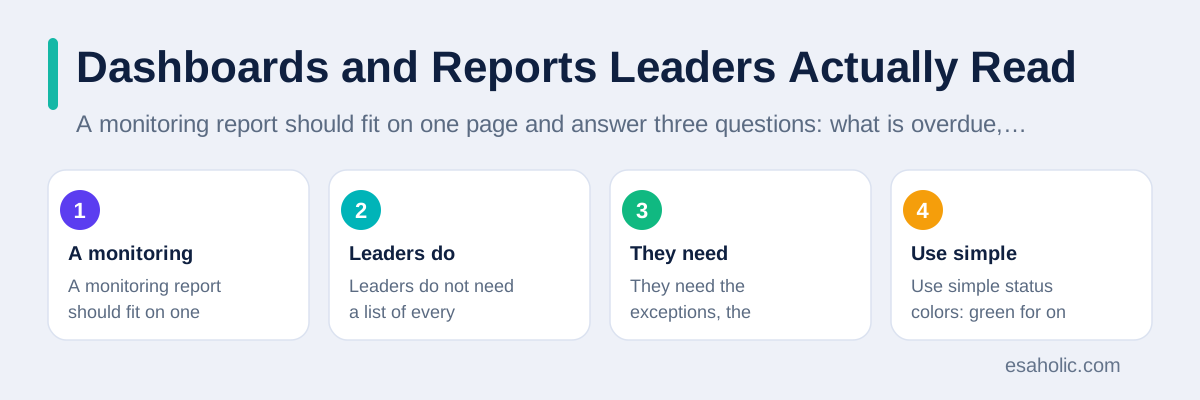
A monitoring report should fit on one page and answer three questions: what is overdue, what failed, and what changed since last time. Leaders do not need a list of every check that passed. They need the exceptions, the items that need decisions, and the trends, which means the direction of results over time. Use simple status colors: green for on track, amber for watch, and red for action needed, and keep the same meaning everywhere. A dashboard that shows fifty green items and hides two red ones in the middle is worse than no dashboard, because it creates false comfort.
Choose a small set of measures for the dashboard, similar to how teams choose measures that help teams improve rather than numbers that only fill a screen. Useful measures include the share of checks completed on time, the number of overdue fixes, the age of the oldest open issue, and repeat findings, which are problems that appear again after being marked fixed. Repeat findings deserve special attention, because they signal that the fix addressed the symptom, not the cause. If the same access problem appears three months in a row, the process behind it needs redesign, not another reminder. For the dashboard itself, use KPI examples to choose measures that lead to decisions, not measures that only fill a screen.
Report on a rhythm the business already uses. A short monthly note before an existing management meeting costs little and gets read, while a separate quarterly report that nobody requested gets ignored. Include one line per open issue: what it is, who owns it, when it is due, and what help is needed. End the report with decisions requested, such as approving a tool or changing a policy.
Audit Trails and Independent Reviews
An audit trail is a record of who did what, and when, in a system or process. Good audit trails are complete, protected from editing, and reviewed by someone other than the person who created them. For example, a system should record who changed a customer record, what changed, and when, and a reviewer should check those records for unusual activity, such as changes made outside work hours or by accounts that should not have that access. Without audit trails, a team cannot reconstruct what happened after an incident, and it cannot prove that a control worked.
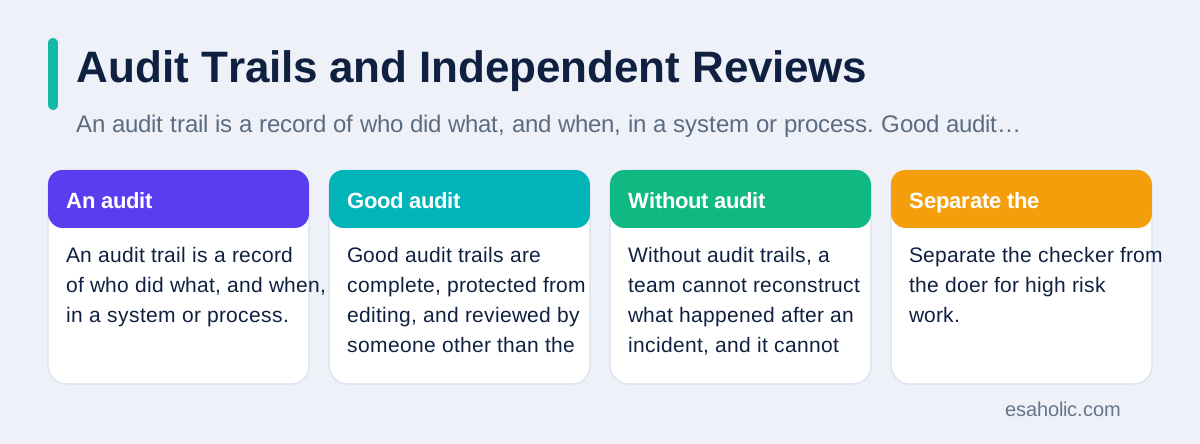
Separate the checker from the doer for high risk work. The person who approves payments should not also reconcile the bank account, and the person who grants system access should not also review access logs alone. In a very small team, full separation may be impossible, so use compensating checks, which are alternative checks that reduce risk when ideal separation is not possible, such as a manager reviewing a sample of the owner's work each month. Document these arrangements honestly, because auditors respect a small team that explains its limits and its workarounds more than a team that pretends it has separation it does not have.
An internal review once a year keeps the program honest. Ask someone who does not run the monitoring to test a sample of checks: do the records exist, do the results match the evidence, and were failures actually fixed. This review is not an accusation. It is a rehearsal for an outside audit, and it finds the gaps while there is still time to fix them calmly. Record the review, its findings, and the fixes, because that record itself is evidence that the program improves. External frameworks can guide this review, and the NIST Cybersecurity Framework offers a widely used structure for organizing controls and checking them.
Mistakes That Quietly Break Monitoring Programs
The most common mistake is collecting proof that nobody reads. A team can generate hundreds of reports that sit in a folder while real problems grow, because generating a report feels like progress even when nobody acts on it. Every check should end with a decision: pass, fix, or escalate, which means sending a problem to someone with more authority. If a check regularly produces results that nobody uses, remove or redesign the check. Monitoring time is limited, and it should go to checks that change decisions.
The second mistake is assigning checks without time or authority. A checker who is already overloaded will skip checks when work peaks, which is exactly when risks rise. A checker who cannot demand fixes will watch problems persist. Solve this by making monitoring part of the checker's real job, with time in their week and backing from a manager who will enforce fixes. The third mistake is fixing the form instead of the cause. If a checklist is marked complete while the underlying problem continues, the program has become theater. Ask why a failure happened, fix that cause, and check again after the fix to confirm it worked.
The fourth mistake is hiding bad news. Teams that punish people for reporting failures teach everyone to report only good news, and the program then shows a perfect picture while risks accumulate. Leaders should thank people who find problems early, because an early finding is a gift: it arrives while the fix is cheap and before a customer or auditor finds it. A culture that welcomes bad news early is the single strongest control a small team can build, and it costs nothing. Support for that culture comes from steady habits, and our guide on ongoing support and maintenance shows how regular review rhythms keep small programs alive.
A 90 Day Starter Plan
Days one to thirty are for listing and assigning. Write the rule list, rank it by risk, assign one owner per rule, and write each check in plain words. Do not buy software yet. A spreadsheet with columns for rule, owner, check, schedule, and evidence location is enough, and it teaches the team what it actually needs. In this first month, also gather existing proof: contracts, policies, and past reports, and file them in one shared folder so the program starts from what already exists.
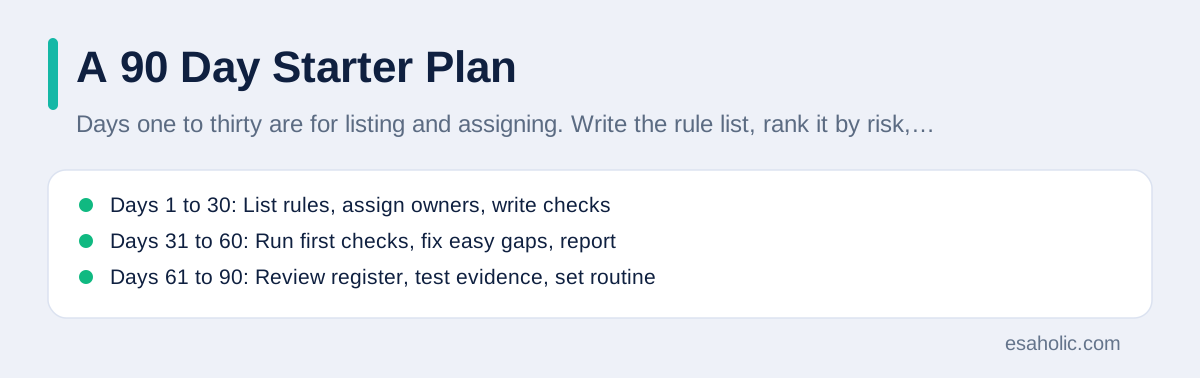
Days thirty one to sixty are for running the first checks. Complete the monthly high risk checks, record the results honestly, and fix the easy gaps at once. Report the first results to a manager, including failures, and agree on fixes and dates for the rest. This first report sets the tone: if leaders respond to failures with support instead of blame, the program will survive. If they ignore the report, the program will fade, so make the first report short, clear, and tied to decisions they care about, such as keeping a customer contract.
Days sixty one to ninety are for review and routine. Review the risk register, retire checks that proved useless, add checks for gaps the first round revealed, and set the quarterly calendar. Run a small internal review: pick five checks at random and verify the evidence matches the result. Then decide whether a tool would help, now that the team knows its real needs. Useful references for this stage include the AICPA audit and assurance resources and the ISACA resources for control and audit work, both of which explain control testing in practical terms. By day ninety, the team should have a program that runs without heroics: checks on a calendar, owners with time, evidence in one place, and a report leaders read.
| Phase | Focus | Done when |
|---|---|---|
| Days 1 to 30 | List rules, assign owners, write checks | Rule list and calendar exist |
| Days 31 to 60 | Run first checks, fix easy gaps, report | First report reviewed by a manager |
| Days 61 to 90 | Review register, test evidence, set routine | Quarterly calendar runs without chasing |
Conclusion
Compliance monitoring is not paperwork for its own sake. It is a short routine that keeps a team honest about the rules it must follow: list the rules by risk, assign one owner per rule, define checks with clear pass or fail results, keep dated proof in one place, and report exceptions to someone who can fix them. Start small, with ten to twenty rules and monthly checks for the highest risks, and let the program grow from what the first checks teach you. Welcome bad news early, fix causes instead of forms, and review the whole program every quarter. A team that does this will face audits with calm records instead of panic, answer customer questions with proof instead of promises, and catch small problems while they are still cheap to fix.
Frequently Asked Questions
What is compliance monitoring in simple terms?
Compliance monitoring is the regular checking that a team follows the rules that apply to its work, such as laws, contracts, and internal policies, and that it keeps proof of those checks. It turns rules from a document on a shelf into a routine: someone checks, someone records the result, and someone fixes gaps on a schedule.
How is compliance monitoring different from an audit?
Monitoring is ongoing work done by the team itself, week after week, while an audit is a point in time review, often by an independent person, that tests whether the monitoring worked. Good monitoring makes audits calmer, because the proof already exists and the gaps are already known and being fixed.
How often should a small team check compliance?
A small team should check its highest risk controls every month, review its full control list every quarter, and run a deeper review once a year. High risk areas, such as access to customer data or handling payments, deserve more frequent checks than low risk paperwork, because the cost of a failure there is much higher.
Written by Danish Mustafa
Senior Agentic AI Engineer and Systems Architect
Danish Mustafa is a senior agentic AI engineer at Esaholic who builds systems that find trusted answers in real documents and keep them easy to use.
Reviewed by Amir Iqbal
Senior AI Systems Architect and Lead Technical Reviewer
Amir Iqbal is a senior AI systems architect at Esaholic who designs resilient systems and reviews guides for practical, testable detail.
Relevant blogs
KPI Examples: Measures That Help Teams Improve
Practical measures for sales, marketing, support, and operations, with targets and traps to avoid.
Project Management Tools: A Simple Guide for Teams
How to plan, track, and finish projects with boards, timelines, and reports.
How to Write Meeting Minutes: A Simple Guide
How to capture decisions, owners, and dates in a short record people actually read.
Data Governance Frameworks Explained Simply
How teams set rules for data quality, ownership, and safe use across a company.
Back to all blog guides · Back to Business and Productivity guides · Explore Support and Maintenance Services