
How to Write Meeting Minutes: A Simple Guide

Most meetings do not fail because people disagree. They fail because nobody remembers what was agreed. A week later, one person believes the launch moved to June, another believes it stayed in May, and a third never heard about the change at all. Work stalls, not from laziness, but from a missing record. Meeting minutes exist to prevent exactly that failure, by turning a conversation into a short, trusted record of decisions, owners, and dates.
Meeting minutes are the official written record of what a meeting decided and what happens next. They are not a transcript, which is a word by word account of everything said, and they are not a summary of opinions. Good minutes answer three questions for anyone who reads them later: what did we decide, who does what next, and by when. If a reader cannot answer those questions in a few minutes, the minutes have not done their job, no matter how detailed they look.
This guide gives you a practical method: prepare before the meeting, capture during it, and write and share after it. It covers the template, the language that makes actions unmistakable, and the hard cases, such as disagreement, confidential items, and meetings that end without a decision. If your team also struggles with meeting overload, our guide on tools for team collaboration covers when a meeting is needed at all, and our guide on choosing productivity tools covers where minutes should live so people find them.
What Minutes Are For
Minutes serve three purposes, and keeping them distinct helps you write better. First, they create accountability, because an action with a named owner and a date is hard to forget and easy to follow up. Second, they create memory, because a team that changes members can read past minutes and understand why a choice was made. Third, they create protection, because a written record settles disputes about what was agreed far more calmly than competing memories. A team that values all three purposes will treat minutes as a working tool, not as paperwork.
Minutes are not for judging performance, settling scores, or recording every opinion. A note taker who writes down who argued badly, who arrived late, or who changed their mind creates a record people will fear, and fear kills honest discussion. Record outcomes and reasons neutrally, such as "the team chose option B because it costs less and ships sooner," without attributing praise or blame. Neutral language keeps minutes credible, and credibility is what makes people accept minutes when memories differ.
Different meetings need different levels of formality. A weekly team check in needs action minutes: decisions, owners, and dates, in one page. A board or committee meeting may need formal minutes that record motions, which are formal proposals put to a vote, votes, and attendance, following the organisation rules. A client meeting needs minutes the client can read and approve, without internal debate or sensitive detail. Ask the chair, which is the person who leads the meeting, which level applies before you start, because writing formal minutes for a casual check in wastes time, and writing casual minutes for a board meeting creates risk.
Before the Meeting: Prepare the Template
Good minutes start before anyone speaks. Ask the chair for the agenda, which is the list of topics and decisions the meeting must cover, and turn it into a template with a section per agenda item. Each section should have space for the decision, the actions, and open items, which are questions left unanswered. A template built from the agenda lets you capture outcomes in order, instead of reconstructing them from messy notes after the meeting ends.
Fill in the header before the meeting starts: meeting title, date, time, location or video link, chair, note taker, attendees, and absentees. An accurate attendance list matters for formal meetings, and it helps future readers know who was present for each decision. Also note the previous actions due at this meeting, so the chair can review them first. A meeting that never reviews past actions will keep creating new actions while old ones quietly die.
Agree on your role with the chair in advance. The note taker should focus on capturing outcomes, not on debating the topic, because a note taker who joins the debate will miss the decision while arguing. If you must contribute, say so, make your point, then return to noting. Also agree on how decisions will be confirmed: the chair should restate each decision aloud before moving on, which gives you a clean sentence to record and gives the room a chance to correct misunderstandings immediately. For remote meetings, agree on one more habit: the chair should pause after each decision and ask whether anyone disagrees, because silence on a video call often means a frozen connection or a muted microphone, not agreement. That short pause prevents false consensus, where minutes record agreement that nobody actually gave, and it gives quiet participants a clear moment to speak.
During the Meeting: Capture Decisions, Not Discussion
During the meeting, listen for decision language: phrases such as "we agree," "we will," "approved," and "decided." When you hear one, write the decision in a full sentence with its reason, such as "Approved the June launch date because supplier delivery is confirmed for May 20." A decision without a reason looks arbitrary later, when the context fades, while a decision with a short reason helps future readers trust it and helps new members understand it without asking.
Capture every action in the same format: a verb, a deliverable, one owner, and a date. For example, "Sara will send the revised budget to the finance lead by Friday, May 15" is a complete action. Avoid actions with two owners, because shared ownership usually means no ownership, and avoid actions with no date, because an undated action is a wish, not a commitment. If the room cannot agree on an owner or a date, record that gap as an open item and assign someone to resolve it, rather than writing a vague action that nobody will do.
Record open items and disagreements honestly but briefly. If the team could not decide, write what was decided about deciding: who will gather more information, and when the decision returns to the agenda. If opinions differed sharply, record that views differed and note the deciding factor, without naming who held each view, unless formal rules require it. That honesty protects the team later, because a reader can see that an issue was left open deliberately, not forgotten.
The Anatomy of Good Minutes
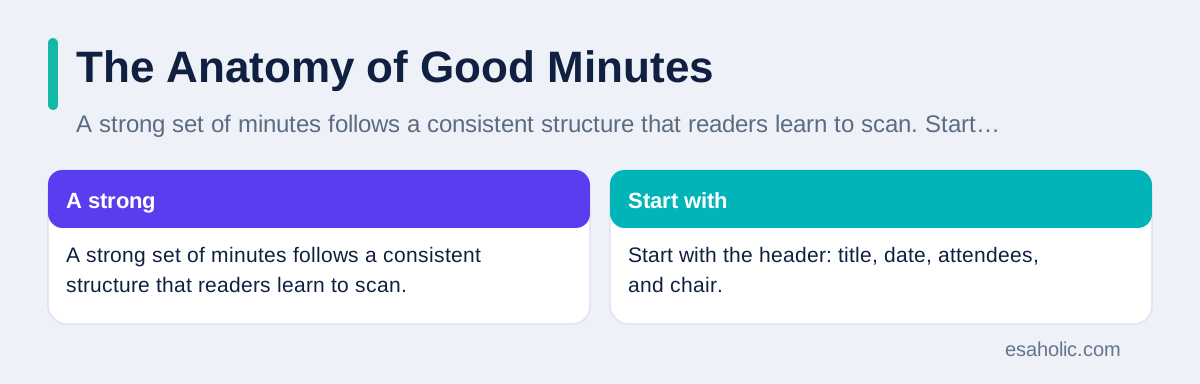
A strong set of minutes follows a consistent structure that readers learn to scan. Start with the header: title, date, attendees, and chair. Follow with a short summary of decisions, so a busy reader can grasp outcomes without reading the whole document. Then list actions in a table, with columns for the action, the owner, and the due date. Then record discussion per agenda item, briefly, with decisions bolded or headed so they stand out. End with open items and the next meeting date, if one was set.
Keep the discussion section short. One or two sentences per topic usually suffice, covering the key facts and the reason for the decision. Readers do not need the full debate, they need enough context to understand the outcome and to act on it. If a topic produced no decision and no action, say so in one line, such as "Discussed the office move, no decision, revisit after cost estimates arrive." That line proves the topic was covered and prevents a future claim that it was ignored.
Use plain language throughout, with short sentences and active verbs. Write "The team approved the budget" rather than "It was decided that the budget would be approved," because active language names the decider and removes doubt. Explain any term a future reader might not know in the same sentence, and avoid abbreviations that only insiders understand. Guidance from the US plain language site supports the same rule: clear minutes are short, direct, and free of jargon that hides meaning.
Writing Actions People Actually Do
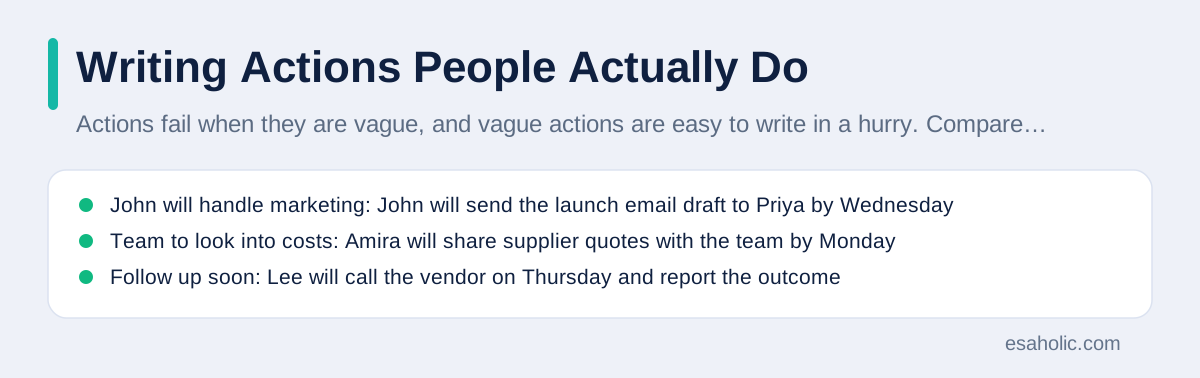
Actions fail when they are vague, and vague actions are easy to write in a hurry. Compare "John will handle marketing" with "John will send the launch email draft to Priya for review by Wednesday." The first action cannot be checked, because nobody knows what handling means or when it ends. The second can be checked, because it names a deliverable, a recipient, and a date. Train yourself to reject vague actions during the meeting by asking, "What exactly will be delivered, to whom, and by when," before the topic closes.
Separate actions from information. Some meeting outcomes are not actions at all, they are facts everyone should know, such as a date change or a policy update. Put facts in the decision or discussion section, and keep the action table only for work someone must do. A table mixed with facts and actions confuses owners, because they cannot tell which rows require their effort. A clean action table, where every row has an owner and a date, becomes a checklist the team can actually work through.
Follow up on actions between meetings, or minutes lose their power. The note taker or chair should check the action table mid cycle, remind owners of approaching dates, and carry overdue actions into the next agenda. A team that follows up consistently will find that actions get done faster, because owners know someone will check. A team that never follows up will find that minutes become decoration, and meetings will slowly revert to talk without consequences.
| Vague action | Clear action | Why it works |
|---|---|---|
| John will handle marketing | John will send the launch email draft to Priya by Wednesday | Deliverable, recipient, and date are clear |
| Team to look into costs | Amira will share supplier quotes with the team by Monday | One owner and one date replace a group wish |
| Follow up soon | Lee will call the vendor on Thursday and report the outcome | The step and the report are both defined |
After the Meeting: Write, Check, and Share
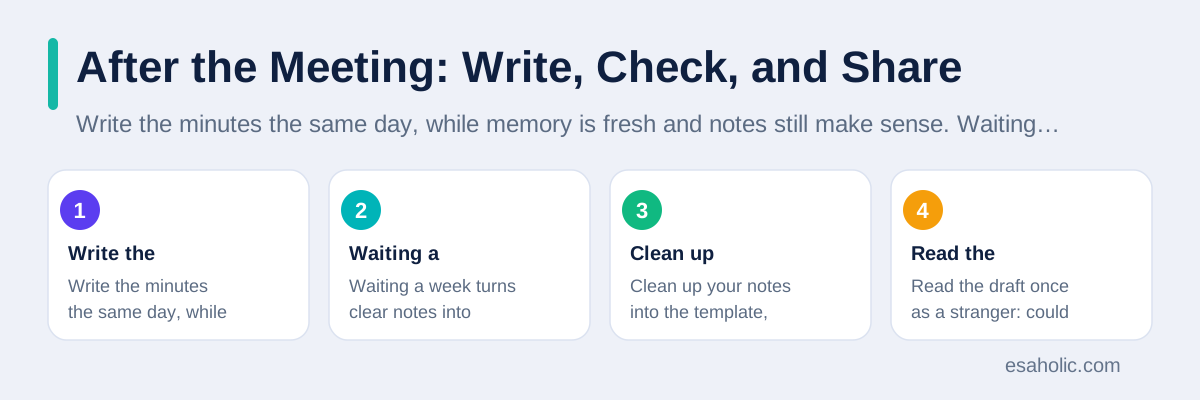
Write the minutes the same day, while memory is fresh and notes still make sense. Waiting a week turns clear notes into puzzles, because shorthand fades and context blurs. If the same day is impossible, write them first thing the next morning, before new meetings overwrite the details, and mark any point you are unsure about for the chair to confirm. Clean up your notes into the template, check every action for an owner and a date, and check every decision for a reason. Read the draft once as a stranger: could a person who missed the meeting understand what was decided and what they must do? If not, add the missing context before sending.
Ask the chair to review the draft before wider distribution, especially for formal or client meetings. The chair can correct a misunderstood decision while correction is still cheap, and their approval gives the minutes authority. For routine internal meetings, a quick chair check by message may suffice, but never skip it for decisions with cost, contractual, or safety implications. A minute approved by the chair settles disputes far more firmly than a minute sent by the note taker alone.
Share minutes in the agreed home, not only by email. Email buries records, while a project document, task tool, or shared folder keeps them findable. Send a short notice with a link, listing the key decisions and the action owners, so readers can act without opening the full document. Then create the actions in the task tool, with the same owner and date, so minutes and tasks agree. Our guide on planning templates that stay useful shows how project documents and task lists should connect, and minutes belong in that same connected system. Where follow-ups repeat every week, workflow automation can turn agreed actions into reminders without manual chasing.
Hard Cases: Disagreement, Confidentiality, and No Decision
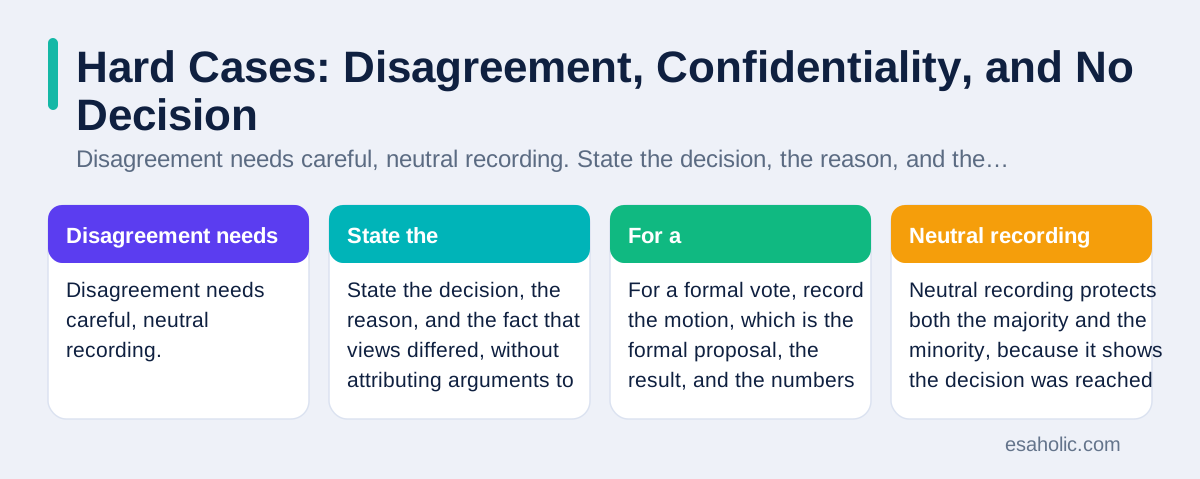
Disagreement needs careful, neutral recording. State the decision, the reason, and the fact that views differed, without attributing arguments to individuals, unless formal rules require a vote record. For a formal vote, record the motion, which is the formal proposal, the result, and the numbers for and against, following the organisation rules. Neutral recording protects both the majority and the minority, because it shows the decision was reached fairly, even when not everyone agreed.
Confidential items need separation, not omission. If a meeting covers a sensitive topic, such as personnel or pricing, record it in a separate confidential section with restricted access, rather than leaving it out entirely or putting it in the general minutes. A gap in the record invites suspicion, while a restricted section shows the topic was handled properly. Mark the section clearly, limit its distribution, and store it where access controls, which are rules that decide who can view a document, actually enforce the restriction.
Meetings that end without decisions still need minutes, and those minutes are often the most useful. Record what was discussed, why no decision was possible, what information is missing, who will gather it, and when the decision returns. That record prevents the same inconclusive meeting from repeating, because the next meeting starts from the missing information instead of from scratch. A meeting with no decision is not a wasted meeting when its minutes turn uncertainty into a clear next step.
A Reusable Template and Common Mistakes
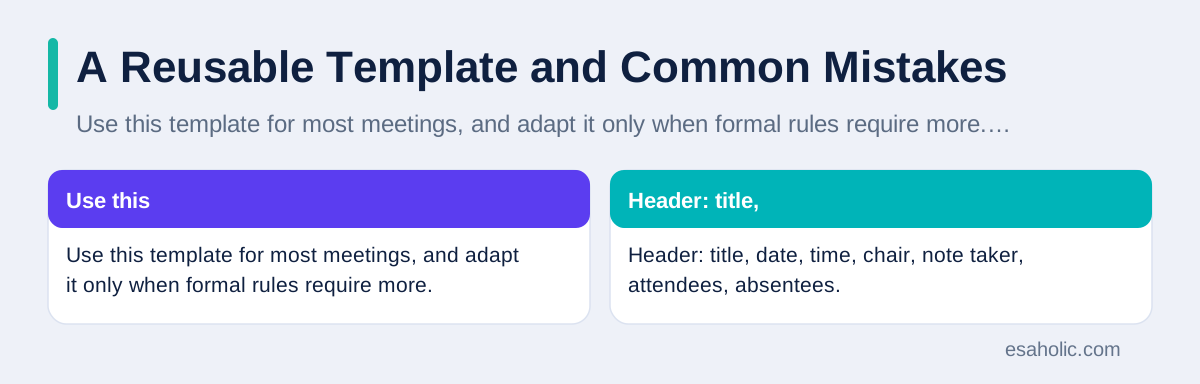
Use this template for most meetings, and adapt it only when formal rules require more. Header: title, date, time, chair, note taker, attendees, absentees. Decisions: a numbered list, each with a reason. Actions: a table with action, owner, and due date. Discussion: one short paragraph per agenda item. Open items: questions left unanswered, with an owner and a return date. Next meeting: date and purpose, if set. A template this short fits on one page for routine meetings, which is exactly why people will read it.
Common mistakes are easy to spot once you know them. Recording discussion instead of decisions produces long minutes nobody reads. Leaving actions without owners or dates produces a list nobody does. Sending minutes late produces a record nobody trusts, because owners already started work on their own understanding. Using jargon and passive language produces minutes nobody understands. Fixing any one of these mistakes improves minutes noticeably, and fixing all four transforms them. Another frequent mistake is filing minutes where only the note taker can find them, such as a personal drive or a single chat message. Minutes belong in the shared project home, linked from the task tool, so any team member, including a future joiner, can find the decision history without asking the note taker to resend an old file. A record that cannot be found is no record at all.
Finally, review your minutes habit every quarter. Ask readers whether minutes help them act, whether actions get done, and whether past minutes help new members understand decisions. Adjust the template based on answers, not on habit. A team that treats minutes as a living tool, reviewed and improved like any other tool, will keep meetings productive long after the novelty of a new template fades. Grammarly guidance on writing meeting minutes and the examples at MeetingMinutes.com both reinforce the same core advice: short, clear, and action focused minutes beat long, detailed ones every time.
Conclusion
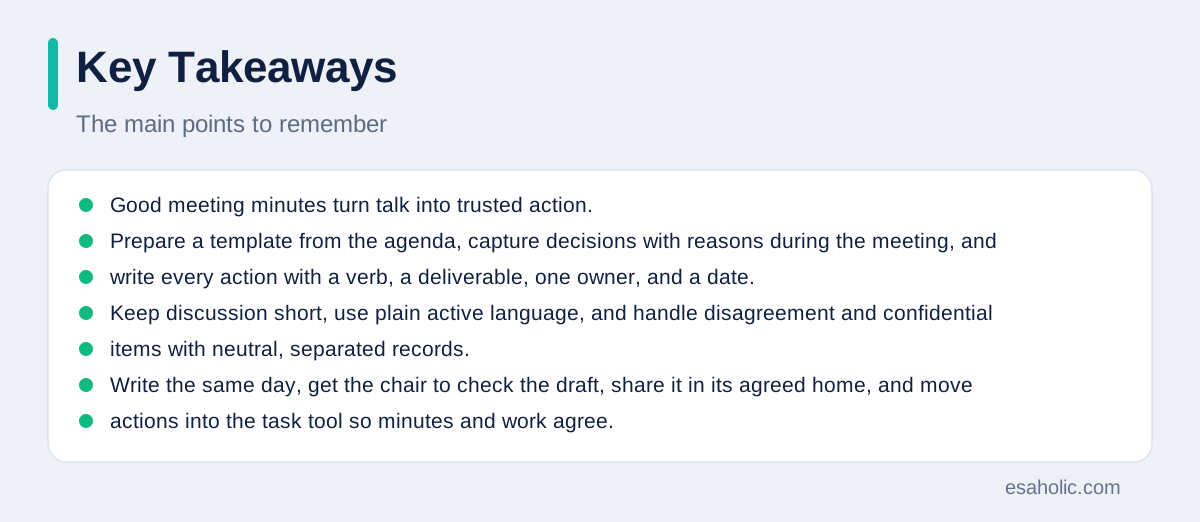
Good meeting minutes turn talk into trusted action. Prepare a template from the agenda, capture decisions with reasons during the meeting, and write every action with a verb, a deliverable, one owner, and a date. Keep discussion short, use plain active language, and handle disagreement and confidential items with neutral, separated records. Write the same day, get the chair to check the draft, share it in its agreed home, and move actions into the task tool so minutes and work agree. Then follow up between meetings, because minutes only matter when actions get done. A team that follows this method will argue less about what was agreed, finish more of what it promised, and give every member, present or absent, a record they can rely on.
Frequently Asked Questions
How long should meeting minutes be?
Meeting minutes should be as short as the decisions allow, often one page for a routine meeting and two pages for a complex one. A reader should find every decision, owner, and date in a few minutes. If minutes run longer than the meeting felt, they probably record discussion instead of outcomes, and they should be trimmed to decisions, actions, and open items.
Should meeting minutes record who said what?
Ordinary meeting minutes should record decisions and actions, not a transcript of who said what. Name the person who owns an action and the person who made a formal decision, but do not attribute every opinion, because that discourages honest discussion and bloats the record. Formal board minutes follow stricter rules and may name movers and votes, so follow your organisation rules for those meetings.
How soon should meeting minutes be sent out?
Send meeting minutes within one working day, while the discussion is still fresh and owners can start their actions. Same day is better for urgent decisions. Store the minutes in the agreed home, such as the project document or task tool, and send a short notice with a link, so readers can find the record later without searching their inbox.
Written by Umar Abbas
Founder, Principal AI Architect and Operator
Umar Abbas is the founder of Esaholic and a principal AI architect who designs reliable large scale AI systems for regulated industries.
Reviewed by Danish Mustafa
Senior Agentic AI Engineer and Systems Architect
Danish Mustafa is a senior agentic AI engineer at Esaholic who builds systems that find trusted answers in real documents and keep them easy to use.
Relevant blogs
Team Collaboration Tools: A Simple Guide for Teams
How teams share work, talk, and decide together without losing decisions in chat.
Project Planning Templates: A Simple Guide for Teams
How to pick a template, fill it honestly, and keep a plan useful from start to finish.
Productivity Tools: A Simple Guide for Busy Teams
What productivity tools do, how to choose a small set, and how to build a daily system that actually gets used.
Technical Documentation: A Simple Guide for Teams
How to plan, write, and keep clear guides that help readers finish a task without guessing.
Back to all blog guides · Back to Business and Productivity guides · Explore Custom Software Development Services