
KPI Examples: Measures That Help Teams Improve
A KPI, which stands for key performance indicator, is a single number that tracks how well one important result is going, against a target, over a set time. Teams use KPIs to answer a simple question: are we getting better at the work that matters, or are we just getting busier? Without KPIs, a team can feel productive while sales fall, customers wait longer, or errors rise, because nobody watches the numbers that would reveal the drift early.
Not every number deserves the name KPI. A metric, which means any number you can measure, such as page views, calls answered, or hours worked, only becomes a KPI when it guides a key decision. If a number moves and nobody changes a plan, a budget, or a process because of it, it is a vanity metric, which means a number that looks good but leads to no action. A good KPI passes a simple test: if it turns red, someone knows what to do next, and someone owns fixing it.
This guide gives practical KPI examples for sales, marketing, support, operations, and finance, plus a method for setting targets, building a simple dashboard, and avoiding the traps that make measurement harmful. Each example states what the KPI measures, how to calculate it in plain terms, and what action it should trigger. If you are writing the promise behind those numbers, our guide on writing a value statement customers trust helps you state the outcome first, and if you run campaigns, our guide on campaign ideas from 2025 shows why attention alone is a weak measure without trials and sales behind it.
What Makes a Good KPI
A good KPI has five parts: a clear name, a plain definition, a target, a time frame, and an owner. The definition must be so clear that two people calculating it from the same data get the same answer. For example, "customer satisfaction" is not a definition. "Share of customers who rate support 4 or 5 out of 5 in the post ticket survey, each month" is a definition, because it names the source, the scale, and the period. Vague definitions create arguments about numbers instead of action on results.
The target must be reachable and honest. A target set from hope, such as doubling sales in a month with no new staff or budget, will demotivate a team and encourage gaming, which means manipulating a number without improving the real result. Set targets from past data, such as the average of the last three months plus a small stretch, and review them each quarter. A target that nobody can influence is also a bad KPI. A support team cannot own company revenue, but it can own first response time, so give each team numbers it can actually move.
Finally, a KPI needs a review rhythm. A number checked once a year cannot guide weekly work, and a number checked every hour will create noise and stress. Most teams should review KPIs weekly for action and monthly for trends, which means the direction of a number over time. A weekly review asks, "What broke, and what do we fix this week?" A monthly review asks, "Is the trend improving, and does the target still make sense?" That rhythm turns measurement from a report into a habit.
Sales KPI Examples
Revenue is the most obvious sales KPI, but it tells you what already happened, not why. Pair it with earlier signals, called leading indicators, which are numbers that predict a future result, such as new qualified leads, which are potential buyers who match your customer profile and show real interest, and meetings booked. If leads fall this month, revenue will likely fall next month, and the team can act now instead of discovering the problem in a quarterly report. That early warning is the real value of sales KPIs.
Win rate measures the share of qualified deals a team closes, calculated as deals won divided by deals decided, times one hundred. A low win rate may mean weak qualification, which means accepting deals that were never likely to close, or a price or product gap the team should fix. Average deal size, calculated as total revenue divided by deals won, shows whether the team sells to the right customers. A team chasing many tiny deals may look busy while revenue stays flat, while a team winning fewer, larger deals may grow faster with less effort.
Sales cycle length, measured in days from first contact to close, reveals friction in the process. A long cycle may mean slow follow up, unclear pricing, or a decision maker who joins too late. Track it beside win rate, because a short cycle with a low win rate means the team closes fast but loses often, while a long cycle with a high win rate may mean the team is careful but slow. The Klipfolio guide to key performance indicators explains these sales measures with more examples, and it is a useful reference when you build your first sales dashboard.
Marketing KPI Examples
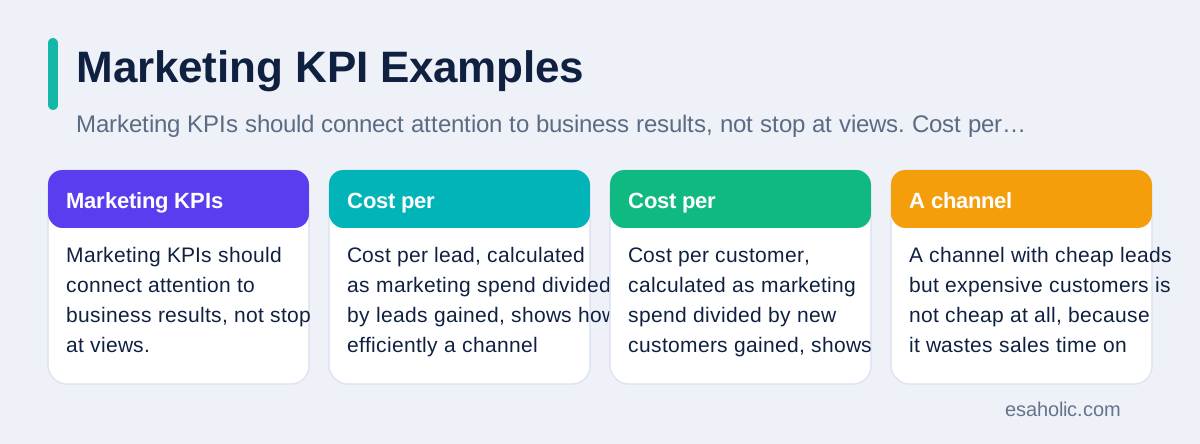
Marketing KPIs should connect attention to business results, not stop at views. Cost per lead, calculated as marketing spend divided by leads gained, shows how efficiently a channel produces interest. Cost per customer, calculated as marketing spend divided by new customers gained, shows the full price of growth. A channel with cheap leads but expensive customers is not cheap at all, because it wastes sales time on people who never buy. Compare both numbers by channel, and shift budget toward channels that produce customers, not just clicks.
Conversion rate, calculated as actions taken divided by visitors, times one hundred, shows whether a page or campaign turns interest into action. A low conversion rate may mean a weak offer, a confusing page, or the wrong audience, and each cause needs a different fix. Test one change at a time, such as a clearer headline or a simpler form, and watch the rate over enough visits to trust the result. A rate based on twenty visits proves nothing, while a rate based on two thousand visits gives a real signal. Patience in testing beats constant redesign.
Returning visitors and email open rates are useful supporting measures, but they are not KPIs on their own, because they do not prove business value. A high open rate with no enquiries means the subject line works and the offer does not. Pair attention measures with action measures, such as signups, trial starts, or booked calls, so the team learns which attention turns into revenue. Our guide on practical steps for deep work makes a similar point for individuals: counting hours at a desk proves little, while counting finished work proves a lot.
Customer Support KPI Examples
First response time, measured in hours from a customer's first message to the first human reply, shapes trust more than most teams realise. A customer who waits a day for a first reply may already feel ignored, even if the final answer is excellent. Set a target by urgency, such as two hours for urgent issues and one business day for general questions, and track it separately from resolution time, which is the time from first message to a solved issue. Mixing the two hides slow first replies behind fast resolutions.
Resolution time and reopen rate, which is the share of tickets a customer reopens because the issue returned, together reveal quality. A team that closes tickets fast but sees many reopens is rushing, not solving. A team with slow resolutions but few reopens may need more staff or better tools, not more pressure. Customer satisfaction, measured by a short survey after each ticket, adds the customer's view, but keep the survey to one question and one optional comment, because long surveys get few replies and biased results from only the happiest or angriest customers.
Support KPIs must never punish honesty. If a team is judged only on fast closes, agents will close tickets early and customers will suffer. Balance speed measures with quality measures, such as reopen rate and satisfaction, so the team cannot improve one number by harming another. Review support numbers with the team, not just for the team, and ask agents which process causes the worst scores. Agents see the friction customers face, and their fixes often improve several KPIs at once. Esaholic applies that balance in its support and maintenance work, where response, resolution, and customer feedback are reviewed together.
Operations and Finance KPI Examples
Operations KPIs track whether work gets done right and on time. On time delivery rate, calculated as orders delivered on time divided by orders delivered, times one hundred, shows reliability from the customer's view, not from the warehouse view. Error rate, calculated as orders or tasks with errors divided by total orders or tasks, times one hundred, shows quality, and rework cost, which is the money and time spent fixing errors, shows what errors really cost. A team that only tracks speed will hide errors, while a team that tracks speed and errors together will improve both.
Capacity use, calculated as actual work done divided by available capacity, times one hundred, shows whether a team or a system is overloaded or idle. A rate near one hundred percent for weeks means burnout and errors are coming, not efficiency, because no buffer remains for sick days or sudden demand. A rate far below capacity means the team can take more work or the staffing plan needs review. Pair capacity with on time delivery, because a team at full capacity that still misses deadlines needs a process fix, not just more hours.
Finance KPIs keep the whole picture honest. Gross margin, calculated as revenue minus direct costs, divided by revenue, times one hundred, shows whether each sale leaves enough money after the direct cost of delivering it. Cash runway, which means how many months a business can operate on current cash at current spending, matters most for young companies, because a profitable plan that runs out of cash still fails. Track finance KPIs monthly with an owner in finance, and share a simple summary with team leads, so operational decisions, such as hiring or discounting, reflect real money, not just activity. In regulated work, pair those finance measures with compliance monitoring so missed checks surface as early as missed targets.
Build a Simple KPI Dashboard
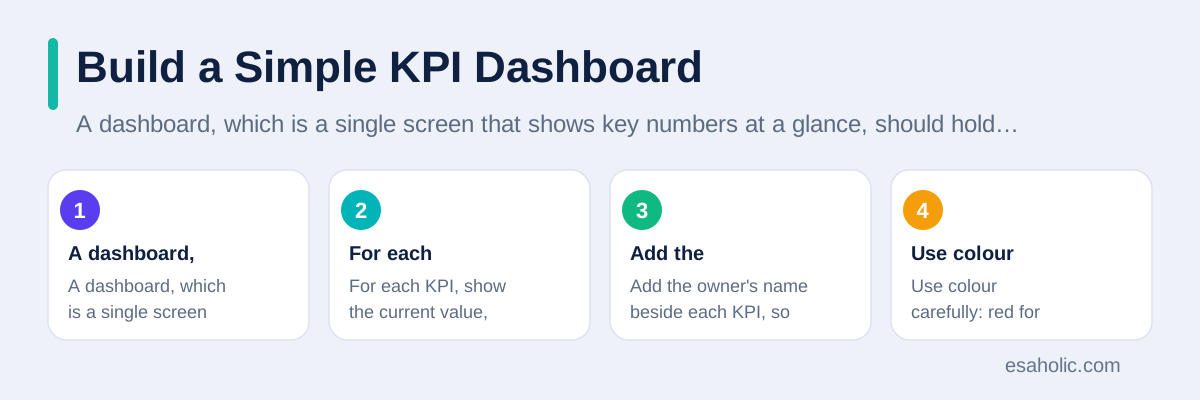
A dashboard, which is a single screen that shows key numbers at a glance, should hold three to seven KPIs, not fifty. For each KPI, show the current value, the target, and the trend, which is a small arrow or line showing whether the number improves or worsens over time. Add the owner's name beside each KPI, so a red number leads to a person and a plan, not to a meeting where everyone looks at each other. Use colour carefully: red for action needed, amber for watch, green for on track, and keep the same meaning everywhere.
Start with a spreadsheet before you buy dashboard software. A weekly spreadsheet with one row per KPI, columns for value, target, trend, owner, and action, teaches a team what it actually needs. After a month, the team will know which numbers it checks, which it ignores, and which definitions need fixing. Buying software before that learning phase usually produces a beautiful dashboard nobody trusts, because the numbers behind it were never agreed. Our guide on building a help center people trust makes the same point for documents: agree the content first, then choose the tool.
Review the dashboard in a short weekly meeting with one rule: every red KPI leaves the meeting with an action, an owner, and a date. A review that only reports numbers wastes everyone's time. A review that assigns fixes turns measurement into improvement. Keep the meeting to thirty minutes, focus on the worst two or three numbers, and celebrate one improvement each week, so the team sees measurement as help, not as surveillance. The ClearPoint KPI examples guide offers more dashboard examples across departments, which can help you design a first version for your own team.
Traps That Make KPIs Harmful
The first trap is gaming, where people improve the number without improving the result. A support team judged only on ticket closes will close tickets early. A sales team judged only on leads will collect weak leads. A content team judged only on page views will write clickbait, which means headlines designed to attract clicks without delivering value. Prevent gaming by pairing every KPI with a quality check, such as reopen rate beside close rate, or win rate beside lead count, so improving one number at the expense of another becomes visible.
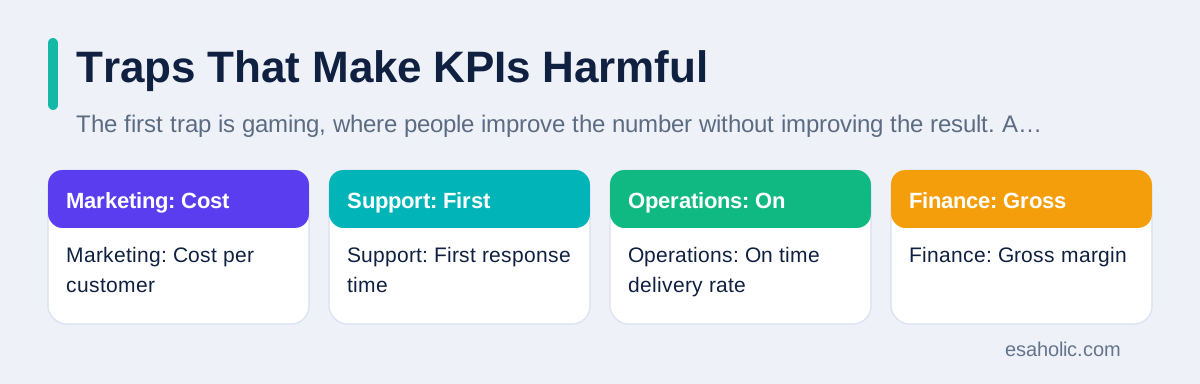
The second trap is too many KPIs. A dashboard with forty numbers gives no priorities, and a team that must watch everything will watch nothing well. Cut the list to the numbers that guide decisions this quarter, and move the rest to a reference report the team can check when needed. If a KPI has not triggered a decision in three months, retire it or replace it. A short list that changes action beats a long list that only fills a screen, and it also makes onboarding easier, because new staff can learn five numbers fast.
The third trap is setting a KPI once and never revisiting it. Business goals change, products change, and customer needs change, so a KPI that mattered last year may mislead this year. Review the KPI set each quarter: does each number still guide a decision, does its target still stretch without breaking trust, and does its owner still own the work? Retire numbers that no longer matter, and add numbers for new goals, with the same care for definition, target, and owner. Measurement is a living system, not a report template, and it should evolve with the business it serves.
| Area | KPI example | Action it should trigger |
|---|---|---|
| Sales | Win rate | Fix qualification, pricing, or product gaps |
| Marketing | Cost per customer | Shift budget to channels that produce buyers |
| Support | First response time | Staff urgent queues or add self help answers |
| Operations | On time delivery rate | Fix the slowest step in the process |
| Finance | Gross margin | Review pricing or direct costs |
KPI Examples by Role: What Each Lead Watches
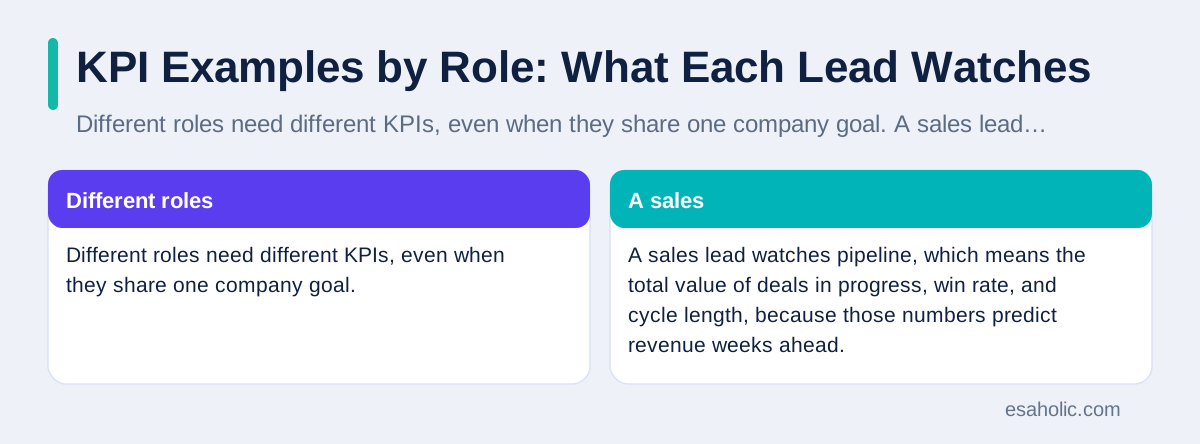
Different roles need different KPIs, even when they share one company goal. A sales lead watches pipeline, which means the total value of deals in progress, win rate, and cycle length, because those numbers predict revenue weeks ahead. A marketing lead watches cost per customer and conversion rate by channel, because those numbers show which spending produces buyers. A support lead watches first response time, reopen rate, and satisfaction, because those numbers show whether customers feel helped or merely handled. Giving every lead the same dashboard wastes attention, because each lead must act on different numbers.
A product lead watches a different set again: active users, which means people who actually use the product in a set period, feature adoption, which means the share of users who try a new feature, and churn, which means the share of customers who stop using the product. Churn deserves special care, because a product can gain many new users while losing old ones just as fast, and growth headlines will hide that leak. Pair churn with a reason, collected from exit surveys or cancellation notes, so the team learns whether customers leave over price, missing features, or poor support. A churn number without a reason only creates worry, while a churn number with reasons creates a fix list.
A people lead, such as a hiring manager, watches time to hire, which means days from opening a role to accepting an offer, new hire retention after ninety days, and training completion. These numbers matter because a team that hires slowly or loses new staff fast will miss every other KPI, no matter how good its sales or marketing numbers look. Pair hiring speed with hiring quality, such as manager satisfaction after ninety days, so speed never comes at the cost of bad fits. A fast hire who leaves in two months costs more than a slow hire who stays for two years, and the numbers should show that trade off honestly.
An executive dashboard should roll these role numbers up into five company KPIs: revenue growth, gross margin, customer satisfaction, on time delivery, and cash runway. That short list lets leaders see health at a glance without drowning in department detail. When a company number turns red, the leader can drill down, which means open the department dashboard behind it, and find the role number that explains the problem. That structure, five company numbers on top and role numbers below, keeps measurement useful at every level, because each level sees the numbers it can act on, and no level pretends one dashboard fits everyone.
Conclusion
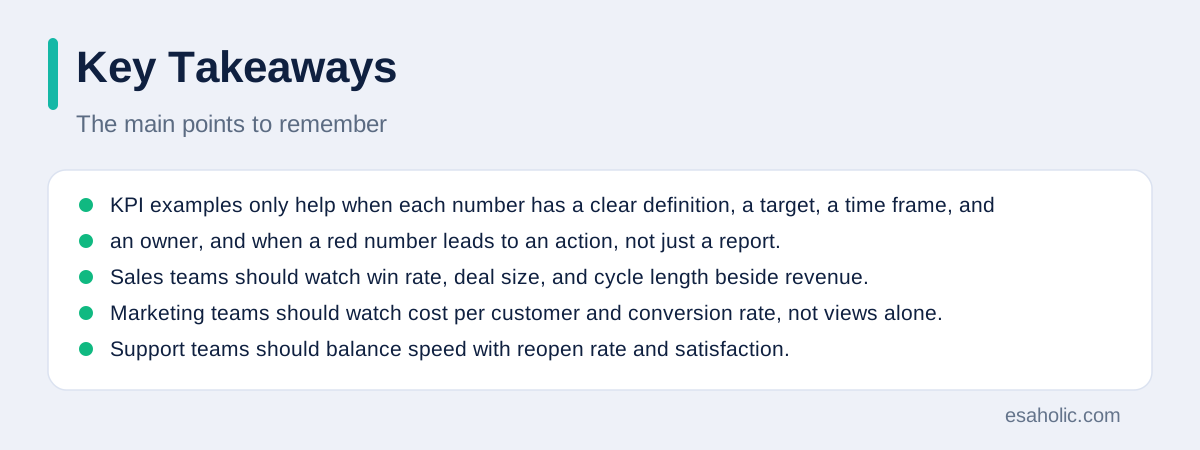
KPI examples only help when each number has a clear definition, a target, a time frame, and an owner, and when a red number leads to an action, not just a report. Sales teams should watch win rate, deal size, and cycle length beside revenue. Marketing teams should watch cost per customer and conversion rate, not views alone. Support teams should balance speed with reopen rate and satisfaction. Operations teams should watch delivery, errors, and capacity together, and finance teams should watch margin and cash runway. Build a short dashboard, review it weekly, pair every speed number with a quality check, and retire numbers that stop guiding decisions. Measured well, KPIs turn busy work into visible improvement.
Frequently Asked Questions
What is a KPI in simple terms?
A KPI, which stands for key performance indicator, is a single number that tracks how well one important result is going, against a target, over a set time. A good KPI leads to a decision, such as fixing a process or changing a budget, while a number that only looks nice on a report is not a KPI.
How many KPIs should a team track?
A team should track three to seven KPIs for its main work, with one owner for each. More than that spreads attention and hides the numbers that matter. A company can hold more KPIs across departments, but each team should watch only the few that guide its own decisions.
What is the difference between a KPI and a metric?
A metric is any number you can measure, such as page views or calls answered. A KPI is a metric that matters most for a goal, with a target and an owner. All KPIs are metrics, but most metrics are not KPIs, because they do not guide a key decision.
Written by Danish Mustafa
Senior Agentic AI Engineer and Systems Architect
Danish Mustafa is a senior agentic AI engineer at Esaholic who builds systems that find trusted answers in real documents and keep them easy to use.
Reviewed by Amir Iqbal
Senior AI Systems Architect and Lead Technical Reviewer
Amir Iqbal is a senior AI systems architect at Esaholic who designs resilient systems and reviews guides for practical, testable detail.
Relevant blogs
Value Proposition: How to Write One Customers Trust
How to state a clear customer benefit in plain words, with examples and tests.
How to Focus: Practical Steps for Deep Work
Practical steps to protect attention, plan deep work, and finish important tasks.
Project Planning Templates: A Simple Guide for Teams
How to pick a template, fill it honestly, and keep a plan useful from start to finish.
What Are the 5 Key Stages of Resilience Lifecycle Framework
A practical guide to prepare, prevent, respond, recover, and learn, with honest notes on how frameworks vary.
Back to all blog guides · Back to Business and Productivity guides · Explore Support and Maintenance Services