
How to Use an AI Agent to Sort Emails

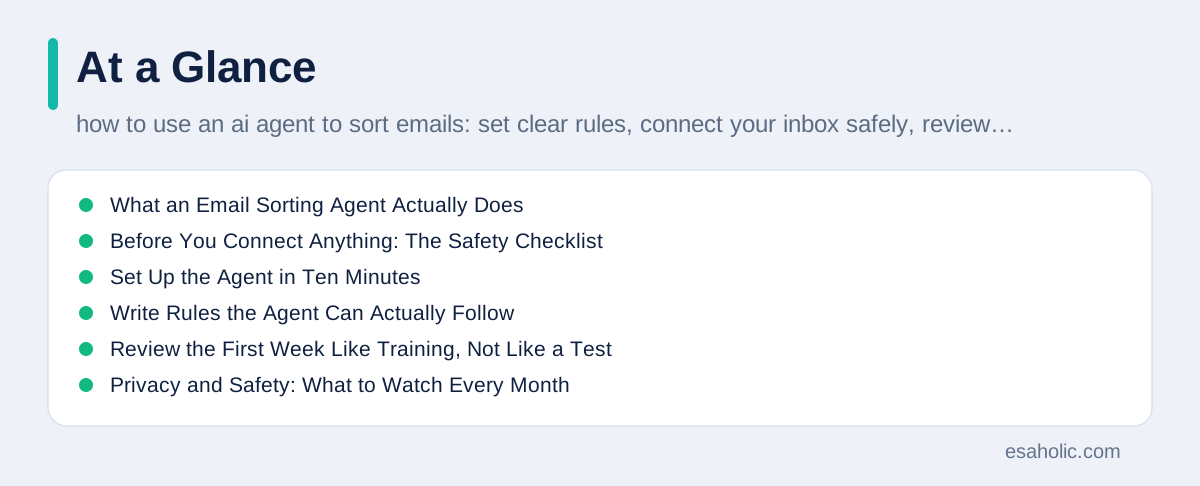
An AI agent that sorts email reads your incoming messages, decides what each one needs, and files it under the right label so you can deal with the urgent mail first. A label is simply a tag that groups similar messages, such as Urgent, Action, Later, or Receipts. The agent differs from a basic filter, because a filter follows one fixed rule, such as moving every message from one sender to one folder, while an agent reads the subject and the body, weighs several signals at once, and handles messages it has never seen before. A filter moves a newsletter because it knows the sender. An agent moves a message because it understands that the message asks you to approve a payment by Friday.
Used well, an email agent saves you the morning scan through dozens of messages, and it protects you from the worst inbox mistake, which is missing a time sensitive message buried under newsletters. Used badly, it hides bills, legal notices, and password resets, and it creates a false sense of calm while important mail sits unread. The difference between those two results comes down to setup, not to the brand of the tool. This guide shows you how to use an AI agent to sort emails safely, step by step: what to check before you connect it, how to write rules it can follow, how to review its first week, and how to keep control of the messages that matter most.
You do not need technical skills to follow this guide. You need ten minutes for setup, five minutes a day for review during the first week, and a clear list of the messages you never want an agent to touch. If you want the wider picture first, IBM's guide to agentic AI explains what agents do in plain terms, and our guide on building agent applications around one clear problem shows why a narrow, measured start beats a broad launch.
What an Email Sorting Agent Actually Does
An email agent works in a short loop that repeats for every new message. First it reads the sender, the subject, and the body, and it looks for signals such as a deadline, a request, a payment, or a named person you work with. Then it compares those signals with the rules and examples you gave it, and it picks a label and an action, such as star the message, archive it, or leave it in the inbox. Then it files the message and, in good tools, it shows you a short reason for its choice, such as "Deadline Friday, sender is your manager." That reason matters, because it lets you spot a wrong choice in seconds instead of trusting a silent filing decision.
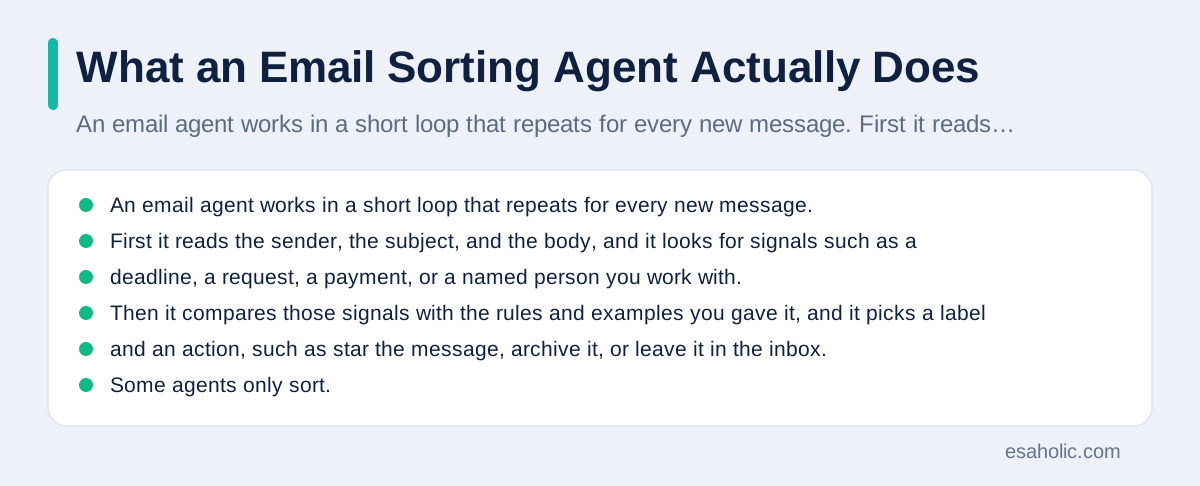
Some agents only sort. Others can also draft replies, create tasks, or summarize long threads. A summary is a short version of a long message or thread that keeps the key facts and drops the rest. Sorting alone is the safest place to start, because a wrong label is easy to fix, while a wrong reply can embarrass you or commit you to something you did not agree to. Keep drafting and replying switched off during the first month, even if the tool offers them on day one. You can switch them on later, for one message type at a time, after sorting proves reliable. Email sorting is also one of the clearest examples of single agents doing one job well.
Agents also learn from your corrections, but only if you actually correct them. When you move a wrongly filed message back to the inbox, or you change its label, most tools treat that move as training data, which means an example the agent uses to improve its next choice. If you never correct mistakes, the agent keeps repeating them. If you correct them promptly, the sorting improves fast. Think of the first week as training, not as a finished service, and the agent will reward that patience.
Before You Connect Anything: The Safety Checklist
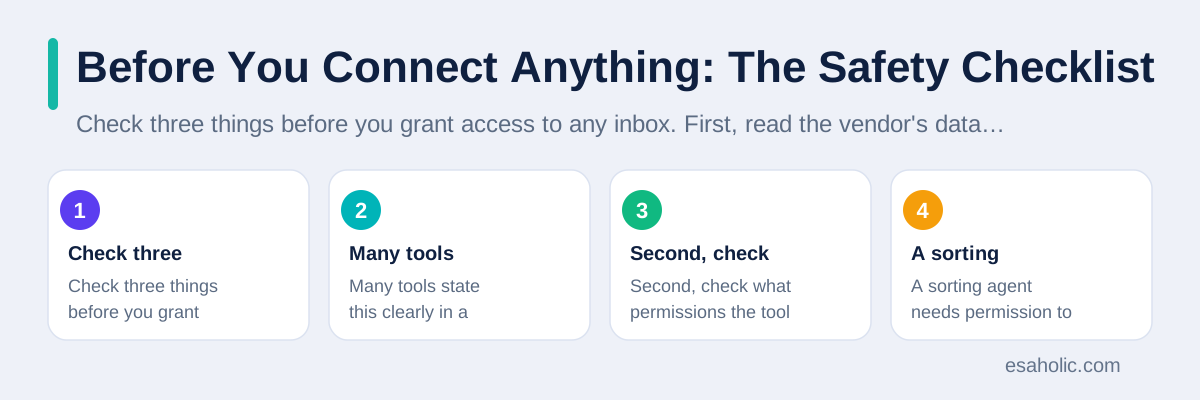
Check three things before you grant access to any inbox. First, read the vendor's data policy in plain terms and answer one question: does the vendor use your email content to train its models, or does it only process your mail to serve you? Many tools state this clearly in a privacy page, and a tool that hides the answer does not deserve your inbox. Second, check what permissions the tool asks for. A sorting agent needs permission to read mail and apply labels. It does not need permission to send mail, delete mail, or read your contacts on day one, so refuse any extra permission you do not understand. Third, decide which inbox to connect. Use a work inbox or a personal inbox, not both, and start with the one where a mistake costs less.
Make a protected list before setup. Write down the message types that must always stay in your inbox, no matter what the agent thinks. Bills, bank notices, legal mail, password resets, school messages, and anything from your manager or your main clients belong on this list. Most tools let you add sender addresses or keywords that bypass sorting, and you should add your protected list there on day one. Also switch on two factor authentication for your email account if you have not already done so. Two factor authentication means you prove your identity with a second step, such as a code from your phone, in addition to your password, and it protects your inbox even if a password leaks.
Never share your email password with an agent tool, and never paste a password, a code, or a bank detail into a chat with an agent. Legitimate tools connect through your email provider's own sign in screen, which is called OAuth, and they never ask you to type your password into their own page. If a tool asks for your password directly, stop and do not use it. That single rule blocks the most common way people lose control of an inbox.
Set Up the Agent in Ten Minutes
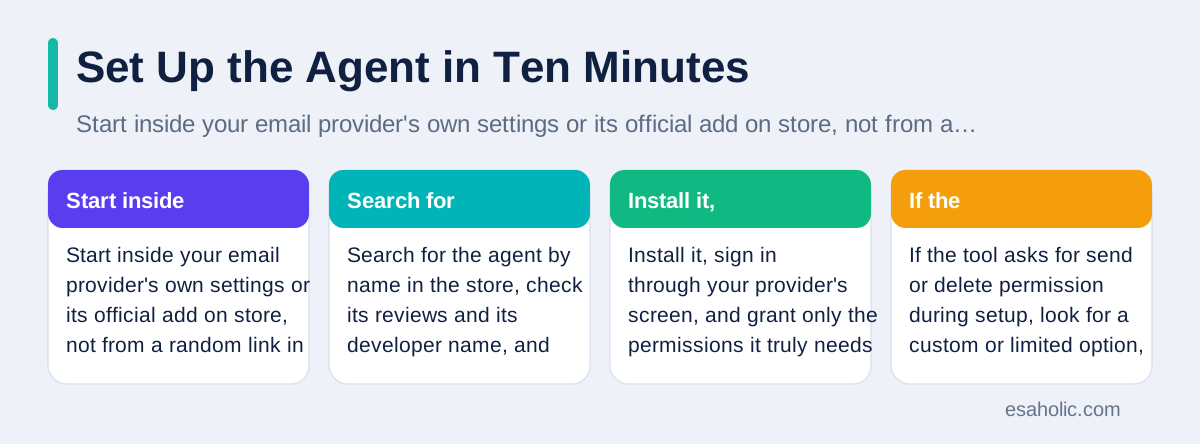
Start inside your email provider's own settings or its official add on store, not from a random link in an advertisement. Search for the agent by name in the store, check its reviews and its developer name, and confirm that the listing matches the official website. Install it, sign in through your provider's screen, and grant only the permissions it truly needs for sorting. If the tool asks for send or delete permission during setup, look for a custom or limited option, and leave those permissions off for now. You can raise permissions later, deliberately, after sorting works.
Next, create four labels and keep the set small. A small set beats a large set, because the agent chooses more accurately when it has fewer, clearer options. Use Urgent for messages that need action today, Action for tasks with a date attached, Later for newsletters and updates you may read, and Receipts for orders, bookings, and payment confirmations. Skip labels such as Miscellaneous, because a vague label teaches the agent nothing. If your tool already offers a smart inbox or priority view, map your four labels onto that view instead of building a second system beside it, so you check one place, not two.
Then give the agent five to ten examples for each label, by labelling a handful of recent messages by hand before you switch on automatic sorting. Examples teach faster than written rules, because they show the agent what a real urgent message looks like in your inbox, with your senders and your wording. After you add examples, switch on sorting for new mail only, and leave your old mail untouched. Sorting old mail in bulk can hide messages you already know about, while new mail sorting lets you watch the agent learn in real time without disturbing your archive.
Write Rules the Agent Can Actually Follow
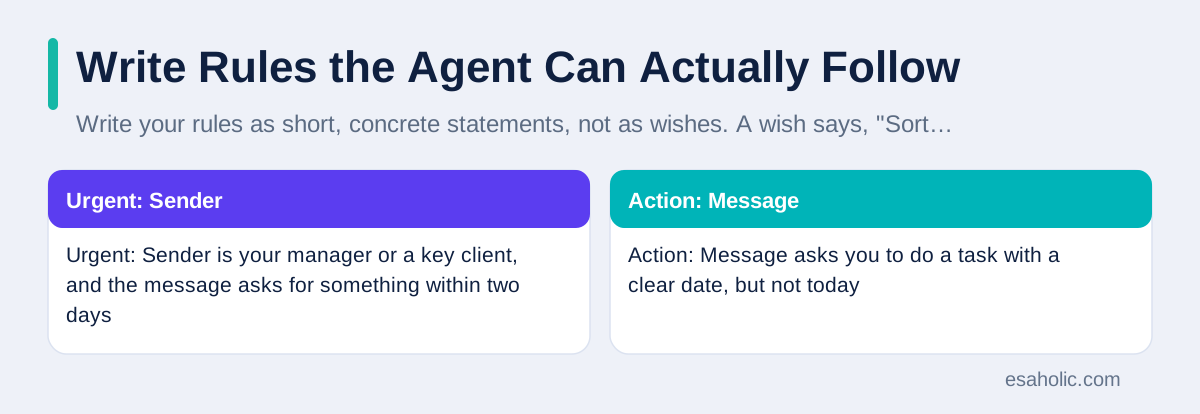
Write your rules as short, concrete statements, not as wishes. A wish says, "Sort important mail first." A rule says, "Mark a message Urgent when the sender is my manager or a named client and the message asks for something by a date within two days." Concrete rules use senders, keywords, and time limits, because those are signals the agent can check. Keep each rule to one sentence, and keep the total list under ten rules for the first month. A long rule list creates conflicts, where two rules point at the same message, and conflicts force the agent to guess.
| Label | Rule in plain words | Example message |
|---|---|---|
| Urgent | Sender is your manager or a key client, and the message asks for something within two days | Please approve the invoice by Friday |
| Action | Message asks you to do a task with a clear date, but not today | Send the draft report by next Wednesday |
| Later | Message shares news, tips, or updates with no action asked | Monthly product newsletter |
| Receipts | Message confirms an order, a booking, or a payment | Your order has shipped |
| Stay in inbox | Message is a bill, a legal notice, or a password reset, whatever the sender | Your statement is ready to view |
Resolve conflicts with a priority order, and write it down. The protected list wins over every other rule, so a bill from a known client still stays in the inbox. Urgent wins over Action, and Action wins over Later. When you write the priority order down, you can explain any filing choice in one sentence, and you can fix a wrong choice by changing one rule instead of retraining the whole agent. Review the rules after the first week, and delete any rule that never fired, because a dead rule only adds confusion.
Give the agent a fallback rule for uncertain messages: leave them in the inbox. An agent that guesses wildly on uncertain mail creates more work than it saves, because you must hunt through labels to find what it hid. An agent that leaves uncertain mail visible costs you nothing, because you would have read it in the inbox anyway. Set the confidence rule if your tool offers one, such as only auto filing when the agent feels at least fairly sure, and leaving the rest for you. That single setting prevents most early disasters.
Review the First Week Like Training, Not Like a Test
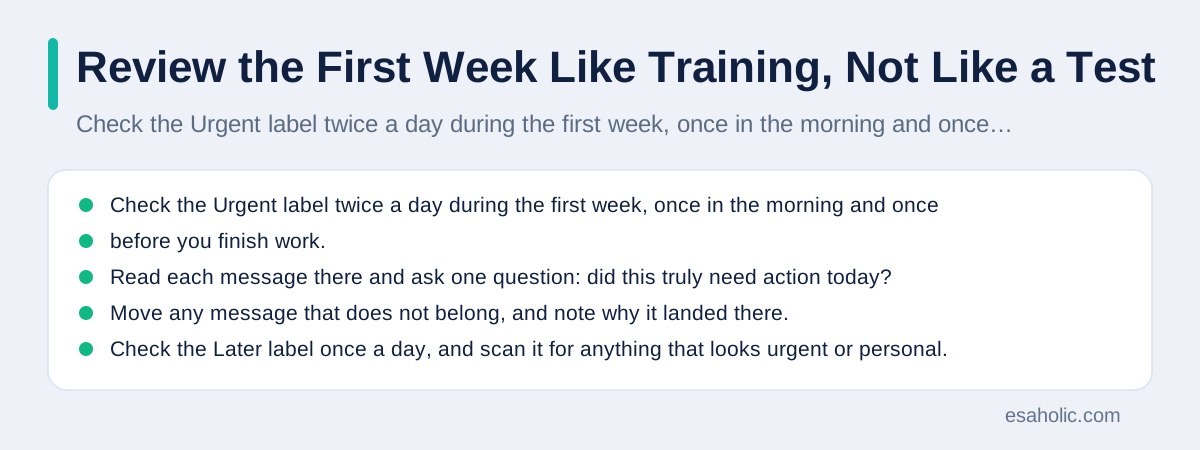
Check the Urgent label twice a day during the first week, once in the morning and once before you finish work. Read each message there and ask one question: did this truly need action today? Move any message that does not belong, and note why it landed there. Check the Later label once a day, and scan it for anything that looks urgent or personal. Check Receipts once, at the end of the week, because a mistake there costs little and the label mainly keeps your inbox tidy. This review routine takes about five minutes a day, and it teaches the agent faster than any settings page.
Keep a tiny log for the first week, even if it is just notes on your phone. Record how many messages the agent filed wrong each day, and which label caused the most mistakes. You will usually see the error count fall sharply by day three or four, as your corrections take effect. If the error count does not fall, your rules probably conflict, or your labels overlap, and you should simplify before you continue. Do not push through a bad first week hoping the agent will magically improve, because agents improve from clean corrections, not from time passing.
At the end of the week, decide whether to widen the agent's job. If fewer than one in twenty messages land in the wrong label, and no protected message ever left the inbox, you can switch on one extra feature, such as daily summaries or task creation from Action mail. If mistakes stay high, keep sorting only, fix the worst label, and run a second review week. A second week of training costs far less than a month of missed mail, and it builds the habit that makes the agent trustworthy: you check it, it learns, and you gradually trust it more because the evidence earns that trust.
Privacy and Safety: What to Watch Every Month
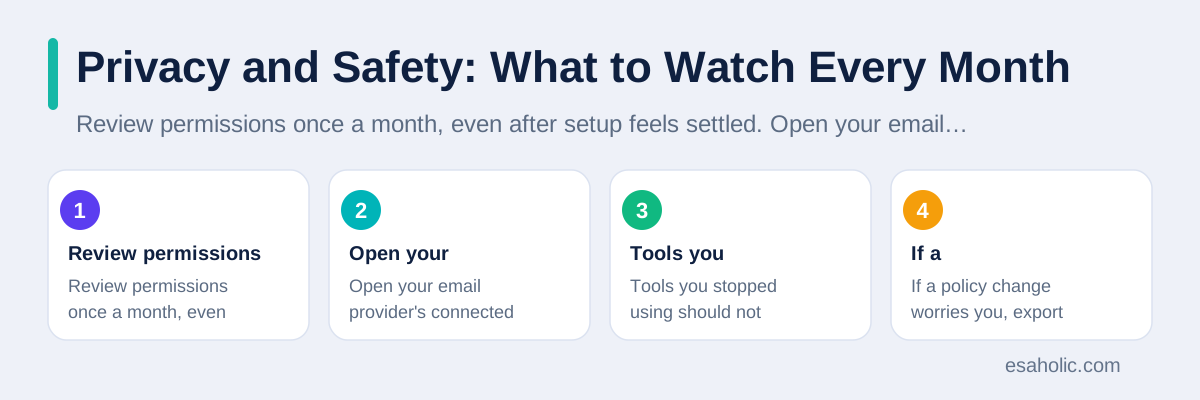
Review permissions once a month, even after setup feels settled. Open your email provider's connected apps page, look at what each tool can do, and revoke anything you no longer use. Tools you stopped using should not keep reading your mail in the background. Also check whether the vendor changed its data policy, because vendors sometimes update terms quietly, and a change from "we never train on your mail" to "we may use data to improve services" deserves a fresh decision from you. If a policy change worries you, export your rules, revoke access, and switch to a tool with a clearer policy.
Watch for phishing mail that tries to trick the agent as well as you. Phishing means a fake message that pretends to come from a trusted sender in order to steal a password or a payment. An agent can misfile a phishing message under Action, and a busy reader might then trust it because the agent filed it neatly. Teach yourself the same checks you teach the agent: check the sender address carefully, never click a password reset link from an unexpected message, and open your bank or provider site directly instead of following a link in mail. Sorting helps you find mail faster, but it never replaces your judgment about whether a message is genuine.
For work mail, check your employer's rules before you connect any third party tool. Some employers forbid external tools from reading work mail, and breaking that rule can put your job at risk even when the tool works well. Ask your IT team or your manager, show them the permissions the tool requests, and get a clear yes before you connect a work inbox. For personal mail, the same caution applies to shared accounts: do not connect an agent to an inbox that other family members use for sensitive mail unless everyone who uses that inbox agrees.
A Simple Daily Routine That Actually Sticks
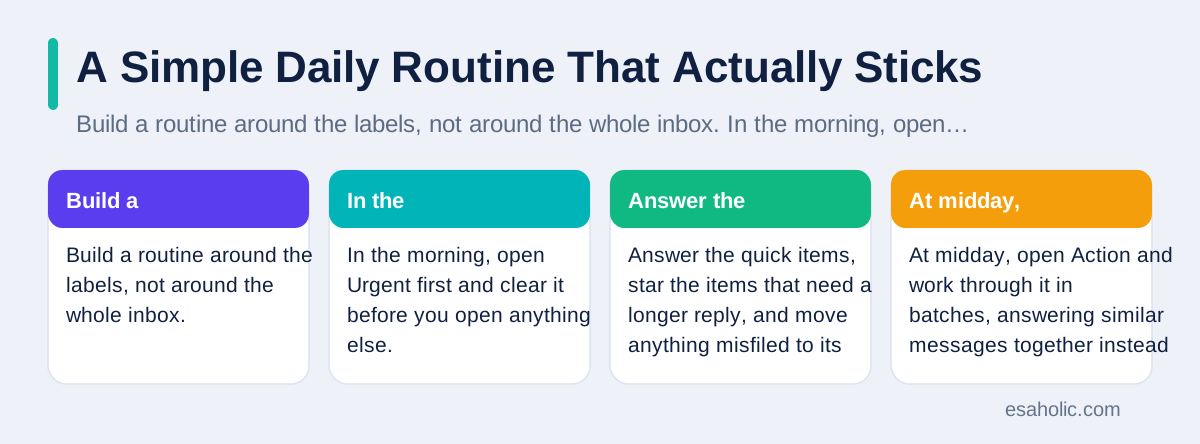
Build a routine around the labels, not around the whole inbox. In the morning, open Urgent first and clear it before you open anything else. Answer the quick items, star the items that need a longer reply, and move anything misfiled to its right label. At midday, open Action and work through it in batches, answering similar messages together instead of switching between topics all day. In the evening, spend two minutes on Later: read one or two items you care about, archive the rest, and leave nothing that nags you overnight. This routine turns the agent from a filing clerk into a real time saver, because you stop scanning and you start acting in order of importance.
Use the agent's summary feature, if it has one, as a morning briefing rather than as a replacement for reading. A good briefing lists the urgent items, the deadlines, and the senders in a few lines, so you can plan your day before you open the inbox. Read the full message before you reply to anything important, because summaries can drop a condition, a date, or a name that changes the meaning. Treat summaries as a map, not as the territory, and you will enjoy their speed without inheriting their mistakes.
Keep the inbox at zero for Urgent and Action at the end of each day, but do not chase a fully empty inbox. A fully empty inbox is a vanity goal that costs more time than it saves, because Later and Receipts can wait safely under their labels. The goal of sorting is not emptiness. The goal is that every message that needs you today finds you today, and every message that can wait waits quietly without stressing you. When that happens for two weeks in a row, the agent has earned its place in your day.
Mistakes to Avoid and How to Fix Them
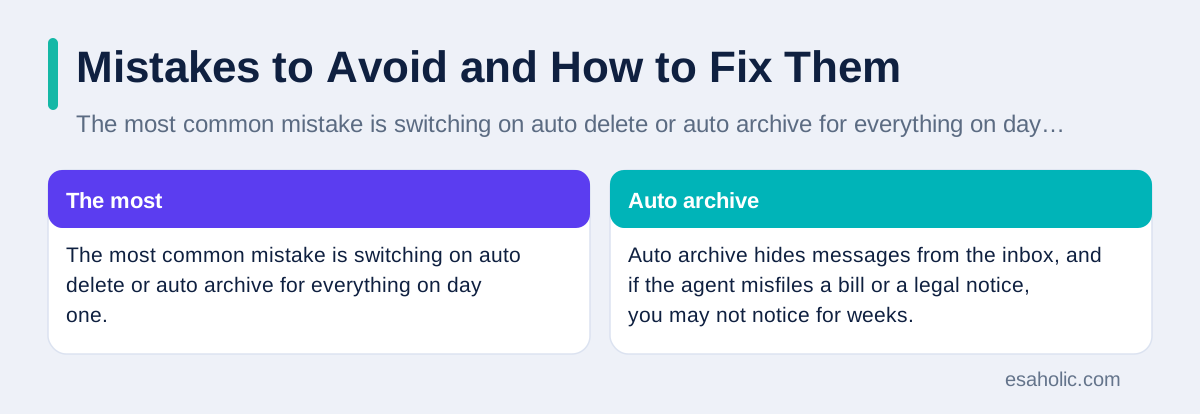
The most common mistake is switching on auto delete or auto archive for everything on day one. Auto archive hides messages from the inbox, and if the agent misfiles a bill or a legal notice, you may not notice for weeks. Keep auto archive off for the first month, and use labels only, so every message stays findable through search. Search finds labeled mail instantly, so you lose nothing by keeping messages visible while you learn. Switch on auto archive later, only for Later and Receipts, after those labels prove accurate for several weeks.
The second mistake is letting the agent reply without review. An agent can draft a polite reply that still says the wrong thing, agrees to the wrong date, or shares a detail you meant to keep private. Read every draft before you send it, for at least the first month, and edit the tone and the facts in your own words. The third mistake is building too many labels. Ten labels sound organized, but they force the agent into fine distinctions it cannot make reliably, such as telling "Clients" from "Partners" when the same person appears in both. Four clear labels beat ten clever ones, every time.
When something goes wrong, fix it in this order. First, move the message to the right label at once, so the agent learns from the correction. Second, check whether a rule caused the mistake, and edit that rule. Third, check whether a protected sender or keyword was missing, and add it. Fourth, if the same mistake repeats three times, simplify: remove a label, merge two labels, or switch that message type back to manual sorting. An agent that handles 80 percent of your mail well and leaves the hard 20 percent to you still saves you real time, and it does so without the risk of a fully automatic system you cannot explain.
When an Email Agent Is Not the Right Answer
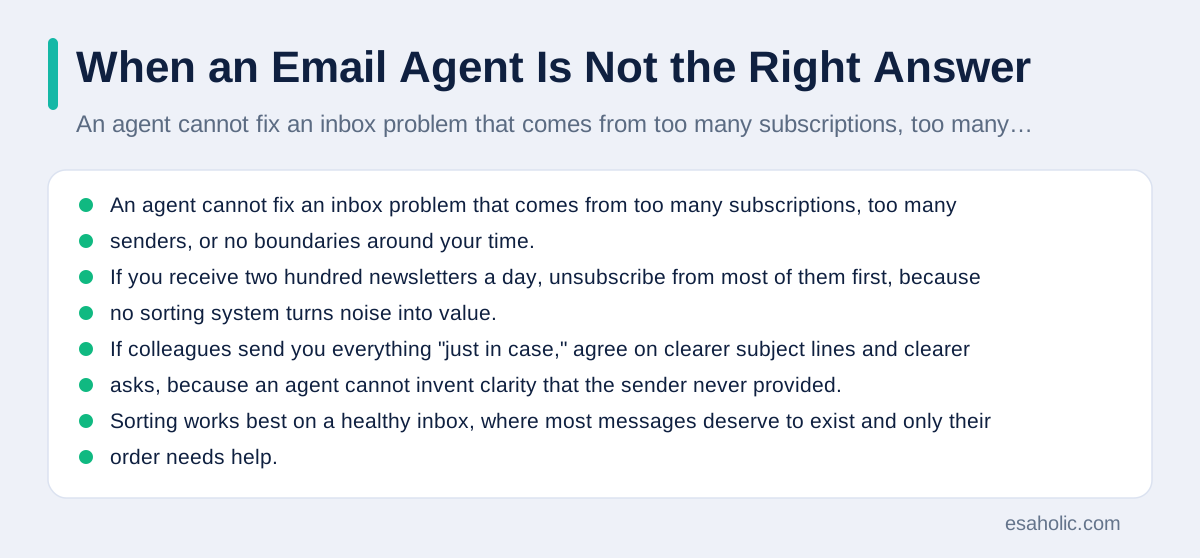
An agent cannot fix an inbox problem that comes from too many subscriptions, too many senders, or no boundaries around your time. If you receive two hundred newsletters a day, unsubscribe from most of them first, because no sorting system turns noise into value. If colleagues send you everything "just in case," agree on clearer subject lines and clearer asks, because an agent cannot invent clarity that the sender never provided. Sorting works best on a healthy inbox, where most messages deserve to exist and only their order needs help.
Small inboxes may not need an agent at all. If you receive fewer than twenty messages a day and you already clear them in one sitting, a few manual filters for newsletters and receipts may serve you better, with zero privacy trade off. Agents pay off when volume, variety, or urgency makes manual scanning slow or risky, such as a support inbox, a sales inbox, or a personal inbox during a busy project. Judge by volume and by missed messages, not by whether the tool looks modern. Google Cloud's introduction to agentic AI and NIST's AI Risk Management Framework both stress the same point in different words: match the tool to the risk and the task, and keep a human in charge of the decisions that matter.
Finally, remember that you stay in charge. An agent sorts, drafts, and suggests, but you decide what counts as urgent, which messages stay protected, and when to revoke access. Review its work, correct its mistakes, and widen its job only when the evidence supports it. Done that way, an email agent quietly removes the morning scramble, surfaces the messages that need you today, and leaves you more time for the replies that only you can write well. For jobs that grow beyond one inbox, agentic AI use cases show how multi-step workflows are scoped and approved.
Conclusion
Learning how to use an AI agent to sort emails comes down to a safe start and a disciplined first week. Connect one inbox through your provider's own sign in, grant read and label access only, protect bills and legal mail from the start, and use four clear labels instead of ten clever ones. Review the urgent folder twice a day, fix wrong labels promptly, and widen the agent's job only when its error rate stays low and no protected message ever leaves the inbox. That patient start turns an email agent into a reliable helper instead of a hidden risk. If you want a custom build instead of an off-the-shelf add-on, AI agent development covers inbox agents built around your own rules and permissions. The wider idea behind this guide is agentic AI, where software plans steps and uses tools rather than only replying.
Frequently Asked Questions
Can an AI agent read all my emails safely?
An agent can only read what you allow it to read, so safety depends on the permissions you grant and the vendor policy you accept. Start with read and label access only, keep send and delete switched off, and revoke access at once if you stop trusting the tool.
Will an AI email agent delete important messages?
It should not delete anything if you set it up the safe way, with labels and archiving instead of deletion, and with a protected list for bills, legal mail, and password resets. Check the urgent folder twice a day during the first week so a mistake gets caught fast.
How long does it take an AI agent to learn my inbox habits?
Most people see useful sorting within the first week, because the agent learns from each correction you make. Give it clean rules on day one, fix wrong labels promptly, and expect two to four weeks before the sorting feels steady and reliable.
Written by Danish Mustafa
Senior Agentic AI Engineer and Systems Architect
Danish Mustafa is a senior agentic AI engineer at Esaholic who builds AI agents, voice systems, and messaging systems for real customers.
Reviewed by Amir Iqbal
Senior AI Systems Architect and Lead Technical Reviewer
Amir Iqbal is a senior AI systems architect and lead technical reviewer at Esaholic who keeps live AI systems fast and reliable.
Relevant blogs
Building Agentic AI Applications with a Problem-First Approach
Start with one clear problem, measure it, pilot on real cases, and scale only when the evidence supports it.
Agentic RAG Explained: Architecture, Agents, and Uses
How retrieval grounded agents plan searches, check sources, and answer from your own documents.
AI Chatbot Conversations Archive Explained
How to find, search, export, and delete old chatbot chats safely.
Natural Language Processing Explained Simply
How computers read, understand, and reply to human language, where you meet NLP daily, and its honest limits.
Back to all blog guides · Back to Generative AI and Agentic AI guides · Explore AI Agent Development Services