
Project Planning Templates: A Simple Guide for Teams
A project plan fails most often before work starts, when nobody agrees on what done means. One person thinks done means a demo, another thinks it means a launch, and a third thinks it means a signed approval. A good template prevents that confusion by forcing a team to write the goal, the scope, the owners, and the dates in one place, before anyone builds anything. The template itself is not magic. The honest conversation it forces is the value.
Think of a template as a checklist for thinking, not as a form to complete quickly. A project plan, which is a written agreement about what a team will deliver, by when, and with what resources, should fit the project, not the other way around. A two week website fix does not need the same plan as a six month product launch. A team that uses one giant template for every project will either skip most of it, which wastes the template, or fill it with guesses, which wastes the plan. Choose the smallest template that covers the real risks of this project.
This guide shows how to choose, fill, and maintain a plan that stays useful. You will learn the parts every plan needs, how spreadsheet plans differ from project tool plans, how to handle scope, risks, and changes without drama, and how to run a weekly review that keeps a plan honest. It also covers programme plans, which coordinate several related projects, and common mistakes that turn a plan into decoration. For the design side of planning, see our guide on planning a system structure simply, and for testing plans, see testing basics for teams.
Start From the Outcome, Not the Task List
Every strong plan starts with one sentence that states the outcome in measurable words. "Launch a booking page that lets customers book and pay online by November 15" beats "Improve bookings," because a team can test the first sentence and argue forever about the second. Add the audience, the main benefit, and the deadline to that sentence, and you have a goal everyone can repeat without a meeting. If two people describe the goal differently, the plan is not ready yet, no matter how detailed the task list looks.
Scope, which means the work included and the work excluded, comes next, and it deserves the same clarity. List what the project will deliver, what it will not deliver, and what decisions someone else must make before work starts. Exclusions prevent the most painful project argument, which is the moment a stakeholder asks why a feature is missing and the team answers that nobody ever promised it. Writing exclusions feels awkward, because it says no in advance, but it saves far more time than it costs, and it protects the team from quiet scope growth.
Success measures turn a goal into a check a team can run at the end. A measure might be a launch date, a number of completed bookings, a response time, or a signed approval from a named person. Keep measures few, not twenty, and make each one verifiable without a debate. A plan with three clear measures will guide decisions all the way through, while a plan with a long wish list will guide nothing, because nobody remembers which measure mattered most when trade offs arrive.
What Every Plan Template Needs
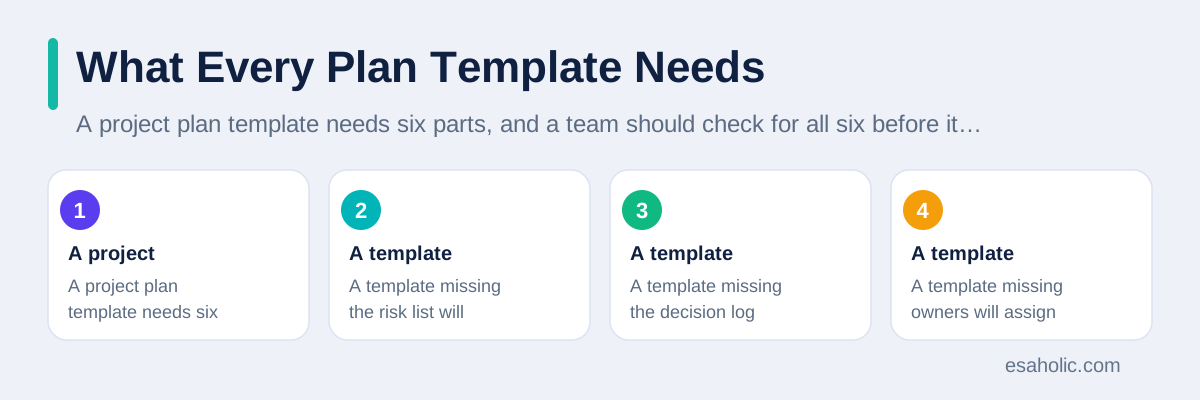
A project plan template needs six parts, and a team should check for all six before it adopts any template. It needs a goal and scope section, a task list with owners and dates, milestones, which are major checkpoints that mark real progress, a risk list, a decision log, and a change log. A template missing the risk list will hide problems until they explode. A template missing the decision log will force a team to reargue old choices every month. A template missing owners will assign every task to everyone, which in practice assigns it to nobody.
Tasks need more than names. Each task needs one owner, a start date, a due date, and a clear definition of done, which means the test that proves the task is complete. A task called "Build homepage" with no owner and no definition will drift, because nobody knows when it ends. A task called "Publish homepage with booking form, tested on phone and desktop, owned by Sara, due October 10" can be checked, chased, and closed. That precision feels strict at first, but it removes the daily guessing that slows teams down.
Milestones should mark value, not activity. "Design approved" is a milestone, because it unlocks building. "Meeting held" is not a milestone, because a meeting alone delivers nothing. A good plan has four to eight milestones for a medium project, spaced so a team can celebrate progress and catch slippage early. If a milestone slips by more than a week, the plan should say what changes, such as scope, dates, or resources, instead of silently moving every later date and pretending nothing happened.
Choosing a Template That Fits the Project
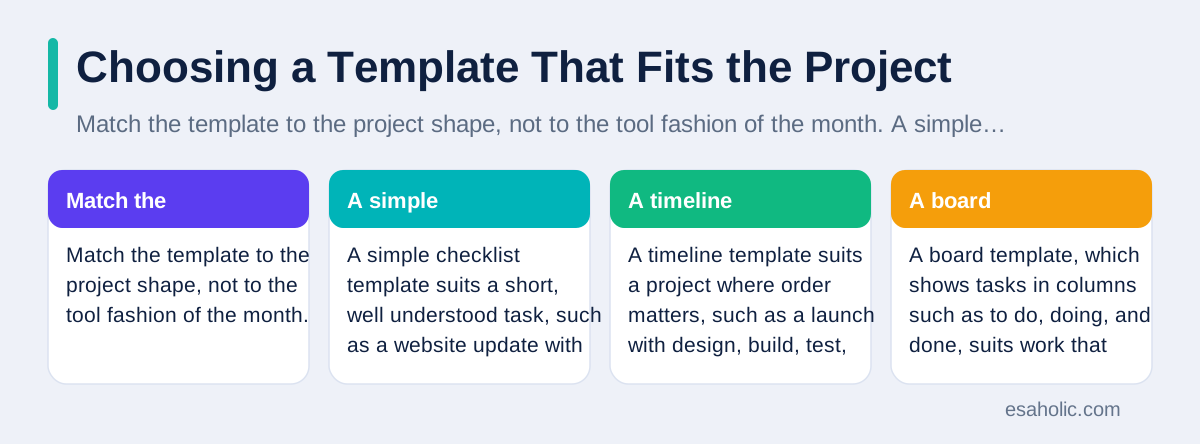
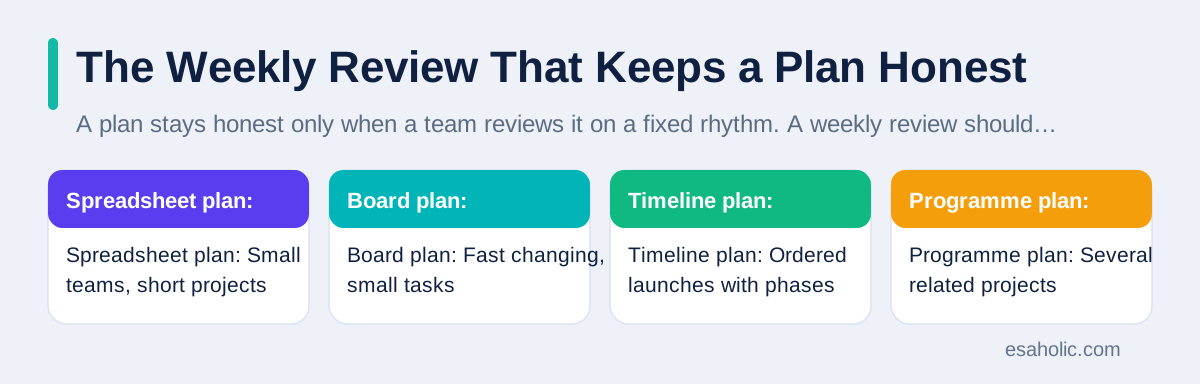
Match the template to the project shape, not to the tool fashion of the month. A simple checklist template suits a short, well understood task, such as a website update with ten steps. A timeline template suits a project where order matters, such as a launch with design, build, test, and release phases. A board template, which shows tasks in columns such as to do, doing, and done, suits work that arrives in small pieces and changes often. A team that picks a timeline for fast changing work will spend more time updating the timeline than doing the work.
Also match the template to the readers who must use it. Executives need a one page summary with goal, milestones, risks, and decisions needed. Team members need a detailed task view with owners and blockers, which are tasks or approvals that stop other work. Clients need a plain view without internal debate. One plan can feed all three views if the underlying tasks stay consistent, but a team should never maintain three separate plans by hand, because they will diverge within a week. Keep one master plan, and generate views from it.
Test a template on a past project before you trust it on a live one. Take a finished project, fill the template from memory and old messages, and see whether the template would have caught the real problems, such as a late approval or a missing dependency, which is a task that must finish before another can start. A template that only records happy paths will not help when a real project bends. The Atlassian guide to agile project management offers general guidance on matching planning style to project style, and it pairs well with a trial on your own past work.
Spreadsheets, Tools, and the Master Copy Problem
A project planner template in a spreadsheet suits many small teams, and it has real strengths. Anyone can open it, anyone can edit it, and a team can shape it freely without learning a new tool. Formulas can total hours, flag overdue tasks, and show progress as a percentage. For a project with under thirty tasks, one owner, and weekly reviews, a spreadsheet often beats a heavy tool, because it stays simple enough that a team actually updates it.
Spreadsheets fail in predictable ways as a project grows. Copies multiply, because someone downloads the sheet, edits their copy, and forgets to merge it back. Formulas break silently when a row moves, and a long sheet becomes hard to read on a phone. Access control, which means rules about who can edit which part, stays weak, so one accidental sort can scramble dates. A team should name one master copy, store it in a shared location, and forbid email copies, or the master copy rule will exist only on paper.
A project tool solves the copy problem by giving every task one live record that all views share. It also shows dependencies, blockers, and workload, which means how much work each person carries, in one place. The cost is learning time and a habit change, because a tool only helps when every team member updates it. A team that adopts a tool but keeps planning in chat will own two plans, neither of which anyone trusts. Choose a tool only when the team agrees to update it daily or weekly, and assign one person to keep its structure clean. For the day to day running that follows the plan, see project management tools that keep milestones, dependencies, and risks in one live record.
Risks, Dependencies, and Honest Dates
Every plan needs a risk list, because every project carries risks, and writing them down does not create them. A risk entry needs the risk, its likely impact, its likelihood, and a response, such as avoiding it, reducing it, or preparing a backup. A team should review the top five risks every week and retire risks that no longer apply. A plan without a risk list does not mean a project has no risks. It means the team will discover them at the worst moment, without a response ready.
Dependencies deserve a separate check, because they cause most late projects. List every approval, delivery, and task that must finish before another task can start, and name the owner of each one. A design approval owned by a busy executive is a dependency, not a detail, and a plan should show it as clearly as a build task. When a dependency slips, the plan should show which later tasks move, so the team can warn stakeholders early instead of announcing a delay on the due date.
Honest dates need buffer, which is extra time held for real delays, not padding hidden inside every task. A team should estimate tasks from past work, add a visible buffer at the milestone level, and protect that buffer from casual scope additions. A plan that promises a date with no buffer will miss it the first time a dependency slips, and repeated misses will destroy trust in every future plan. Ready.gov continuity planning guidance shows the same discipline for disruptions, because a plan that assumes nothing goes wrong is not a plan at all.
Programme Plans: When One Plan Is Not Enough
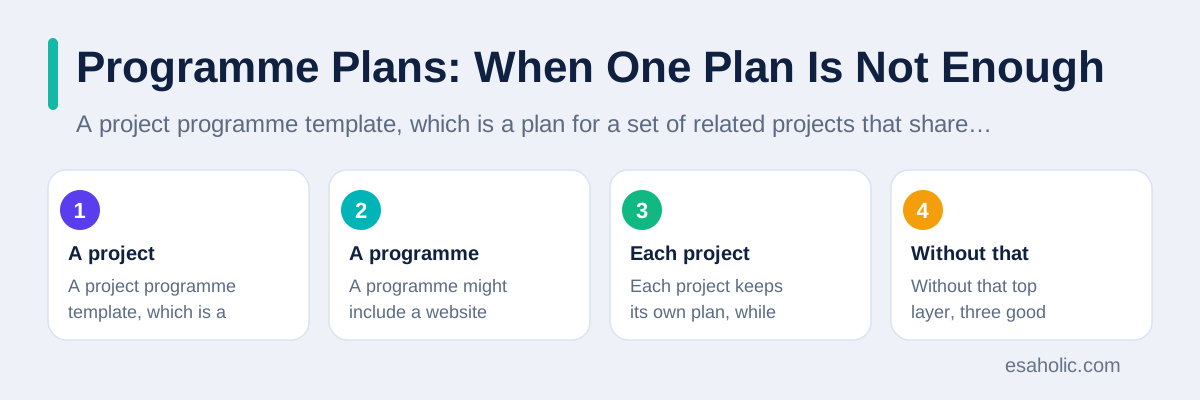
A project programme template, which is a plan for a set of related projects that share goals, serves a different job from a single project plan. A programme might include a website rebuild, a data migration, and a staff training project, all aimed at one launch. Each project keeps its own plan, while the programme plan tracks shared milestones, shared risks, and decisions that affect more than one project. Without that top layer, three good project plans can still collide, because each team optimises its own dates and ignores the others.
Programme plans need a governance rhythm, which means a regular meeting and decision process, not just a bigger spreadsheet. A weekly programme review should check shared milestones, shared dependencies, and risks that cross projects, and it should record decisions with owners and dates. A programme manager, or a lead who owns that review, should protect the shared dates from local changes, because a small slip in one project can move a shared launch. That role matters more than the template format, because a programme fails through coordination gaps, not through missing columns.
Keep programme detail light and project detail deep. The programme plan should show goals, shared milestones, major risks, and the status of each project in one line, while each project plan holds the full task list. A programme plan that copies every task from every project becomes unreadable within a week, and nobody will maintain it. Our guide on fast product tests shows a related balance, because a prototype plan also stays light until evidence justifies deeper planning.
The Weekly Review That Keeps a Plan Honest
A plan stays honest only when a team reviews it on a fixed rhythm. A weekly review should take thirty minutes and answer five questions: what finished, what slipped, what blocks progress, what changed, and what decisions need an owner this week. Each answer should update the plan in the meeting, not in a later cleanup that never happens. A review that only reports status, without updating dates, risks, or decisions, will slowly turn the plan into a history document instead of a working tool.
Change control, which means a clear process for approving changes to scope, dates, or resources, protects a plan from quiet drift. A small change, such as adding one feature, should still get a note in the change log with its effect on dates and workload. A large change should need approval from the project owner, with a revised milestone date or a reduced scope to balance it. A team that accepts every change without adjusting dates will eventually miss every date, and stakeholders will blame the plan instead of the changes.
Close a project by comparing the plan with reality, not by filing it away. Note which estimates were accurate, which risks actually happened, and which dependencies caused delays, then carry those lessons into the next template. A team that learns from its last plan will estimate better next time, while a team that starts every project from a blank template will repeat the same surprises. Esaholic applies that review habit in its workflow automation work, where a clear process map must match how work actually flows, not how a team wishes it flowed.
| Planning choice | Best for | Watch out for |
|---|---|---|
| Spreadsheet plan | Small teams, short projects | Copies, broken formulas, no master copy |
| Board plan | Fast changing, small tasks | Losing the big picture and deadlines |
| Timeline plan | Ordered launches with phases | Constant rescheduling when work shifts |
| Programme plan | Several related projects | Copying every task into one huge plan |
Mistakes That Turn Plans Into Decoration
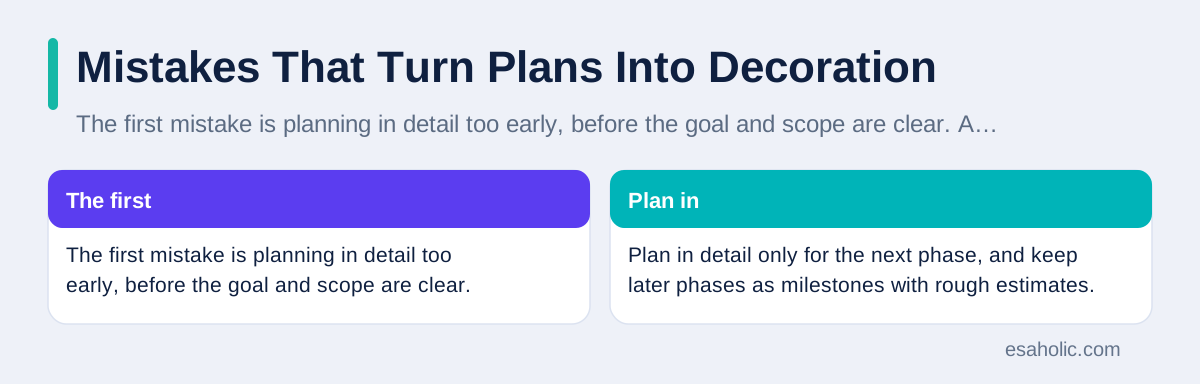
The first mistake is planning in detail too early, before the goal and scope are clear. A team that lists eighty tasks for a vague goal will spend weeks revising them as the goal sharpens, and members will learn that plans change constantly, so they stop reading them. Plan in detail only for the next phase, and keep later phases as milestones with rough estimates. That rolling detail, sometimes called rolling wave planning, keeps a plan useful while the project still takes shape.
The second mistake is assigning tasks without owners or deadlines, which creates a plan that looks busy and delivers nothing. Every task needs one owner, even when two people help, because shared ownership usually means nobody feels responsible. Every task also needs a due date that the owner accepts, not a date imposed without discussion. A plan built from imposed dates will look optimistic on paper and collapse in practice, because owners never committed to it.
The third mistake is hiding bad news until the deadline. A team culture that punishes slipped dates will produce plans that always look green until they suddenly fail. Leaders should reward early warnings, because an early warning still allows a scope cut, extra help, or a revised date. A plan is a tool for honest conversation, not a report card, and a team that treats it as a report card will soon stop telling the truth in it. Our guide on adaptive development explains a similar lesson, because adaptive teams plan, learn, and adjust in cycles instead of pretending the first plan was perfect.
Conclusion
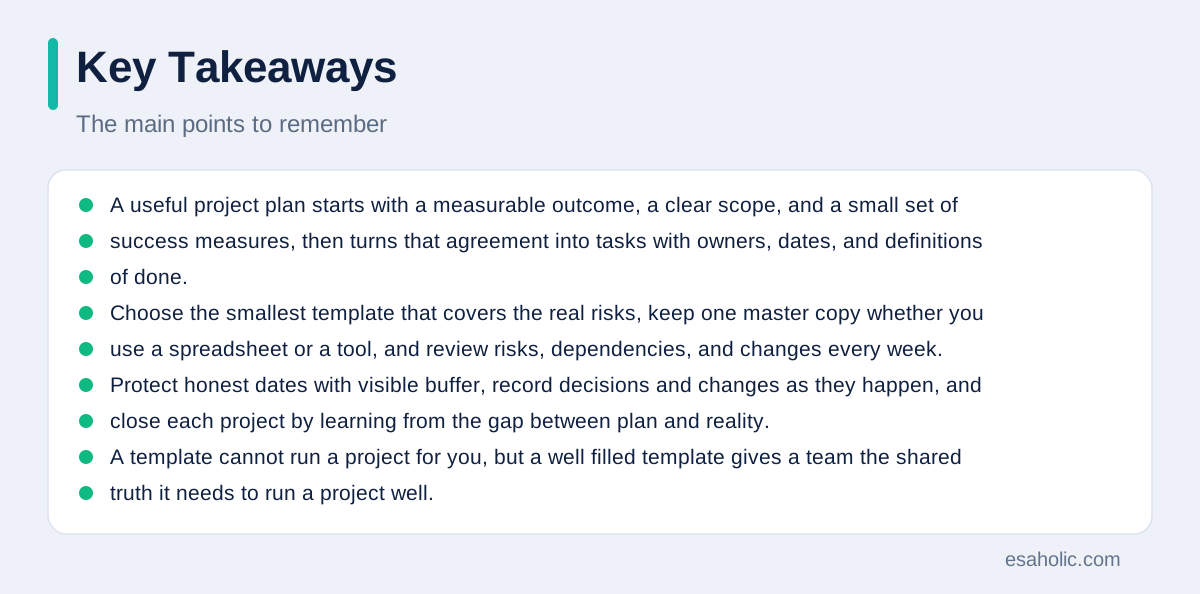
A useful project plan starts with a measurable outcome, a clear scope, and a small set of success measures, then turns that agreement into tasks with owners, dates, and definitions of done. Choose the smallest template that covers the real risks, keep one master copy whether you use a spreadsheet or a tool, and review risks, dependencies, and changes every week. Protect honest dates with visible buffer, record decisions and changes as they happen, and close each project by learning from the gap between plan and reality. A template cannot run a project for you, but a well filled template gives a team the shared truth it needs to run a project well.
Frequently Asked Questions
What should a good project plan template include?
A good project plan template includes the goal, the scope, the main tasks with owners and dates, the milestones, the risks, and a way to track decisions and changes. It should fit on a few pages or screens, use plain words, and leave room for notes about what changed and why.
Should a small team use a spreadsheet or a project tool for planning?
A small team with a short, simple project can plan well in a spreadsheet, as long as one person owns the master copy and the team reviews it weekly. A larger team, or a project with many dependencies, benefits from a project tool that shows tasks, owners, and blockers in one place and updates progress automatically.
How often should a project plan be updated?
Update a project plan at least once a week during active work, and immediately when scope, dates, or risks change in a meaningful way. A plan that stays unchanged while reality moves becomes fiction, and teams stop trusting it, so record changes with a short note about the reason.
Written by Umar Abbas
Founder, Principal AI Architect and Operator
Umar Abbas is the founder of Esaholic, where he leads AI and software work that turns business data into clear, practical tools and plans teams can follow.
Reviewed by Amir Iqbal
Senior AI Systems Architect and Lead Technical Reviewer
Amir Iqbal is a senior AI systems architect at Esaholic who reviews plans and guides for technical soundness and practical detail.
Relevant blogs
Software Architecture Explained Simply for Teams
How teams plan a system structure, choose patterns, and keep code easy to change.
Rapid Prototyping: A Simple Guide to Fast Product Tests
How teams turn an idea into a testable model in days and learn fast without wasting budget.
Technical Documentation: A Simple Guide for Teams
How to plan, write, and keep clear guides that help readers finish a task without guessing.
What Is Adaptive Software Development? A Guide
The speculate, collaborate, learn cycle, how it differs from Scrum and waterfall, and when it fits.
Back to all blog guides · Back to Business and Productivity guides · Explore Workflow Automation Services