
Internet of Things Examples: A Plain Guide
Your thermostat adjusts the heat before you wake up, your watch counts your steps, and a street light dims when the road is empty. None of these things is a computer in the usual sense, yet each one senses something, shares what it learned, and acts on it. That pattern is the internet of things, a plain name for everyday objects that connect to a network and exchange data. The objects stay ordinary in shape, a light, a watch, a bin, a tractor sensor, but the connection turns them from silent tools into parts of a larger system that can notice, report, and respond.
The phrase can sound technical, but the idea behind it is easy to grasp if you follow one simple loop: sense, send, decide, act. A sensor, which is a small part that measures one thing such as temperature, motion, light, or pressure, senses a fact. A network carries that fact to software, which decides what it means. Then an action follows, such as switching on a heater, sending an alert, or updating a chart. When that loop runs without a person having to check and type each fact by hand, work gets faster, waste falls, and problems surface earlier than they would with manual checks alone.
This guide gives real, everyday internet of things examples from homes, health, farms, factories, and cities, in general terms, without invented product claims or prices. You will learn how a connected device works, where these devices genuinely help, where they create new risks, and how to choose and secure them wisely. By the end, you will be able to look at any smart device and ask the three questions that matter: what does it sense, where does that data go, and what happens when the connection fails?
How a Connected Device Works, in Four Steps
Every connected device, from a doorbell to a factory sensor, follows the same four steps, even if the hardware looks very different. First, a sensor measures something. A thermostat measures room temperature, a soil sensor measures moisture in the ground, a vibration sensor measures how much a machine shakes, and a light sensor measures brightness. Sensors are often small and cheap, and many devices carry several of them at once, so one device can report temperature, humidity, and motion together.
Second, the device sends its reading over a network. At home that network is often Wi-Fi, which is the wireless link that connects phones and laptops to a router. Elsewhere it may be a mobile network, a short range link such as Bluetooth, or a low power radio link built for sensors that must run for months on a small battery. Third, software receives the readings, stores them, and looks for patterns or rules, such as a temperature that rose above a safe limit, or a machine that shook more than usual. Fourth, an action follows: a message to a person, a switch that turns a device on or off, or an update to a dashboard, which is a screen that shows many readings at a glance.
One detail matters for every example that follows: a connected device is only as good as its fallback, which is what it does when the network fails. A good thermostat still heats the home by its last setting when Wi-Fi drops. A good lock still opens with a key or a code when the app cannot connect. A good factory sensor still triggers a local alarm even if the cloud, which is a plain word for computers run by someone else over the internet, is unreachable. When you buy or build a connected system, always ask what happens offline, because the answer decides whether a network fault is an annoyance or a real problem.
Smart Home Examples You Already Know
The home is where most people meet connected devices first, and the examples are easy to picture. A smart thermostat learns when the house is warm, cool, empty, or busy, and adjusts heating and cooling on a schedule, which can cut wasted energy without a person having to remember to turn the system down each night. Smart lights switch on at sunset, dim for a film, or turn off when no one is in the room, and they can be grouped so one command sets the whole house for bedtime. A video doorbell shows who is at the door on a phone, records short clips, and lets a resident speak to a visitor from another room or another city.
Smart locks, speakers, plugs, and appliances extend the same pattern. A lock can give a trusted guest a temporary code that stops working after the visit, which beats hiding a spare key. A speaker answers questions, plays music, and controls other devices by voice, which helps people with limited mobility. A smart plug turns an ordinary lamp or fan into a device on a schedule, and a washing machine or fridge can report a cycle done, a door left open, or a temperature that drifted out of range. None of these devices is magic, and none of them replaces good habits, but together they remove small daily frictions, and they help people who cannot easily reach a switch or check a room in person.
Home examples also show the limits clearly. A home full of devices from different makers may need several apps, several accounts, and several updates, and devices may stop working well together after a software change. Voice control can mishear a command, a doorbell can miss a visitor in bad light, and a thermostat schedule can annoy a household if it guesses wrong about routines. The practical lesson is to start with one problem, such as wasted heating or a dark hallway, solve it with one or two devices, and only add more once the first setup proves reliable. Teams that design such systems often rely on automated workflows to connect devices, rules, and alerts without manual checking, which is the same idea at home, just on a smaller scale.
Health and Wearable Examples
Wearables, which are devices worn on the body such as watches and bands, are among the most personal connected devices. A fitness watch counts steps, tracks heart rate, estimates sleep, and nudges the wearer to move after a long sit. For many people, that gentle feedback matters more than any single measurement, because it turns health into a daily habit rather than a yearly checkup. Some watches can also detect a hard fall and offer to call for help, which is valuable for older adults who live alone, although no watch replaces a proper emergency plan or a medical check.
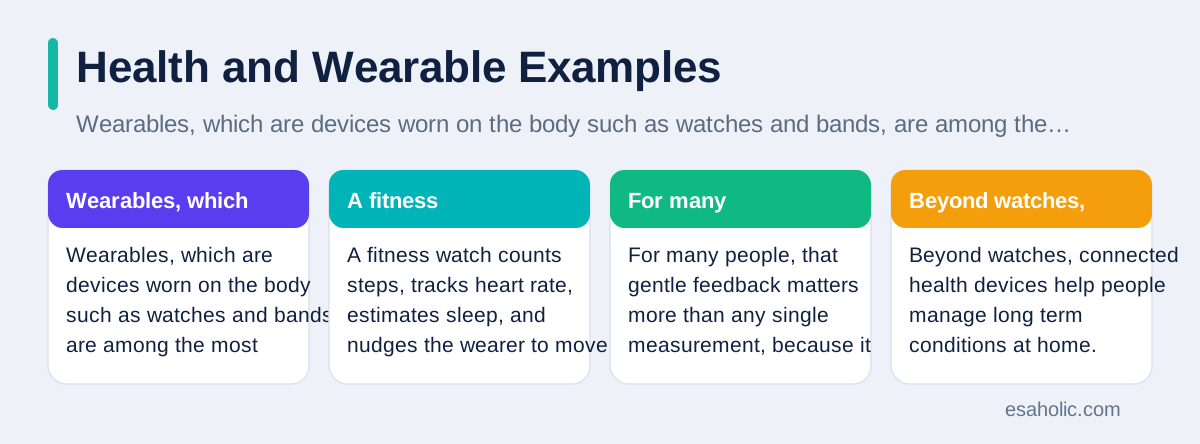
Beyond watches, connected health devices help people manage long term conditions at home. A blood pressure cuff can send readings to a phone app so a patient and a clinician can see trends over weeks instead of relying on one reading in a clinic. A glucose monitor can warn about low blood sugar during the night. A smart pill box can remind a patient when a dose is due and record whether the box was opened. These tools do not diagnose illness by themselves, and their readings can be wrong if a sensor slips or a battery runs low, so clinicians still interpret results, and patients should keep asking questions rather than trusting a single number.
Hospitals use connected devices on a larger scale, with clear benefits and clear duties. Beds, pumps, and monitors can report status to a central screen, so staff spot a failing device or a worrying reading faster. Asset tracking, which is a plain word for knowing where equipment is, helps staff find a free pump or wheelchair without searching wards. The duty that comes with this data is privacy: health data is sensitive, so hospitals must control who sees it, how long it is kept, and how it is shared. At home, the same duty applies in smaller form: check what a health app shares, who can see your trends, and how to delete your data if you stop using the device.
Farm Examples: Soil, Animals, and Water
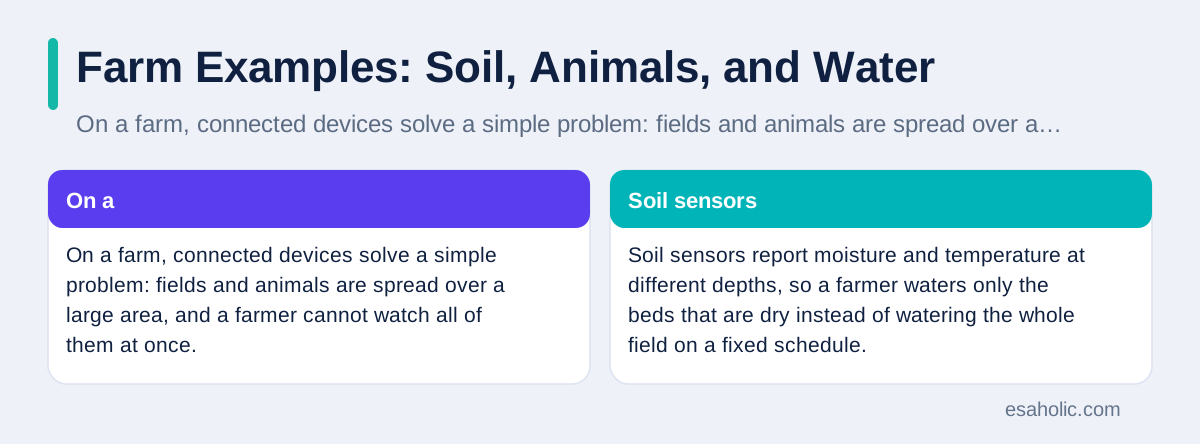
On a farm, connected devices solve a simple problem: fields and animals are spread over a large area, and a farmer cannot watch all of them at once. Soil sensors report moisture and temperature at different depths, so a farmer waters only the beds that are dry instead of watering the whole field on a fixed schedule. Weather stations on the farm report rain, wind, and frost risk for that exact location, which is far more useful than a forecast for a distant town. Together, these readings help farmers use less water, protect crops from frost, and plan harvest work with better timing.
Animal tracking gives a second set of examples. Tags on cattle or sheep report location, movement, and sometimes temperature, so a farmer can find a lost animal, spot one that has stopped moving as usual, and check on a herd without walking every field each day. In barns, sensors watch temperature, humidity, and air quality, because animals grow poorly and fall ill more easily in hot, damp, or poorly ventilated space. Feed and water systems can report levels and alert a farmer before a tank runs empty, which prevents a small oversight from becoming a welfare problem.
Factory Examples: Machines That Warn Before They Fail
Factories use connected devices to answer a costly question: which machine will fail next, and can we fix it before it stops the line? Vibration, heat, and sound sensors on motors, pumps, and bearings report small changes over time, and software compares those changes with normal patterns. A motor that shakes a little more each week may need a bearing replaced during a planned stop, which costs far less than an unplanned breakdown in the middle of a busy shift. This practice, often called predictive maintenance, which means fixing things based on warning signs rather than a fixed calendar, is one of the clearest industrial uses of connected devices.
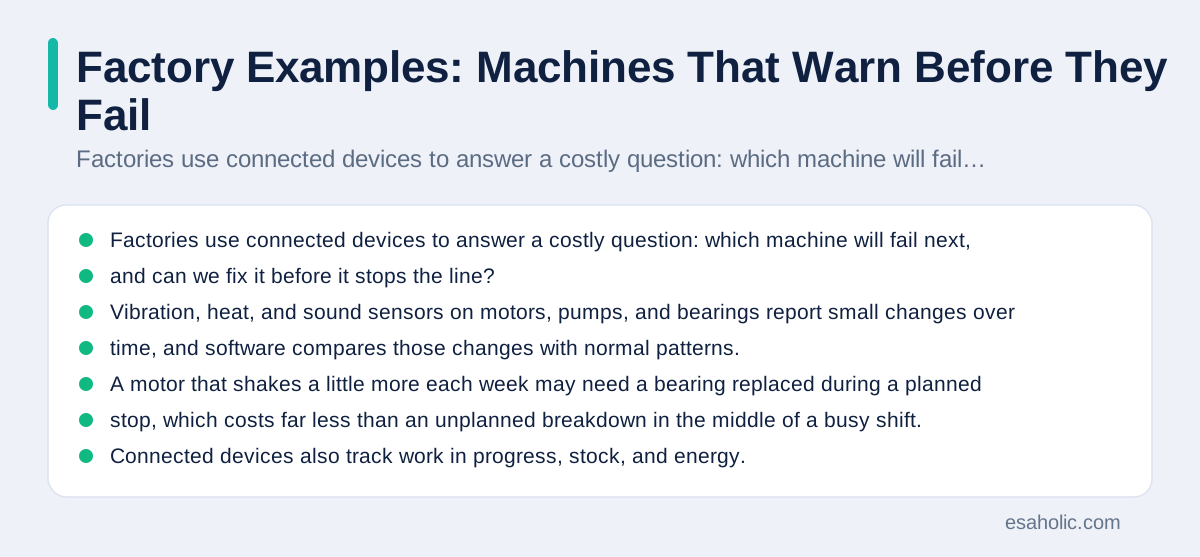
Connected devices also track work in progress, stock, and energy. Sensors on shelves and bins report when parts run low, so ordering happens before a line runs out. Machines report how many good items they made, how many were rejected, and how long they waited for parts, which helps managers find the real bottleneck instead of guessing. Energy meters report which machines draw the most power and when, so teams can shift heavy work to cheaper hours or fix a machine that wastes energy. None of this requires a factory to become fully automated overnight; most teams start with one line, one machine type, or one energy meter, and expand only after the first readings prove useful.
Safety is the part of factory examples that deserves emphasis. Connected sensors can warn about gas, heat, or blocked exits, and wearable tags can show whether a worker is in a restricted area. These safety uses must work even when the wider network fails, so local alarms and clear procedures stay essential. A sensor is a helper, not a replacement for training, guards, and inspections. Teams building such systems pair them with AI development work that turns raw sensor readings into warnings people trust, and with clear rules for who owns and controls data, because factory data can reveal production secrets as well as machine health.
Smart City Examples: Streets, Bins, and Air
Cities use connected devices to run shared services with less waste. Street lights with light and motion sensors brighten when a person or car passes and dim when the road is empty, which saves energy without leaving streets dark. Waste bins with fill sensors report when they are nearly full, so collection trucks visit only bins that need emptying, instead of following a fixed route that wastes fuel. Traffic sensors at junctions count vehicles and adjust signal timing, which eases queues at busy times, and parking sensors can guide drivers to free spaces instead of letting them circle blocks.
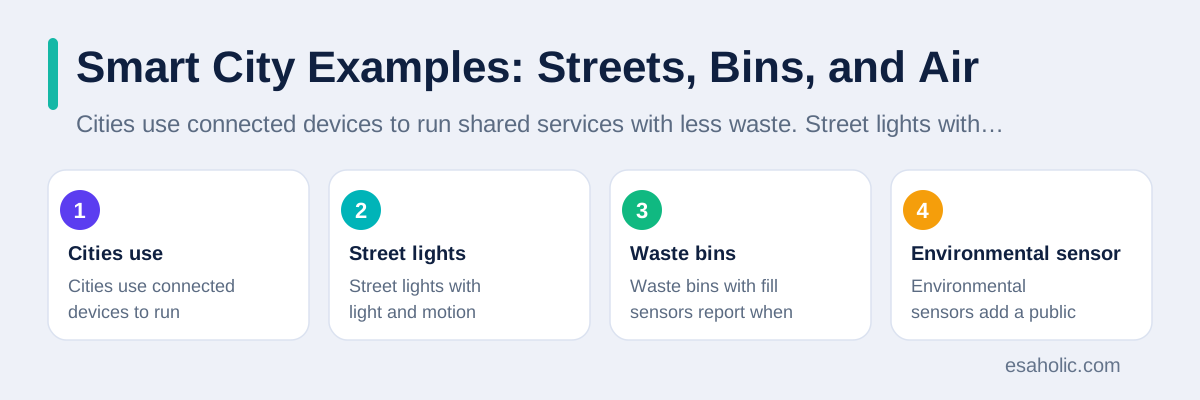
Environmental sensors add a public health benefit. Air sensors across neighbourhoods map pollution by area and time, so residents can see which streets are worst during rush hour and planners can test whether a new bus route or a low traffic zone actually improves air. Noise sensors map loud areas at night, water sensors watch river levels and warn about floods, and public buildings use sensors to manage heating, lighting, and room bookings. These uses work best when the data is shared openly in plain form, so residents, researchers, and journalists can check the claims a city makes about its own services.
City examples also raise the sharpest privacy questions. Cameras, vehicle counters, and location data can track how people move, and that tracking can be misused if controls are weak. Good city projects therefore collect the least data that answers the question, such as counting vehicles without recording number plates, or measuring air without tracking individuals, and they publish clear rules on retention, which is how long data is kept, and access. The United States National Institute of Standards and Technology publishes guidance on connected device security that cities, firms, and households can all learn from, because the same basics, strong passwords, updates, and least data, apply at every scale.
Everyday Examples You May Not Notice
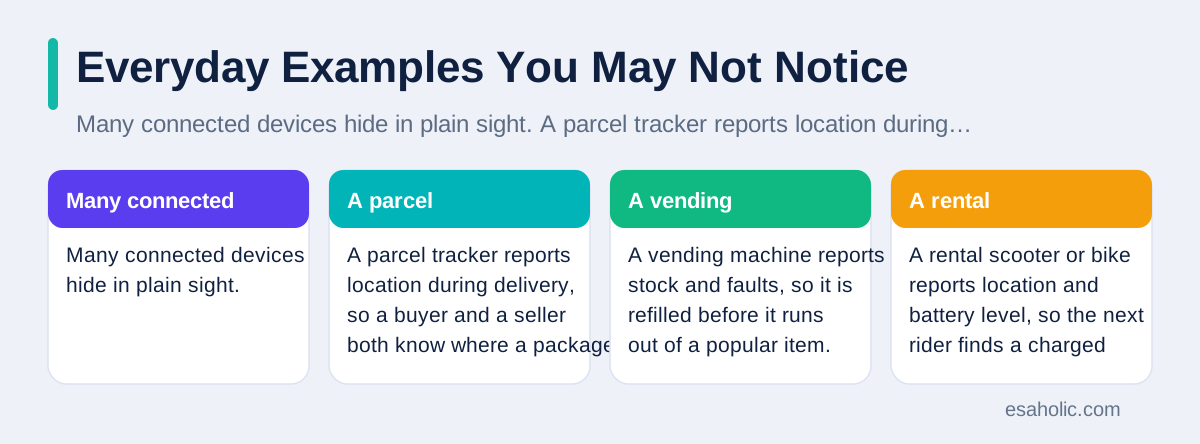
Many connected devices hide in plain sight. A parcel tracker reports location during delivery, so a buyer and a seller both know where a package is without phone calls. A vending machine reports stock and faults, so it is refilled before it runs out of a popular item. A rental scooter or bike reports location and battery level, so the next rider finds a charged vehicle nearby. A hotel room key card system, a gym entry reader, and a library self checkout machine all connect to software that records use, controls access, and flags faults, even though no one calls them smart devices in daily talk.
Risks, Privacy, and a Sensible Security Checklist
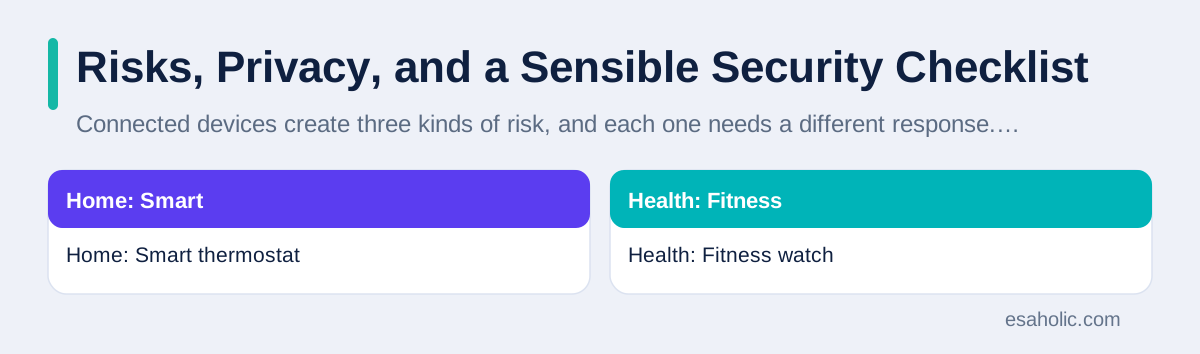
Connected devices create three kinds of risk, and each one needs a different response. The first is security: a device with a weak password, old software, or an open port, which is a plain word for a network doorway that accepts connections, can be taken over and used to spy, to send spam, or to attack other systems. The second is privacy: a device can collect more than you expect, such as voice snippets, location history, or viewing habits, and share it with makers, advertisers, or data brokers. The third is dependence: a device that needs a cloud account, a subscription, or a maker's servers may stop working well, or stop working at all, if the maker closes, changes terms, or drops support for an old model.
A short checklist covers most of the risk. Change every default password to a strong, unique one, and turn on two factor sign in, which is a second check such as a code on your phone, where the maker offers it. Update device software promptly, and check whether the maker still supports the model before you buy. Use a separate network for smart devices where your router allows it, so a weak camera cannot reach your laptop and your files. Switch off microphones, cameras, and data sharing features you never use, and review app permissions once a year. Keep a local fallback for locks, heating, and safety devices, so a network fault never locks you out or leaves a home cold.
Before buying, ask four questions. What does this device sense, and can I see and delete that data? Who else receives the data, and for what purpose? How long will the maker support this model with security updates? What happens if the maker closes or the cloud service ends? If a seller cannot answer in plain language, choose a simpler device or a different maker. IBM's plain overview of the internet of things and the broad overview on Wikipedia both stress the same point: connected devices are useful because they share data, and they are risky for exactly the same reason, so data control is the heart of the buying decision.
| Place | Example device | What it senses | What action follows |
|---|---|---|---|
| Home | Smart thermostat | Room temperature and schedule | Heating adjusts, energy waste falls |
| Health | Fitness watch | Steps, heart rate, sleep | Feedback, fall alert, trend charts |
| Farm | Soil sensor | Ground moisture | Watering only where soil is dry |
| Factory | Vibration sensor | Machine shaking | Maintenance before breakdown |
| City | Fill sensor in a bin | How full the bin is | Truck visits only full bins |
Choosing Your First Connected Device
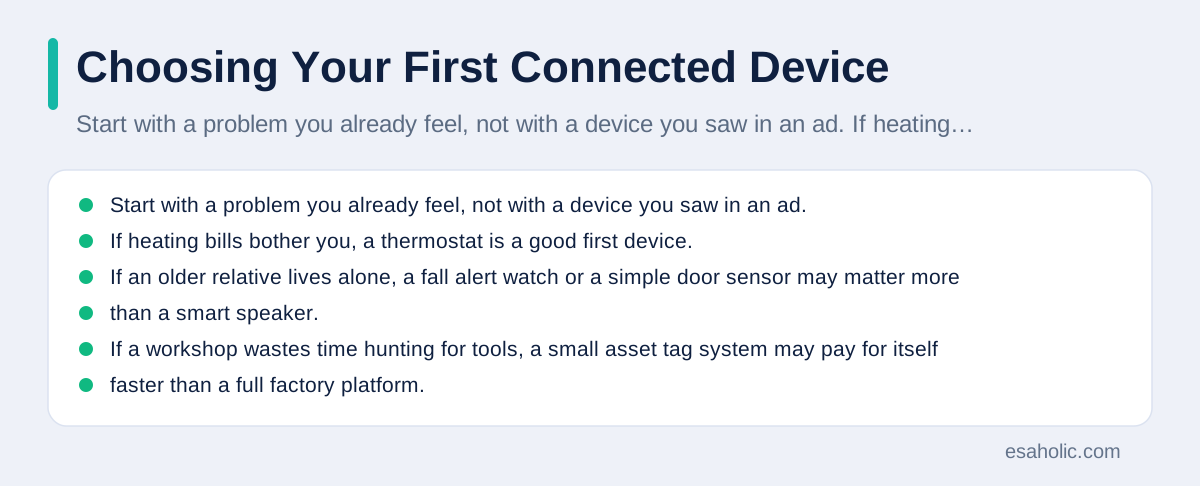
Start with a problem you already feel, not with a device you saw in an ad. If heating bills bother you, a thermostat is a good first device. If an older relative lives alone, a fall alert watch or a simple door sensor may matter more than a smart speaker. If a workshop wastes time hunting for tools, a small asset tag system may pay for itself faster than a full factory platform. Write the problem in one sentence, then look for a device that solves that sentence, and ignore features that solve problems you do not have.
Next, check compatibility, support, and cost over time, not just the purchase price. Ask whether the device works with the phone and router you already own, whether it needs a subscription for its main features, and how long the maker promises updates. Read reviews that mention life after six months, not only first day excitement, because setup ease fades fast while support, battery life, and app quality decide whether you keep using the device. For work projects, a small pilot with clear measures, such as fewer breakdowns, less water used, or fewer wasted trips, beats a large rollout based on a vendor demo.
Finally, plan the exit before you enter. Note how to export your data, how to delete your account, and how to use the device without the cloud if the maker ends support. Keep manuals and passwords in a safe place, label devices so a future resident or colleague knows what each one does, and remove devices you no longer use from your network and your account. Connected devices should reduce work, not add a second job of managing gadgets, and the moment a device costs more attention than it saves, it is time to simplify, not to add another one.
Conclusion
Internet of things examples are all around us, and they are far more ordinary, and far more useful, than the futuristic image suggests. A thermostat that learns a schedule, a watch that warns after a fall, a soil sensor that saves water, a machine sensor that warns before failure, and a bin sensor that saves a wasted truck trip all follow the same loop: sense a fact, send it, decide what it means, and act on it. Their value comes from catching problems early, removing repeated manual checks, and using resources only where they are needed. Their risks come from the same connection: weak security, hidden data sharing, and dependence on a maker that may change or close. The wise path is to start with one real problem, choose a device with clear data rules and a working offline fallback, secure it with strong passwords and updates, and judge it by results over months, not by excitement on day one. Used that way, connected devices quietly make homes, health, farms, factories, and cities work a little better, one small, timely fact at a time. Most of these devices run on a microcontroller, the small chip that senses, decides, and acts inside the device. Where sensor data needs prediction rather than simple thresholds, AI and ML development covers the models behind the alerts.
Frequently Asked Questions
Does a device need Wi-Fi to be part of the internet of things?
No. Wi-Fi is common at home, but many connected devices use mobile networks, Bluetooth, which is a short range wireless link, or low power radio links made for sensors. What matters is that the device can send or receive data, not which radio link it uses, and the best link depends on distance, power, and how often data must travel.
Is my smart TV or fitness watch an internet of things device?
Yes, in general terms. A smart TV that streams shows and reports viewing habits, and a watch that tracks steps and heart rate and syncs them to a phone, both sense something, connect to a network, and act on data. They count as everyday connected devices, even though people usually call them a TV and a watch, not an IoT device.
What is the biggest risk with connected devices at home?
The biggest everyday risk is weak security: a default password that was never changed, software that was never updated, or a device that shares more data than you expected. Change passwords, update software, use a separate network for smart devices where you can, and switch off features you never use.
Written by Ahmad Jajja
Senior AI Research Engineer and Generative AI Specialist
Ahmad Jajja is a senior AI research engineer at Esaholic who specializes in generative AI and data systems grounded in real documents.
Reviewed by Danish Mustafa
Senior Agentic AI Engineer and Systems Architect
Danish Mustafa is a senior agentic AI engineer at Esaholic who builds AI agents, voice systems, and messaging systems for real customers.
Relevant blogs
What Is the Metaverse? A Plain Guide for Beginners
Virtual worlds, avatars, and the tools behind them, plus honest limits, costs, and safety tips.
What Is a Microcontroller? A Plain Guide
The small chip inside appliances, cars, and beginner boards, explained without jargon.
What Is WMN? Wireless Mesh Networks Explained Simply
How mesh Wi-Fi nodes share coverage across a home or office, and when mesh beats a single router.
Predictive Analytics in Supply Chain Explained
How teams forecast demand, avoid stockouts, and plan deliveries with real data, in small, practical steps.