
Software Testing Basics: A Simple Guide for Teams
Every team that ships software faces the same uncomfortable question: how do we know this actually works? A developer can run the app once, click through the main flow, and feel confident, yet users will still find a broken checkout, a form that rejects a valid address, or a page that crashes on an older phone. That gap between one confident demo and real world use is what testing exists to close. Testing is not a final chore before release. It is the disciplined work of checking software against what it should do, early and often, so that defects surface while they are still cheap to fix.
In simple terms, software testing means running software with planned inputs, observing what actually happens, and comparing that result with the expected result. A defect, which most teams call a bug, is any mismatch between expected and actual behaviour that matters to a user or to the business. Testing also covers questions beyond correctness, such as whether the app loads fast enough, whether it protects user data, and whether real people can understand its screens. A test that only checks the happy path, which is the smooth journey where everything goes right, will miss the edge cases, which are the unusual inputs and situations at the boundaries of normal use, where most real defects hide.
This guide covers the fundamentals in plain language: what testing is and what it cannot prove, the main types of tests, how teams plan tests, how to write a bug report that gets fixed, how manual and automated testing fit together, and how a beginner can start testing a real product this week. It uses no tool specific jargon without explaining it, and it stays honest about limits, because a team that understands what testing cannot do will use it far better than a team that treats a green test suite as a guarantee. For a related view on building in short, reviewed cycles, see our guide to adaptive development and its learning cycle.
What Testing Is, and What It Cannot Prove
Testing has two related purposes that beginners often confuse. The first purpose is verification, which asks whether the team built the product right, meaning whether the software matches its specification, which is the written description of what it should do. The second purpose is validation, which asks whether the team built the right product, meaning whether the software actually solves the user's problem in a useful way. A checkout that follows its specification exactly but confuses every shopper passes verification and fails validation. Good testing covers both, because shipping a correctly built product that nobody can use is still a failure.
Testing also has a hard limit that every tester should learn early. Testing can prove that a defect exists, because one failing case is enough to show a problem. Testing cannot prove that no defects remain, because the number of possible inputs, orders of actions, devices, and network conditions is effectively endless. A test suite that passes a thousand cases has earned real confidence, especially if those cases cover the riskiest paths, but it has not earned certainty. That is why responsible teams combine testing with code review, monitoring after release, and a fast fix process for the defects that users inevitably find.
That limit leads to a practical rule: test the riskiest things most. A payment flow deserves more test cases than a footer link, because a payment defect costs money and trust, while a footer defect costs a click. A login flow deserves tests for wrong passwords, locked accounts, and expired sessions, because attackers and forgetful users will exercise those paths daily. A team with limited time should therefore rank features by risk, which combines how likely a defect is with how much harm it would cause, and spend its testing hours at the top of that list first. Testing everything equally sounds fair, but it wastes effort on low risk corners while high risk paths stay thin.
Functional Testing: Does It Do What It Should?
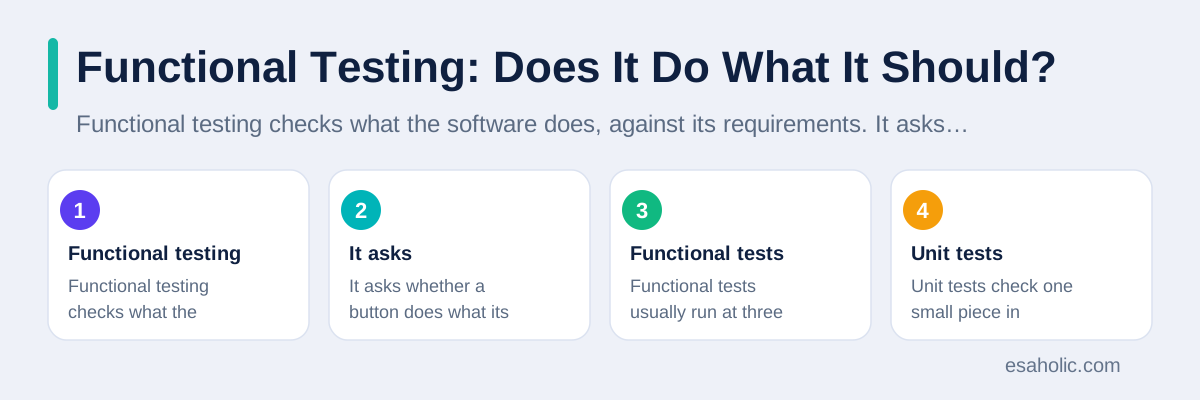
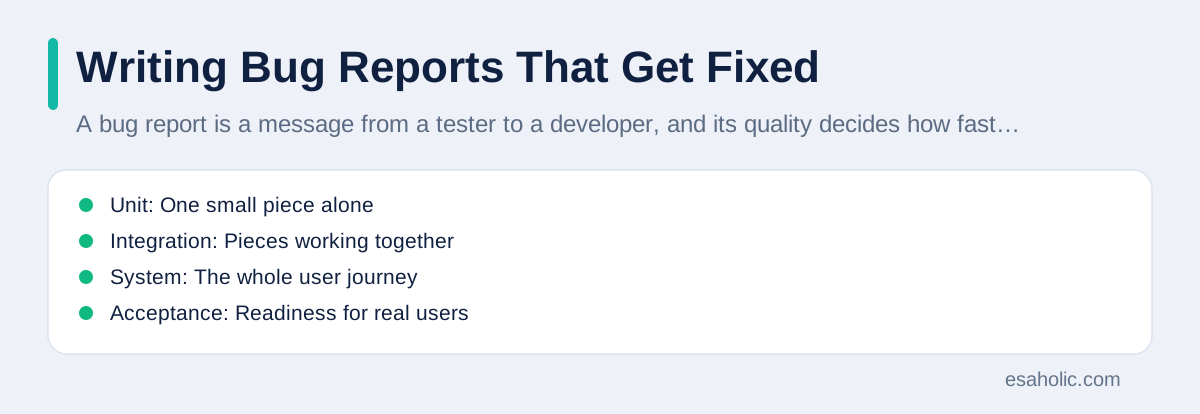
Functional testing checks what the software does, against its requirements. It asks whether a button does what its label promises, whether a calculation returns the right total, and whether a search returns the right results. Functional tests usually run at three levels. Unit tests check one small piece in isolation, such as a single function that calculates tax. Integration tests check pieces working together, such as a checkout page talking to a payment service. System tests check the whole product end to end, such as a complete journey from product search to order confirmation.
Each level catches different defects, and skipping a level leaves a blind spot. Unit tests catch logic errors fast, because they run in seconds and point directly at the broken piece. Integration tests catch contract errors, which happen when two pieces disagree about data formats or about what happens when one side fails. System tests catch journey errors, which happen when each piece works alone but the combined flow confuses users or loses data between steps. A team that only runs system tests will find defects slowly and diagnose them painfully, while a team that only runs unit tests will miss the integration failures that users actually experience.
The test pyramid is a helpful picture for balancing these levels. It suggests many fast unit tests at the base, fewer integration tests in the middle, and a small number of slower end to end tests at the top. That shape keeps feedback fast, because most defects surface in seconds from unit tests, while still protecting the full user journey with a focused set of system tests. A team that inverts the pyramid, with hundreds of slow end to end tests and almost no unit tests, will wait a long time for every test run, and developers will stop running tests before they commit code. That delay quietly destroys the value of the whole suite. Martin Fowler's explanation of the test pyramid remains the clearest short account of this balance.
Non Functional Testing: How Well Does It Work?
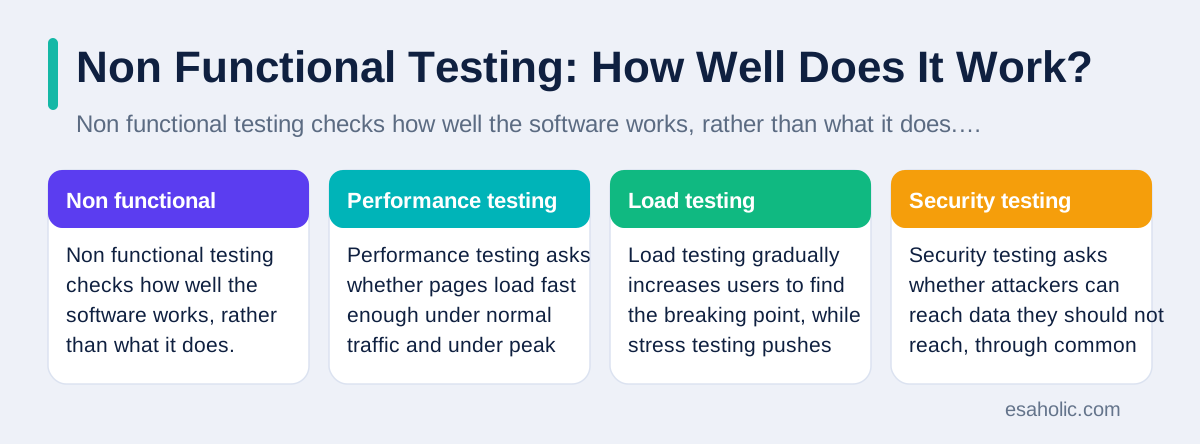
Non functional testing checks how well the software works, rather than what it does. Performance testing asks whether pages load fast enough under normal traffic and under peak traffic, such as a sale event. Load testing gradually increases users to find the breaking point, while stress testing pushes beyond that point on purpose to see how the system fails and recovers. Security testing asks whether attackers can reach data they should not reach, through common weaknesses such as weak passwords, unprotected inputs, or exposed internal pages. Usability testing asks whether real people, not only experts, can complete tasks without confusion or help.
Compatibility testing belongs here too, and beginners often underestimate it. An app that works perfectly on a new phone and a fast connection may fail on an older phone, a small screen, or a slow mobile network. Testing on a range of real devices and browsers, not only on the developer's own machine, catches layout breaks, unreadable text, and features that depend on hardware the user does not have. Accessibility testing, which checks whether people with disabilities can use the product with tools such as screen readers, belongs in the same group, because an app that excludes part of its audience has failed a basic quality test, not an optional extra.
Non functional testing needs realistic conditions to mean anything. A performance test on an empty database will flatter the system, because real databases grow, slow down, and develop uneven data over time. A security test that only checks the login page will miss the forgotten admin page that nobody linked from the main site. Plan non functional tests around real data volumes, real device mixes, and real attack patterns, and run the most important ones before every major release rather than once a year. A performance problem found during a launch is a crisis, while the same problem found a month earlier is a normal task.
Planning Tests Before the Code Is Done
Good testing starts before coding finishes, and often before coding starts. Test planning means deciding what to test, in what order, with what data, and with what pass rule for each case. A test case is a single planned check with a clear setup, a clear action, and a clear expected result. For a login form, one test case might be that a correct email and password show the dashboard, while another might be that three wrong passwords in a row lock the account temporarily. Writing cases early forces the team to clarify vague requirements, because a requirement that cannot produce a clear expected result is not yet ready to build.
Test data deserves the same care as test cases. Test data is the set of inputs, accounts, and records used during testing, and it must cover normal values, boundary values, and invalid values. Boundary values are the inputs at the edges of an allowed range, such as the minimum and maximum order quantity, because defects cluster at edges where code switches behaviour. Invalid values, such as a negative age or a past expiry date, test whether the software rejects bad input gracefully instead of crashing or storing nonsense. Keep test data separate from real customer data, and never use real passwords or real payment details in tests, because test systems are rarely as protected as production systems.
A test plan also states what is out of scope, who owns each area, and what must pass before release. That honesty prevents two common arguments. Without a scope note, testers get blamed for missing an area nobody assigned them. Without a pass rule, a team argues at release time about whether a known defect blocks the launch or can wait. Write the pass rule in advance, in plain language, such as that all critical defects are fixed, all payment tests pass, and no known security flaw remains open. A rule agreed in calm times makes the pressured release decision far easier and far fairer.
Writing Bug Reports That Get Fixed
A bug report is a message from a tester to a developer, and its quality decides how fast the defect gets fixed. A vague report such as "checkout is broken" forces the developer to guess, reproduce the problem by trial and error, and often return the report for more detail. A good report contains five parts: a short title that names the problem, the steps to repeat it, the expected result, the actual result, and the environment, which means the device, browser or app version, and account type used. One clear defect per report also helps, because a report that mixes three problems will close when the first is fixed and lose the other two.
Severity and priority are different, and confusing them causes real arguments. Severity describes how bad the defect is for the user, such as a crash versus a spelling mistake. Priority describes how urgently the team should fix it, considering business impact and timing. A spelling mistake on a homepage banner during a launch campaign may have low severity but high priority, because it embarrasses the brand at the worst moment. A crash in a rarely used admin screen may have high severity but low priority, because almost nobody reaches it. Recording both fields separately lets the team fix urgent visible problems fast without pretending that a typo outranks a crash in technical seriousness.
After a fix, testing does not end. Regression testing, which means re-running earlier tests to check that old features still work after a change, catches the common case where fixing one defect breaks another feature. A developer who fixes a login bug may accidentally break password reset, and only regression tests will catch that side effect before users do. Keep a core regression set that runs on every change, and grow it whenever a defect escapes to users, by adding a test case for that exact defect. That habit turns each escaped defect into permanent protection against its return, which is how a test suite becomes more valuable over time rather than merely larger.
| Test level | What it checks | Typical speed |
|---|---|---|
| Unit | One small piece alone | Seconds |
| Integration | Pieces working together | Minutes |
| System | The whole user journey | Longer, often much longer |
| Acceptance | Readiness for real users | Planned, with users or owners |
Manual Testing, Automated Testing, and Acceptance
Manual testing means a person runs the software, follows test cases, explores freely, and judges what feels wrong. It excels at new features, at usability, and at exploratory work, where a tester follows curiosity rather than a script and notices problems that no script anticipated. Automated testing means a program runs the checks and compares results without human effort each time. It excels at repetition, because a machine can run thousands of checks on every code change without boredom or error, and it catches regressions that a tired human would miss on the tenth repeat. Exploratory testing that could disturb live data belongs in what is a sandbox environment, a separate space where a tester can try risky steps without harming real users.
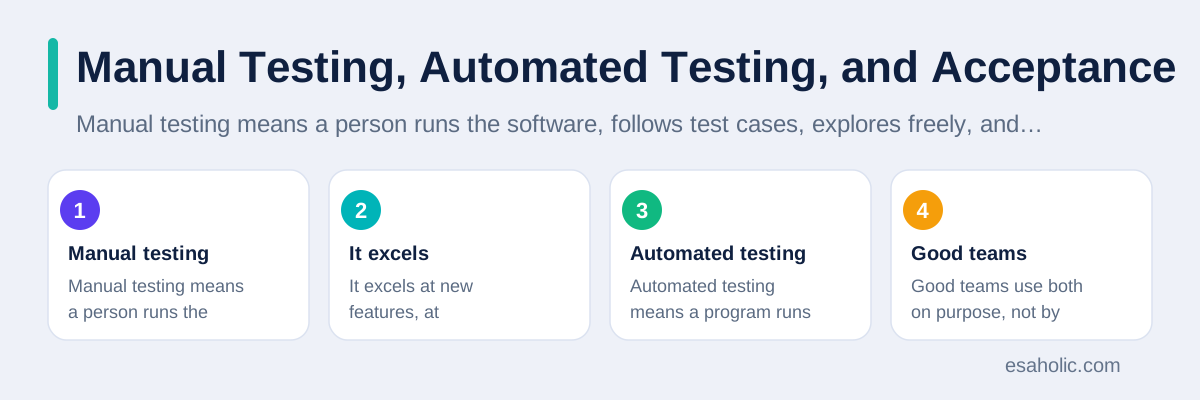
Good teams use both on purpose, not by accident. Automate the checks that repeat often and change rarely, such as core calculations, login flows, and regression cases. Keep manual testing for new screens, for usability judgement, and for exploratory sessions where the tester deliberately tries to break the product in creative ways. Automating a test too early, before the feature settles, wastes effort rewriting the automation with every design change. Leaving a repetitive check manual forever wastes human attention that could explore new risks instead. Review that balance every few months, because the right mix shifts as the product matures.
Acceptance testing is the final gate, and it answers a different question from other tests. It asks whether the product is ready for its intended users, judged against agreed criteria, often with real users or product owners trying realistic tasks. User acceptance testing, usually shortened to UAT, involves the people who will actually use the software, and it catches mismatches between what the team built and what the business needed, even when every technical test passed. Treat acceptance testing as a planned stage with real tasks and real data, not as a casual demo where stakeholders nod at a polished walkthrough. A demo shows what works. Acceptance testing probes what might not.
Starting This Week: A Simple Routine
If you have never tested software formally, start with a small, honest routine rather than a grand test strategy. Pick one feature you care about, such as signup or checkout, and write ten test cases for it on paper: five for normal use, three for edge cases such as empty fields and maximum lengths, and two for error cases such as wrong passwords and failed payments. Run those cases by hand, write down every mismatch in the bug report format from the previous section, and fix the worst defect before you add more cases. Ten honest cases beat a hundred copied cases that nobody runs.
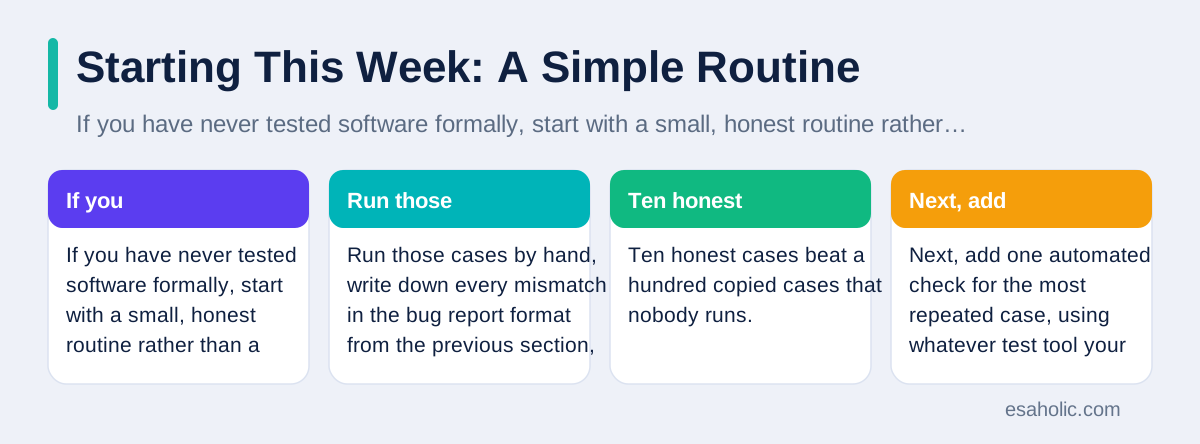
Next, add one automated check for the most repeated case, using whatever test tool your team already uses, and run it on every code change. That single automated check teaches the team the workflow of writing, running, and maintaining automation without the burden of a full suite. Then grow the suite slowly, adding a case for every defect that escapes to users, and reviewing the suite monthly to delete cases that no longer match the product. A suite that grows without pruning becomes slow and brittle, which means it breaks for trivial reasons and teaches developers to ignore it.
Finally, build the habit of testing early in every project, not only at the end. Review requirements for testability before coding, which means asking whether each requirement states a clear expected result. Test each feature as soon as a working version exists, rather than waiting for a finished product. Track the oldest open critical defect as your headline measure, because that number reveals whether testing actually drives fixes or merely documents problems. For teams that need structured help building that routine into a product, our custom software development work, our guide to tracking code changes safely, and our guide to clear API design cover the surrounding practices that make testing sustainable. The ISTQB, the International Software Testing Qualifications Board, offers the standard glossary and foundation syllabus that many teams use to train new testers.
Conclusion
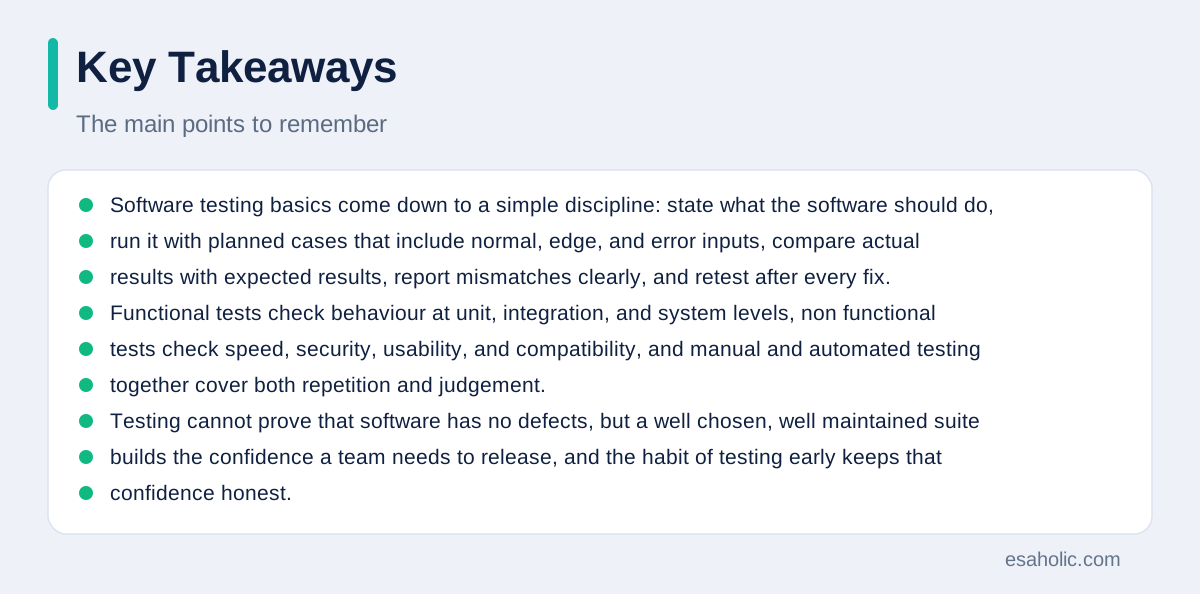
Software testing basics come down to a simple discipline: state what the software should do, run it with planned cases that include normal, edge, and error inputs, compare actual results with expected results, report mismatches clearly, and retest after every fix. Functional tests check behaviour at unit, integration, and system levels, non functional tests check speed, security, usability, and compatibility, and manual and automated testing together cover both repetition and judgement. Testing cannot prove that software has no defects, but a well chosen, well maintained suite builds the confidence a team needs to release, and the habit of testing early keeps that confidence honest.
Frequently Asked Questions
What is software testing in simple terms?
Software testing is the work of checking software against what it should do, by running it with planned inputs and comparing the actual result with the expected result. Testing finds defects before users do, and it gives the team evidence about whether a release is ready.
Can testing prove that software has no bugs?
No. Testing can show that a defect exists, and it can build confidence by passing many well chosen cases, but it cannot prove that no defect remains, because the number of possible inputs is effectively endless. Good teams therefore test the riskiest paths most and keep monitoring after release.
Should developers test their own code?
Yes, developers should test their own code with unit tests and careful checks, and independent testers should also review the product, because the person who wrote the code shares its assumptions and may miss the same misunderstanding. Both views together catch more defects than either view alone.
Written by Ahmad Jajja
Senior AI Research Engineer and Generative AI Specialist
Ahmad Jajja is a senior AI research engineer at Esaholic who specializes in generative AI and data systems grounded in real documents.
Reviewed by Danish Mustafa
Senior Agentic AI Engineer and Systems Architect
Danish Mustafa is a senior agentic AI engineer at Esaholic who builds AI agents, voice systems, and messaging systems for real customers.
Relevant blogs
What Is Adaptive Software Development? A Guide
How a team plans lightly, builds in short cycles, and learns from every increment instead of following a fixed plan.
Version Control Systems Explained Simply for Teams
How teams track changes, branch safely, review code, and recover earlier versions without losing work.
API Design Principles: A Simple Guide for Teams
How to name resources, version safely, handle errors clearly, and document an interface that teams can trust.
Rapid Prototyping: A Simple Guide to Fast Product Tests
How teams turn an idea into a testable model in days and learn fast without wasting budget.
Back to all blog guides · Back to Software Development guides · Explore Custom Software Development Services