
Software Architecture Explained Simply for Teams
Every working product has a structure, whether the team planned it or not. A small shop app may hold its screens, its business rules, and its data access in one tidy code base, while a large store may split those same jobs across many services that talk over a network. The plan behind that structure has a name, and teams call it the system structure, or in short form, the way the team organizes the main parts of a product, how those parts connect, and which rules govern changes. Good structure does not guarantee a good product, but bad structure makes every new feature slower, riskier, and more expensive, because each change touches places it should not touch.
Think of a house before you think of code. A builder does not start with paint and curtains. The builder starts with load bearing walls, plumbing routes, and wiring paths, because those choices decide what later changes cost. Move a wall after the house stands, and you pay far more than you would have paid to place it well at the start. Software works the same way. If the team stores payment rules inside screen code, then every screen redesign risks breaking payments. If the team hides payment rules behind one clear boundary, then designers can reshape screens while payment logic stays safe. Structure, in this sense, is not paperwork. It is the set of choices that protect the parts of the product that change at different speeds.
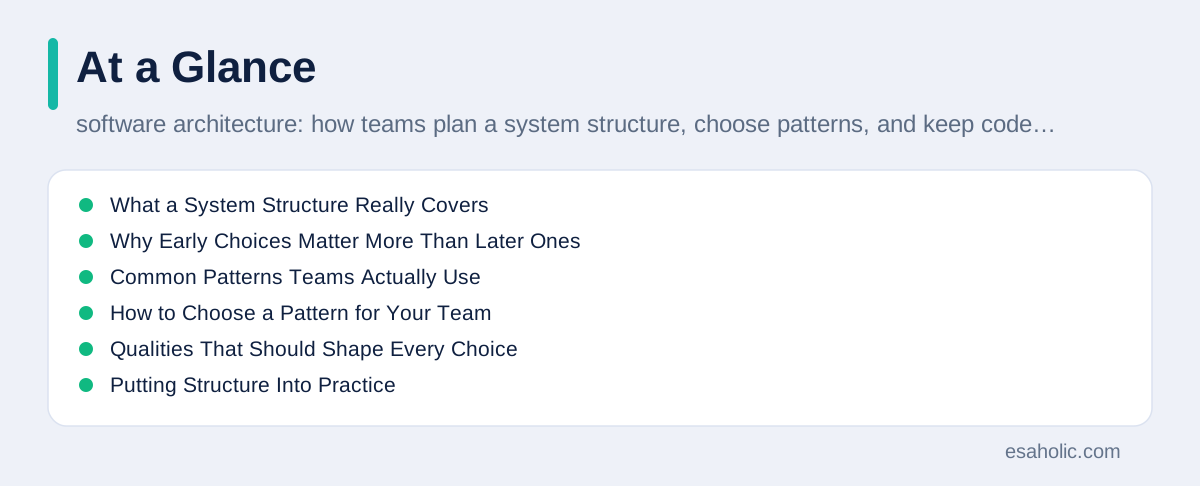
This guide explains that plan in plain language. You will learn what a system structure covers, why early choices matter more than later ones, which common patterns teams use, how to pick a pattern for your team size, and which qualities, such as speed, safety, and ease of change, should shape the choice. You will also learn how teams record decisions, which mistakes repeat most often, and a simple process that a small team can run without hiring a specialist. If you want a respected outside view as you read, Martin Fowler's writing on system structure explains the same ideas with depth, and Microsoft's pattern catalog shows proven solutions for recurring design problems.
What a System Structure Really Covers
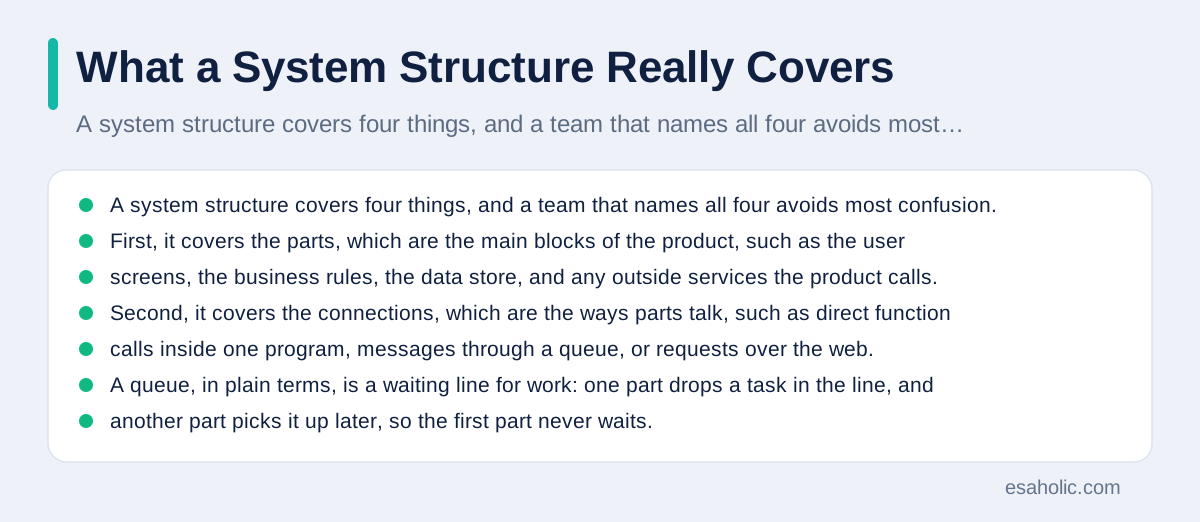
A system structure covers four things, and a team that names all four avoids most confusion. First, it covers the parts, which are the main blocks of the product, such as the user screens, the business rules, the data store, and any outside services the product calls. Second, it covers the connections, which are the ways parts talk, such as direct function calls inside one program, messages through a queue, or requests over the web. A queue, in plain terms, is a waiting line for work: one part drops a task in the line, and another part picks it up later, so the first part never waits. Third, it covers the rules, which are the limits the team agrees to follow, such as screens never touching the database directly, or payments never living inside screen code. Fourth, it covers the qualities the team must protect, such as fast replies, safe data, steady uptime, and easy change.
Why Early Choices Matter More Than Later Ones
Early structure choices cost little to make and much to reverse, and that gap explains why teams should spend real thought on them. Picking a data store, a login method, or a split between parts takes a few meetings at the start. Replacing any of those choices after launch can take weeks, because live data must move safely, users must keep working, and every part that assumed the old choice must change. Engineers sometimes describe this with a simple rule: the cost of a change grows as the product grows around it. A choice buried under ten features costs roughly ten times more to undo than the same choice made before the first feature.
A short story shows the difference. Two teams build a booking product. The first team lets each screen read the booking table directly, because that path feels fast at the start. Six months later, the business adds a rule that a booking must check seat availability, payment status, and a cancellation window before it confirms. The first team must hunt down every screen that touches bookings, and each fix risks breaking a different screen. The second team routes all booking work through one booking service, which is a single place that owns booking rules. When the new rule arrives, the second team changes one place, tests one place, and ships with confidence. The second team did not work harder at the start. It simply placed one boundary in the right spot.
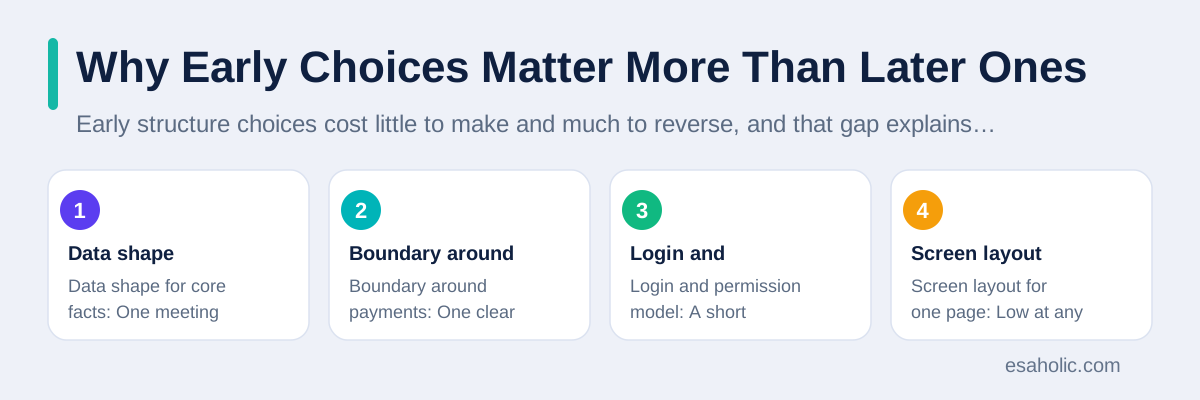
| Choice | Cost to change early | Cost to change after launch |
|---|---|---|
| Data shape for core facts | One meeting and a small rewrite | Data migration, downtime risk, and many fixes |
| Boundary around payments | One clear rule in the plan | Changes across screens, reports, and refunds |
| Login and permission model | A short design review | Forced password resets and support tickets |
| Screen layout for one page | Low at any stage | Still low, because the boundary absorbs it |
Common Patterns Teams Actually Use
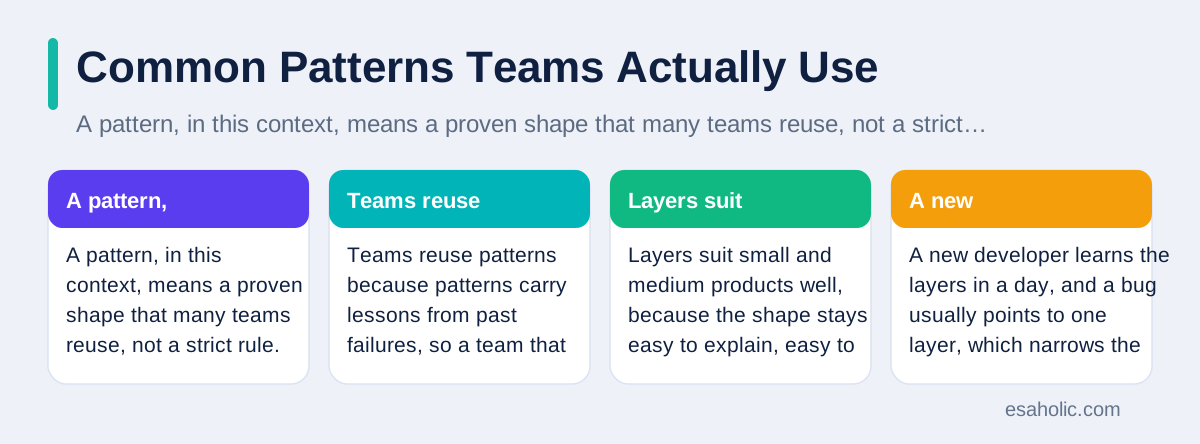
A pattern, in this context, means a proven shape that many teams reuse, not a strict rule. Teams reuse patterns because patterns carry lessons from past failures, so a team that picks a known pattern starts from experience instead of from scratch. The layered pattern stacks a product into layers, such as screens on top, business rules in the middle, and data storage at the bottom, with each layer calling only the layer below it. Layers suit small and medium products well, because the shape stays easy to explain, easy to test, and easy to hire for. A new developer learns the layers in a day, and a bug usually points to one layer, which narrows the search fast.
The modular monolith keeps one deployable product, which means one package that the team ships as a whole, but it splits the code inside into strict modules, each with its own boundary and its own rules. A module, in plain terms, is a named block of code that owns one job and hides its inner details from other blocks. This pattern suits teams that want the simplicity of one deployment with the discipline of clear boundaries, and it lets the team split a module into its own service later, when real evidence supports the split. Many experienced engineers now recommend this pattern as the default starting point, because it delays the hardest split until the team knows which split actually helps.
The microservices pattern splits a product into many small services, each owning one job, each deploying on its own schedule, and each talking to the others over the network. This pattern suits large products with several teams, because each team can ship its own service without waiting for the others, and one service can scale, which means handle more load by adding machines, without scaling the whole product. The price is real: more services mean more network calls, more failure points, more monitoring, and more coordination. A team of three people rarely gains from that price, while a company with ten teams may find it the only way to move fast. The event driven pattern adds another idea, where parts react to events, such as an order placed event, instead of calling each other directly, which loosens the link between parts and helps busy systems stay responsive.
How to Choose a Pattern for Your Team
Choose by team size, change pace, and failure cost, not by fashion. A team of two to five people building a first version should favor the simplest pattern that keeps boundaries clean, which usually means layers or a modular single system. The team ships fast, tests the whole product in one place, and watches real users before it commits to a split. A team of twenty people across four product areas may need services, because one shared code base with twenty writers creates constant merge conflicts, which happen when two people change the same code and the system cannot combine their work cleanly, and release trains that force every team to ship together. A product that handles money or health data may need stricter boundaries around sensitive parts, even at a small size, because a leak in one area must never expose another area.
Ask four questions before you commit. First, which parts change at different speeds, because parts that change together belong together, and parts that change apart deserve a boundary. Second, which parts need to scale alone, because a search feature that spikes at noon should not force the whole product to scale with it. Third, which parts need different safety rules, because payment data and marketing copy should never share the same access level. Fourth, how many teams must ship without waiting for each other, because independent shipping is the main honest reason to pay the service price. If none of these questions points to a split, then keep the product together and spend the saved effort on tests, monitoring, and user feedback, which pay off sooner.
Our guide to clear interface rules helps here, because services and modules both need clean interfaces, which are the agreed ways one part asks another part for work. Our custom software development services apply the same selection method for client products, starting from team size and change pace instead of from a favorite pattern. If you later decide to split a product, do it by cutting along a real boundary, such as orders, stock, or billing, and keep the old module running beside the new service until tests prove the new path works. A gradual cut, with a fallback plan, beats a big rewrite, because users never face a day when everything changes at once.
Qualities That Should Shape Every Choice
Features describe what a product does, while qualities describe how well it does it under real pressure, and structure choices mostly serve qualities. Performance means replies arrive fast enough that users stay patient, which often requires caching, which is storing a ready answer so the system can reuse it instead of computing it again, or splitting slow work into background jobs. Reliability means the product keeps working when a part fails, which requires retries with limits, clear fallbacks, and health checks that notice a sick part before users do. Security means only the right people reach the right data, which requires login checks at every boundary, not only at the front door, and careful handling of secrets such as passwords and keys.
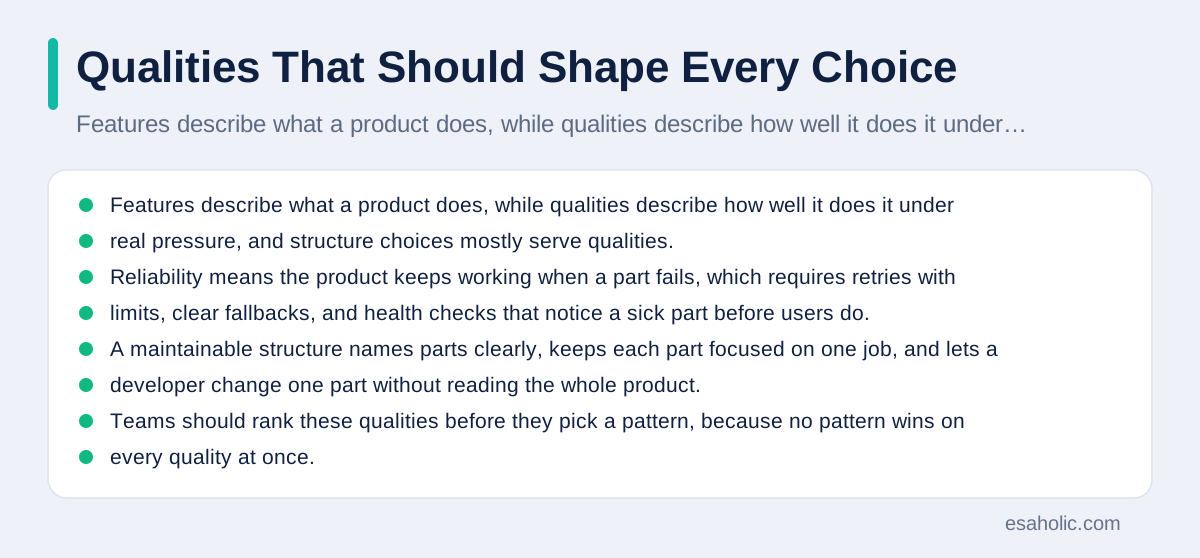
Maintainability, which means how easily a team can understand, fix, and extend code, often matters most over a product lifetime, because a product lives far longer than its first launch. A maintainable structure names parts clearly, keeps each part focused on one job, and lets a developer change one part without reading the whole product. Testability follows from the same boundaries: a part with a clear interface can run in a test harness, which is a small setup that feeds inputs and checks outputs, without starting the whole product. Teams should rank these qualities before they pick a pattern, because no pattern wins on every quality at once. A pattern that boosts speed may hurt simplicity, and a pattern that boosts independence may hurt consistency, so the ranking turns a vague debate into a concrete tradeoff the team can defend. That testability point is developed in software testing basics, which explains how teams plan checks for each part before code ships.
Write the ranking down in one short paragraph, and revisit it when the product changes. A store that starts with ten orders a day can rank simplicity first and speed third. The same store at ten thousand orders a day must rank speed and reliability first, and it may accept more complexity to earn them. That shift is normal, and a team that planned boundaries early can make the shift by changing a few parts, while a team that skipped boundaries must rebuild. The ranking also helps in hiring and in reviews, because a reviewer can ask a simple question about any new proposal: which ranked quality does this choice improve, and which one does it cost.
Putting Structure Into Practice
A structure only helps if the team can see it, so start with one diagram that fits on a single page. Draw the main parts as boxes, draw the connections as arrows, label each arrow with what flows across it, such as an order request or a payment result, and mark the boundaries that no part may cross. Keep the diagram in the code repository, which is the shared store where the team keeps code and its history, beside the code it describes, so it stays within reach during reviews. When the diagram and the code disagree, fix one of them in the same week, because a stale diagram misleads new developers worse than no diagram at all. One page beats ten pages here, because a diagram that nobody reads cannot guide anyone.
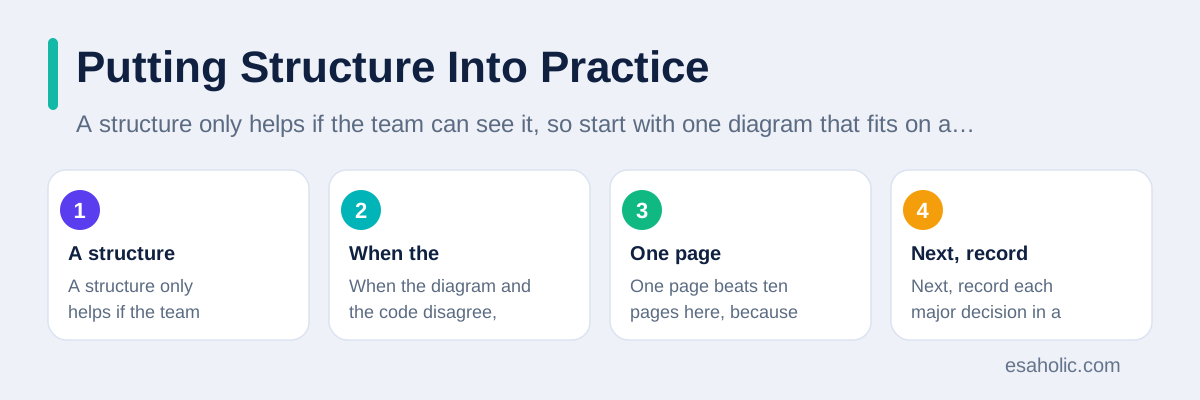
Next, record each major decision in a short note that states the context, the options considered, the choice, and the tradeoff accepted. Teams call such a note a decision record, and the format matters less than the habit. A decision record answers the question every future developer asks: why did we build it this way, and what did we give up. Without that note, a future team may reverse a careful choice for a reason the original team already considered and rejected, and the product relearns the same lesson at full price. Keep each record to a few paragraphs, store it with the code, and link it from the diagram, so the reasoning stays attached to the structure it shaped. Our guide to version control for teams explains the shared history habits that make such records easy to keep.
Mistakes That Repeat Across Teams
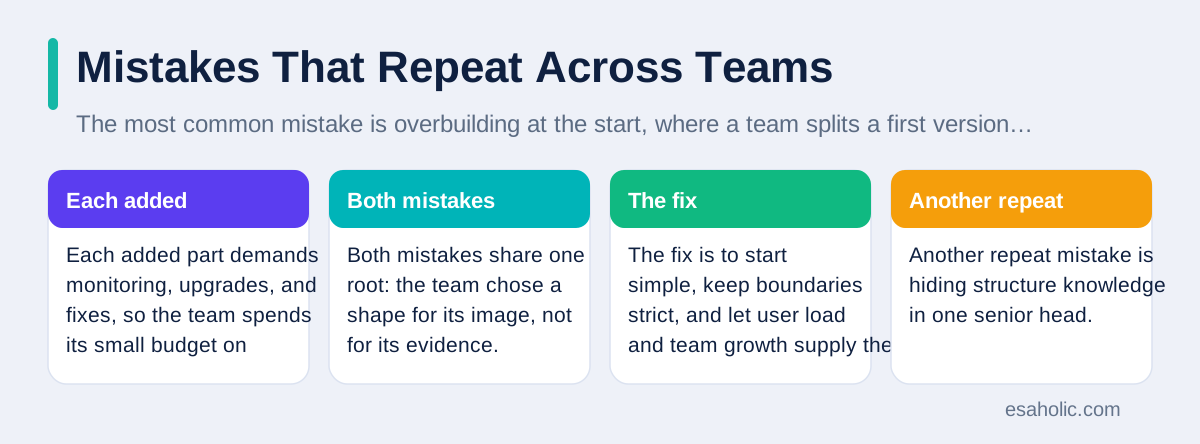
The most common mistake is overbuilding at the start, where a team splits a first version into many services, adds a message system, and adopts three data stores before it has ten users. Each added part demands monitoring, upgrades, and fixes, so the team spends its small budget on plumbing instead of on learning what users want. A related mistake is underbuilding the boundaries, where a team keeps one code base but lets every part reach into every other part, so the single system behaves like a tangled knot that no split can untangle later. Both mistakes share one root: the team chose a shape for its image, not for its evidence. The fix is to start simple, keep boundaries strict, and let user load and team growth supply the evidence for each new split.
Another repeat mistake is hiding structure knowledge in one senior head. When only one person knows why the payment boundary sits where it sits, every absence becomes a risk, and every departure becomes a small crisis. The team should spread that knowledge through the diagram, the decision records, and pair reviews, where two developers review a structure change together. A third mistake is treating structure as a one time launch task. Products change, teams change, and load changes, so a structure that fit last year may strain this year. The quarterly review habit from the previous section exists for this reason: it turns structure from a launch artifact into a living agreement that the team revisits on purpose. If you are testing an idea fast before you commit to a structure, our guide to fast product tests shows how to learn cheaply first, and our guide to systems spread across machines covers the next step when one machine no longer suffices.
A Simple Process for Small Teams
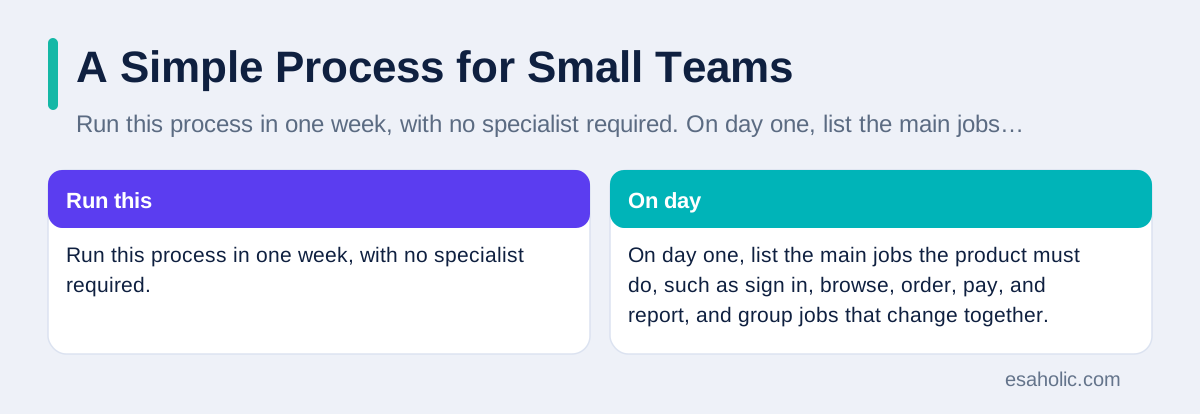
Run this process in one week, with no specialist required. On day one, list the main jobs the product must do, such as sign in, browse, order, pay, and report, and group jobs that change together. On day two, draw the one page diagram, mark the boundaries, and rank the qualities from the previous section in order. On day three, pick the simplest pattern that honors the boundaries and the top ranked quality, and write the rules, such as screens never touching data directly, in a short team note. On day four, build a thin slice, which means one complete user journey from screen to data and back, through the new structure, and test it end to end. On day five, review the slice as a team, record the decisions, and agree on the checks that will protect the boundaries.
After that week, keep two habits. First, review every feature against the diagram before coding starts, and update the diagram in the same change when a feature moves a boundary. Second, revisit the structure each quarter, or sooner when load doubles, the team doubles, or a repeated failure points at one boundary. This process will not make a team an expert overnight, but it will give the team a shared language, a visible plan, and a habit of revisiting the plan, which together beat a brilliant plan that nobody follows. For deeper reading, the twelve factor method for web apps offers practical rules for building services that deploy cleanly and scale well, and it pairs well with the boundary habits in this guide.
Conclusion
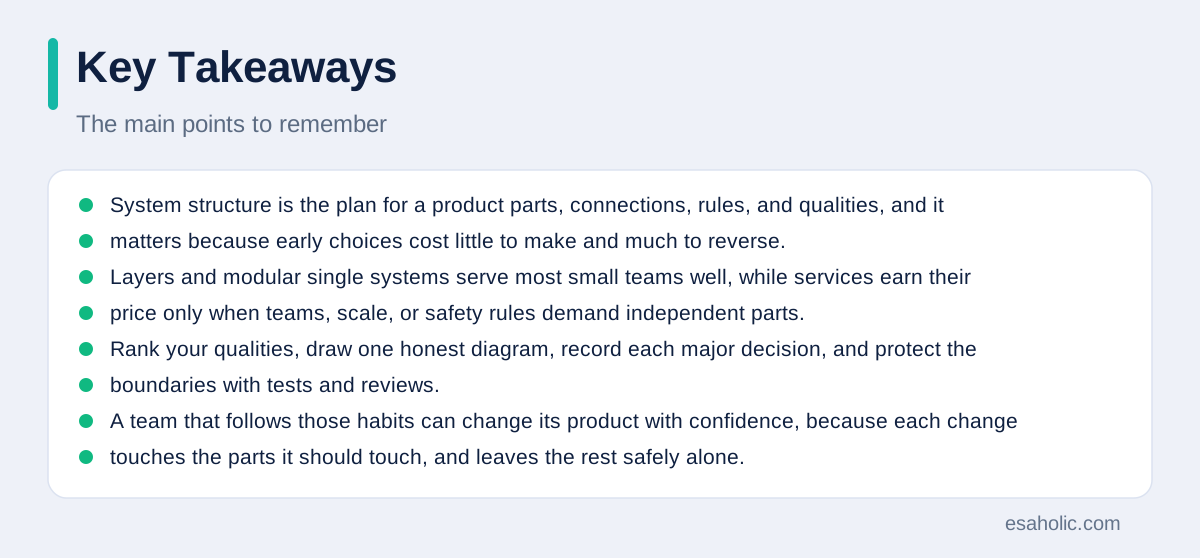
System structure is the plan for a product parts, connections, rules, and qualities, and it matters because early choices cost little to make and much to reverse. Layers and modular single systems serve most small teams well, while services earn their price only when teams, scale, or safety rules demand independent parts. Rank your qualities, draw one honest diagram, record each major decision, and protect the boundaries with tests and reviews. A team that follows those habits can change its product with confidence, because each change touches the parts it should touch, and leaves the rest safely alone.
Frequently Asked Questions
What is software architecture in simple terms?
Software architecture is the plan for a system: its main parts, how those parts connect, and the rules that keep the system easy to change. It answers structure questions before the team writes most of the code, so later changes stay small and safe.
Should a small team start with microservices?
Most small teams should not start with microservices. A well organized single system is simpler to build, test, and deploy, and it lets a small team move fast. Split it into services only when one part clearly needs its own scale, its own release pace, or its own team.
How often should a team review its system structure?
Review the structure when a major feature arrives, when the team grows, when performance or reliability problems repeat, or at least once per quarter. A short review of the diagram, the main decisions, and the open risks keeps the plan honest and current.
Written by Umar Abbas
Founder, Principal AI Architect and Operator
Umar Abbas is the founder of Esaholic and a principal AI architect who designs reliable large scale AI systems for regulated industries.
Reviewed by Danish Mustafa
Senior Agentic AI Engineer and Systems Architect
Danish Mustafa is a senior agentic AI engineer at Esaholic who builds AI agents, voice systems, and messaging systems for real customers.
Relevant blogs
API Design Principles: A Simple Guide for Teams
How to name resources, version safely, handle errors clearly, and document an interface that teams can trust.
Rapid Prototyping: A Simple Guide to Fast Product Tests
How teams turn an idea into a testable model in days and learn fast without wasting budget.
Enterprise Application Integration Explained Simply
How companies connect their systems so orders, stock, and billing agree, without manual copying or fragile links.
Version Control Systems Explained Simply for Teams
How teams track changes, branch safely, review code, and recover earlier versions without losing work.
Back to all blog guides · Back to Software Development guides · Explore Custom Software Development Services