
Rapid Prototyping Explained
Imagine a team that spends nine months building a new app, launches it with pride, and then learns in the first week that users cannot find the sign up button. The code works, the design looks clean, and the product still fails, because nobody tested the core flow with real people before building it. Rapid prototyping exists to prevent exactly that kind of expensive surprise. It is a way of working where a team builds a rough, testable version of an idea in days, not months, puts it in front of real users, watches what happens, and then changes direction while change is still cheap. The word prototype means a first model built to test an idea, and the word rapid means the model arrives fast enough to shape decisions instead of decorating them after the fact.
Prototyping meaning is simpler than most guides make it sound. A prototype is not a demo, which is a polished showpiece meant to impress, and it is not a minimum viable product, which is a small but real product meant to serve customers. A prototype is a learning tool. It answers one question well, and it ignores everything else on purpose. A paper sketch can answer whether users understand a form. A clickable set of screens can answer whether users finish a booking flow. A foam model can answer whether a device feels right in the hand. In each case, the team learns something concrete, and that learning is worth more than a beautiful model that nobody tested.
This guide explains how fast model building works in practice: what it is, which methods fit which stage, how to run a useful test, how to turn feedback into decisions, and which mistakes waste the most time. It covers software and physical products, because the thinking is the same even when the tools differ. It also explains when to stop building models and start building the real product, because endless testing is its own kind of failure. If you are planning a new product, read this guide before you approve a long build schedule. The cheapest week in a project is the week you spend learning what users actually need, and this guide shows how to spend that week well. For a deeper look at the design thinking behind early tests, the Interaction Design Foundation guide to prototyping explains the core methods in clear terms.
What Rapid Prototyping Really Means
At its core, fast model building rests on a simple idea: you cannot think your way to certainty about a product, but you can test your way there in small steps. Every product idea carries hidden guesses. The team guesses that users want a feature, that they will understand a screen, that they will pay a price, and that they will return after the first visit. Each guess is a risk, and each risk grows more expensive the longer it stays hidden. A quick model makes the biggest guesses visible early, when the team can still change course without throwing away months of work. That is why experienced product teams treat models as a normal part of the schedule, not as extra work added when time allows.
Speed matters, but speed alone is not the goal. A model built in a day that tests the wrong question teaches nothing, while a model built in two weeks that tests the riskiest guess can save a project. Good teams start by naming the question. They write it in one sentence, such as "Can a first time user complete a booking in under three minutes without help?" or "Does this handle feel safe for a person with small hands?" Then they choose the cheapest model that can answer that question honestly. If the question is about understanding, a paper sketch may be enough. If the question is about feel, only a physical model will do. If the question is about a full flow, clickable screens are the right tool. The discipline is in matching the model to the question, not in building the fanciest model possible.
Fidelity is the word teams use for how close a model comes to the finished product. Fidelity means the level of detail and realism in a model. Low fidelity models are rough and cheap: sketches, wireframes, which are simple outlines of screens without final design, and foam shapes. High fidelity models look and behave almost like the real thing: polished screens with real data, or working hardware. Low fidelity models suit early questions about structure and flow, because users focus on the idea instead of the colors. High fidelity models suit later questions about detail, such as whether a button label is clear or whether a sound feels right. Moving from low to high fidelity in stages keeps costs down, because the team only polishes ideas that already survived an early test.
What Is Rapid Prototyping in Practice
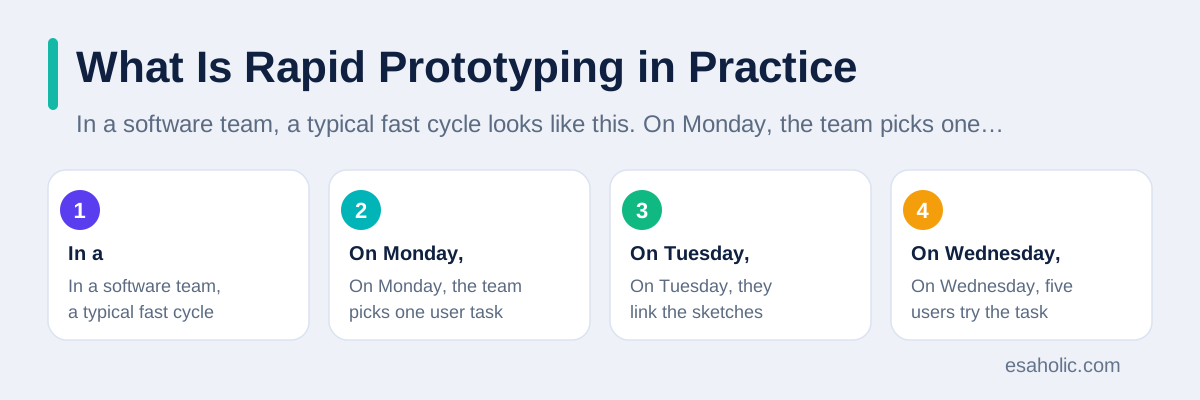
In a software team, a typical fast cycle looks like this. On Monday, the team picks one user task and sketches the screens for it on paper or in a simple design tool. On Tuesday, they link the sketches into a clickable flow, so a tester can tap through the task without any real code behind the screens. On Wednesday, five users try the task while the team watches and takes notes. On Thursday, the team sorts what they learned, fixes the biggest blocker, and updates the screens. On Friday, they test again with new users, or they move on to the next riskiest question. The whole cycle takes a week, and it often reveals problems that would have taken a month to fix after coding. The Figma resource library on prototyping shows how clickable screen models work in modern design tools.
In a hardware team, the cycle uses different tools but the same rhythm. A designer sketches a shape, prints a rough version on a 3D printer, which is a machine that builds objects layer by layer from a digital file, and hands it to users the same day. Users hold it, try it, and say what feels wrong. The designer changes the digital file, prints again, and tests again. Each round costs a little material and a few hours, while each round of factory tooling, which means the molds and machines that mass produce a product, would cost thousands of dollars and weeks of waiting. Teams that print early find grip problems, size problems, and assembly problems while fixes are still a file change, not a factory change. That is the economic case for speed in physical products, and it is hard to argue against once a team has paid for one late fix.
What is rapid prototyping is therefore not a single tool or a single method. It is a loop: build a little, test with real people, learn something specific, and change the idea. The loop repeats until the answers stop changing. A team that runs the loop well learns faster than a team that debates longer, because users show the truth that meetings only guess at. One caution matters here. A model can mislead if the team tests with the wrong people, asks leading questions, or explains the model instead of letting users struggle. The test must let users fail on their own, because a failure in a test is cheap and a failure after launch is not. Our guide on building applications around one clear problem applies the same discipline of starting from a single measurable question.
Rapid Prototype Development, Step by Step
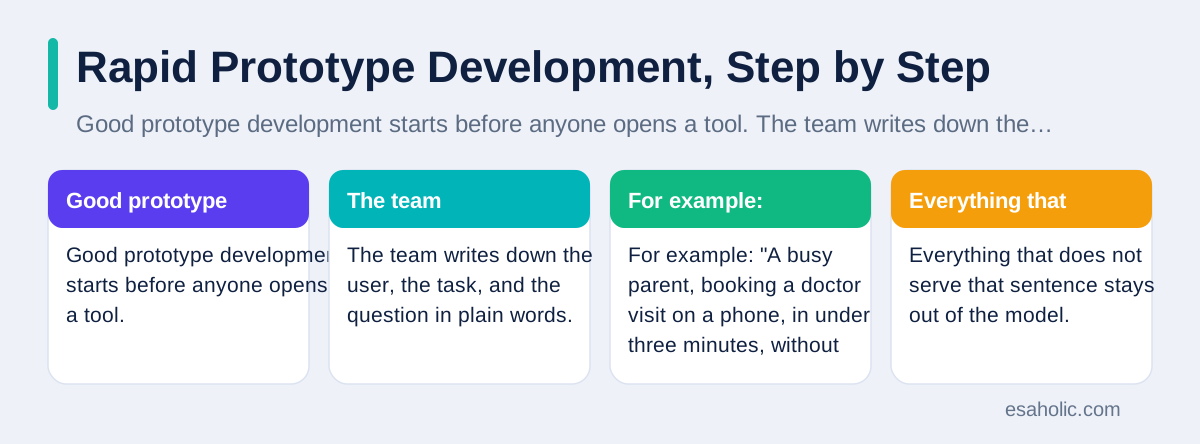
Good prototype development starts before anyone opens a tool. The team writes down the user, the task, and the question in plain words. For example: "A busy parent, booking a doctor visit on a phone, in under three minutes, without calling the clinic." That sentence sets the scope. Everything that does not serve that sentence stays out of the model. Next, the team maps the steps of the task: find a doctor, pick a time, enter details, confirm. Each step becomes one screen or one part of the model. Mapping first prevents the common mistake of building beautiful screens for steps users never reach, while the hard step stays untested.
Then the team builds only what the test needs. For a screen flow, that means simple boxes, real words for headings and buttons, and fake data where real data does not change the test. Real words matter, because placeholder text, which is filler text like "lorem ipsum" that means nothing, lets users glide past confusion that real words would expose. A button that says "Continue" hides a decision, while a button that says "Book this visit" reveals whether users understand what happens next. For a physical model, building only what the test needs means printing the grip and the controls, not the full casing, if the question is about grip. Restraint here is a skill, and teams get better at it with practice.
Finally, the team plans the test before the model is finished. They write five tasks, recruit users who match the real audience, and decide what success looks like: how many users finish, how long it takes, and where they hesitate. Planning the test early stops the team from polishing the model to impress testers, because the test already defines what counts. It also stops the team from moving the goalposts after a weak result. A test plan fits on one page, and that page is worth more than a long slide deck about the product vision. Teams that work with outside builders can ask for this discipline in custom software development work, where early models should precede long coding phases.
Fast Prototyping Methods Compared
Paper models are the fastest method of all, and they still deserve respect. A team draws screens on paper, and a team member swaps the sheets as the user taps, playing the role of the computer. This method, often called paper prototyping, reveals structure problems in an hour, and it invites honest feedback because nobody fears criticizing a sketch. Its limit is realism: it cannot test animation, speed, or feel, and some users treat paper as a game rather than a product. Use paper when the question is about layout and flow, and move on when the question needs a screen.
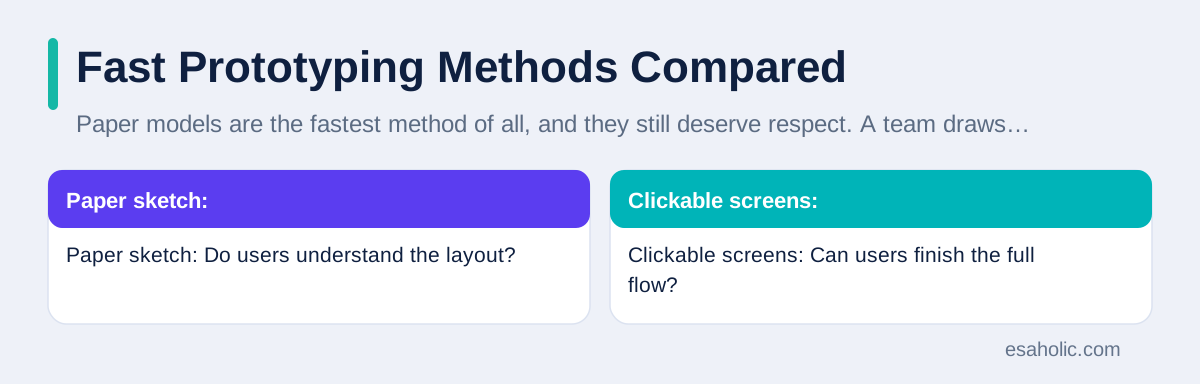
Digital clickable models are the workhorse of software teams. Design tools let a team link screens so taps move between them, and the result runs on a real phone or browser. These models test full flows, realistic wording, and navigation, without any backend code, which means the server side that stores data and runs rules. Their risk is over polish: a beautiful clickable model can convince stakeholders that the product is nearly done, when no real code exists yet. Keep the model visibly rough in places that are not under test, and label it as a model in every review, so nobody mistakes progress in design for progress in engineering.
For physical products, 3D printing, foam modeling, and simple electronics kits cover most early questions. A printed part tests size and grip. A foam shape tests how a product sits in a room or a bag. A simple electronics kit, such as a small board with sensors and lights, tests whether an interaction works at all, before the team designs custom hardware. Later, teams use CNC machining, which is computer controlled cutting of metal or plastic, for parts that must bear weight or fit precisely. The rule stays the same across methods: use the cheapest method that answers the question honestly, and upgrade only when the question demands more realism.
| Method | Best question | Typical time | Watch out for |
|---|---|---|---|
| Paper sketch | Do users understand the layout? | Hours | Too little realism for feel or speed |
| Clickable screens | Can users finish the full flow? | Days | Stakeholders may think it is finished |
| 3D printed part | Does the shape fit the hand? | Hours to days | Printed material differs from final material |
| Working code slice | Does the hard part work at all? | One to two weeks | Teams may keep it as the final product |
Prototype Development Testing That Actually Teaches
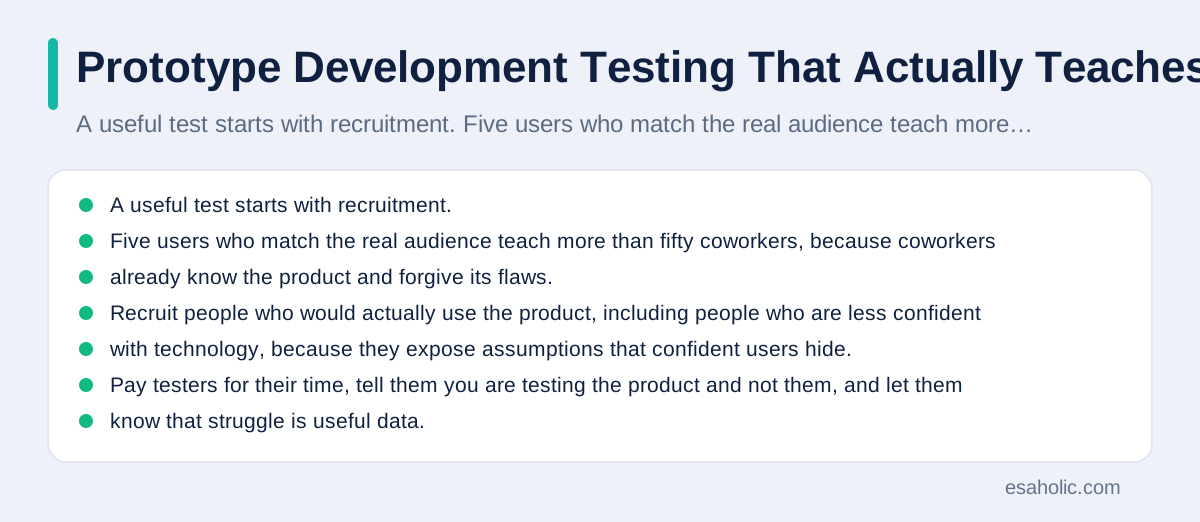
A useful test starts with recruitment. Five users who match the real audience teach more than fifty coworkers, because coworkers already know the product and forgive its flaws. Recruit people who would actually use the product, including people who are less confident with technology, because they expose assumptions that confident users hide. Pay testers for their time, tell them you are testing the product and not them, and let them know that struggle is useful data. Recruiting the right testers is a core habit in user experience basics, which starts from knowing who will actually use the product.
During the test, give a task, not a tour. Say "Book a visit for next Tuesday" instead of "Let me show you how booking works." Then stay quiet and watch. Note where users pause, where they tap the wrong thing, and what they say out loud. Ask them to think aloud, which means speaking their thoughts as they work, so the team hears confusion early instead of guessing later. Do not explain, correct, or rescue the user, because a rescue in a test hides a failure that real users will face alone. If a user cannot finish, that is a result, not an embarrassment, and it points straight at the fix that matters most.
After the test, sort findings by task, not by person. If four of five users stumbled on the same screen, that screen is the priority, even if one user loved it. Write each finding as an observation plus a fix, such as "Users tapped Back instead of Continue on the payment screen, so rename the button to Review payment." Avoid vague notes like "Users found it confusing," because vague notes lead to vague redesigns. Retest the same task after the fix with fresh users, and compare the results. A fix that does not improve the task was a guess, and the team should try a different fix rather than defending the first one.
Product Prototyping Feedback and Decisions
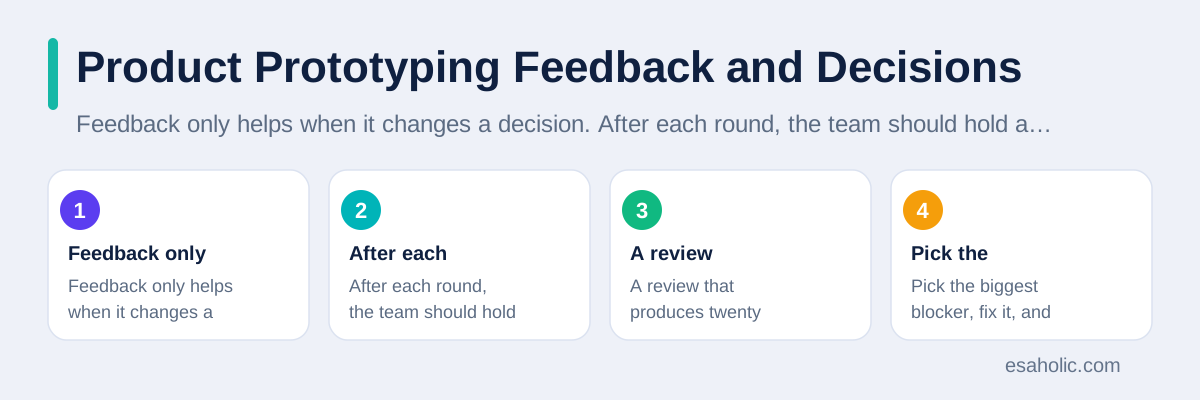
Feedback only helps when it changes a decision. After each round, the team should hold a short review with three outputs: what to keep, what to change, and what to test next. Keep the list short. A review that produces twenty changes produces no change at all, because the team cannot tell which change mattered. Pick the biggest blocker, fix it, and retest. This discipline turns feedback from a pile of opinions into a sequence of decisions, and it keeps the project moving while other teams are still debating a long list of comments.
Not all feedback deserves equal weight. Feedback from target users doing real tasks outweighs feedback from stakeholders reacting to screenshots. Feedback that names a specific task and a specific screen outweighs feedback that names a general feeling. Feedback that repeats across users outweighs feedback from a single voice, unless that single voice spotted a real safety or access problem. Access means whether people with different abilities, such as low vision or limited hand movement, can use the product, and one access finding can outweigh ten style opinions. Write down who gave each piece of feedback and what task they were doing, so the team can weigh it honestly instead of remembering only the loudest comment.
Teams should also track what they decided not to do, and why. A simple decision log, with one line per choice, prevents the same debate from returning every month. For example: "Kept one booking button per screen, because tests showed two buttons split attention." Months later, when a new stakeholder suggests two buttons, the log answers the question without a new test. This habit costs minutes and saves weeks, and it is one of the quiet marks of a mature product team. Our website design work uses the same loop of model, test, and decision log for client sites.
Rapid Prototypes: Mistakes That Waste the Most Time
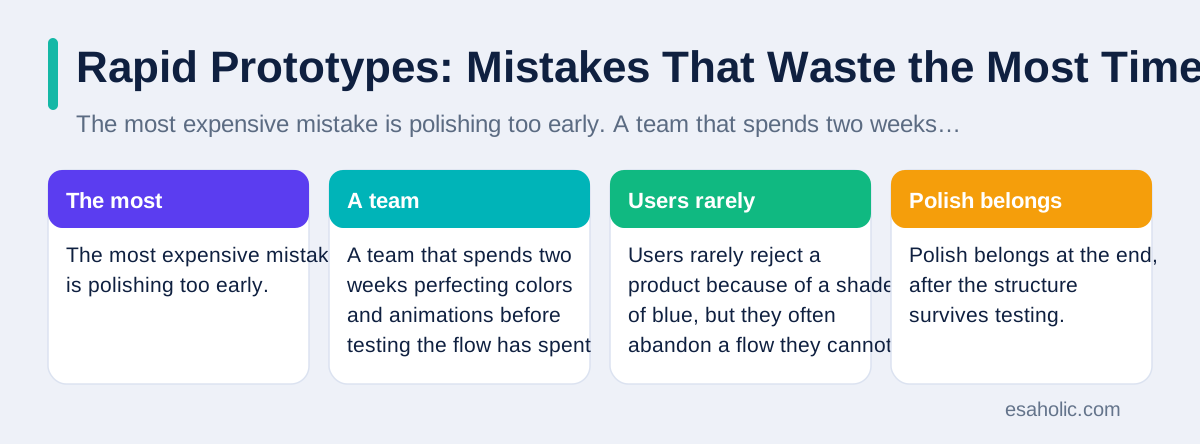
The most expensive mistake is polishing too early. A team that spends two weeks perfecting colors and animations before testing the flow has spent its budget on the least risky part of the product. Users rarely reject a product because of a shade of blue, but they often abandon a flow they cannot follow. Polish belongs at the end, after the structure survives testing. A useful rule is that a model should look a little unfinished in every part except the part under test, because that visible roughness invites honest criticism instead of polite praise.
The second mistake is testing with the wrong people. Friends, family, and coworkers want to be kind, and kindness hides problems. They already know the context, they guess what the team intended, and they finish tasks that real users would abandon. A team that only tests with friendly faces ships a product tuned for insiders. The fix is simple but requires effort: recruit strangers who match the audience, and treat their confusion as data rather than as a personal failure. Five strangers beat fifty colleagues for this purpose, every time.
The third mistake is falling in love with the model. A team that spent a week on a clickable flow may defend it even when tests show it fails, because throwing it away feels like wasted work. But the work was not wasted if it revealed the failure early. The model did its job by dying cheaply. Teams should celebrate a model that kills a bad idea in a week, because that model saved the months that a bad product would have consumed. The same thinking applies to code: a working slice built to test a risky idea should be easy to throw away, and teams should say so before they build it, so nobody treats a test as a promise.
Conclusion
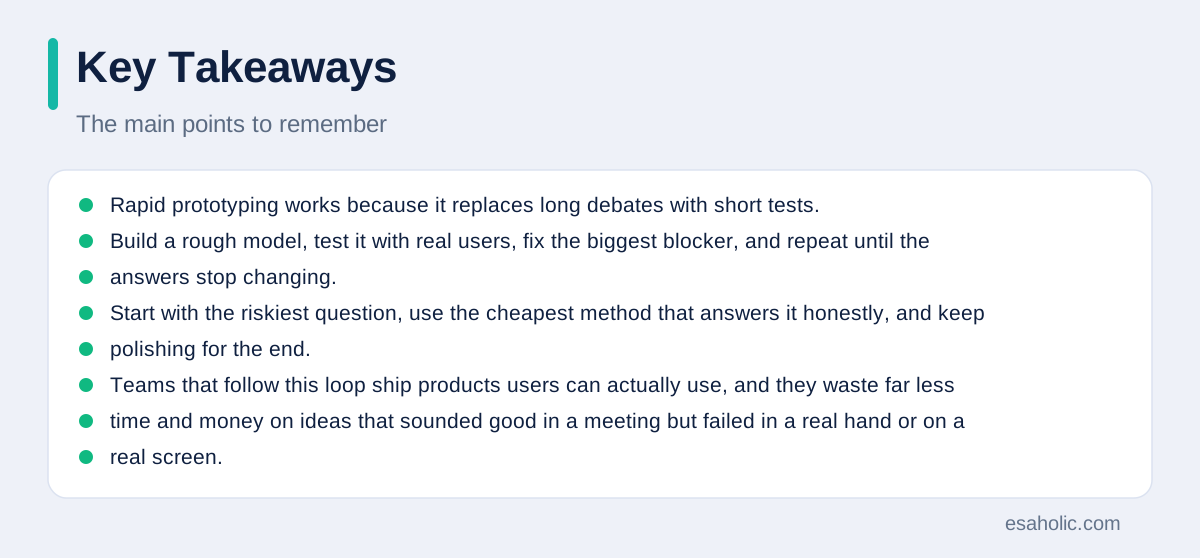
Rapid prototyping works because it replaces long debates with short tests. Build a rough model, test it with real users, fix the biggest blocker, and repeat until the answers stop changing. Start with the riskiest question, use the cheapest method that answers it honestly, and keep polishing for the end. Teams that follow this loop ship products users can actually use, and they waste far less time and money on ideas that sounded good in a meeting but failed in a real hand or on a real screen.
Frequently Asked Questions
What is rapid prototyping in simple terms?
Rapid prototyping is the practice of building a rough, testable version of a product quickly so real users can try it and reveal problems early. It trades polish for speed, because a rough model tested this week teaches more than a perfect product finished next year.
How is a prototype different from a finished product?
A prototype answers one question, such as whether users understand a checkout flow, while a finished product must handle every case, scale to many users, and stay secure. Prototypes skip the hard parts on purpose, and the team must throw away or rebuild the parts that were only ever meant for learning.
When should a team stop prototyping and start building?
Stop prototyping when the same test question keeps getting the same clear answer, when users complete the core task without help, and when the remaining unknowns are about engineering rather than about what users want. At that point, further models delay learning instead of creating it.
Written by Danish Mustafa
Senior Agentic AI Engineer and Systems Architect
Danish Mustafa is a senior agentic AI engineer at Esaholic who builds AI agents, voice systems, and messaging systems for real customers.
Reviewed by Umar Abbas
Founder, Principal AI Architect and Operator
Umar Abbas is the founder of Esaholic and a principal AI architect who designs reliable large scale AI systems for regulated industries.
Relevant blogs
Cross Platform Mobile Programming Explained Simply
How one code base can serve Android and iPhone apps, where shared code helps, and where native code still wins.
Building Agentic AI Applications with a Problem-First Approach
Start with one clear problem, measure it, pilot on real cases, and scale only when the evidence supports it.
Best AI Coding Assistants
How coding assistants help developers write, review, and fix code faster, and where human review stays essential.
Computer Vision Applications
How computers read images and video, and where vision systems help in real products.
Back to all blog guides · Back to Software Development guides · Explore Custom Software Development Services