
What Is a Vector Database Explained Simply
Ask a normal database for documents about a broken phone charger, and it will look for those exact words. It will miss a document about a faulty power adapter, even though the two phrases mean almost the same thing. A vector database solves that gap. It stores the meaning of each item as a list of numbers, and it searches by closeness of meaning, so a query about a broken charger can find a guide about a faulty adapter, even when the words differ. This guide explains how that trick works, where it helps, and where it falls short, in plain language.
The key idea is an embedding, which is a list of numbers that represents the meaning of a piece of text, an image, or another item. A model, which is a trained program that learned patterns from large amounts of data, reads an item and produces its embedding. Items with similar meanings get similar number lists, and items with different meanings get lists that sit far apart. A vector database stores those lists, together with the original item or a link to it, and it answers a simple question very fast: given this query list, which stored lists sit closest to it. That closeness search is called similarity search, and it powers a surprising number of modern features.
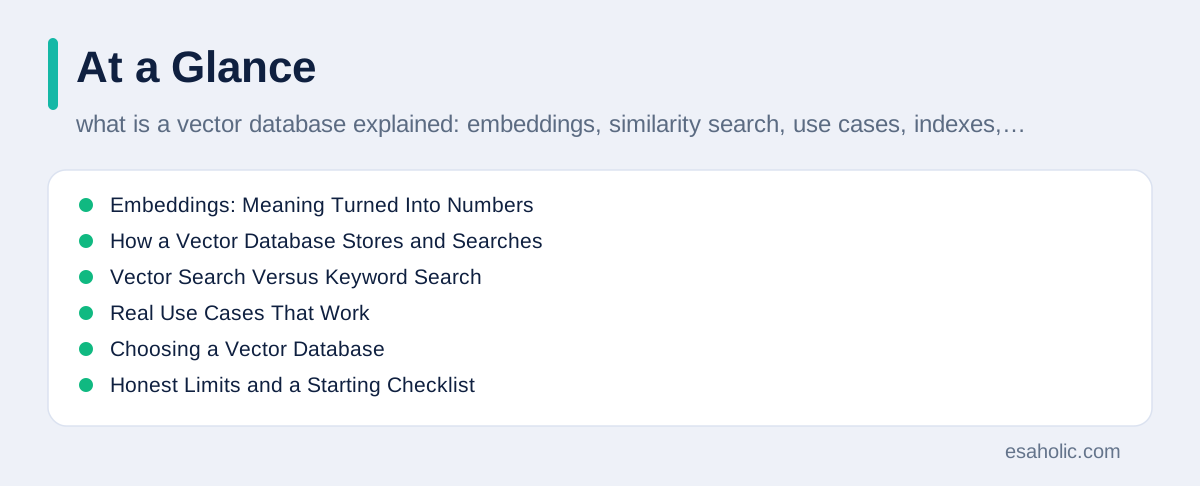
You already meet vector search in daily life, even when you never hear the name. A music app that suggests songs with a similar feel, a shop that shows products similar to the one you viewed, a support tool that finds help articles close in meaning to your question, and an AI assistant that pulls relevant documents before it answers, all rely on some form of similarity search. This guide starts with embeddings, walks through how a vector database stores and searches them, compares vector search with keyword search, covers real use cases, and ends with honest limits and a practical starting checklist. For the wider retrieval picture, our guide on how retrieval grounded agents plan searches shows how AI systems use retrieved documents to answer with sources.
Embeddings: Meaning Turned Into Numbers
An embedding turns meaning into a position in a space with many dimensions, where a dimension is simply one number in the list. A short list might hold a few hundred numbers, while a longer list might hold more than a thousand, and each number captures some aspect of meaning that the model learned during training. Two sentences about dogs will get lists that sit close together in that space, while a sentence about dogs and a sentence about tax law will get lists that sit far apart. The database never understands the sentences the way a person does, but the geometry, which is the pattern of distances between positions, captures enough about meaning to make search useful.
Different models produce different embeddings, and that choice matters. A model trained mainly on general web text may handle everyday questions well, but it may miss the special language of medicine, law, or engineering. A model trained for images will not work well for text, and a model trained for one language may struggle in another. Teams should pick a model for their actual content, test it on real queries from real users, and record which model version produced each embedding. If the team later switches models, old embeddings may no longer sit in the same space as new ones, and the database may need a rebuild, which is a fresh pass that re-creates every embedding with the new model.
Embeddings also carry a practical tradeoff between detail and cost. Longer lists can capture finer shades of meaning, but they take more storage, more memory, and more time to search. Shorter lists run faster and cost less, but they may blur distinctions that matter, such as the difference between two similar products with different safety warnings. Teams often start with a standard length from a well known model, measure search quality on a test set of real questions, and only then consider longer or shorter lists. Measure first, because a longer list that nobody tested may cost more while delivering no visible gain.
How a Vector Database Stores and Searches
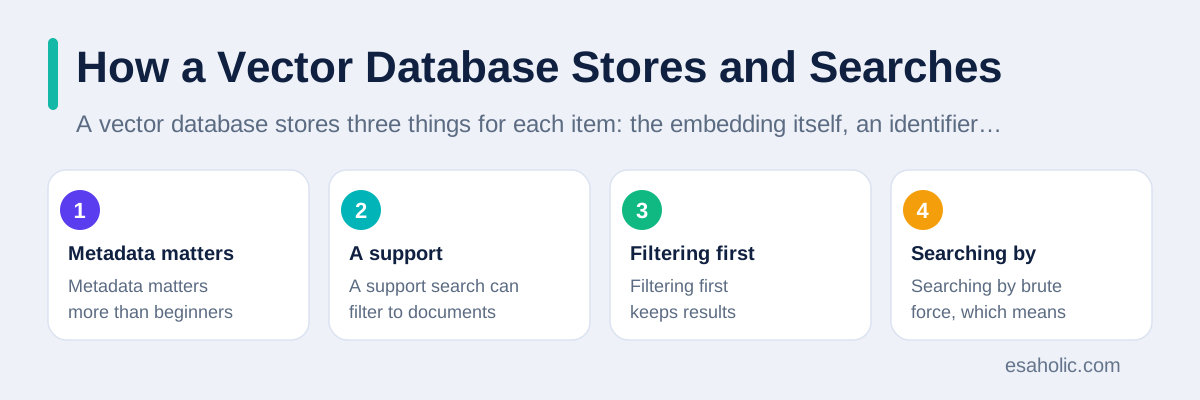
A vector database stores three things for each item: the embedding itself, an identifier that says which item the embedding belongs to, and metadata, which is extra data about the item, such as its title, date, author, or category. Metadata matters more than beginners expect, because it lets the system filter before it searches by meaning. A support search can filter to documents for one product line, a shop search can filter to items in stock, and a news search can filter to articles from the last year. Filtering first keeps results relevant and keeps the search fast, because the system compares fewer lists.
Searching by brute force, which means comparing the query with every stored list, works for small collections, but it slows down badly as collections grow. A collection with millions of items would need millions of comparisons for every query, and that cost adds up fast. Vector databases therefore use indexes, which are data structures that organize lists so the system can find close neighbors without checking everything. Many indexes use approximate search, which means they find very close neighbors quickly, with a small chance of missing the single closest item. For most products, that small tradeoff is worth it, because users rarely notice the difference between the closest item and the second closest item, while they definitely notice a search that takes ten seconds.
The search result itself needs handling, because closeness is a ranking, not a verdict. A vector database returns items ordered by similarity score, which is a number that says how close each item sits to the query, but it does not say whether the item actually answers the question. A query about refunds might return a close document about returns, which is helpful, or a close document about product registration, which is not. Good systems therefore add a second step: they re-rank the top results, filter by metadata, or pass the results to a language model that reads them and decides which ones truly help. The database finds candidates, and the application decides what to show.
Vector Search Versus Keyword Search
Keyword search, also called lexical search, matches words. It excels at exact names, product codes, error messages, and phrases that users quote verbatim. If a user types a precise error code, keyword search will find the exact document, while vector search might return documents about similar errors that miss the point. Keyword search also behaves predictably: users can guess why a document matched, because they can see the shared words. That predictability helps support teams, because they can explain a result and fix a bad result by fixing the document text.
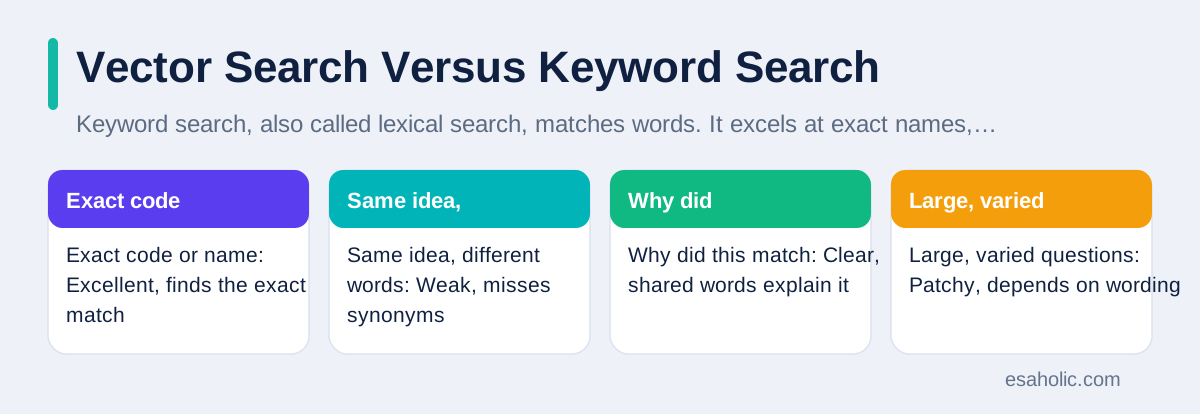
Vector search excels where words vary. Users describe the same problem in many ways, products have synonyms, and questions arrive in everyday language rather than in the exact terms a manual uses. A user who asks how to fix a phone that will not charge might need a guide titled about power delivery faults, and keyword search would miss it, while vector search would find it. Vector search also handles cross language cases better, because embeddings can place similar meanings from different languages near each other, though quality varies by language and by model. The two approaches complement each other, and that is why many teams combine them.
Hybrid search combines keyword and vector results, then merges the rankings into one list. A common pattern runs both searches, normalizes their scores so the two scales become comparable, and then shows the best combined results. Another pattern uses keyword search for exact matches first, and vector search as a fallback when keyword results look thin. Teams should test hybrid search on real queries, because the best mix depends on the content: a parts catalog with strict codes needs keyword strength, while a help center with free form questions needs vector strength. The AWS guide to vector databases explains the basic concepts from a cloud angle, and the MongoDB guide to vector databases shows how one established database added vector search beside its normal queries.
| Question type | Keyword search | Vector search |
|---|---|---|
| Exact code or name | Excellent, finds the exact match | Weak, may return similar but wrong items |
| Same idea, different words | Weak, misses synonyms | Excellent, matches by meaning |
| Why did this match | Clear, shared words explain it | Harder, similarity scores need interpretation |
| Large, varied questions | Patchy, depends on wording | Strong, handles natural phrasing |
Real Use Cases That Work
Recommendation systems form one of the oldest and most reliable vector use cases. A shop turns each product into an embedding from its description, images, and past buyer behavior, then shows products whose embeddings sit close to a product the user already likes. A music service does the same with songs, and a video service does it with viewing history. The key to a good recommendation is not the database alone, it is the quality of the embeddings and the business rules around them: exclude out of stock items, respect age and safety rules, and avoid repeating the same suggestion until the user gives up. A vector database makes the similarity step fast, while product rules make the result trustworthy.
Document search and AI grounding form the fastest growing use case. A team splits its manuals, policies, and help articles into short passages, turns each passage into an embedding, and stores them in a vector database. When a user asks a question, the system searches for the closest passages and gives them to a language model, which writes an answer based on those passages. This pattern, often called retrieval augmented generation, reduces invented answers, because the model answers from real documents instead of from memory alone. It still needs checks, because a close passage can still miss a key condition, and a confident answer built on a close but wrong passage misleads users just as surely as a guess.
Other use cases include image search, fraud detection, and duplicate detection. An image search system turns photos into embeddings, so a user can find visually similar products without knowing their names. A fraud system compares new transactions with known fraud patterns, and flags close matches for human review, not for automatic punishment, because similarity is a clue, not proof. A duplicate detection system finds near identical records, such as two customer entries for the same person with slightly different spellings, and helps teams merge them safely. In each case, the vector database does the fast similarity step, while humans and rules make the final decision, and that division of labor keeps the system both fast and fair.
Those use cases usually sit inside larger AI products, and AI and machine learning development services cover the systems built around them.
Choosing a Vector Database
Teams face three broad choices: a dedicated vector database, a vector extension inside a normal database, or a managed service that runs the database for them. A dedicated vector database focuses on similarity search at scale, with advanced indexes and tuning for large collections. A vector extension inside a normal database lets a team keep its existing data, transactions, and access rules, while adding similarity search to the same store. A managed service reduces setup and maintenance work, but it adds a monthly cost and a dependency on one provider's terms. None of these choices is right for every team, and the right choice depends on scale, on existing systems, and on how much operational work the team can take on.
Start with scale and with the data you already own. A team with a few thousand documents and an existing database will often do best with a vector extension in that database, because it avoids a second system, a second backup plan, and a second access control setup. A team with millions of embeddings, heavy query traffic, and strict latency needs, which means strict limits on response time, may need a dedicated system built for that scale. A team with no database staff may prefer a managed service, as long as it checks data location, export options, and what happens if the provider changes prices or terms. Always test with your own data and your own queries, because vendor benchmarks on generic data rarely match real content.
Also check the surrounding features before you commit. A good vector database should support metadata filtering, so searches can respect product, region, and permission rules. It should support updates and deletes cleanly, because documents change and users ask for deletion, and a database that cannot delete an embedding reliably creates a privacy problem. It should offer backups, access logs, and clear limits, and it should let you export your embeddings and metadata without a painful migration. Teams that skip these checks often build a fast demo that later fails on privacy, backup, or migration questions, and fixing those gaps after launch costs far more than checking them before launch.
Many teams run their chosen store in containers, and docker containerization explains how that packaging works.
Honest Limits and a Starting Checklist
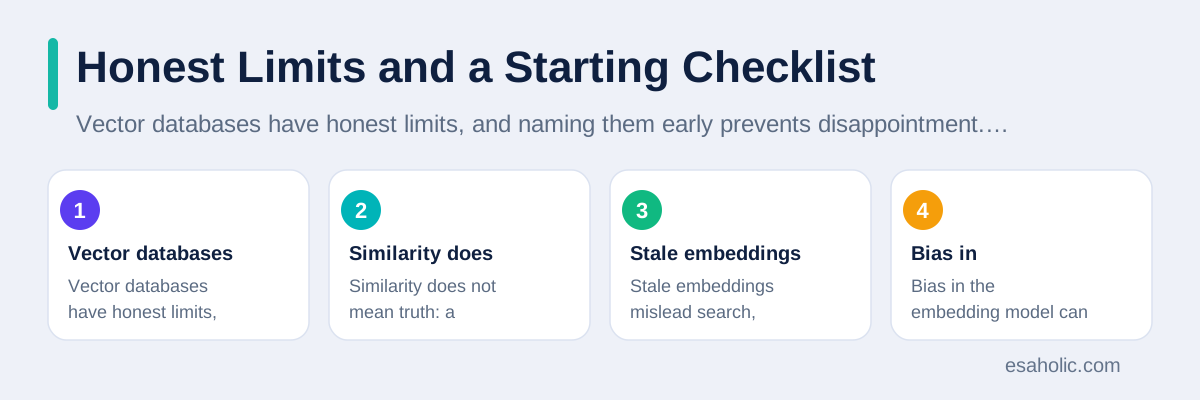
Vector databases have honest limits, and naming them early prevents disappointment. Similarity does not mean truth: a document can sit close to a query in meaning while stating the opposite conclusion, such as a document that says a refund is not available. Stale embeddings mislead search, because a document that changed after its embedding was made will still appear under its old meaning until someone rebuilds it. Bias in the embedding model can also shape results, because a model trained on skewed data may rank some content higher for reasons nobody intended. Teams should review top results for sensitive queries, rebuild embeddings when documents change, and keep human review for high stakes answers.
Cost also deserves a frank look. Embeddings cost money to create, storage costs money to hold, and every query costs compute time, especially when indexes grow large. A team that embeds every document in full, including boilerplate and legal footers, pays for noise, while a team that splits documents into clean passages and embeds only the useful parts pays less and searches better. Cache frequent queries where it is safe to do so, set limits on query volume per user, and monitor cost per thousand queries the same way you monitor search quality. A search system that works beautifully and costs more than the business it supports will not survive its first budget review.
Use this starting checklist for a first vector project. First, pick one clear use case, such as support search for one product line, and define success in plain terms, such as fewer repeat questions or faster time to an answer. Second, pick an embedding model, test it on fifty real questions, and record its version. Third, build metadata filtering for product, permission, and date, before you worry about advanced indexes. Fourth, combine vector search with keyword search, and test the hybrid on the same fifty questions. Fifth, add human review for high stakes answers, rebuild embeddings when documents change, and track quality and cost every week. A small project that follows this checklist will teach you more than a large project that skips it, and our guides to pipeline and warehouse work and to faster query habits cover the data preparation and tuning steps behind a reliable search system.
Conclusion
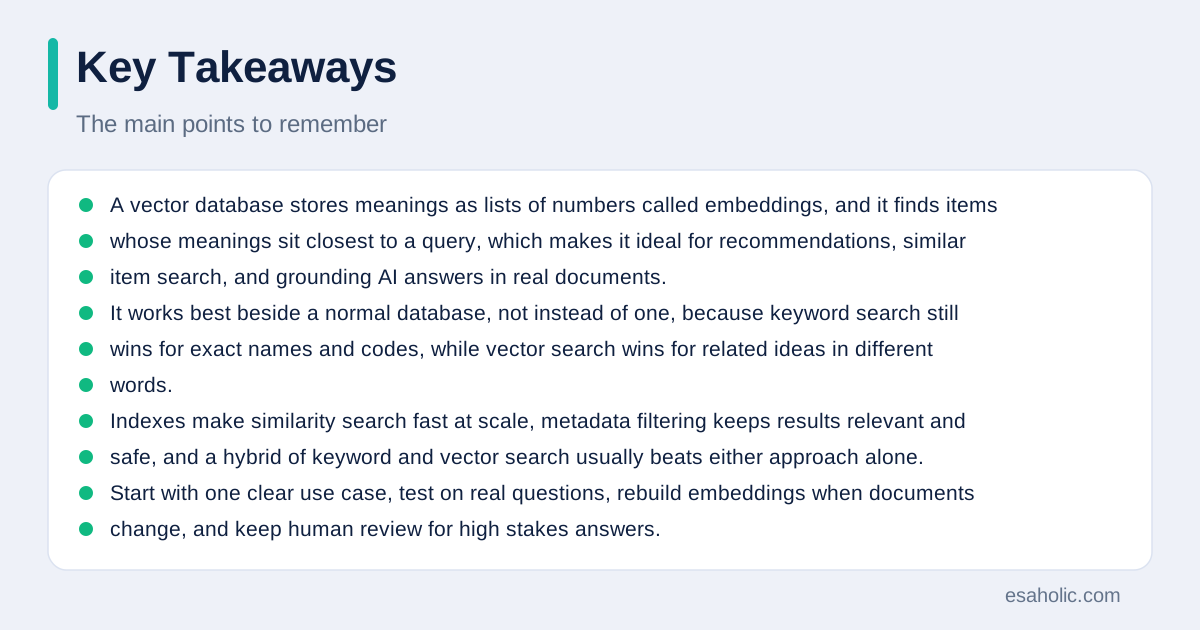
A vector database stores meanings as lists of numbers called embeddings, and it finds items whose meanings sit closest to a query, which makes it ideal for recommendations, similar item search, and grounding AI answers in real documents. It works best beside a normal database, not instead of one, because keyword search still wins for exact names and codes, while vector search wins for related ideas in different words. Indexes make similarity search fast at scale, metadata filtering keeps results relevant and safe, and a hybrid of keyword and vector search usually beats either approach alone. Start with one clear use case, test on real questions, rebuild embeddings when documents change, and keep human review for high stakes answers. Done that way, a vector database turns vague questions into useful answers, without pretending that closeness alone equals truth.
Frequently Asked Questions
What is a vector database in simple terms?
A vector database is a store that holds embeddings, which are lists of numbers that capture the meaning of text, images, or other items, and it finds items whose meanings sit closest to a query. It answers questions about similarity, such as which documents mean almost the same thing, instead of only matching exact words.
When should you use a vector database instead of a normal database?
Use a vector database when the task needs meaning based search, recommendations, or finding similar items, and use a normal database when the task needs exact lookups, transactions, or strict rules, such as finding an order by its number. Many systems use both, with each store doing the job it does best.
Do vector databases replace normal search?
No, vector databases do not replace normal search. Keyword search still wins for exact names, codes, and phrases, while vector search wins for related ideas expressed in different words. The strongest search systems combine both and rank the combined results for the user.
Written by Danish Mustafa
Senior Agentic AI Engineer and Systems Architect
Danish Mustafa is a senior agentic AI engineer at Esaholic who builds AI agents, voice systems, and messaging systems for real customers.
Reviewed by Ahmad Jajja
Senior AI Research Engineer and Generative AI Specialist
Ahmad Jajja is a senior AI research engineer at Esaholic who builds generative AI systems grounded in real documents for accurate answers.
Relevant blogs
Agentic RAG Explained: Architecture, Agents, and Uses
How retrieval grounded agents plan searches, check sources, and answer from your own documents.
Data Engineering Services Explained Simply
What pipeline, warehouse, and integration work covers, and how teams choose help wisely.
Database Optimization: A Practical Guide
Indexes, query tuning, caching, and monitoring for faster, calmer databases.
Natural Language Processing Explained Simply
How computers read, understand, and reply to human language, and its honest limits.
Back to all blog guides · Back to Data, Cloud and Databases guides · Explore Generative AI Development Services