
Database Optimization: A Practical Guide
A slow database rarely announces itself with a single loud failure. It shows up as pages that load a second slower each month, as reports that finish after the meeting starts, and as timeouts that appear only on busy days. Teams often answer by buying a bigger server, and sometimes that helps, but it also hides the real problem and raises the bill every month. Database optimization takes a different path: it finds the work that wastes time, removes that waste, and proves the improvement with measurements. This guide explains that path in plain language, with habits you can use on any database, whatever its brand.
Optimization, in this context, means making a database do the same job with less effort, or do more jobs in the same time, without breaking correctness. A query is a request for data, such as a request for all orders from last month, and optimization usually starts with the queries that run most often or scan the most rows. An index is a lookup structure that helps the database find rows quickly without scanning a whole table, much like the index at the back of a book helps you find a topic without reading every page. This guide covers queries, indexes, schema design, caching, connections, and monitoring, in the order that usually gives the best return for the least risk.
The guide also warns against the most common trap: optimizing by guesswork. A team that adds indexes at random, rewrites queries without measuring, or copies tuning advice from an unrelated system can easily make performance worse. Every change in this guide comes with a measurement step, because a change that nobody measured is a change nobody can trust. If you want the wider systems picture, our guide on how distributed systems spread work explains how databases fit into larger systems, and the PostgreSQL guide to indexes gives a clear, vendor neutral style introduction to how indexes work in practice.
Start by Measuring, Not by Guessing
Measurement starts with slow query logging, which is a database feature that records queries that take longer than a threshold you set. Turn it on, let it run through a busy period, and then rank the results by total time, which is run time multiplied by how often the query runs. A query that takes two seconds and runs ten thousand times a day costs far more than a query that takes twenty seconds and runs once a week, so total time, not single run time, should drive your priorities. Also record how many rows each query scans versus how many rows it returns, because a query that scans a million rows to return ten rows is doing wasted work that an index or a better filter can often remove.
A query plan, also called an execution plan, shows how the database intends to answer a query, step by step. It shows whether the database scans a whole table, uses an index, joins tables in a sensible order, or sorts a large result that nobody needs sorted. Learn to read the plan for your database, even at a basic level, because the plan turns a vague complaint about slowness into a specific diagnosis. The PostgreSQL guide to explaining queries shows how one database displays its plan, and the PostgreSQL performance tips cover habits that transfer to other databases as well. A plan that shows a full table scan on a large table points to a missing index or a missing filter, while a plan that shows a huge sort points to a query that asks for more data than the user actually views. Fix the plan, not the symptom, and recheck the plan after every change.
Baseline numbers protect you from false victories. Before you change anything, record the run time, the row count, and the total daily cost of each target query, on realistic data, not on a tiny test set. A query that runs fast on a hundred test rows can run terribly on ten million real rows, because the database chooses different plans at different sizes. After each change, rerun the same queries on the same data and compare the numbers. If a change does not improve the baseline, undo it, even if it looked clever, because a codebase full of unproven tuning changes becomes impossible to reason about later.
Indexes: Powerful, and Easy to Overuse
An index helps the database jump straight to the rows it needs, instead of scanning every row in a table. Indexes work best on columns that queries filter by, join on, or sort by, such as a customer identifier, an order date, or a status field that narrows results sharply. A composite index, which is an index on more than one column, helps queries that filter by several columns together, but the order of columns matters: put the most selective column, which is the column that narrows results the most, first, and test the order on real queries rather than assuming it. The PostgreSQL index guide linked above explains these patterns with examples that transfer well to other databases.
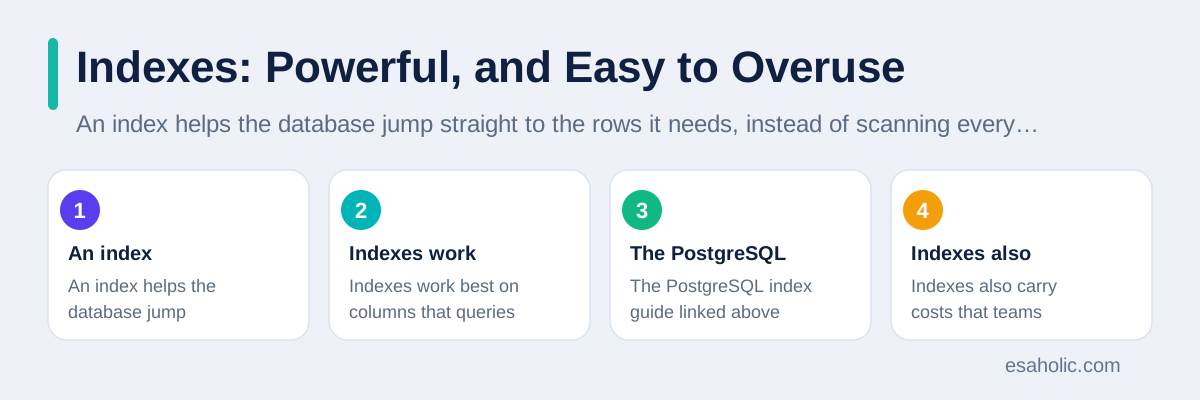
Indexes also carry costs that teams forget until writes slow down. Every insert, update, and delete must update every index on the affected table, so a table with ten indexes will write slower than the same table with two indexes, even when reads feel fast. Indexes also take storage, and a large index set can rival the table itself in size, which raises backup and memory costs. Review index usage on a schedule: most databases can report which indexes never get used, and removing an unused index is a safe, instant win, as long as you check first that no rare but important report depends on it. A quarterly index review takes an hour and often removes more waste than a week of query rewriting.
Watch for two index traps. The first trap is indexing a low selectivity column, such as a true or false flag that splits rows evenly, because the database may still scan most of the table and gain little from the index. The second trap is creating overlapping indexes that differ by one column, because the database can usually serve both queries from the broader index, and the extra index only adds write cost. When in doubt, add one index at a time, measure the target queries and the write workload, and keep the index only if the total picture improves. Optimization rewards patience, not enthusiasm.
Query Tuning in Plain Terms
Query tuning means rewriting a request so the database does the same job with less work, without changing the answer. The simplest tuning habit is to select only the columns you need, instead of asking for every column, because extra columns force the database to read and transfer data nobody uses. Another habit is to filter early, which means applying date, status, and customer filters before joining tables, so joins work on small sets instead of huge ones. A third habit is to avoid functions on filtered columns where possible, because a function can hide a column from its index and force a full scan, turning a fast lookup into a slow sweep.
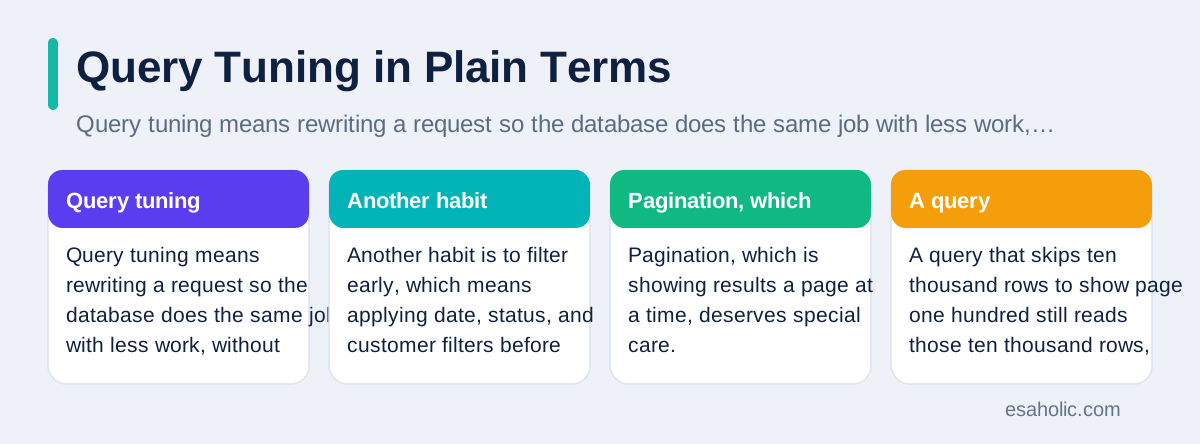
Pagination, which is showing results a page at a time, deserves special care. A query that skips ten thousand rows to show page one hundred still reads those ten thousand rows, even though it discards them, so deep pages get slower as users click further. Keyset pagination, which remembers the last item on the previous page and asks for the next items after it, avoids that repeated scanning, and it works well for feeds and lists ordered by time or by identifier. If your application only ever shows the first few pages, limit the depth users can reach, or offer search and filters instead of endless paging, because no tuning trick can make scanning discarded rows cheap.
Joins also reward care. A join combines rows from two tables based on a shared value, such as a customer identifier, and a join that multiplies rows by accident can return far more data than anyone expected. Check join conditions, check for duplicate keys, and check whether a query truly needs every joined table, because a join to a table whose columns never appear in the result is pure waste. When a query joins many tables, break it into smaller steps during testing, measure each step, and then recombine only the steps that earn their place. A query that looks elegant but scans millions of rows is not elegant, it is expensive.
Schema Design and Caching
Schema design means choosing tables, columns, and relationships, and it shapes performance for years. Normalization, which is the practice of storing each fact once and linking to it from other tables, avoids duplication and keeps updates consistent, because a change in one place updates everywhere. Over normalization, however, forces queries to join many tables for simple questions, and that joining costs time. Denormalization, which deliberately repeats some data to make reads faster, can help for reporting tables, but it needs a clear update plan, or the repeated copies will drift apart and reports will disagree. Choose normalization for live transactional tables, and consider denormalized reporting tables that refresh on a schedule.
Caching stores a repeated result so the database does not need to recompute it every time. A cache helps most for data that changes rarely but gets requested often, such as product lists, reference tables, or popular reports. A cache hurts when it serves stale data, which is data that no longer matches the source, for a decision that needs fresh numbers, such as stock levels or account balances. Set clear expiry rules, which say how long a cached result stays valid, and invalidate the cache, which means mark it as outdated, when the underlying data changes in a way users would notice. Measure cache hit rate, which is the share of requests served from cache, before you add more caching, because a cache with a low hit rate adds complexity without saving work.
Do not confuse caching with fixing a slow query. A cache can hide a bad query for a while, but the first request after expiry still pays the full slow cost, and a cache stampede, which happens when many requests miss the cache at once and all hit the database together, can turn a slow query into an outage. Fix the query first, add caching second, and set a limit on how many requests can rebuild the same cached result at once. That order keeps the system honest: the cache accelerates a healthy query, instead of masking a sick one, and our guide to shared and isolated tenancy designs shows how caching needs tenant labels in systems that serve many customers.
Connections, Pooling, and Monitoring
Connections link an application to a database, and each connection costs memory and attention on the database server. An application that opens a new connection for every request will waste time on setup and will overwhelm the database under load, while an application that holds connections forever will starve other services. Connection pooling solves this tension by keeping a small set of open connections and sharing them across requests. Size the pool from real peak traffic, not from a guess: too small, and requests queue and time out, while too large, and the database spends its time managing connections instead of answering queries. Watch queue time beside query time, because a query that looks slow may actually wait long for a free connection.
Monitoring should track the database as a whole, not only single queries. Track processor use, memory use, disk use, disk wait time, and connection counts together, because a slow query can be a symptom of a full disk, a memory shortage, or a runaway job, rather than a bad query. Track replication lag, which is the delay between a main database and its copies, because a lagging copy can serve stale reports while the main database looks healthy. Alert on trends, such as steadily rising disk use or slowly growing query times, rather than on single spikes, because trends give the team time to act, while spikes often resolve before anyone can respond.
Finally, build a regular optimization routine, instead of treating optimization as a one time rescue. Review slow queries weekly, review indexes quarterly, review schema changes before they ship, and review cache hit rates after every major release. Keep a short log of each change, its baseline, and its result, so future engineers can see what worked, what failed, and why. A team that optimizes a little, every week, will rarely face the crisis of a database that suddenly collapses under growth, while a team that waits for a crisis will pay for the same fixes under pressure, with less time to test them. The related guide to storage choices for growing teams covers where growing data can live, and the guide to pipeline and warehouse work shows how clean data movement reduces database load.
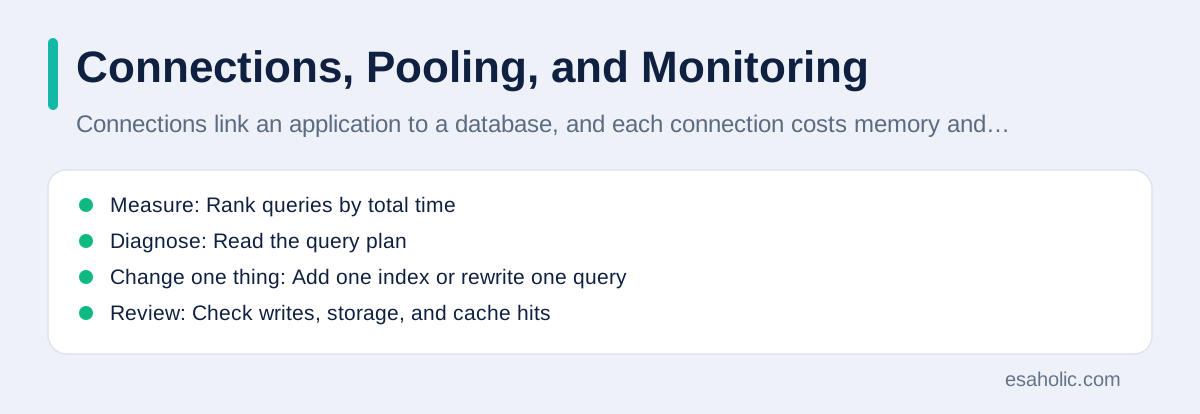
| Step | Action | Measure |
|---|---|---|
| Measure | Rank queries by total time | Run time, frequency, rows scanned |
| Diagnose | Read the query plan | Scans, joins, sorts |
| Change one thing | Add one index or rewrite one query | Same queries, same data, before and after |
| Review | Check writes, storage, and cache hits | Write time, index size, hit rate |
When tuning reaches its limit, custom software development can redesign the data layer instead of adding more hardware.
When to Scale Up, Scale Out, or Redesign
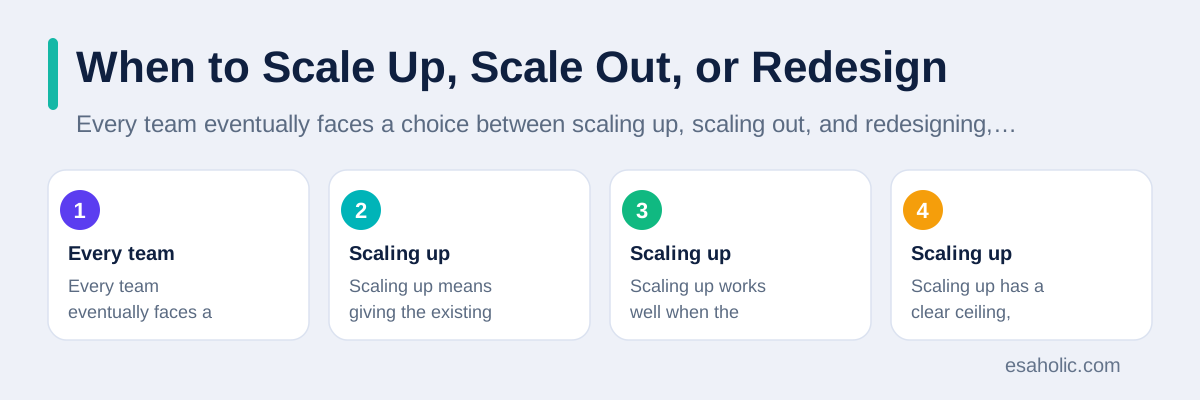
Every team eventually faces a choice between scaling up, scaling out, and redesigning, and the right choice depends on what the measurements actually show. Scaling up means giving the existing database server more processing power, more memory, or faster disks. Scaling up works well when the bottleneck is simple, such as a server that runs out of memory during large sorts, and when the team needs a quick win while it plans a deeper fix. Scaling up has a clear ceiling, however, because even the largest single server has limits, and each step up usually costs more than the last step for a smaller gain. Treat scaling up as breathing room, not as a strategy, and use the time it buys to fix the queries and indexes that created the pressure.
Scaling out means spreading work across more servers, for example by adding read replicas, which are copies that serve read only queries, or by splitting data across several databases, a technique called sharding, where each database holds a slice of the data based on a key such as customer region. Scaling out suits systems where reads dominate, or where different tenants or regions can live on different servers without constant cross server joins. Scaling out also adds real complexity: the team must handle replication lag, failed replicas, and queries that need data from several slices at once. A team should scale out when measurements show that one server, however large, cannot serve the load, and when the data naturally splits along a clean boundary, not merely because scaling out sounds modern.
Redesign becomes the honest answer when the data model itself fights the workload. A system that stores documents as hundreds of tiny rows and then joins them for every page view, or a system that updates the same hot row thousands of times per second, will not reach good performance through indexes alone, because the shape of the work is the problem. Redesign might mean a new table shape for reporting, a separate store for search, or a queue that smooths bursts of writes into steady work. Redesign costs the most time and carries the most risk, so it needs the strongest evidence: repeated slow plans, a clear story about why tuning cannot fix them, and a migration plan with a rollback step, which is a tested way to return to the old design if the new design fails. Choose the cheapest option that the measurements support, and revisit the choice each quarter, because a workload that suits scaling up today may need scaling out next year, and a design that felt bold last year may now look like the obvious fix.
A redesign can also mean a different kind of store, and what is a vector database explains meaning based search for AI workloads.
Conclusion
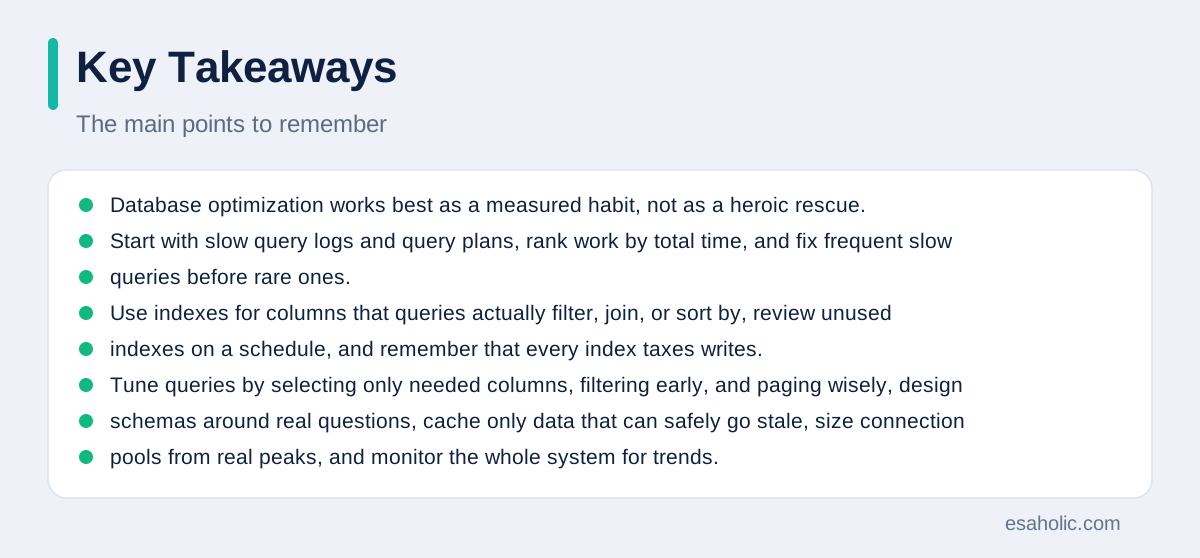
Database optimization works best as a measured habit, not as a heroic rescue. Start with slow query logs and query plans, rank work by total time, and fix frequent slow queries before rare ones. Use indexes for columns that queries actually filter, join, or sort by, review unused indexes on a schedule, and remember that every index taxes writes. Tune queries by selecting only needed columns, filtering early, and paging wisely, design schemas around real questions, cache only data that can safely go stale, size connection pools from real peaks, and monitor the whole system for trends. Change one thing at a time, record the baseline and the result, and undo changes that do not help. A database treated that way stays fast as data grows, stays calm under load, and stays understandable to the team that runs it.
Frequently Asked Questions
What is database optimization in simple terms?
Database optimization is the work of making a database answer queries faster and use fewer resources, by improving queries, adding useful indexes, designing tables well, caching repeated results, and monitoring slow work. The goal is a system that stays fast as data and traffic grow.
Should you add indexes to every column?
No, you should not add indexes to every column. Indexes speed up reads, but they slow down writes, because the database must update each index when a row changes, and they take storage. Add indexes for columns that queries actually filter, join, or sort by, and review unused indexes on a schedule.
What should you measure first when a database feels slow?
Measure the slowest queries first, with their run times, how often they run, and how many rows they scan. A single slow query that runs thousands of times a day usually matters more than a rare query that runs slowly once, so fix frequent slow work before rare slow work.
Written by Amir Iqbal
Senior AI Systems Architect and Lead Technical Reviewer
Amir Iqbal is a senior AI systems architect at Esaholic who reviews code and architecture and keeps live AI systems fast and reliable.
Reviewed by Umar Abbas
Founder, Principal AI Architect and Operator
Umar Abbas is the founder of Esaholic and a principal AI architect who designs reliable large scale AI systems for regulated industries.
Relevant blogs
Multitenant Database Containers Explained Simply
Shared and isolated tenancy, containers, security, and backups in plain language.
What Is a Distributed System? A Simple Guide
How systems spread work across many computers and stay available when one part fails.
Data Engineering Services Explained Simply
What pipeline, warehouse, and integration work covers, and how teams choose help wisely.
Cloud Storage Alternatives Explained Simply
Storage types, cost comparison, security, and migration planning in plain language.
Back to all blog guides · Back to Data, Cloud and Databases guides · Explore Support and Maintenance Services