
Ai Creative Tools News
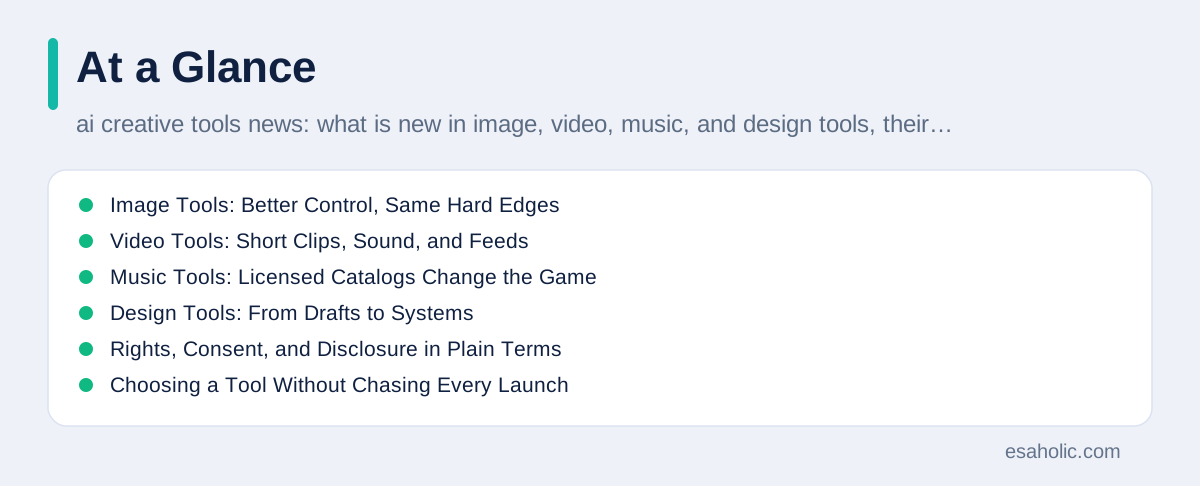
Creative AI tools changed faster in 2025 than in any earlier year, and the news now covers four crafts at once: images, video, music, and design. A single model family can draft an image, extend it into a short video with sound, suggest a music bed, and lay out a social post, which makes creative work faster for beginners and more contested for professionals. This guide explains what is genuinely new, what still fails, and which rights and consent rules matter, without repeating vendor claims or inventing product launches. It names no prices, because prices change often and only an official pricing page can confirm them on the day you read this.
The word creative needs care here, because a tool that generates media does not create in the human sense. A generative model, which is a system trained on large collections of existing media to produce new media that follows patterns in that training data, predicts plausible pixels, frames, or notes based on a prompt, which is the instruction a user gives the model. The human still chooses the idea, judges the result, edits the failures, and takes responsibility for publishing it. News that hides that human role overstates the tool, while news that shows the workflow honestly helps readers decide where a tool saves time and where it adds risk.
Three shifts explain most recent creative tool news. First, model families converged, which means one family now handles text, images, and video together instead of separate tools for each medium. Second, sharing moved inside the tools, so generated media gained feeds, profiles, and remixing, much like social networks. Third, rights moved to the front of the story, with licensed deals, consent controls, and provenance labels, which are markers that record where media came from and how it changed. A reader who tracks only image quality will miss the third shift, even though it decides what a business may legally publish.
Image Tools: Better Control, Same Hard Edges
Image generation improved most in control, not just in beauty. Modern image tools let a creator describe a scene, set a style, edit part of an image, and keep elements consistent across variations, which turns a one shot guess into a workable draft. A product team can generate packaging concepts in an afternoon, a blogger can illustrate a concept that stock photos cannot show, and a teacher can visualize an idea for a lesson. Those gains are real, and they explain why image tools reached everyday users faster than most AI products. Yet control remains partial, because a prompt cannot fully specify every detail, and the model fills gaps with patterns from training data, which may not match the creator's intent.
The hard edges of image tools have stayed stubborn. Text inside images still misspells words, hands and small objects still distort, and a character that looks right in one image may change face, clothes, or proportions in the next. Those failures matter more for professional work than for casual posts, because an ad, a book cover, or a product image cannot ship with a visible error. Professional teams therefore treat generated images as drafts that need human refinement, which means editing, compositing, and checking at full size before publication. A team that budgets refinement time will enjoy image tools, while a team that expects a finished image from one prompt will feel disappointed on nearly every job.
Licensing shapes image tool choice as much as quality does. Some tools train on licensed or owned data and grant broad commercial use, while others carry narrower terms or unclear training sources, and those differences affect what a business may publish. Read the license for commercial use, for use in ads, and for use as a trademark or logo, since those uses often carry separate limits. Keep the tool, the prompt, and the license version on file for published work, because a later dispute will ask exactly those questions. Our guide to how text to image tools work explains the generation process behind these choices in plain language.
Video Tools: Short Clips, Sound, and Feeds
Video generation made the biggest leap in public attention during late 2025, because short clips gained synchronized sound, smoother motion, and social feeds in the same period. A creator can now describe a scene and receive a short clip with dialogue, ambient sound, and camera movement, then share it in a feed where viewers can follow, like, and remix it. That combination makes video tools feel closer to a social app than to an editing desk, and it changes discovery, because a strong clip can reach millions of viewers who never visit the creator's own page. Small creators gained a new stage, while established studios gained a faster way to test concepts before committing to a full shoot.
Video limits remain easy to underestimate, because launch clips show only successes. Generated video still struggles with consistent characters across scenes, realistic physics over longer shots, and fine actions such as pouring, writing, or playing an instrument. A clip that looks perfect for five seconds may break in the sixth, and a character that looks right in one shot may change in the next. Professional video teams therefore use generated clips for storyboards, which are visual plans for a shoot, for background plates, and for short social cuts, while they keep human filming and editing for hero content, which is the main piece a campaign depends on. That split uses the tool where it helps and protects quality where it matters.
Consent and realism rules tightened alongside video capability, and that tightening is good news for honest creators. Platforms added controls for real people, limits on realistic depictions of identifiable individuals, and labels that mark generated media, because a realistic fake can mislead viewers about events that never happened. Creators should follow a simple rule: never generate a realistic video of a real person without that person's clear permission, and always label generated video plainly when viewers might mistake it for a real recording. Disclosure protects the creator as much as the viewer, because an audience that learns it was misled rarely returns. Our retrospective on October video developments traces how those rules arrived.
Music Tools: Licensed Catalogs Change the Game
Music generation followed a different path from images and video, because music rights already involved a mature system of writers, publishers, labels, and royalty collection. Early music tools trained on broad catalogs and raised immediate questions about who gets paid when a generated song resembles an existing work. Later deals, including licensed partnerships announced in late 2025, offered a cleaner pattern: a rights holder agrees to specific uses, the tool trains or generates inside those terms, and payment follows the agreement. That licensed path costs more effort up front, but it gives businesses a defensible basis for publishing, which means a basis they can explain and defend if challenged.
Voice likeness remains the sharpest music risk, because a model can imitate a singer's voice closely enough to mislead listeners. Consent rules for voice should stay absolute for any business use: get clear, written permission from the person whose voice will be imitated, for the specific use, before generating anything. A fan project, a parody, and a commercial ad face different legal and ethical questions, and this guide does not offer legal advice for any of them. The safe business habit is to use licensed voices, original voices, or clearly synthetic voices that no listener could mistake for a real artist, and to keep the permission record with the project files.
Music quality also needs honest framing. Generated music now suits background beds, drafts, and inspiration, where mood matters more than a memorable melody, but it still struggles with songs that need a distinctive hook, a coherent lyric story, and a performance that feels human across a full track. Composers use these tools best as sketchpads: generate options, keep the strong idea, and rebuild it with human arrangement, performance, and mixing. That workflow respects both the tool and the craft, and it avoids the flat, generic sound that marks mass generated music. Our guide on voice cloning and music rights explains the consent questions behind music tools in greater depth.
Design Tools: From Drafts to Systems
Design tools absorbed AI features differently from media generators, because design work already lives inside systems of components, which are reusable parts like buttons and cards, styles, and brand rules. AI design features now draft layouts, suggest variations, resize a design for several formats, and generate placeholder images and copy, which speeds the early stages of a project. A designer can test ten homepage directions in the time one direction used to take, and a small business can reach a presentable draft without hiring a full team for every variant. That speed helps most when the designer still owns the system, because a pile of generated variants without a coherent brand still looks like a pile.
The best design workflows pair AI drafting with human systems thinking. A designer defines the brand colors, type, spacing, and component rules first, then lets the tool generate inside those rules, then reviews every output against the system before it ships. That order prevents the common failure where each AI page looks fine alone but the site as a whole looks inconsistent. It also protects accessibility, which means designing so people with different vision, hearing, and motor abilities can use the product, because generated layouts can fail contrast, focus order, and text size rules that a human reviewer would catch. Accessibility checks belong in every AI design review, not as an afterthought.
Design news also includes a quieter shift toward AI inside everyday office and presentation tools, where users generate images, rewrite copy, and summarize decks without leaving the app they already use. That convenience lowers the barrier for non designers, which helps small teams, but it also spreads licensing and disclosure questions to staff who never read a tool license. Companies should answer those questions once, in a short internal guide: which tools are approved, which uses need disclosure, and where staff can find licensed assets. One page of clear rules prevents dozens of small mistakes that later become brand or legal problems. Our website design services apply the same system first approach to client projects.
Rights, Consent, and Disclosure in Plain Terms
Rights questions now decide creative tool strategy, so they deserve a plain summary without legal jargon. Copyright, which is the legal right that controls copying and public use of creative work, applies differently to training, to generation, and to publication, and courts and regulators in different countries still disagree on key points. A tool's terms of service, which are the contract a user accepts when using the tool, add another layer, because they may grant or withhold commercial rights regardless of what copyright law says in general. This guide gives practical habits, not legal advice, and any business with a high value campaign should ask a lawyer before it relies on generated media.
Consent deserves its own rule, separate from copyright. Even when a use might be legal, generating a realistic image, video, or voice of a real person without permission can harm that person and damage the creator's reputation. Consent should be specific, which means it names the person, the medium, and the use, and it should be recorded before generation, not requested after publication. The same principle applies to private individuals even more strongly than to public figures, because a private person never invited public imitation. When in doubt, choose an original character, a licensed voice, or a clearly synthetic style that no viewer could mistake for a real person.
Disclosure, which means stating plainly that AI helped make a piece of media, now functions as both an ethical habit and a practical trust tool. Audiences accept AI assistance far more readily when creators disclose it than when they discover it later, and platforms increasingly require labels for realistic generated media. A short, honest note, such as stating that a team generated a draft image with AI and refined it by hand, costs nothing and prevents most backlash. Keep disclosure consistent across a campaign, because selective disclosure, where easy cases get labeled and hard cases do not, reads as hiding and undermines the trust that disclosure builds.
Choosing a Tool Without Chasing Every Launch
Creative tool launches arrive weekly, so a choosing routine matters more than any single review. Start with the job, not the tool: name the medium, the audience, the deadline, and the quality bar, then test two or three tools on that exact brief, which is the written instruction for the job. Judge the outputs at full size, in the real format, and after human refinement, because a thumbnail can hide errors that a full screen ad cannot. Check the license, the export options, and the cost of leaving, which includes whether you keep your source files and prompts if you cancel. A tool that locks your work inside its own format costs more than its monthly fee suggests.
Watch for three launch signals that should slow a purchase. A demo that shows only curated successes hides the failure rate on ordinary briefs. A feature described as coming soon may not arrive on the timeline a sales page implies, so plan only around features you can test today. A price or license described vaguely, without a link to an official page, may change before your campaign ships. Readers who test on their own brief, read the official license, and keep source files outside any single tool will avoid most of those traps, and they will waste less time switching tools every month.
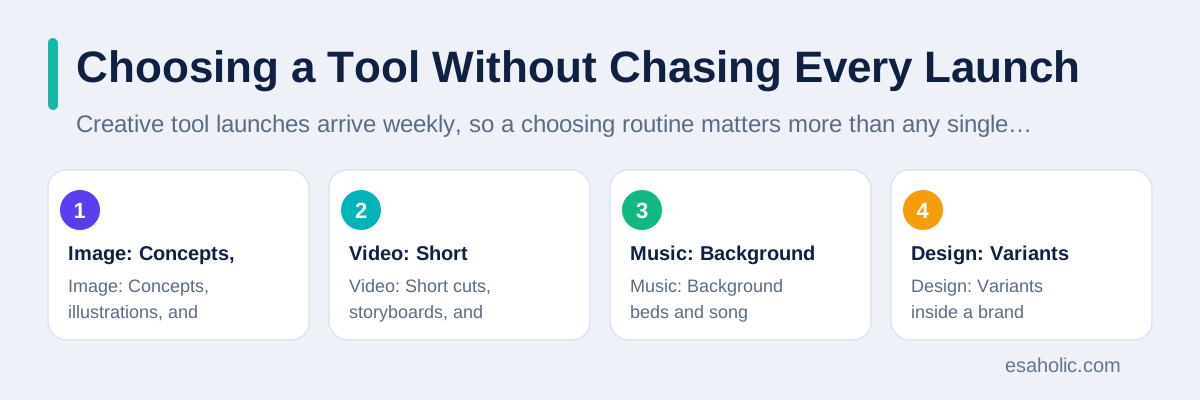
| Medium | Best current use | Check before publishing |
|---|---|---|
| Image | Concepts, illustrations, and drafts | License, text errors, and full size detail |
| Video | Short cuts, storyboards, and tests | Consent, disclosure, and character consistency |
| Music | Background beds and song sketches | Voice permission and royalty terms |
| Design | Variants inside a brand system | Accessibility and cross page consistency |
Small creators and small businesses can compete well in this landscape by leaning on what tools cannot copy: a distinct point of view, a real story, and a consistent style built over time. Generated media can speed production, but it cannot replace the judgment that chooses which story to tell or the taste that knows when a draft fails. The creators who thrive with these tools treat them as assistants that draft and vary, while they keep the roles of director, editor, and publisher for themselves. That division of labor protects originality, because the human decisions remain visible in the final work.
What to Watch Next
Watch licensed deals first, because they will set the practical rules for creative AI faster than court cases alone. Each deal between a platform and a rights holder creates a template for consent, credit, and payment, and later deals tend to copy the workable parts of earlier ones. Watch provenance labels second, because labels that travel with a file across platforms will matter more than labels that only appear inside one app. Watch editing control third, because tools that let a creator fix one detail without regenerating the whole piece will win professional work, while tools that force full regeneration will stay in the draft stage.
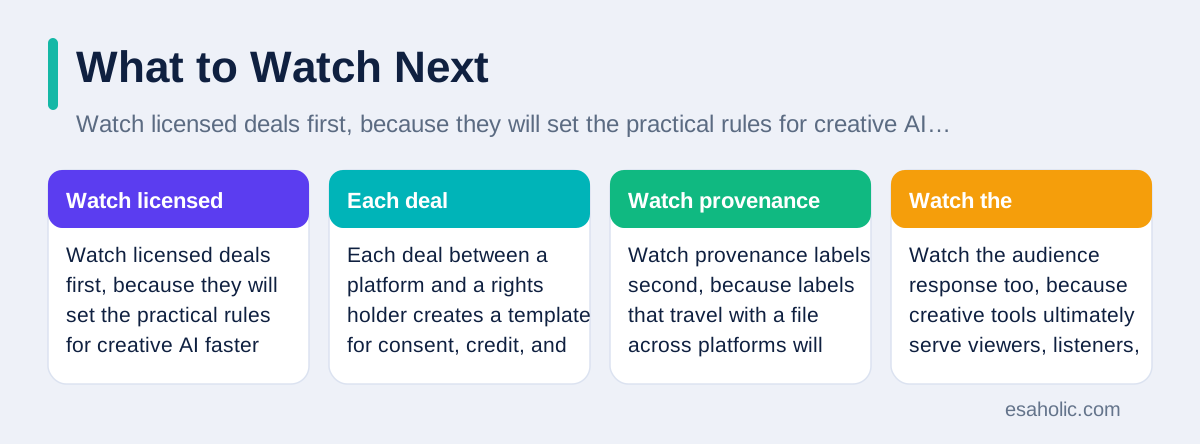
Watch the audience response too, because creative tools ultimately serve viewers, listeners, and readers, not only creators. Audiences already show fatigue with mass generated content that looks polished but says little, and they reward work that shows a human idea behind the polish. That response suggests a durable advantage for creators who use AI tools openly, sparingly, and in service of a clear idea, rather than creators who chase volume. The US Copyright Office AI pages track the official guidance behind these debates, and IBM's guide to generative AI explains the technology behind the tools in plain terms.
Conclusion
Creative AI tools now draft faster across image, video, music, and design, but they still need human direction, human refinement, and human responsibility for what gets published. The news that matters most is not the next launch, but the licensed deals, consent controls, and provenance labels that decide what a business may use with confidence. Test tools on your own brief, read the license before you publish, get clear permission for any real person's likeness or voice, disclose AI assistance plainly, and keep the roles of director and editor firmly human. That discipline lets creators enjoy the speed of these tools without trading away trust, originality, or legal safety.
Frequently Asked Questions
What is new in AI creative tools right now?
AI creative tools now cover image, video, music, and design inside shared model families, with stronger style control, sound with video, and social sharing built in. The bigger change is not one feature, but the shift from single outputs toward full workflows with editing, versions, and provenance labels.
Can a business safely use AI generated images and music in ads?
A business can use AI generated media safely when it checks the tool license, avoids real people's likeness without permission, discloses AI use where audiences expect it, and keeps human approval on final work. A tool that generates media does not grant unlimited rights, so read the license for commercial use before publishing.
What limits should creators expect from AI creative tools?
Creators should expect limits with hands, text inside images, consistent characters across scenes, real likeness, and original style, because models repeat patterns from training data and struggle with fine detail. Test every tool on your own brief, keep source files, and plan human refinement time into every project.
Written by Ahmad Jajja
Senior AI Research Engineer and Generative AI Specialist
Ahmad Jajja is a senior AI research engineer who specializes in generative AI and data systems. He reviews Esaholic guides for technical accuracy and clarity before publication.
Reviewed by Amir Iqbal
Senior AI Systems Architect and Lead Technical Reviewer
Amir Iqbal is a senior AI systems architect at Esaholic who leads production readiness checks for agents, model serving, and data systems before they reach real users.
Relevant blogs
Vheer AI: Text to Image Tool Explained Simply
What Vheer AI does, how text to image tools work, what they can do, their limits, and how to use them safely.
Kendrick Lamar AI: Voice Cloning and Rights Explained
How AI voice cloning works, why consent matters in music, and how to spot tracks that may not be real.
Generative AI for Marketing
How teams use generative AI for marketing content, with honest limits and practical workflows.
How Does AI Visual Search Work?
How computers read images, match them visually, and what that means for creators and shoppers.
Back to all blog guides · Back to AI News and Regulation guides · Explore Generative AI Development Services