
Multipoint Control Unit Explained
A multipoint control unit, often shortened to MCU, is the central device or software that lets three or more people join the same video call and hear and see each other clearly. The word multipoint simply means many points, where each point is one person, one room, or one device on the call. The word control unit means the part that manages the call, decides what each person sees and hears, and keeps the streams in sync. Without an MCU, or a modern alternative to it, a group video call would need every device to send its video to every other device directly, which quickly becomes slow and messy as the group grows.
This guide explains what an MCU does in plain terms, how it mixes video and audio, how it differs from a selective forwarding unit, which is a newer design known as an SFU, and when a team, a school, or a clinic should still choose an MCU today. It also covers the limits of the older design, the costs to watch, and the questions to ask a vendor before buying. You do not need a networking background to follow it, because every technical term is explained in the same sentence where it first appears.
The idea is older than modern cloud video apps, and that history matters. Early video rooms used hardware MCUs in a central office, while today many services run MCU style mixing in cloud software, or mix MCU and SFU ideas together in one platform. Knowing which design sits behind your call helps you understand why a large meeting looks smooth on one platform and stutters on another, and why a small team call and a hundred person town hall need different setups.
What An MCU Does In A Video Call
Picture a call with ten people in ten places. Each person sends one video stream, which is a continuous flow of video data, and one audio stream, which is a continuous flow of sound data, to a central point. The MCU receives all ten streams, decodes them, which means it unpacks the compressed data back into pictures and sound, mixes them into a smaller set of streams, and sends each person a single combined stream back. Most people therefore receive one mixed video, often shown as a grid or as the active speaker in a large view, plus mixed audio from everyone who is speaking.
The MCU also manages the call itself. It admits participants, which means it lets approved people join and keeps others out, it handles people who join late or drop out, and it adjusts quality when a connection weakens, for example by lowering video resolution, which is the sharpness of the picture, for a slow connection while keeping audio clear. It can record the meeting, add captions, or connect a room system to a laptop caller, even when those devices use different video formats. In short, the MCU acts as both a mixer and a host for the whole call.
This central design has a clear benefit: each device only needs to send one stream and receive one stream, no matter how many people join. A phone on a weak mobile connection therefore copes far better with an MCU call than with a call where it must handle ten separate streams at once. The trade off is that the central mixer needs real computing power, and it adds a small delay while it decodes, mixes, and re-encodes, which means it compresses the mixed picture again for sending, every stream it handles.
How An MCU Mixes Video
Video mixing starts with decoding, because each caller may send video in a different format or size. The MCU unpacks each stream, checks who is speaking or which layout the host chose, and then builds a new picture for each viewer. In a common layout, the active speaker, which is the person talking at that moment, fills the large view, while other participants appear as small tiles. In a grid layout, everyone appears in equal tiles, which suits a small team discussion where faces matter more than one speaker.
The MCU then encodes the mixed picture once for each quality level it supports, so a fast office connection can receive a sharp picture while a slow mobile connection receives a smaller, lighter version of the same meeting. This step, called transcoding, which means converting video from one format or quality to another, is what lets old room systems, new laptops, and phones share one call without forcing everyone to the lowest quality. It also lets the host pin a speaker, hide a participant video, or show shared slides beside the speaker, all from the central mixer.
Transcoding is powerful, but it costs computing power and adds delay, often a fraction of a second, which most callers barely notice in a discussion but may notice in fast back and forth talk or in live music. It can also soften fine detail, because each decode and encode cycle loses a little sharpness, much like copying a photocopy. Modern MCUs reduce this loss with efficient formats and with hardware acceleration, which means using special chips built for video work, but the basic trade remains: mixing gives control and compatibility, and it charges a small price in delay and processing.
How An MCU Mixes Audio
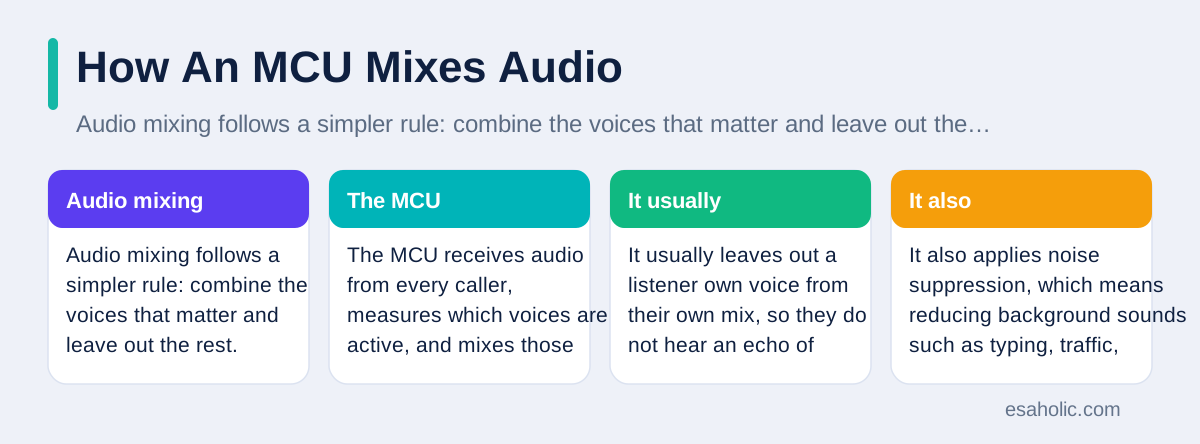
Audio mixing follows a simpler rule: combine the voices that matter and leave out the rest. The MCU receives audio from every caller, measures which voices are active, and mixes those voices into one stream for each listener. It usually leaves out a listener own voice from their own mix, so they do not hear an echo of themselves, a detail known as echo cancellation support at the mixer level. It also applies noise suppression, which means reducing background sounds such as typing, traffic, or air conditioning, so the meeting stays easy to follow.
Good audio mixing also handles talk overlap with care. When two people speak at once, the MCU can lower the quieter voice, keep both audible, or let the host mute a noisy line, and it can duck, which means it briefly lowers, background audio when someone starts speaking. These small decisions shape whether a meeting feels calm or chaotic. A host who watches the participant list and mutes a noisy room, or who asks callers to mute when they are not speaking, helps the mixer far more than any setting alone, because clean input makes clean output.
Audio also needs tight timing. If sound arrives noticeably later than lip movement, the call feels broken, even when the picture is sharp. The MCU therefore stamps each stream with timing data and lines sound up with video before sending the mixed result back out. When audio and video drift apart on your call, the cause is often a slow device or a congested network, which is a network path carrying more traffic than it handles well, rather than the mixer itself, so checking your own connection first usually saves time.
MCU Versus SFU: The Key Difference
A selective forwarding unit, or SFU, takes a different approach: instead of mixing streams into one new stream, it forwards, which means it passes along, each caller stream unchanged to the other callers who need it. Each device then chooses which streams to show, for example the active speaker in large view and a few others as tiles, and it decodes only those streams. This design avoids the heavy decode and encode cycle of an MCU, so it adds less delay and keeps the original picture quality, because the video is not recompressed in the middle.
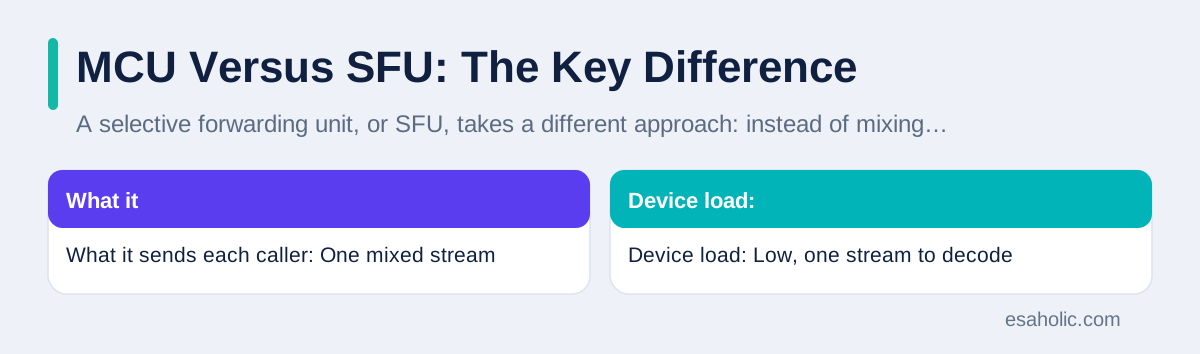
The SFU design shifts work to the callers devices, which is its main trade off. A phone in a large SFU call may need to receive and decode many streams at once, which uses more bandwidth, which is the amount of data a connection can carry, and more battery and processing power. An MCU call, by contrast, keeps each device load low by sending one mixed stream, at the cost of central processing and a little delay. That is why many modern platforms use a hybrid: they forward streams for small calls where quality matters, and they mix or switch to a mixed view for large calls where device load matters more.
The table below compares the two designs side by side, so you can see at a glance which one fits a given meeting. Neither design is better in every case, and the right question is not which technology is newer, but which trade off your meeting can afford: central mixing with lower device load, or forwarding with lower delay and sharper original quality.
| Feature | MCU | SFU |
|---|---|---|
| What it sends each caller | One mixed stream | Several forwarded streams |
| Device load | Low, one stream to decode | Higher, many streams to decode |
| Delay | Slightly higher from mixing | Lower, no remixing |
| Picture quality | Good, but recompressed | Original quality preserved |
| Best for | Large and mixed device calls | Small and low delay calls |
When An MCU Still Makes Sense
An MCU still makes sense for large, mixed device meetings, for recorded town halls, and for rooms that must connect old and new hardware together. A company all hands meeting with a hundred viewers, a training session with breakout rooms that rejoin a main session, and a court or clinic call that must record one clear mixed feed all benefit from central mixing. In each case, the host wants one controlled view, one recording, and one quality policy, rather than leaving layout and quality choices to a hundred different devices.
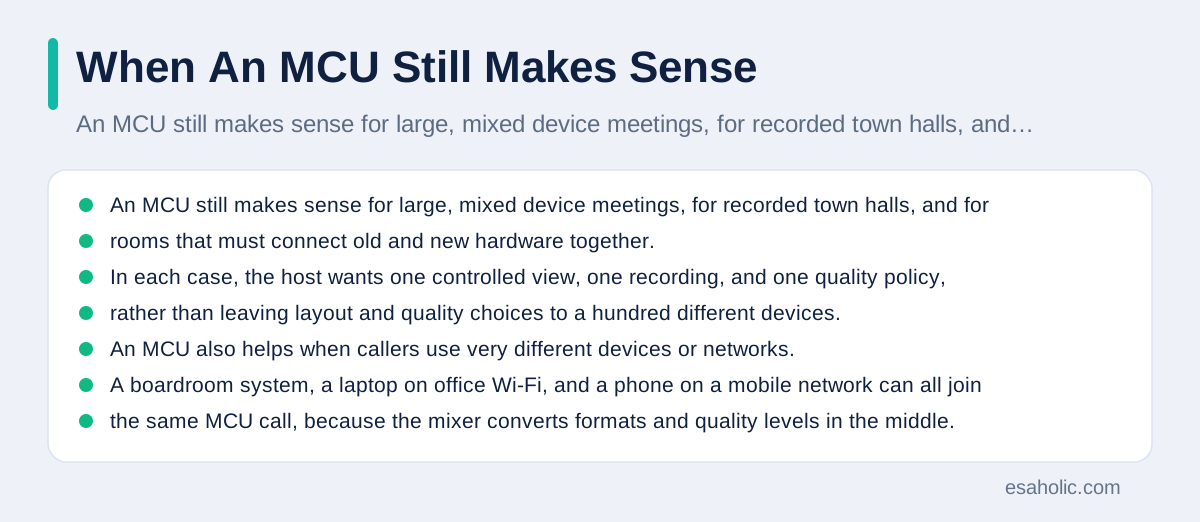
An MCU also helps when callers use very different devices or networks. A boardroom system, a laptop on office Wi-Fi, and a phone on a mobile network can all join the same MCU call, because the mixer converts formats and quality levels in the middle. A school that still uses older room hardware, a hospital that must connect a specialist room to a patient tablet, and a business that records meetings for compliance, which means following legal or policy rules about keeping records, will all find that compatibility valuable, even if a pure SFU call would look slightly sharper for a small group.
For a small team call of two to six people on modern laptops, an SFU or hybrid platform is usually simpler and cheaper, because the device load stays low and the delay stays minimal. The decision therefore starts with the meeting, not the technology: count the participants, list the devices, note whether you need a single recording, and then ask the vendor which design handles that meeting best. Our custom software development services use the same meeting first approach when we help teams pick a video stack, and our guide on how distributed systems spread work across machines explains the central versus spread out trade off in wider terms.
Costs, Limits, And What To Watch
MCU costs come in three parts: computing, bandwidth, and operations. Computing rises with each participant and each quality level, because every stream must be decoded and the mixed result encoded, so a large meeting needs far more server power than a small one. Bandwidth, which is the data capacity of the connections, rises at the centre too, because the mixer receives and sends every stream, even though each caller only handles one stream each way. Operations cost covers monitoring, recording storage, and support when a room system fails to join.
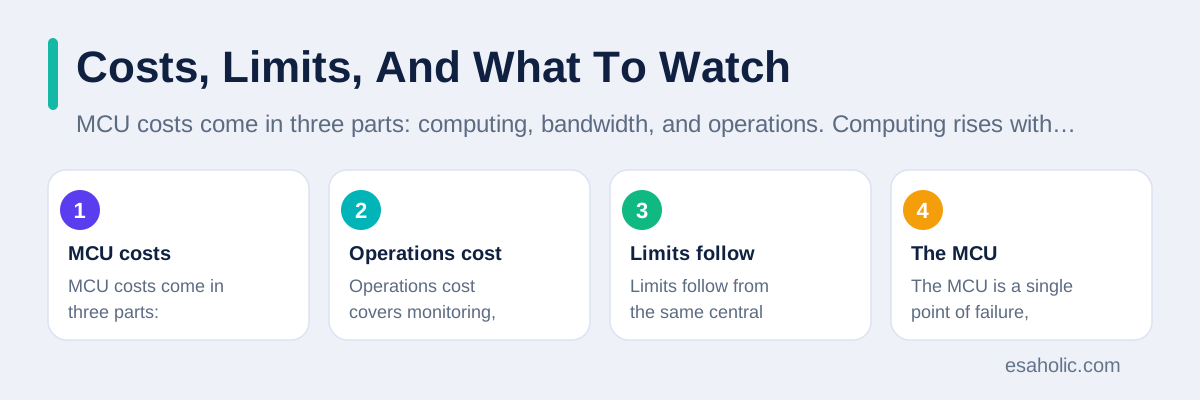
Limits follow from the same central design. The MCU is a single point of failure, which means if the central mixer goes down, the whole meeting goes down, unless the provider runs a backup mixer that can take over quickly. Central mixing also adds delay and can soften detail, as noted earlier, and it can limit advanced features such as letting each viewer pick any layout independently, because everyone receives a mixed picture the host controls. Privacy teams should also ask where mixing happens and where recordings are stored, because a central mixer sees every stream it mixes.
Before you buy, ask the vendor five plain questions: how many participants can one mixer handle at full quality, what happens when the mixer fails, which devices and formats are supported without extra hardware, where recordings are stored and for how long, and how the price changes as meetings grow. A vendor who answers those questions clearly is usually easier to trust than one who only promises unlimited quality. Standards work from the ITU study group for multimedia systems and the reference overview of multipoint control units give useful background on the formats these systems share, and Cisco Webex meeting help shows how a major platform presents its meeting controls to hosts.
Setting Up An MCU Call Well
A good MCU call starts before anyone joins. The host should test the room system, check the camera framing, confirm the microphone picks up the room without echo, and run a short test call with one remote participant to confirm audio and video sync. Share the joining link through the calendar invite, not through a forwarded chat message that may carry an old link, and set a waiting room or a passcode so uninvited guests cannot join. These small steps prevent most of the embarrassing failures that hosts blame on the technology.
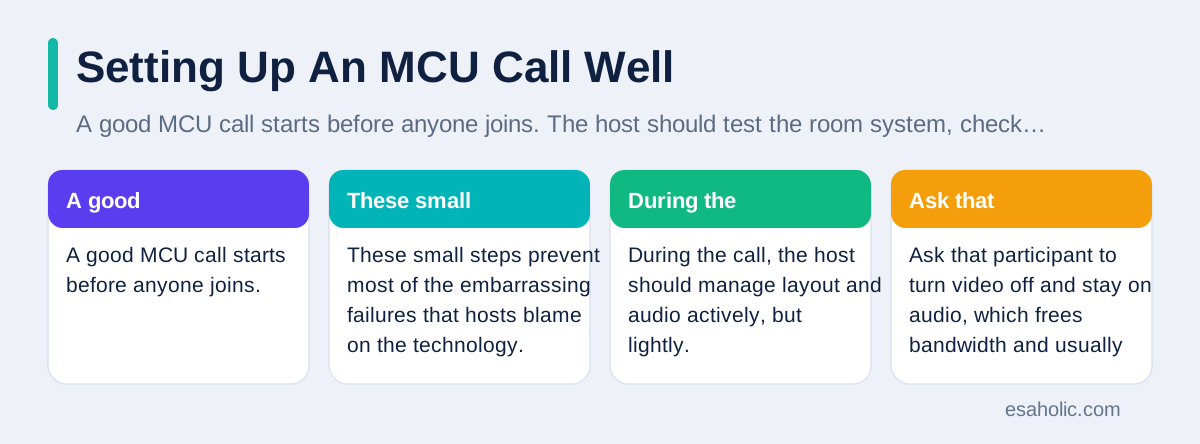
During the call, the host should manage layout and audio actively, but lightly. Pin the main speaker during a presentation, switch to grid view for discussion, mute noisy rooms promptly, and watch for a participant whose video freezes, which often signals a weak connection rather than a mixer fault. Ask that participant to turn video off and stay on audio, which frees bandwidth and usually restores clear speech at once. If the whole meeting degrades together, the likely cause is the central mixer or the office network, and the provider support team should be called while the problem is live, not after everyone has left.
After the call, save the recording in the agreed place, check that captions or a transcript are attached if the team needs them, and note any device that failed to join so IT can fix it before the next meeting. A short routine of test, host, and review turns an MCU from a mysterious box into a reliable meeting tool, and it gives the team a clear record of what worked. Teams that skip the test call pay for it in the first five minutes of every important meeting, when attention should be on the agenda, not on the audio.
Call quality also depends on coverage at home or in the office, so wireless mesh network basics are worth checking before you blame the call software.
The Future Of Central Mixing
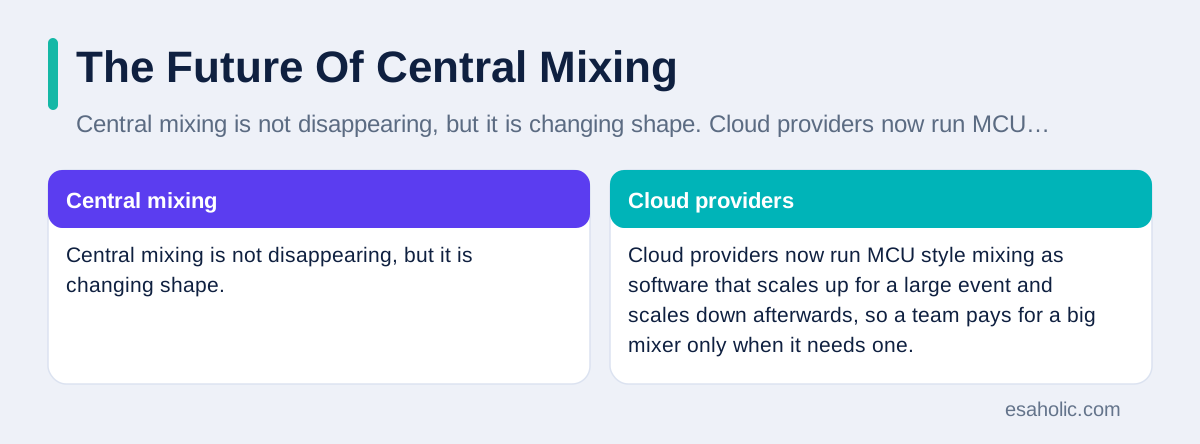
Central mixing is not disappearing, but it is changing shape. Cloud providers now run MCU style mixing as software that scales up for a large event and scales down afterwards, so a team pays for a big mixer only when it needs one. Artificial intelligence adds features such as automatic speaker framing, which means the camera view follows the person speaking, live captions, and noise removal, all running at the mixer where every stream is already available. These features are easier to add centrally than on every caller device, which keeps the MCU idea relevant even as SFU designs grow.
At the same time, hybrid designs blur the old labels, because a platform may forward streams to small groups, mix a single view for large audiences, and record a mixed feed, all in one meeting. Buyers should therefore focus less on whether a product calls itself an MCU and more on the experience it delivers: clear audio, a controlled layout, reliable recording, and graceful behaviour on weak connections. The label matters less than the meeting, and a short pilot with your real rooms and your real network will reveal more than any brochure.
If you remember one idea from this guide, make it this one: an MCU trades central work for simplicity at the edges, and that trade is worth it when meetings are large, devices are mixed, or one controlled recording matters. For small, modern, low delay calls, forwarding may serve you better. Choose by the meeting, test with your own devices, and keep the host routine simple, and video meetings will feel less like a technical exercise and more like a conversation.
As mixing moves to cloud services, docker containerization is one way teams package and ship that software consistently.
Conclusion
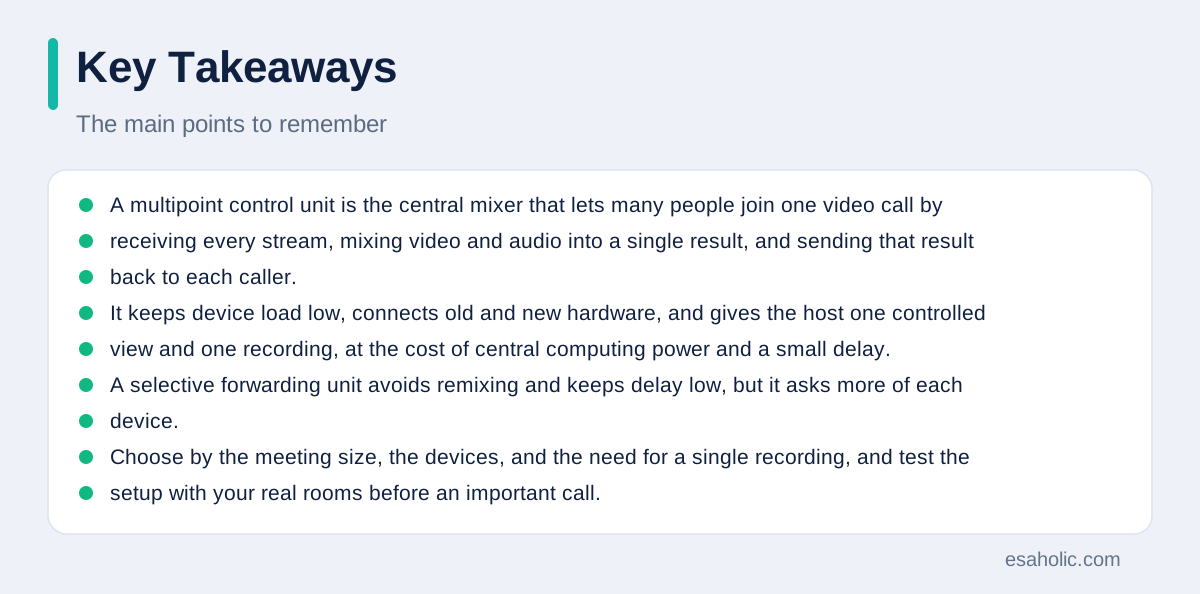
A multipoint control unit is the central mixer that lets many people join one video call by receiving every stream, mixing video and audio into a single result, and sending that result back to each caller. It keeps device load low, connects old and new hardware, and gives the host one controlled view and one recording, at the cost of central computing power and a small delay. A selective forwarding unit avoids remixing and keeps delay low, but it asks more of each device. Choose by the meeting size, the devices, and the need for a single recording, and test the setup with your real rooms before an important call.
Frequently Asked Questions
What is an MCU in simple terms?
An MCU is a central mixer for group video calls. It receives video and audio from every participant, mixes them into one combined stream, and sends that stream back to each caller, so each device only handles one stream in each direction.
What is the difference between an MCU and an SFU?
An MCU mixes streams into a new combined stream, which lowers device load but adds delay and computing cost. An SFU forwards streams unchanged, which lowers delay and preserves quality but asks each device to handle more streams.
When should a team use an MCU instead of an SFU?
Use an MCU for large meetings, mixed old and new devices, and calls that need one controlled view or one recording. Use an SFU or hybrid design for small modern team calls where low delay matters most.
Written by Danish Mustafa
Senior Agentic AI Engineer and Systems Architect
Danish Mustafa is a senior agentic AI engineer and systems architect who designs controlled multi-step AI systems with clear limits on what they can do.
Reviewed by Umar Abbas
Founder, Principal AI Architect and Operator
Umar Abbas is the founder of Esaholic and a principal AI architect who designs reliable large scale AI systems for regulated industries.
Relevant blogs
What Is a Distributed System? A Simple Guide
How spreading work across many machines changes reliability and cost.
What Is a Sandbox Environment? A Simple Guide
How isolated test spaces keep risky files and links away from your main system.
Agentic RAG Explained: Architecture, Agents, and Uses
How retrieval grounded agents plan searches, check sources, and answer from your own documents.
What Is WMN? Wireless Mesh Networks Explained Simply
How mesh Wi-Fi nodes share coverage across a home or office.
Back to all blog guides · Back to Cybersecurity and Networking guides · Explore related Esaholic services