
Product Lifecycle Management: A Simple Guide
Every product tells a story that outlasts any single project. It begins as an idea in a meeting, becomes a design, survives testing, reaches customers, gets improved, and eventually retires. Along the way, dozens of people touch it: designers, engineers, suppliers, marketers, support staff, and managers. Without a shared system, each group keeps its own version of the truth, and the product slowly becomes a puzzle nobody can fully solve. Product lifecycle management, often shortened to PLM, is the discipline that keeps that whole story in one trusted place.
PLM is the practice of managing a product and its related data across its entire life, from the first idea to the final retirement. Related data means everything that defines the product: requirements, designs, parts, suppliers, costs, test results, manuals, and change history. The goal is simple to state and hard to achieve: anyone who needs a product fact should find the current, approved version in one place, with a clear record of how it changed and who approved the change. When that goal holds, teams waste less time searching, make fewer errors from old versions, and launch improvements faster.
This guide explains the lifecycle stages, the difference between PLM and nearby systems, and how change control works in practice. It also shows how small companies can start without expensive software, how larger teams choose PLM tools, and how retirement deserves as much care as launch. If your team also plans launches, our guide on planning templates that stay useful covers launch planning, and our guide on project tools for teams covers running each stage as a managed project.
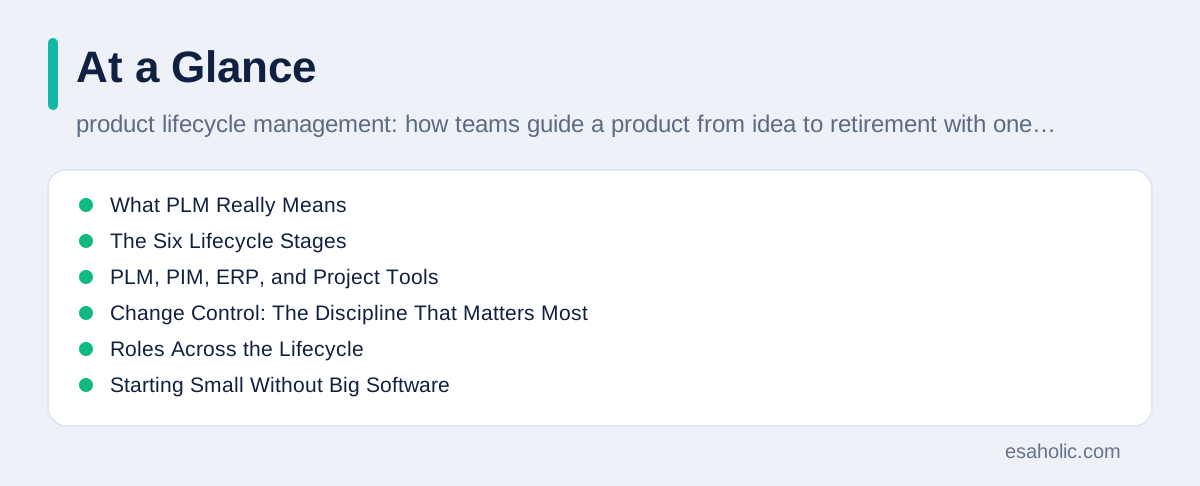
What PLM Really Means
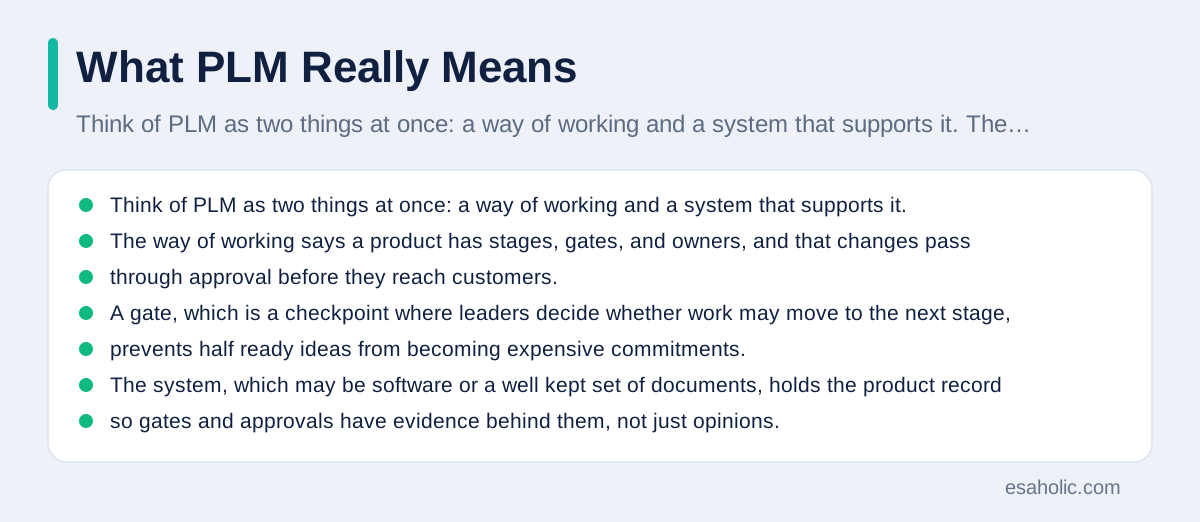
Think of PLM as two things at once: a way of working and a system that supports it. The way of working says a product has stages, gates, and owners, and that changes pass through approval before they reach customers. A gate, which is a checkpoint where leaders decide whether work may move to the next stage, prevents half ready ideas from becoming expensive commitments. The system, which may be software or a well kept set of documents, holds the product record so gates and approvals have evidence behind them, not just opinions.
The product record is the heart of PLM. It holds the current design, the list of parts or components, the suppliers for each part, the cost picture, the test evidence, and the customer facing documents. A bill of materials, often called a BOM, is the structured list of parts and quantities needed to make a product, and it is the most important single document in hardware PLM. For software, the equivalent record is the version history, the release notes, and the list of features and fixes in each release. In both cases, the record must show which version is current, which versions are retired, and what changed between them.
PLM differs from simply storing files in a shared drive. A shared drive holds many versions with similar names and no clear owner, so people guess which file is current. A PLM record holds one current version, marks older versions as superseded, which means replaced by a newer approved version, and links each version to its approval and its reason for change. That discipline is what turns storage into management, and it is why teams adopt PLM even when they already own plenty of storage.
The Six Lifecycle Stages
Ideation opens the lifecycle, when a team gathers ideas from customers, support cases, market observation, and internal insight. Good ideation records each idea with its problem, its likely users, and its rough value, so ideas can be compared fairly instead of favouring the loudest voice. Many ideas should die here, cheaply, because killing a weak idea at this stage costs almost nothing, while killing it after tooling or launch costs a great deal. Keep an idea log, review it regularly, and promote only the ideas that solve a real problem for a clear group.
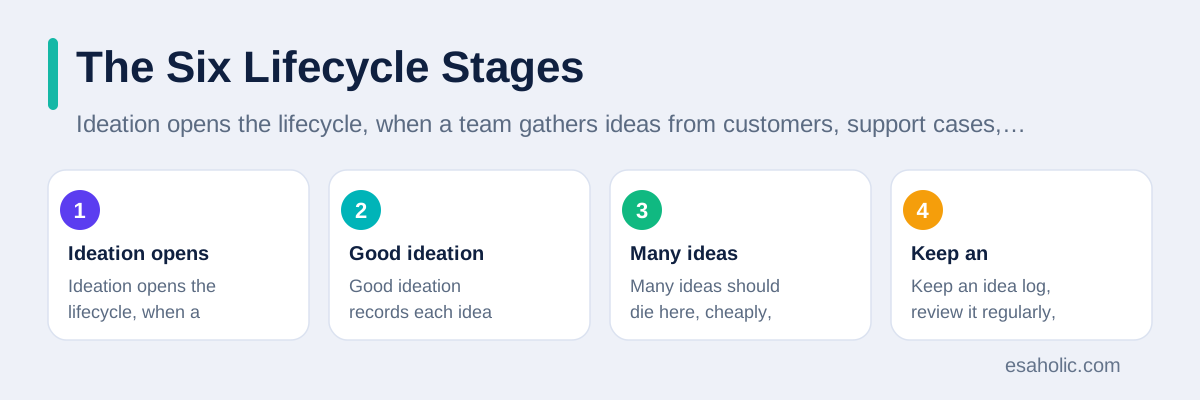
Design and development turn a chosen idea into a detailed plan and a working product. Requirements state what the product must do and what limits it must respect, such as safety, cost, and compatibility. Design then describes how the product meets those requirements, through drawings, models, or software architecture, which is the high level structure of a system. Prototypes, which are early test versions, let the team learn from real use before committing to full production. Our guide on fast product tests explains how quick prototypes reduce risk at this stage.
Testing and validation prove the product works as intended and is safe to release. Testing checks the product against its requirements, while validation checks it against real user needs, which is a different and equally important question. A product can pass every internal test yet fail validation because users need something the requirements missed. Record test results beside the product record, so future teams can see what was proven, what failed, and what changed as a result, instead of repeating the same tests blindly.
Launch moves the product to customers, with marketing, sales enablement, which means giving sales teams the material and training to sell well, support training, and supply readiness. A launch checklist should cover the product record, the manual, the support guides, the pricing, and the rollback plan, which states what the team does if the launch goes wrong. Launch is not the end of the lifecycle, it is the middle, because real customer use reveals needs that no test fully predicted.
Growth and maturity follow launch, when the team improves the product through updates, new variants, and cost reductions. Variants, which are versions adapted for different users or markets, need careful control, because each variant adds a product record to maintain. Track which variants sell, which cause support load, and which should merge or retire. Maturity is also when competitors arrive, so the team must decide whether to differentiate, which means standing out in a way customers value, reduce cost, or prepare a successor.
Decline and retirement close the lifecycle, when sales fall, parts become scarce, or a successor replaces the product. Retirement needs a plan: tell customers early, offer migration to the successor, keep support and spare parts for an agreed period, and archive the product record. A product retired without a plan leaves customers stranded and support staff guessing, while a planned retirement protects trust and frees resources for the next product. Retirement is a success when it is deliberate, not when it happens by neglect.
PLM, PIM, ERP, and Project Tools
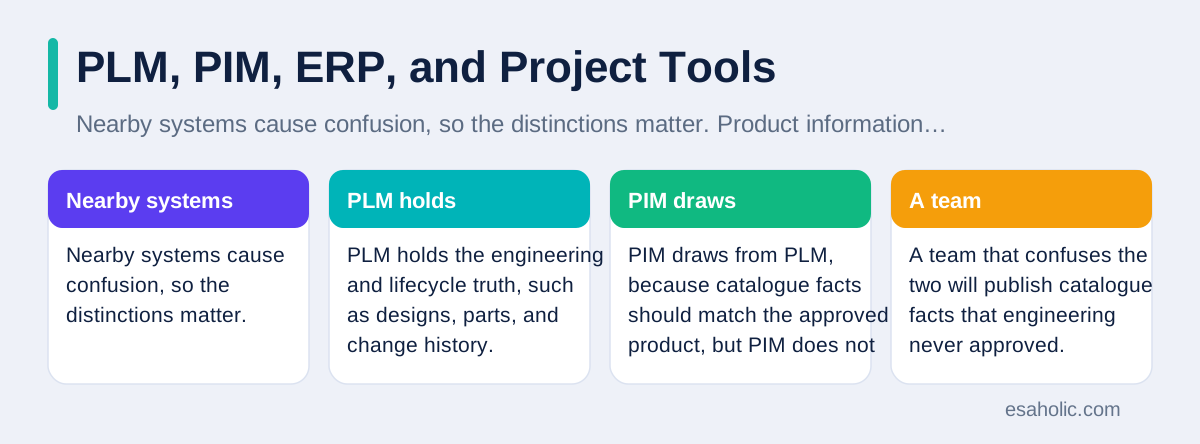
Nearby systems cause confusion, so the distinctions matter. Product information management, shortened to PIM, holds the marketing and sales information about a product, such as descriptions, images, and specifications for catalogues and stores. PLM holds the engineering and lifecycle truth, such as designs, parts, and change history. PIM draws from PLM, because catalogue facts should match the approved product, but PIM does not decide what the product is. A team that confuses the two will publish catalogue facts that engineering never approved.
Enterprise resource planning, shortened to ERP, manages business resources such as inventory, orders, purchasing, and finance. ERP knows how many units sit in a warehouse and what they cost. PLM knows what the product is made of and how it changed. The two must connect: when PLM approves a new part, ERP must order that part, not the old one. Teams that run PLM and ERP as separate worlds suffer the classic error of building the right product from the wrong parts list.
Project management tools run individual efforts, such as one launch or one redesign, with tasks and dates. PLM runs across all those projects for the life of the product. A launch project creates a new product version, and PLM records that version as the new current truth once it is approved. Our guide on project tools for teams covers the project side, while this guide covers the longer lived product record that projects feed. Both are needed, and neither replaces the other.
Change Control: The Discipline That Matters Most
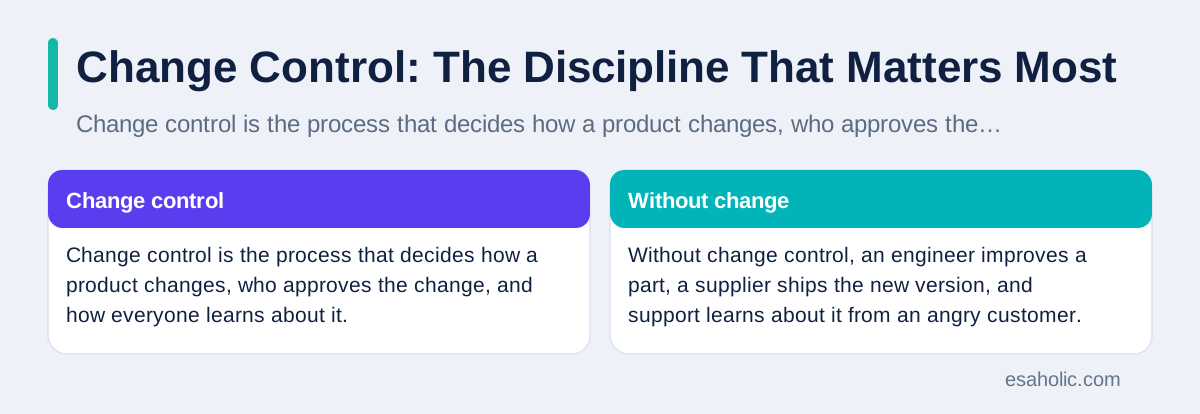
Change control is the process that decides how a product changes, who approves the change, and how everyone learns about it. Without change control, an engineer improves a part, a supplier ships the new version, and support learns about it from an angry customer. With change control, the change is proposed, its impact on cost, safety, suppliers, and documents is reviewed, it is approved by named roles, and it is released with a version number and a notice to affected teams.
A change request should state the reason, the affected parts or features, the expected benefit, the cost, and the risk of not changing. A change board, which is a small group with authority across engineering, operations, and support, reviews requests on a regular rhythm. Small, low risk changes can follow a fast path, while changes that affect safety, compatibility, or cost follow a full review. The point is not to slow every change, but to make sure no change reaches customers by accident.
Version discipline supports change control. Every released version gets a clear number, a date, and a change note that a non expert can understand. When a customer reports a problem, support should ask for the version first, because the fix may already exist in a newer version, or the problem may affect only one version. Keep a version history that anyone can read, and retire old versions explicitly, so nobody builds, orders, or supports a version the team no longer stands behind.
Roles Across the Lifecycle
Clear roles prevent the common failure where everyone cares about the product but nobody owns it. A product manager owns the lifecycle strategy: which stages the product enters, which variants live or retire, and what success looks like at each stage. An engineering lead owns the technical record and the change process. An operations lead owns manufacturability, which means whether the product can be made reliably at cost, and supplier readiness. A support lead owns the customer experience after launch, including manuals, training, and feedback loops.
Each stage also needs a gatekeeper, which is a person or group with authority to stop work from moving forward when it is not ready. Gatekeepers must be willing to say no, and leaders must back them when they do, or gates become theatre. A gate review should check evidence, not enthusiasm: test results, cost estimates, supplier confirmation, and support readiness. A team that passes gates on optimism will pay for that optimism later, usually in rework, returns, or lost trust.
Customers and suppliers are lifecycle participants too, even when they sit outside the company. Customers provide the feedback that shapes growth and retirement decisions, so build feedback collection into support and sales routines. Suppliers need early notice of changes, because a part change can require new tooling or certification on their side. Treat suppliers as partners in the lifecycle, with shared change notices and agreed lead times, and the supply chain will absorb change far more smoothly.
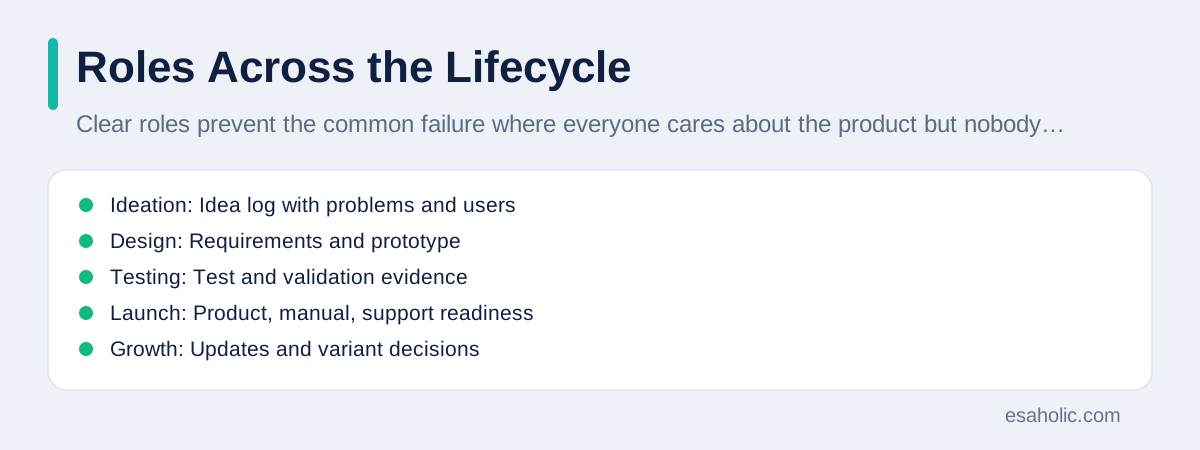
| Stage | Key output | Gate question |
|---|---|---|
| Ideation | Idea log with problems and users | Does this solve a real problem? |
| Design | Requirements and prototype | Can we build this reliably? |
| Testing | Test and validation evidence | Is it safe and fit for users? |
| Launch | Product, manual, support readiness | Are customers and support ready? |
| Growth | Updates and variant decisions | Which variants earn their keep? |
| Retirement | Migration and archive plan | Are customers protected? |
Starting Small Without Big Software
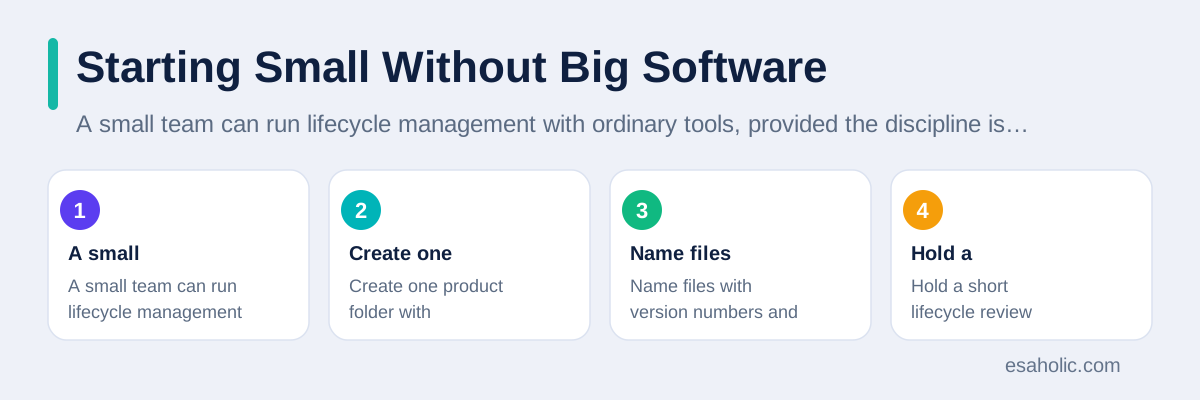
A small team can run lifecycle management with ordinary tools, provided the discipline is real. Create one product folder with subfolders per stage, one current product record document, one change log, and one idea log. Name files with version numbers and dates, and mark superseded versions clearly. Hold a short lifecycle review each month, where the team checks the current version, open changes, and upcoming stage gates. That monthly review is the PLM system, in its simplest honest form.
Scale the system when manual work breaks. Warning signs include version confusion, suppliers working from old drawings, support answering from outdated manuals, and change approvals that take weeks because nobody knows who decides. At that point, a dedicated PLM tool earns its cost by automating version control, approval routing, which means sending a change to the right approvers automatically, and supplier notices. Buy the tool for a specific pain, not for a vague desire to be modern, and migrate one product first before moving the whole catalogue.
Data quality decides whether any PLM tool helps or hurts. A tool filled with duplicate parts, inconsistent names, and missing suppliers will automate confusion faster than a manual system ever could. Before migration, clean the part list, agree on naming rules, and assign an owner to each product record. The National Institute of Standards and Technology publishes manufacturing and measurement guidance that many teams use as a reference for disciplined product data, and the ISO 9001 quality management standard sets out the kind of controlled processes PLM supports.
Choosing PLM Software When You Need It
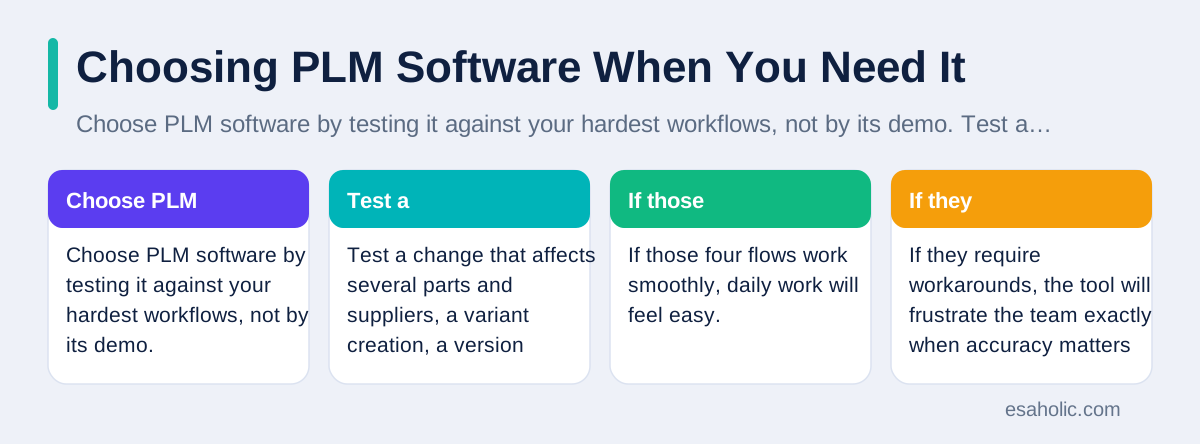
Choose PLM software by testing it against your hardest workflows, not by its demo. Test a change that affects several parts and suppliers, a variant creation, a version rollback, and a supplier notice. If those four flows work smoothly, daily work will feel easy. If they require workarounds, the tool will frustrate the team exactly when accuracy matters most. Also test search, because a product record nobody can find is no better than a record that does not exist.
Check integration early, because PLM rarely lives alone. It must connect to design tools, to ERP for parts and orders, to the document store for manuals, and to support tools for feedback. Ask vendors to show each integration working with realistic data, not slides, and ask what breaks when one system is down. A PLM tool that cannot share data with ERP will create the same duplicate truth problem it was bought to solve, only with a higher price tag.
Plan migration as a project in its own right, with a named owner, a cleaned data set, and a pilot product. Migrate the pilot, run it through a full change cycle, and fix the process before migrating the rest. Train each role on its own workflows, not on every feature, because a support lead needs version lookup and change notices, not design editing. Esaholic teams that need a tailored system can explore custom software development, where product data workflows fit existing tools instead of replacing everything at once.
Measuring Lifecycle Health
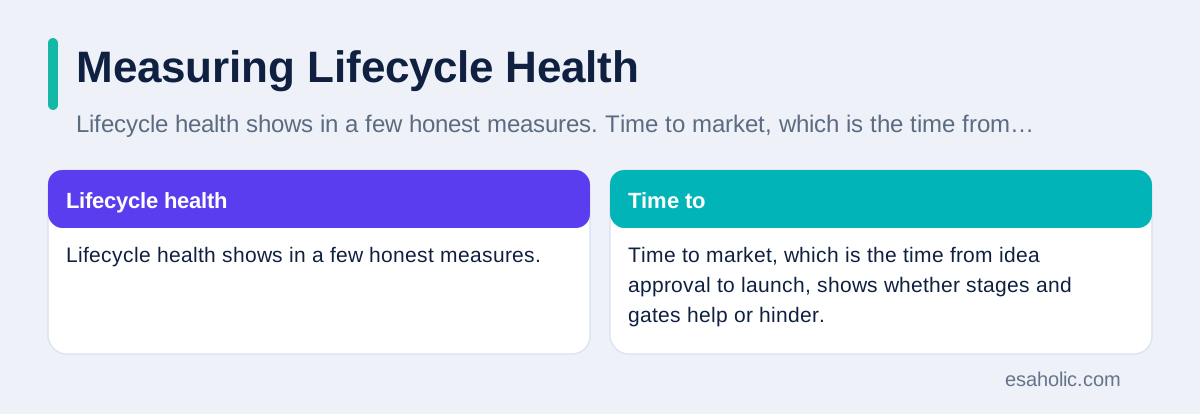
Lifecycle health shows in a few honest measures. Time to market, which is the time from idea approval to launch, shows whether stages and gates help or hinder. Change lead time, which is the time from change request to approved release, shows whether change control is efficient. Rework rate, which is the share of work redone because of errors or outdated data, shows whether the product record is trustworthy. Support load per version shows which versions cause trouble and should retire sooner.
Review those measures by product, not only across the company, because one troubled product can hide behind a healthy average. A product with rising support load and slow changes needs attention even when the portfolio looks fine. Pair numbers with customer feedback, because a product can hit every internal measure yet disappoint users if requirements missed their real needs. Our guide on measures that help teams improve explains how to pair timeliness with quality so teams cannot game one number by harming another. For running each stage as a managed effort, use project management tools alongside the longer lived product record described in this guide.
Conclusion
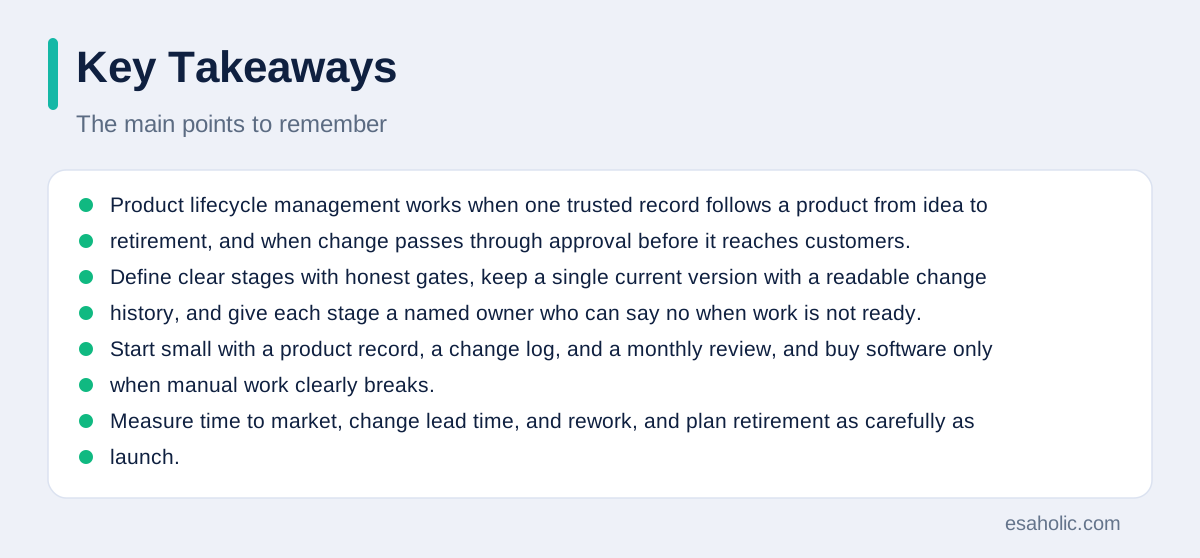
Product lifecycle management works when one trusted record follows a product from idea to retirement, and when change passes through approval before it reaches customers. Define clear stages with honest gates, keep a single current version with a readable change history, and give each stage a named owner who can say no when work is not ready. Start small with a product record, a change log, and a monthly review, and buy software only when manual work clearly breaks. Measure time to market, change lead time, and rework, and plan retirement as carefully as launch. A product managed that way stays understandable, supportable, and improvable for its whole life, instead of becoming a puzzle that only a few long serving people can solve.
Frequently Asked Questions
Is product lifecycle management only for factories and hardware?
Product lifecycle management started with physical products, but the same idea now fits software, services, and digital products. Any product that moves through idea, design, release, support, and retirement benefits from one trusted record and controlled change. A software team manages versions and releases, while a hardware team manages parts and suppliers, but both need the same discipline.
What is the difference between PLM and project management?
Project management runs a single effort with a start and an end, such as one product launch. Product lifecycle management runs the whole life of a product across many projects, from the first idea to retirement years later. A project tool tracks tasks and dates, while a PLM system tracks the product record, its versions, its changes, and its history over time.
Can a small company use lifecycle management without expensive software?
A small company can start lifecycle management with clear stages, one product record, a change log, and named owners, using ordinary documents and task tools. Expensive software helps when parts, versions, and suppliers grow complex, but discipline comes first. Start with the process on one product, prove it works, and buy software only when the manual process clearly breaks.
Written by Danish Mustafa
Senior Agentic AI Engineer and Systems Architect
Danish Mustafa is a senior agentic AI engineer at Esaholic who builds systems that find trusted answers in real documents and keep them easy to use.
Reviewed by Amir Iqbal
Senior AI Systems Architect and Lead Technical Reviewer
Amir Iqbal is a senior AI systems architect at Esaholic who leads production readiness checks for agents, model serving, and data systems before they reach real users.
Relevant blogs
Project Management Tools: A Simple Guide for Teams
How to plan, track, and finish projects with boards, timelines, and reports.
Project Planning Templates: A Simple Guide for Teams
How to pick a template, fill it honestly, and keep a plan useful from start to finish.
Rapid Prototyping: A Simple Guide to Fast Product Tests
How teams turn an idea into a testable model in days and learn fast without wasting budget.
KPI Examples: Measures That Help Teams Improve
Practical measures for sales, marketing, support, and operations, with targets and traps to avoid.
Back to all blog guides · Back to Business and Productivity guides · Explore Custom Software Development Services