
React vs React Native Explained
Two tools with almost the same name cause a lot of confusion, and the confusion costs real money. A team that picks the wrong one may build a website when it needed a phone app, or build a phone app when a website would have reached users faster and cheaper. React and React Native share ideas, a language, and a way of thinking about screens, but they target different places: one builds for the browser, and the other builds for phones. This guide explains the difference in plain language, shows what code they can share and what they cannot, compares how they perform and how they are released, and ends with a clear way to choose.
You do not need to know programming to follow this guide. Every technical term is explained where it first appears. If you do write code, the guide still helps, because it focuses on the decisions that matter before code starts: where users will find the product, which phone and web features it needs, how it will be updated, and how large the team is. By the end, you should be able to answer the question in the title for your own product, and to explain your answer to a non technical colleague without hand waving.
The Basics: One Idea, Two Targets
React is a JavaScript library for building user interfaces on the web. A library, in this context, is a collection of ready made code that developers use inside a larger project, rather than a complete framework that dictates the whole project structure. JavaScript is the programming language that runs in browsers. React lets developers build screens from components, which are reusable blocks such as a button, a card, or a form, and it updates only the parts of the page that changed, instead of reloading the whole page. The result runs in any modern browser, on any device with a browser, and users reach it through a link, with no install and no app store.
React Native uses the same component idea and the same language, but it targets phones instead of browsers. Instead of producing web elements, it produces real phone controls: the buttons, lists, and navigation patterns that Android and iPhone users already know. An app built with React Native installs from Google Play or the Apple App Store, appears on the home screen, can send push notifications, which are messages that appear even when the app is closed, and can use the camera, location, and other phone features. The React Native getting started guide shows the phone side in practical terms, while the React documentation covers the web side.
The shared idea is what makes the pair attractive. A developer who knows React can learn React Native faster than learning a wholly new phone language, because components, state, and data flow work the same way. State means the data a screen remembers, such as what a user typed or which tab is open, and data flow means how that data moves between components. That shared knowledge is real, but it is not the same as shared screens. A web screen and a phone screen may look similar, yet they are built from different elements, styled with different rules, and tested on different devices. Keeping that distinction clear prevents the most common planning error in this comparison.
React Web Apps: Reach, Links, and Fast Updates
A React website wins on reach. Anyone with a browser can open it from a link in a message, a search result, or a social post, without installing anything and without waiting for store approval. That matters for products that need to spread quickly, for content that changes daily, and for users who will only visit once or twice. A restaurant menu, a news article, a booking form, and a marketing page all fit the web well, because the user goal is a quick visit, not a daily habit. Search engines can also find and index web pages, which means new users can discover the product through search, a channel phone apps cannot use in the same way.
Web apps also win on updates. When a team fixes a bug or changes a price on a React website, the change goes live as soon as it is deployed, which means published to the server, and every user sees it on their next visit. There is no store review, no user update to install, and no old version lingering on phones for months. That speed helps teams that iterate fast, run experiments, or must fix a legal or pricing error at once. It also helps small teams, because one deployment serves every user, instead of separate releases for two stores plus a website.
The web has limits that teams should name honestly. A website cannot easily work fully offline, it cannot always access every phone feature, and it cannot send push notifications as reliably as an installed app on every system. Users may also forget a website, because it does not sit on their home screen reminding them to return. Progressive web apps, which are websites that can be installed and can work with limited network, narrow some of these gaps, but they do not close them fully on every phone system. A product that needs daily habit, offline use, or deep phone features will feel the web's limits sooner than a product built for occasional visits.
React Native Mobile Apps: Stores, Habits, and Phone Features
A React Native app wins where presence on the phone matters. An icon on the home screen reminds users the app exists, push notifications can bring them back for an order update or a message, and the app can use the camera for scanning, location for maps, and secure storage for logins. For products built around daily use, such as messaging, banking, fitness tracking, or food delivery, that presence is a real advantage. Users open an installed app with one tap, while a website requires opening a browser and finding the link again, a small friction that adds up over daily use.
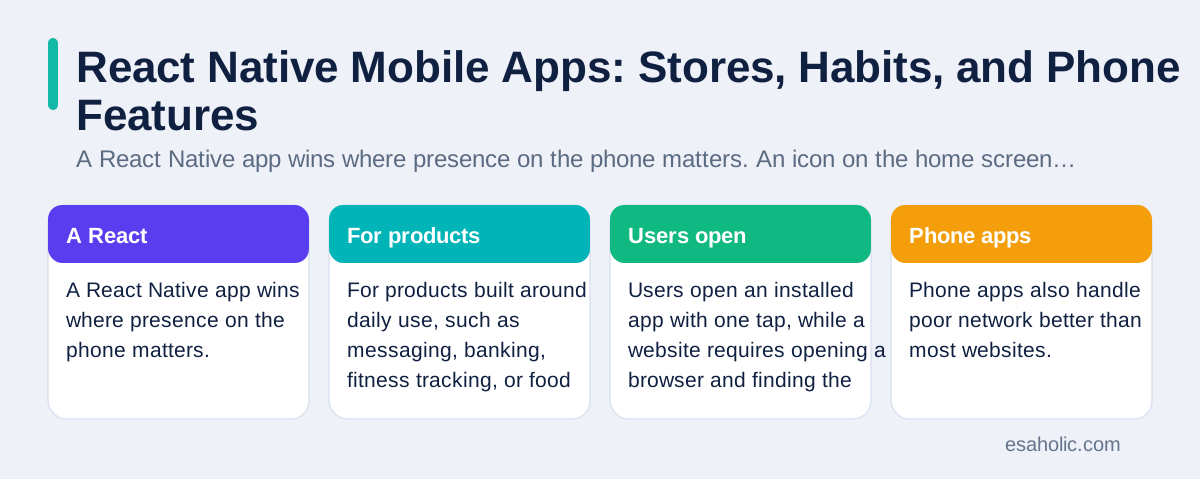
Phone apps also handle poor network better than most websites. An app can store data on the phone, let users draft a message or view recent content offline, and sync, which means reconcile local changes with the server, when the connection returns. That matters for users on slow or patchy connections, and for field workers who move in and out of coverage. React Native apps can also use biometric login, which means unlocking with a fingerprint or face, and system level features such as share sheets, which are the menus that let users send content to other apps. These features feel natural on a phone because they are the phone's own patterns, not web imitations.
The price of phone presence is the store process. Every app must pass review by Google Play and the Apple App Store, follow each store's rules on payments, privacy, and content, and wait for approval on updates, unless the update only changes data or uses an approved over the air update path, which is a limited way to update JavaScript code without a full store release. Stores also take a share of in app digital purchases under their rules, which changes the business model for some products. Teams should read store rules before building, not after, because a product that violates a payment or privacy rule may be rejected no matter how well it is coded. Our guide on shared code for both phone systems covers the two store process in more detail.
Components and Styling: Similar Thinking, Different Elements
Developers often ask whether a React screen can be reused in React Native. The honest answer is: the thinking reuses, the elements do not. React for the web uses HTML elements, which are the browser's building blocks such as div, which is a generic container, button, and input. React Native uses phone components such as View, which is a container on a phone screen, Text, and TouchableOpacity, which is a pressable area. The names differ, and so do the rules. Web styling uses CSS, which stands for Cascading Style Sheets, a language for describing how web pages look, with a large set of properties for layout, fonts, and animation. React Native styling uses a smaller subset of similar rules, written in JavaScript, without full CSS features such as hover effects, which do not make sense on a touch screen in the same way.
Navigation also differs. On the web, navigation means URLs, browser back buttons, and link sharing: a user can copy a link to a specific page and send it to a friend. On a phone, navigation means stacks of screens, tabs at the bottom, and gestures such as swiping back, with no URL to copy. A product that relies on link sharing, such as a shop where users send product links to friends, fits the web naturally and needs extra work on a phone. A product that relies on a guided flow, such as onboarding or checkout on a small screen, fits phone navigation naturally. Designers should plan two navigation maps, even when the screens look similar, because forcing web navigation onto a phone, or phone navigation onto the web, frustrates users on both.
Third party packages, which are ready made code libraries other developers publish, also differ. Many useful packages exist for both targets, such as form handling and data fetching, but packages that touch the phone, such as maps, payments, and camera work, exist only for React Native, while packages that touch the browser, such as rich text editing and charts, may exist only for the web. Before choosing, a team should list the five packages its product truly needs and check that each one exists and is maintained for the chosen target. A missing package can force custom native work, which is the expensive part of React Native that teams hope to avoid. Expo documentation shows a popular toolset that simplifies React Native setup, packages, and releases for many teams.
Performance Compared Without Hype
Performance comparisons between React and React Native often miss the point, because they run on different devices in different contexts. A React website's speed depends on the browser, the network, and how much JavaScript and how many images the page loads. A React Native app's speed depends on the phone, the bridge between JavaScript and native code, and how lists and animations are built. For everyday screens, such as forms, lists, and detail pages, both feel fast when built well. Users notice slow networks, large images, and long lists far more than they notice which React tool built the screen.
Differences appear at the extremes. A website with a huge amount of JavaScript can feel slow on a low cost phone browser, because the browser must download and run all that code before the page responds. A React Native app with very heavy animation or a huge scrolling list can stutter if developers update the screen too often through the JavaScript bridge, which is the channel that carries messages between shared code and phone controls. Both problems have known fixes: split web code so each page loads only what it needs, and use native driven animation and efficient lists on phones. Teams should measure on real low cost devices, not only on developer laptops and flagship phones, because most users do not own flagship phones.
App size and load time deserve a mention too. A website has no install size, but it pays a load cost on every visit unless caching, which means storing copies of files on the device for reuse, works well. A phone app pays an install cost once, then starts fast and can work offline. Neither is always better. A product visited once a month should not demand a large install, while a product used daily earns its install cost quickly. The right performance question is not "which tool is faster." It is "where will our users feel the wait, on first visit, on every visit, or during heavy use, and which target removes that wait best?"
Code Sharing Done Right
Teams that build both a website and a phone app should plan sharing as a structure, not as a hope. The shareable core includes business logic, which means the rules of the product, such as how a discount is calculated, data fetching, which means asking the server for data, and state management, which means keeping track of what the user is doing across screens. Those parts do not depend on web or phone elements, so they can live in a shared package used by both apps. Screens, navigation, and styling stay separate, because they depend on the target. This split, sometimes called a monorepo, which is one code repository holding several related projects, keeps sharing honest: the team can see exactly what is shared and what is not. Planning sharing as a structure is a software architecture decision, since the structure decides what can be reused safely.
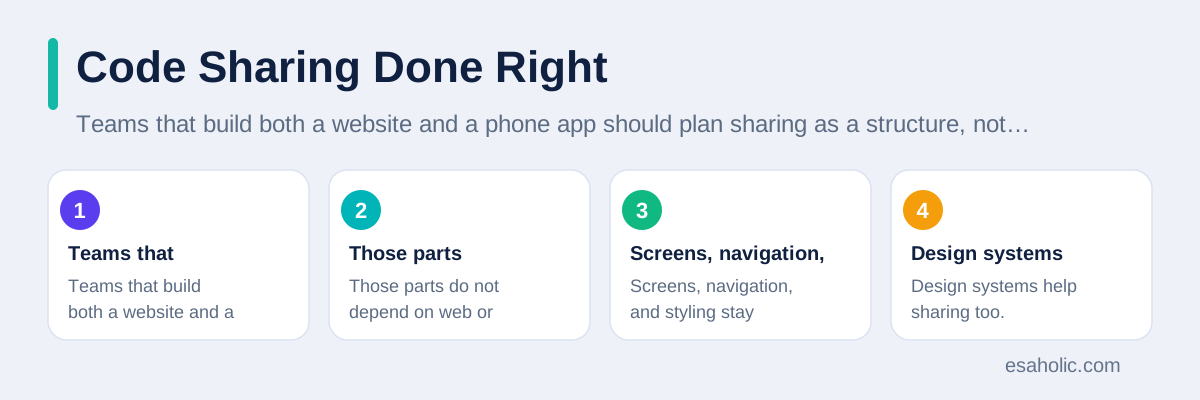
Design systems help sharing too. A design system is a shared set of design rules, colors, fonts, and component ideas, documented once and applied on both targets. It does not mean identical code for a button on web and phone. It means the button looks and behaves consistently, even though it is built twice from the same specification. Teams that skip a design system end up with a website and an app that drift apart, until users feel they are using two different products. A short design specification, with colors, spacing, and component behavior written down, prevents that drift for a fraction of the cost of a full rewrite.
Testing shared code also needs a plan. Shared logic should have automated tests that run for both targets, while screens need target specific tests: browser tests for the web, and device tests for the phone. A bug in shared logic, fixed once, helps both products, which is the payoff of the split. A bug in a screen, fixed on one target, does not automatically fix the other, and teams should say so plainly in planning, instead of promising that every fix helps everyone. Our fast product tests with early models guide shows how to validate a product idea on one target before paying for both.
Choosing, With a Simple Decision Path
Start with the user, not the tool. Where will users find the product, and how often will they return? If users arrive through search, links, or social posts, and visit occasionally, build a React website first. If users need a daily habit, offline access, push notifications, or deep phone features, build a React Native app first. If both matter, build the website first to learn what users want, then add the app for the users who return often, using the shared logic structure described above. That sequence spends money in the order that learning arrives, instead of paying for both targets before knowing whether either is wanted.
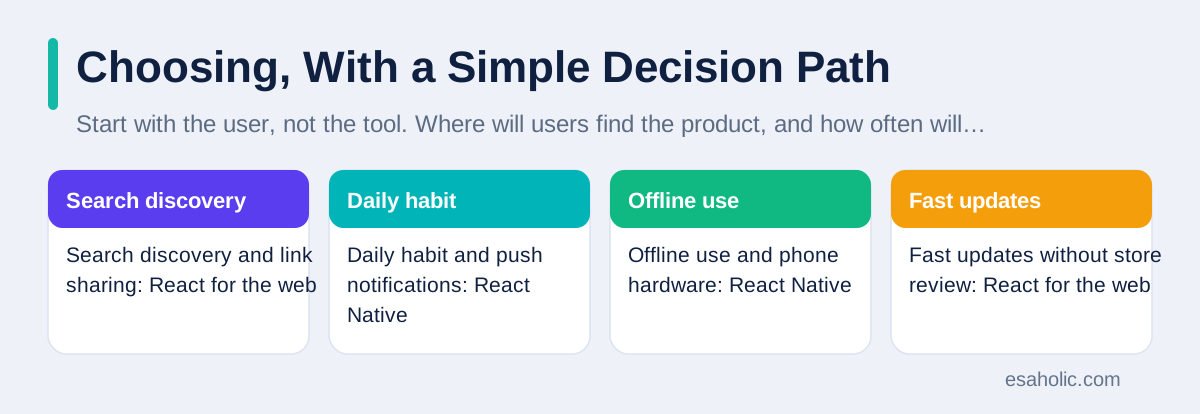
Next, check the feature list against each target. List every feature that touches the phone or the browser, and mark which target supports it well, poorly, or not at all. A product that needs background location, advanced camera work, or a new phone system feature on launch day may need fully native code, not React Native, and the team should know that before choosing. A product that needs link sharing, search discovery, or instant updates without store review fits the web. A feature list checked against reality beats a framework debate every time, because it turns opinions into a short list of facts.
| If your product needs | Pick first | Reason |
|---|---|---|
| Search discovery and link sharing | React for the web | Browsers and search engines favor links |
| Daily habit and push notifications | React Native | Home screen presence brings users back |
| Offline use and phone hardware | React Native | Installed apps store data and use sensors |
| Fast updates without store review | React for the web | Web deploys reach every user at once |
Finally, check the team. A team that knows React can build a website now and a phone app next, with shared learning. A team that knows neither should learn React for the web first, for the reasons in the FAQ below, and add React Native once the basics are solid. A team with strong native developers may still choose React Native for speed, but it should keep a native escape route for the heaviest features. Whatever the choice, write it down with the reasons, and revisit it when the product's user pattern changes, because the right first choice is not always the right permanent choice. Teams that need help deciding can review custom software development services and website development services for how product decisions should precede tool decisions.
Conclusion
React builds for the browser, and React Native builds for phones, and that single difference drives almost every other choice. Pick React when reach, links, search, and instant updates matter most. Pick React Native when home screen presence, notifications, offline use, and phone features matter most. Share logic and design rules between the two, keep screens separate, and test on real devices. Choose by user pattern and feature list, not by name similarity, and the similar names will stop causing confusion and start describing a sensible pair of tools.
Frequently Asked Questions
Can I use the same code for a website and a phone app?
You can share logic, data handling, and some design ideas between a React website and a React Native app, but you cannot copy screens directly, because web screens use browser elements and phone screens use phone controls. Teams that plan sharing from the start keep logic separate from screens, so the shared part stays large and useful.
Is React Native a real native app?
React Native apps install from app stores, use real phone controls, and can access phone features, so users experience them as real apps, but they are not fully native apps, because shared JavaScript code runs through a bridge to the phone system rather than being written directly in the phone's own language for every part.
Which should a beginner learn first, React or React Native?
Learn React for the web first, because it teaches components, state, and data flow with faster feedback in a browser and a larger set of learning resources. Those skills transfer directly to React Native, while starting with phone apps adds store setup, device testing, and phone specific problems before the basics are solid.
Written by Danish Mustafa
Senior Agentic AI Engineer and Systems Architect
Danish Mustafa is a senior agentic AI engineer at Esaholic who builds AI agents, voice systems, and messaging systems for real customers.
Reviewed by Ahmad Jajja
Senior AI Research Engineer and Generative AI Specialist
Ahmad Jajja is a senior AI research engineer at Esaholic who builds generative AI systems grounded in real documents for accurate answers.
Relevant blogs
Cross Platform Mobile Programming Explained Simply
How one code base can serve Android and iPhone apps, where shared code helps, and where native code still wins.
Rapid Prototyping: A Simple Guide to Fast Product Tests
How teams turn an idea into a testable model in days and learn fast without wasting budget.
Best AI Coding Assistants
How coding assistants help developers write, review, and fix code faster, and where human review stays essential.
Computer Vision Applications
How computers read images and video, and where vision systems help in real products.
Back to all blog guides · Back to Software Development guides · Explore Custom Software Development Services