
User Manual Guide: How to Write One That Helps
A reader opens a manual at the worst moment. A device will not start, a setting looks wrong, or a deadline presses close. That reader does not want a tour of every feature. They want one task, in order, with a result they can check. A manual that delivers that help on the first try earns trust fast. A manual that buries the answer inside jargon, long paragraphs, and unrelated features earns a support ticket, and often a frustrated customer.
A user manual, which is a complete guide to setting up, using, and fixing a product, differs from a sales page in one clear way. A sales page persuades. A manual enables. It should state what a product does, what it does not do, what can go wrong, and how to recover, in plain words a beginner can follow. It should also respect the reader time, because every extra paragraph is a paragraph a stressed reader must skip before they find help.
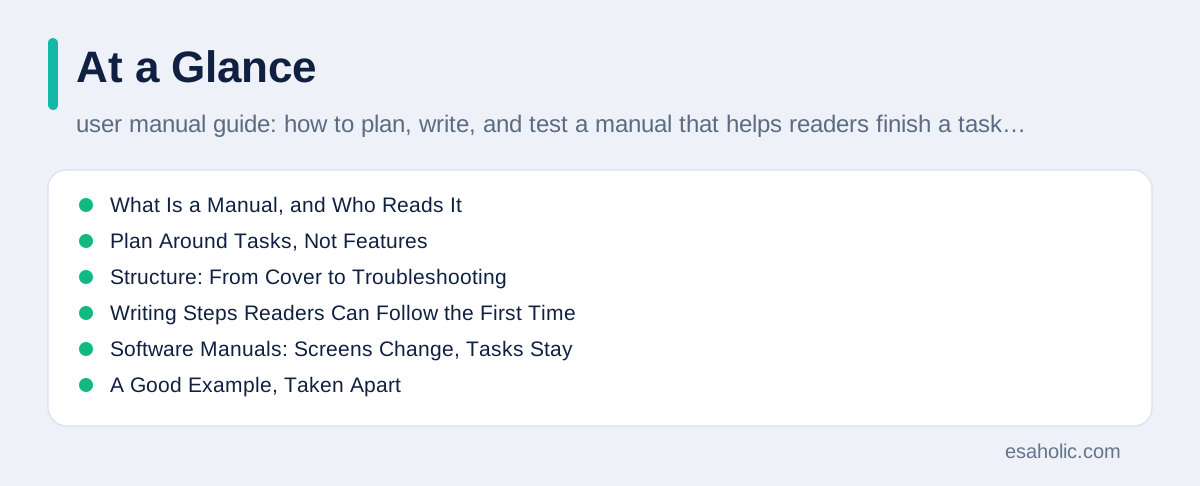
This guide shows how to build that kind of manual, whether you write for a physical product, a piece of software, or a service your team supports. You will learn how to plan around reader tasks, how to structure a manual from cover to troubleshooting, how to write steps and warnings readers actually follow, and how to test a draft with real users before it ships. For shorter help pages, see our guide on choosing a searchable help center, and for developer focused writing, see our guide on clear product documentation.
What Is a Manual, and Who Reads It
What is a manual? It is a document that helps a reader use a product safely and successfully, from first setup to daily use to fixing common problems. User guides and manuals overlap a lot in practice, and teams use both terms for similar documents. The label matters less than the job. If a document helps a reader finish a task without extra help, it works as a manual, whatever title sits on its cover.
Manual readers fall into three groups, and each group opens the manual for a different reason. A new user wants setup and first success, in the smallest number of steps that still works safely. A regular user wants a quick answer to one task, such as changing a setting or exporting a file, without reading the whole book. A stuck user wants troubleshooting, which means steps that diagnose and fix a problem, plus a clear path to human help when the fix fails. A manual that serves all three needs a strong contents page, a search or index, and task based headings.
Technical manuals serve a fourth group, which is trained readers such as installers, technicians, or administrators. A technical manual, which is a detailed guide for skilled readers, can use precise terms and specs, because its readers already know the field. It still needs clear structure, safety warnings, and version notes, because even experts make mistakes when a manual hides a limit or skips a step. A team should decide which readers each manual serves, and write for those readers only, instead of trying to serve beginners and experts in the same paragraph.
Plan Around Tasks, Not Features
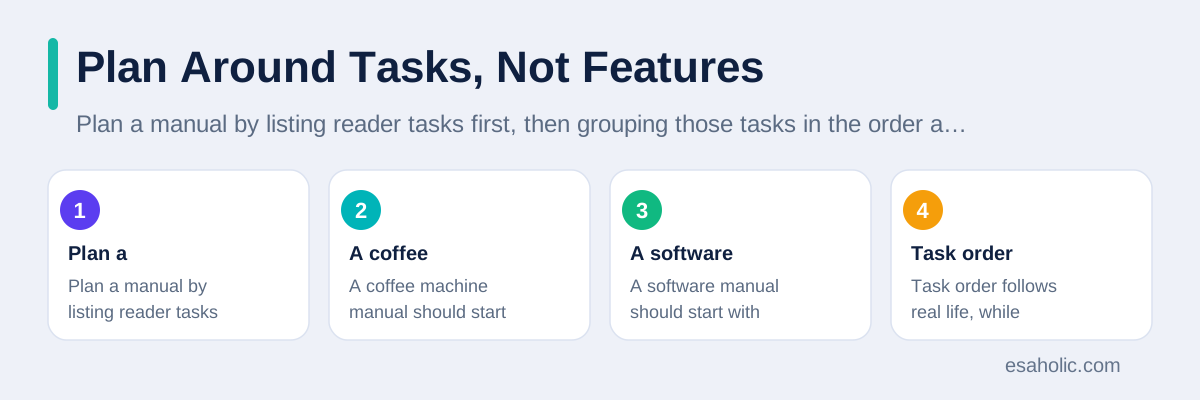
Plan a manual by listing reader tasks first, then grouping those tasks in the order a reader meets them. A coffee machine manual should start with setup, cleaning, and first brew, not with a chapter on internal heating technology. A software manual should start with account setup, first project, and daily tasks, not with a list of every menu in order. Task order follows real life, while feature order follows the product team, and readers live in real life.
Interview real users before you outline, because writers guess tasks badly when they work from memory. Ask support staff for the top twenty questions, read recent tickets, and watch three users try the product without help. Those sources reveal the tasks readers actually struggle with, the words they use for parts and settings, and the mistakes they make most often. A manual built from that evidence will answer the questions readers ask, while a manual built from a feature list will answer questions nobody asked.
Write a one page outline before you write any chapter, and test that outline with a colleague who matches the audience. The outline should list every chapter, every task inside it, and the result each task produces. If a chapter has no clear reader task, cut it or move it to an appendix, which is extra material at the end for readers who want detail. An outline review takes an hour and saves weeks of rewriting, because it catches a wrong structure before a writer invests in it.
Structure: From Cover to Troubleshooting
A strong manual structure follows a simple arc. It opens with a cover, a contents page, and safety information, then moves to setup, first use, daily tasks, advanced tasks, maintenance, troubleshooting, and reference material such as specs or contact details. That order matches how readers grow: they start careful, they gain confidence, they need detail only later, and they need rescue help when something breaks. A manual that opens with advanced settings will scare beginners, while a manual that hides troubleshooting at the back without links will frustrate stuck readers.
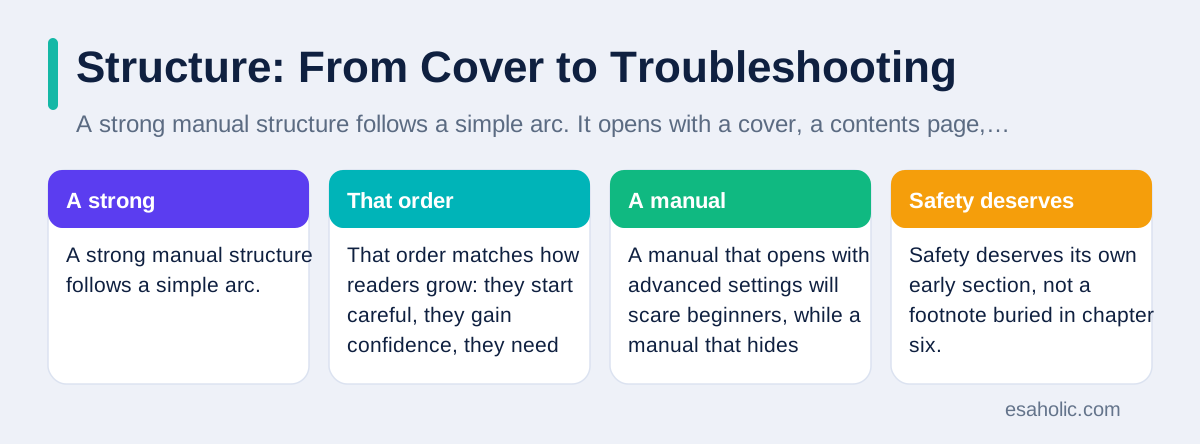
Safety deserves its own early section, not a footnote buried in chapter six. Warnings should appear before the step that carries risk, use plain words about the harm and how to avoid it, and use a consistent visual style readers learn to recognise. A warning that says "Unplug the device before you open the case, because live parts inside can cause a serious shock" helps far more than a warning that says "Caution: electrical hazard." Readers act on specific warnings, and they ignore vague ones.
Reference material at the end should answer lookup questions fast. A reader who wants a spec, a part name, or a warranty term should find it in a table or a short list, not inside a story paragraph. An index, which is an alphabetical list of topics with page or section links, helps print manuals, while search and linked contents help online manuals. Either way, a manual without a way to jump to one task forces every reader to read linearly, which nobody does under pressure.
Writing Steps Readers Can Follow the First Time
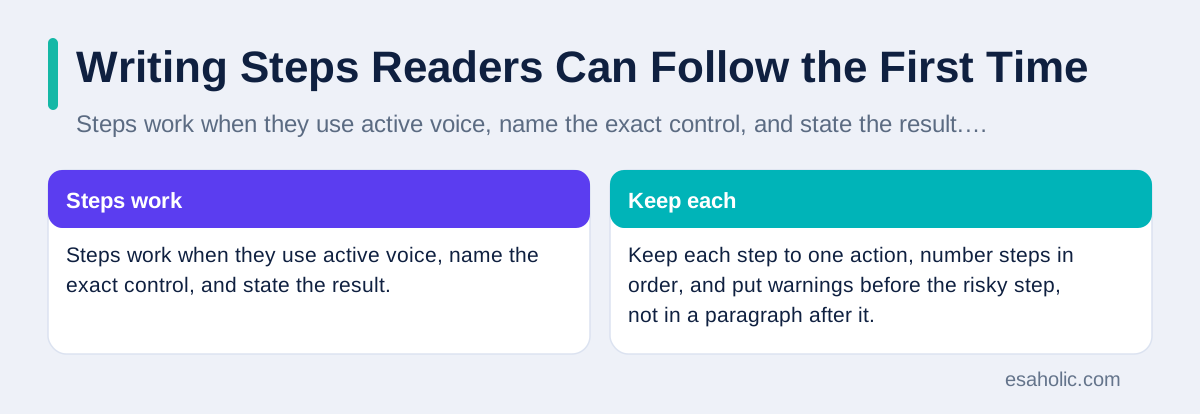
Steps work when they use active voice, name the exact control, and state the result. "Press the Power button on the front panel until the green light stays on" beats "The device should be powered on," because the first version tells a reader what to do, where to do it, and how to know it worked. Keep each step to one action, number steps in order, and put warnings before the risky step, not in a paragraph after it. A reader who must guess which button or which field will guess wrong often enough to matter.
Use the same terms on every page, and define any term a beginner might not know in the same sentence. If a manual calls a button "Save" on one page and "Store" on another, readers will wonder whether they mean the same action. A short glossary, which is a list of terms with plain definitions, helps, but consistent terms help more, because readers rarely open a glossary in the middle of a task. Check terms against the product screens too, because a manual that renames a button creates instant confusion.
Pictures should show the exact screen or part a reader sees, with labels that match the steps. A picture of a whole device helps a reader identify it, while a close up helps a reader find one button. Alt text, which is a short description of an image for readers who cannot see it, should state the purpose of the picture, not just its file name. Plain language guidance and the Google developer documentation style guide both show how short sentences, common words, and consistent terms help every reader, including readers in a hurry.
Software Manuals: Screens Change, Tasks Stay
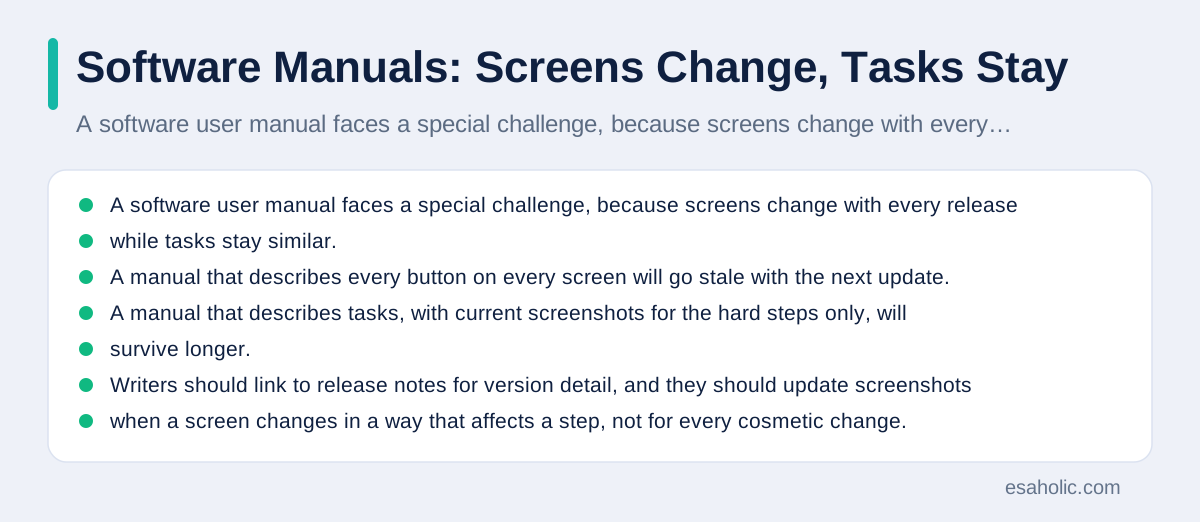
A software user manual faces a special challenge, because screens change with every release while tasks stay similar. A manual that describes every button on every screen will go stale with the next update. A manual that describes tasks, with current screenshots for the hard steps only, will survive longer. Writers should link to release notes for version detail, and they should update screenshots when a screen changes in a way that affects a step, not for every cosmetic change.
Software manuals also need strong error help, because software errors appear as codes, messages, or blank screens that confuse readers. For each common error, give the message a reader sees, the likely cause in plain words, and the fix in order. A reader who searches for an exact error message should land on the fix, not on a general page about settings. That search behaviour also explains why error messages in the product itself should use plain words, because a clear message in the product reduces the manual work later.
Version information protects software readers from following the wrong manual. Show the product version on the manual cover or landing page, note the version each chapter covers when versions differ, and archive old manuals instead of deleting them without a redirect. A reader on an older version still needs help, even when the newest manual describes a newer screen. Our guide on testing basics for teams covers a related discipline, because a manual, like a test plan, must match the version readers actually run.
A Good Example, Taken Apart
A user manual example for a simple task shows the whole method in miniature. Suppose the task is "Connect the printer to Wi-Fi." A good example opens with requirements, such as a Wi-Fi password and a printer within range of the router, which is the box that connects a home network to the internet. It then gives five steps: open settings, choose network, enter the password, wait for the confirmation light, and print a test page. Each step states the result, so a reader knows immediately whether to continue or to stop and fix a problem.
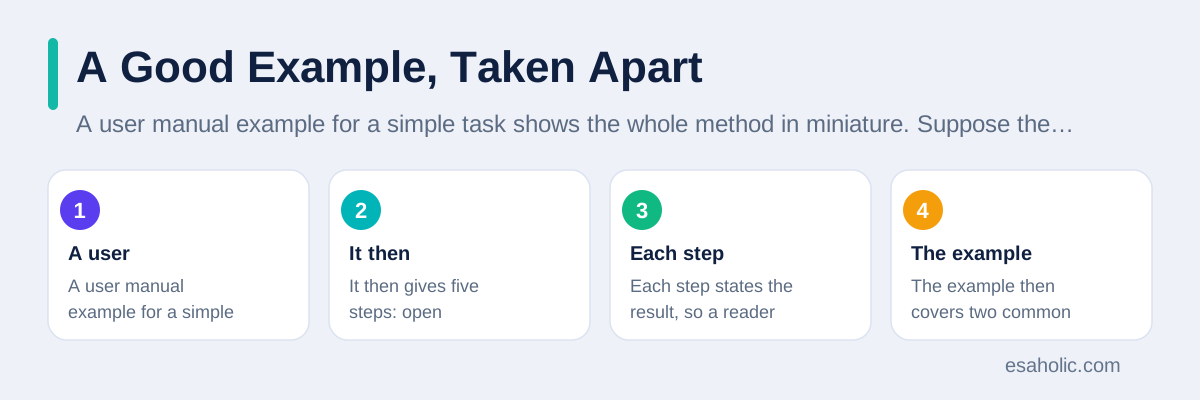
The example then covers two common failures. If the printer cannot find the network, the reader checks range and restarts the router. If the password fails, the reader checks capital letters and special characters, which are symbols such as exclamation marks, before trying again. A short "Need more help" box at the end links to support, with the information a support agent will ask for, such as model number and error light pattern. That ending saves a second round of questions, because the reader arrives at support prepared.
Notice what makes the example work. It uses one task, one set of terms, and one result a reader can check. It does not explain how Wi-Fi works in general, list every printer model, or praise the printer speed. Those topics belong elsewhere, linked, not copied. A team that writes every task example with that discipline will produce a manual readers actually finish, while a team that writes examples as feature tours will produce a manual readers skim and abandon.
Instruction Templates That Save Time
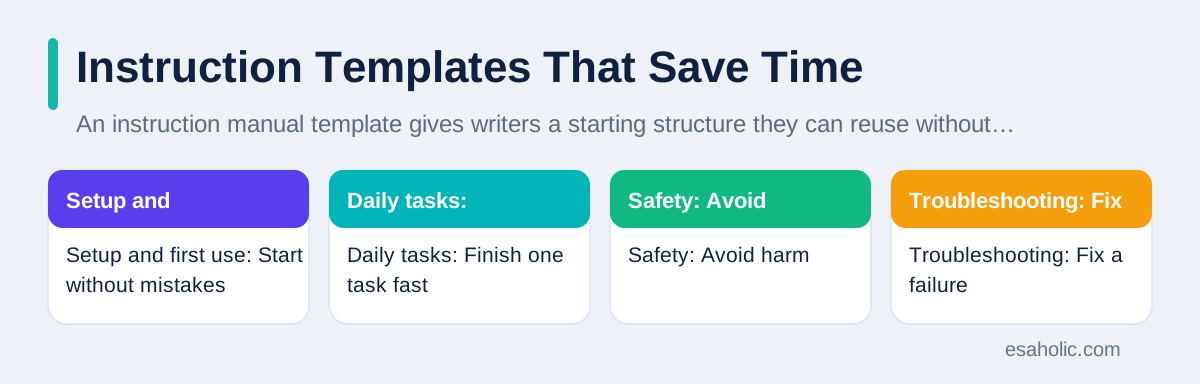
An instruction manual template gives writers a starting structure they can reuse without reinventing it each time. A solid template includes cover and version, contents, safety, requirements, steps with checks, troubleshooting, and contact help. A user guide template for a single task can be shorter, with outcome, requirements, steps, checks, and fixes only. A template instruction manual for a complex product can add maintenance, specs, and warranty sections. The key is to match the template size to the product, not to use the largest template for every product.
Templates also keep language steady across a team. When every writer uses the same step style, the same warning style, and the same terms, readers learn the manual rhythm once and use it everywhere. A new writer should receive the template plus one worked example, not just the template alone, because an empty template invites guesses about tone and detail. Review templates every year, and drop fields writers always leave blank, because a template that asks for useless detail will soon be ignored entirely.
Keep templates in the tool writers actually use, with placeholders that show an example, not just a label such as "Insert steps here." A placeholder that shows a good step teaches format while a writer works, while a blank label teaches nothing. Esaholic teams that build product docs in website development work follow the same rule, because a live help page must match the product readers see, not an idealised version of it.
| Manual section | Reader need | What good looks like |
|---|---|---|
| Setup and first use | Start without mistakes | Requirements first, steps in order, result shown |
| Daily tasks | Finish one task fast | Task headings, short steps, checks at the end |
| Safety | Avoid harm | Specific warnings before risky steps |
| Troubleshooting | Fix a failure | Symptoms, causes, fixes in order, help link |
| Reference | Look up a fact | Tables, specs, part names, contact details |
Testing With Real Readers, Before Launch
Testing a manual means watching a real reader use a draft, without coaching them through it. Choose readers who match the audience, including at least one beginner, because a manual that only experts can follow has failed its main job. Give the reader the product and the draft, ask them to complete three tasks, and note every pause, wrong turn, and question. Do not explain during the test, because an explanation in testing hides a flaw that will hurt a real reader who has no author beside them.
Fix the failures in order of impact, not in order of ease. A step that blocks every reader matters more than a typo that annoys one reader, even though the typo is faster to fix. After each round of fixes, test again with a new reader, because a fix that helps one person may confuse another. Two short test rounds will improve a manual more than ten internal reviews, because internal reviewers already know the product and cannot see it as a beginner does.
After launch, keep listening through support tickets, search terms, and feedback on manual pages. A task that generates many tickets after launch points to a manual gap, not only to a product flaw. Update the manual in the same release that fixes a product issue, and note the version change on the manual page, so readers trust that the manual matches the product they hold. A manual is a living document, and a team that treats it as finished at launch will watch it decay with every update.
Print, PDF, and Online: Choose the Right Home
Print manuals suit products used away from a screen, such as tools, appliances, and outdoor equipment. Print needs a strong contents page, an index, and durable pages, because a reader cannot search a paper book by typing. PDF manuals suit products where readers want to download, print, or save one file, and they should include linked contents and searchable text, not scanned images alone. Online manuals suit software and connected products, because they support search, video, and fast updates.
Many teams need more than one format, and that is fine, as long as one source feeds them all. Write the manual once in a tool that can publish to web, PDF, and print, instead of maintaining three separate copies by hand. Separate copies will diverge, and a reader who follows an old PDF while the web manual has changed will follow wrong steps through no fault of their own. A single source with version notes keeps every format honest. The same single source idea applies to technical documentation, where one reviewed page should feed every format instead of separate copies drifting apart.
Accessibility applies in every format. Online manuals need real headings, alt text, and keyboard navigation, which means a reader can move through the page without a mouse. Print manuals need readable type size, strong contrast, and clear diagrams with labels. PDF manuals need both, plus text a screen reader can read, not only pictures of text. Web accessibility tutorials explain the online practices, and the same clarity principle, that every reader should reach the same help, guides print and PDF choices too.
Conclusion
A manual that helps starts with reader tasks, not with a feature list. Plan the tasks in the order readers meet them, open with safety and setup, write short active steps with clear results, and cover common failures with fixes in order. Use a template that fits the product, keep terms and warnings consistent, and test every important task with a real reader before you publish. Then keep the manual alive, updating it with each product release and fixing the pages that generate tickets. A team that follows that routine will produce a manual readers finish on the first try, instead of a book they abandon for a support call.
Frequently Asked Questions
What is a user manual in simple terms?
A user manual is a guide that shows readers how to set up, use, and fix a product or software, in the order they actually need it. A good manual answers real tasks with short steps, clear pictures, and troubleshooting help, instead of describing every feature in the order the product was built.
How is a user manual different from a user guide?
A user manual usually covers a whole product, including setup, daily use, safety, and troubleshooting, while a user guide often covers one task or one part of a product in more depth. In practice teams use the terms loosely, so readers care less about the label and more about whether the document helps them finish their task.
How do you test a user manual before you publish it?
Test a user manual by giving a draft to a real reader who matches the audience, watching them follow it without help, and noting every place they pause, guess, or fail. Fix those places first, then test again with a second reader, because a manual that works for its author may still fail for a beginner.
Written by Danish Mustafa
Senior Agentic AI Engineer and Systems Architect
Danish Mustafa is a senior agentic AI engineer at Esaholic who builds clear product guides and systems that help users finish tasks without confusion.
Reviewed by Ahmad Jajja
Senior AI Research Engineer and Generative AI Specialist
Ahmad Jajja is a senior AI research engineer at Esaholic who reviews guides for technical accuracy, clarity, and tested steps.
Relevant blogs
Technical Documentation: A Simple Guide for Teams
How to plan, write, and keep clear guides that help readers finish a task without guessing.
Knowledge Base Software: A Simple Guide for Teams
What a help center is, how teams choose it, and how to build one people trust and use.
User Experience Basics: A Simple Starter Guide
How to design screens people understand, test with real users, and remove friction.
How to Use an AI Agent to Sort Emails: A Simple Guide
Set clear rules, connect your inbox safely, and review the first week closely.
Back to all blog guides · Back to Business and Productivity guides · Explore Website Development Services