
What Is a Kernel? A Simple OS Guide

Every time you open a browser, play a song, or save a file, dozens of programs share one machine, and they all want the same things: processor time, memory, disk space, and network access. Without a referee, those programs would collide. One program could overwrite another program's memory, hog the processor forever, or read files it should never see. The referee that prevents that chaos, and that hands out resources fairly and safely, is the kernel. It is the core program of an operating system, and almost everything your computer does passes through it.
Think of a computer as a busy office building. Applications are tenants who work in their own offices. The kernel is the building manager who controls the elevators, the power, the mail room, and the front door. A tenant cannot simply rewire the building or walk into another tenant's office. The tenant asks the manager, the manager checks the rules, and the manager performs the action or refuses it. That separation keeps tenants productive and keeps the building standing, even when one tenant behaves badly or crashes. A kernel earns its keep in exactly the same way, at a speed no human manager could match.
This guide explains the kernel in plain language. You will learn what a kernel does day to day, how it separates kernel space from user space, how a program asks it for help through a system call, which is a controlled request from an application to the kernel, how monolithic and microkernel designs differ, which kernels power the systems you use, and what happens when a kernel itself fails. The Linux kernel documentation covers the leading open kernel in depth, and Red Hat explains the Linux kernel for newcomers. Our guide to parallel processing explains how kernels share processors, and our custom software work builds systems that respect kernel boundaries.
The Kernel in One Picture
Picture three layers. At the bottom sits hardware: the processor, which executes instructions, memory, which holds running programs and data, storage disks, screens, keyboards, and network cards. At the top sit applications: browsers, editors, games, and servers. In the middle sits the kernel, the only layer allowed to touch hardware directly in normal operation. Applications talk to the kernel, the kernel talks to hardware, and hardware answers back through the kernel. No application jumps the middle layer, because the processor enforces that boundary with privilege levels, which are hardware enforced ranks that decide which instructions a program may run.
The kernel also owns the operating system's most trusted jobs. It loads programs into memory, starts them, pauses them, and cleans up when they finish. It tracks which program owns which memory, which files each user may open, and which devices each program may use. It moves data between disks, networks, and memory, and it translates between the many device types a computer may hold and the uniform view applications expect. When you save a file, you do not write to a disk directly. You ask the kernel, the kernel checks permission, finds free space, writes the data, and reports success or failure.
That middle position explains why kernel quality matters so much. A slow application annoys one user. A slow kernel slows every application. A buggy application crashes itself. A buggy kernel can crash the whole machine. Kernel developers therefore test with unusual care, review changes in public for open kernels, and fix security faults urgently, because a kernel fault can break the isolation, which means separation between programs and users, that the whole system depends on. The kernel's power is the reason for its discipline.
Kernel Space Versus User Space
Operating systems split memory and privilege into two worlds: kernel space and user space. Kernel space holds the kernel itself and its trusted helpers, running with full privilege, which means permission to run any processor instruction and touch any hardware. User space holds ordinary applications, running with limited privilege, which means permission to use only their own memory and only the resources the kernel grants them. The processor switches between these modes, and it refuses a user space program that tries a privileged instruction, stopping the attempt before it can harm the machine.
That split gives the system its most important safety property: fault isolation. When a browser tab crashes in user space, the kernel reclaims its memory, closes its files, and lets the rest of the system continue. The crash stays inside one program's box. When a program tries to read another program's memory, the kernel blocks it, because memory protection, which is hardware and kernel enforcement that each program sees only its own memory, marks that memory as belonging to someone else. Users benefit daily from this design, often without knowing it, every time one app fails without taking the whole computer down with it.
The price of the split is the cost of crossing it. Every time an application needs the kernel, it must switch modes, hand over control, and switch back, and those switches take time. Designers therefore keep the boundary crossings purposeful: applications batch work, kernels answer quickly, and both sides avoid chatty back and forth for simple tasks. Modern processors make switching fast, but the principle remains: the boundary protects the system, and every design choice around it trades safety against speed. A system that erased the boundary would run slightly faster and crash far more often, which is a poor bargain for any machine people depend on.
System Calls: How Programs Ask for Help
An application asks the kernel for help through a system call, which is a numbered, checked request that crosses from user space into kernel space. Opening a file, reading from the network, creating a new process, which is a running program with its own memory, and allocating memory all happen through system calls. The application places its request and its arguments, which are the values that describe the request, in agreed locations, triggers the switch, and the kernel validates the request before acting. Validation is the point: the kernel checks that the file exists, that the user may open it, and that the request makes sense, before it touches any resource.
Follow a simple save to see the pattern. A text editor holds your document in its own memory. When you press Save, the editor makes a system call to open the file, another to write the document bytes, and another to close the file. The kernel checks permission on open, finds disk space on write, reports any failure, such as a full disk, back to the editor, and the editor shows you an error instead of silently losing work. The editor never touches the disk directly, and it never needs to know which disk model you own. The kernel hides hardware variety behind one uniform set of calls, so the same editor works on laptops, servers, and phones with different hardware inside.
System calls also explain why applications behave consistently across machines. A program written against the kernel's call set runs on any machine with a compatible kernel, even when the hardware differs, because the kernel translates each call into the right hardware actions. Libraries, which are collections of reusable functions programs can call, wrap system calls in friendlier functions, so developers rarely write raw system calls by hand. That layering, from application to library to system call to kernel to hardware, lets each layer change independently, as long as the interfaces between layers stay stable. Stable interfaces are why old programs often keep working on new kernels.
Monolithic Kernels: One Big Program
A monolithic kernel keeps most operating system services inside one large privileged program. Process scheduling, which decides which program runs on the processor next, memory management, file systems, which organize files on storage, device drivers, which are programs that control specific hardware, and networking all live inside the kernel, and they call each other directly as functions. That direct calling makes monolithic kernels fast, because services do not need to send messages across boundaries or switch privilege modes to cooperate. The Linux kernel, which powers servers, phones, and countless embedded devices, is the famous example, though it allows loadable modules, which are drivers that can join or leave the kernel while it runs, to soften the strict monolithic shape.
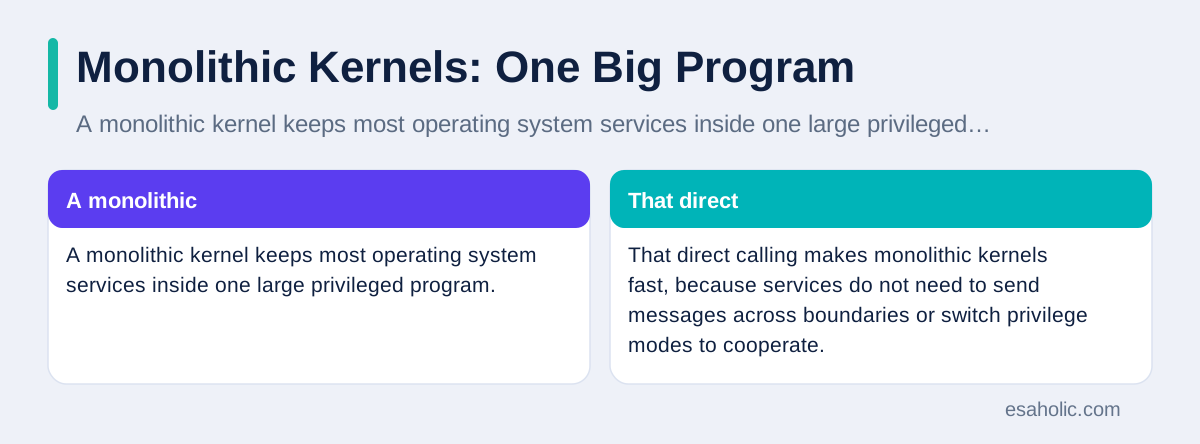
Speed comes with a shared risk. Because every service runs with full privilege in one address space, which is the memory view a program uses, a serious fault in one service can corrupt another service or crash the whole kernel. A buggy device driver, which runs close to hardware and often comes from a hardware vendor rather than the kernel team, can therefore bring down a machine that was otherwise healthy. Kernel teams fight this risk with code review, testing, and module signing, which verifies that a module comes from a trusted source before the kernel loads it, but the architectural fact remains: monolithic kernels trade some isolation for speed and simplicity.
That trade usually wins in practice, which is why monolithic designs dominate servers and desktops. Most services need each other constantly: the file system needs the disk driver, the network needs memory management, and scheduling needs all of them. Keeping those services in one program avoids a storm of messages for every file read or network packet. Teams accept the shared risk because they gain performance, simpler debugging, and a mature ecosystem of drivers and tools. When a monolithic kernel crashes, the cost is real, but crashes are rare in well tested kernels, and the daily speed benefit touches every program the machine runs. Weighing that trade is a software architecture decision, since the layout chosen here shapes isolation, speed, and failure for everything above it.
Microkernels: Small Core, Separate Services
A microkernel takes the opposite approach. It keeps only the most essential services inside the privileged core: basic scheduling, basic memory management, and message passing, which is the mechanism services use to send requests to each other. Everything else, including file systems, device drivers, and networking, runs as ordinary user space programs, called servers, that talk to the core and to each other through messages. If a file system server crashes, the core can restart it without crashing the whole machine, because the faulty service never held full privilege. That isolation is the microkernel's central promise.
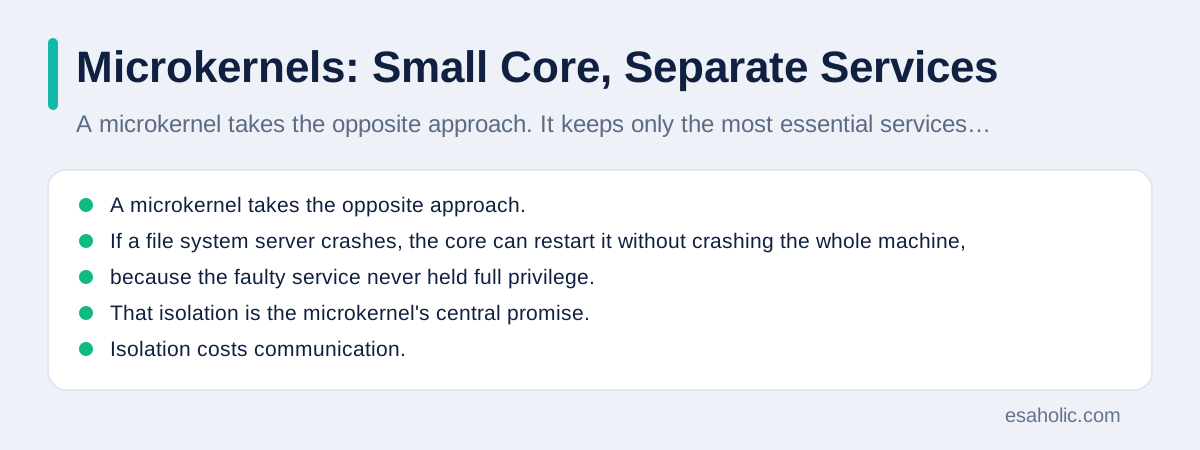
Isolation costs communication. A file read in a microkernel system may pass through several messages: application to core, core to file server, file server to disk driver server, and back again, with mode switches at each step. Early microkernels suffered visibly from that overhead, which means extra work that does not directly serve the user, especially on slower hardware. Modern designs reduce the cost with faster message passing, careful placement of hot services, and hybrid shapes that move performance critical services closer to the core. Even so, a pure microkernel rarely matches a monolithic kernel's raw speed for the same workload, and designers choose it when isolation matters more than peak speed.
Microkernels shine where safety and reliability outrank speed: in embedded controllers, in security focused systems, and in research systems that test new ideas without risking the core. They also teach a useful lesson for all software design: small trusted cores are easier to verify, which means to prove correct through testing and review, than large ones. A team that can reason about a few thousand lines of core code trusts it more than a team facing millions of lines. Microsoft documents Windows kernel concepts for driver developers, showing how a large commercial system balances these same forces, and our guide to safe test spaces applies the same isolation idea at application level.
Hybrid Kernels and Real World Examples
Most systems people actually use run hybrid kernels, which blend the two designs. A hybrid kernel keeps core services in privileged space for speed, like a monolithic kernel, but organizes some services as separate modules or subsystems that can load, unload, and fail more gracefully. Windows uses a hybrid design, with a privileged executive, which is the core set of system services, plus subsystems for different program types. macOS builds on XNU, which combines a Mach microkernel core with BSD services, which are Unix derived system functions, in privileged space, gaining Mach's message passing and BSD's mature services in one kernel. These hybrids admit that pure designs are elegant, while real products need both speed and structure.

Linux deserves its own note, because people confuse it with a full operating system. The Linux kernel is only the core. A Linux distribution, which is a packaged operating system built around a kernel, adds user tools, libraries, a package manager, which installs and updates software, and a desktop or server environment. Ubuntu, Fedora, and Debian share the kernel family but differ in tools, defaults, and support. Android also uses the Linux kernel, with a different user space built for phones, which is why Android phones and Linux servers can share kernel work while feeling like entirely different systems to their users.
Other kernels fill special roles. Real time kernels, which guarantee that critical tasks finish within strict deadlines, run factory robots, medical devices, and vehicle controllers, where a late answer counts as a wrong answer. Tiny kernels run inside routers, watches, and sensors, where memory is scarce and every byte counts. The pattern repeats at every scale: the kernel matches its machine, from a sensor with kilobytes of memory to a server with terabytes, and the core jobs stay the same, which are scheduling, memory, devices, and protection. Knowing which kernel a system uses tells you a lot about what that system values: speed, isolation, deadlines, or size.
| Design | Strength | Weakness |
|---|---|---|
| Monolithic | Fast, direct service calls | One fault can crash the system |
| Microkernel | Strong isolation, restartable services | Message passing overhead |
| Hybrid | Balance of speed and structure | More complex to reason about |
What the Kernel Does All Day
A kernel's daily work falls into four jobs, and each one runs constantly. Scheduling decides which program uses the processor next, switching between programs many times per second so interactive apps feel responsive while background tasks still progress. Memory management hands out memory to programs, reclaims it when they finish, and moves data between memory and disk when memory fills, through paging, which stores inactive memory pages on disk temporarily. Device management talks to disks, screens, keyboards, and network cards through drivers, translating uniform requests into hardware specific commands. Security enforcement checks every request against permissions, so users and programs reach only what they are allowed to reach.
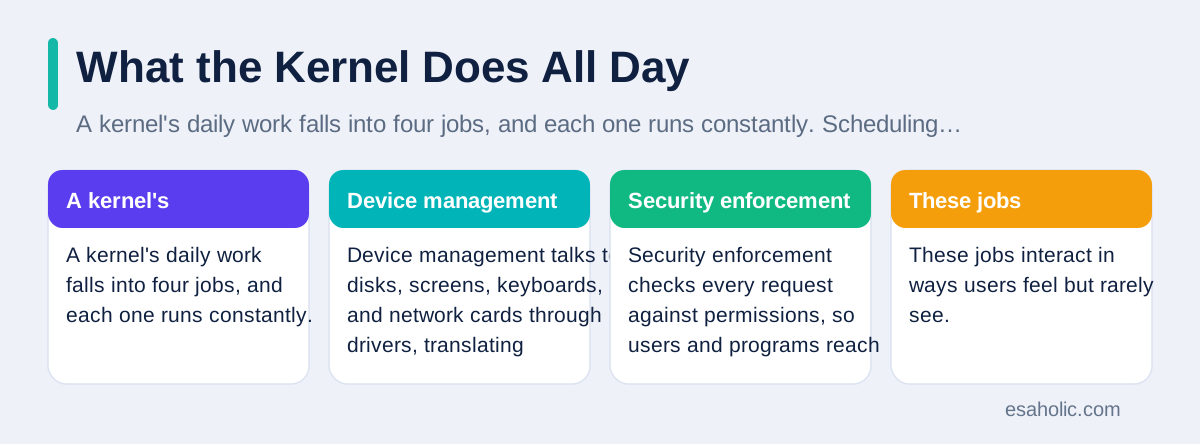
These jobs interact in ways users feel but rarely see. When you switch from a browser to a music player, the scheduler pauses one program and resumes the other, the memory manager keeps both programs' data ready, and the device manager keeps audio flowing without a gap. When a program asks for more memory than the machine holds, the kernel decides whether to page, to refuse, or to terminate a program, and that decision shapes whether the machine slows down gracefully or fails suddenly. When a network packet arrives, the kernel routes it to the right program, wakes that program if it was waiting, and delivers the data without letting other programs eavesdrop on it.
Performance tuning lives in these four jobs, which is why kernel updates often bring speed improvements even when applications stay unchanged. A better scheduler reduces lag under load. A better memory manager reduces paging on busy servers. A better network path raises throughput, which is the amount of useful work completed per unit of time, for every application at once. That leverage, where one kernel improvement lifts all programs, is why operating system teams invest so heavily in kernel work, and why a kernel upgrade deserves testing even when it promises only internal changes. Internal changes in the kernel are never truly internal to the user experience.
When the Kernel Fails
When user space fails, one program dies. When kernel space fails, the machine stops, because the referee itself broke and no trusted layer remains to recover. Windows shows a stop screen, Linux shows a kernel panic, which is a fatal kernel error message, and macOS shows a restart prompt. These failures look dramatic, and they are, but they are also honest: rather than continue with corrupted memory or broken isolation, the kernel halts and protects stored data from further damage. A system that kept running after a kernel fault could silently corrupt files, which is far worse than a visible crash and a restart.
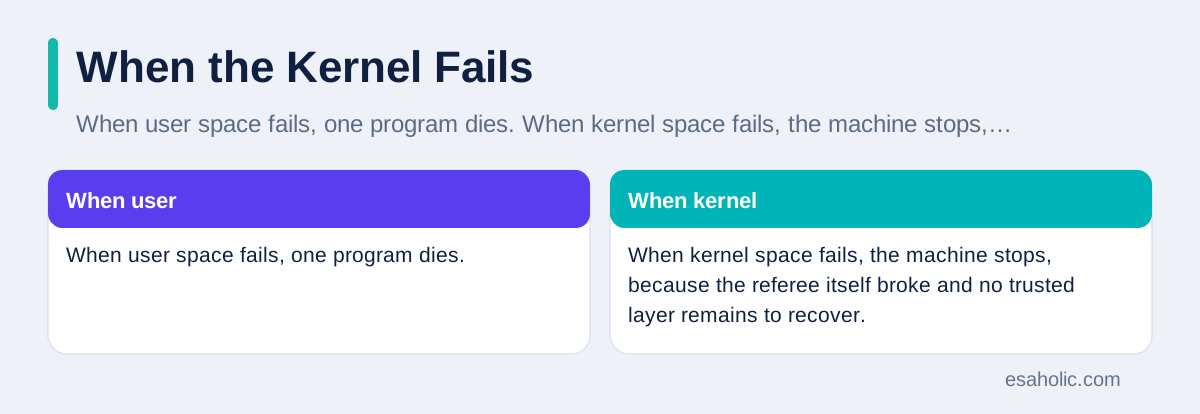
Kernel failures usually trace to drivers, faulty hardware, or rare race conditions, which are bugs where the outcome depends on the timing of two operations. A driver that writes past its memory, a failing memory chip that flips bits, or two kernel paths that update one structure at the same moment can each trigger a panic. Diagnosis therefore starts with drivers and hardware: update drivers, test memory, and check whether the failure follows a recent change. Logs saved before the crash, when the system can save them, often name the failing module, and that name points the team to the vendor fix or the workaround, such as disabling a device until its driver updates.
Prevention follows the same discipline as any critical software: keep the kernel and drivers updated, install drivers only from trusted sources, avoid experimental kernel modules on production machines, and test updates in a staging system before rolling them out widely. Support and maintenance work covers that update discipline for client systems, and our guide to version control explains how teams track which kernel and driver versions run where. A kernel crash will still happen occasionally, even on well kept machines, but a team with updated drivers, known versions, and a tested rollback plan recovers in minutes instead of days.
Conclusion
A kernel is the core program of an operating system: the referee that controls the processor, memory, and devices, and that decides which programs may use them. It separates privileged kernel space from limited user space, serves applications through checked system calls, and keeps programs isolated so one crash rarely takes down the machine. Monolithic kernels pack services together for speed, microkernels isolate services for safety, and hybrid kernels blend both for real products. Whatever design a system uses, the kernel's jobs stay constant, and its health decides the health of everything above it. Understand the kernel, and the rest of computing, from slow apps to system crashes, starts to make sense.
Frequently Asked Questions
What is a kernel in simple terms?
A kernel is the core program of an operating system that controls the processor, memory, and devices, and decides which programs may use them. Applications ask the kernel for resources instead of grabbing hardware directly, so programs stay separated and the machine stays stable.
What is the difference between a monolithic kernel and a microkernel?
A monolithic kernel keeps most operating system services inside one large privileged program, which makes calls between services fast but means one serious fault can affect the whole system. A microkernel keeps only core services inside the privileged program and runs other services as ordinary programs, which improves isolation but adds communication overhead between services.
Is the Linux kernel the same as the Linux operating system?
No, the Linux kernel is only the core, while a Linux operating system adds user tools, libraries, a desktop or server environment, and applications around that core. Different Linux distributions share the kernel family but differ in the tools and defaults they bundle with it.
Written by Danish Mustafa
Senior Agentic AI Engineer and Systems Architect
Danish Mustafa is a senior agentic AI engineer who designs multi-step AI systems with clear steps, safe limits, and human approval for high stakes actions.
Reviewed by Amir Iqbal
Senior AI Systems Architect and Lead Technical Reviewer
Amir Iqbal is a senior AI systems architect at Esaholic who leads production readiness checks for agents, model serving, and data systems before they reach real users.
Relevant blogs
Parallel Concurrent Processing Explained Simply
How overlapping tasks and truly simultaneous work differ, and how to choose threads, processes, and safe shared data.
Version Control Systems Explained Simply for Teams
How teams track changes, branch safely, review code, and recover earlier versions without losing work.
Software Testing Basics: A Simple Guide for Teams
What testing means, the main types of tests, and how teams plan, run, and report tests without jargon.
What Is a Sandbox Environment? A Simple Guide
How safe test spaces protect live systems, plus setup steps, types, and limits, in plain language.
Back to all blog guides · Back to Software Development guides · Explore Custom Software Development Services