
Augmented Reality in Accounting: A Simple Guide
Accounting runs on numbers that live in rows, columns, and long documents, and the hardest part is often not the math but seeing what a number means. A total on page forty may depend on a contract on page three, a bank statement from last month, and a rule that changed this year. Augmented reality in accounting tries to close that gap by adding helpful layers to the real world: point a phone at a paper invoice and see its payment status beside it, look at a shelf of stock and see its recorded value floating above each item, or walk a new hire through a month end close with guided steps that appear exactly where the work happens.
Augmented reality, usually shortened to AR, is technology that adds digital information to a live view of the real world, usually through a phone, tablet, or glasses. It differs from virtual reality, which replaces the real world with a fully digital scene. In accounting, that difference matters, because accountants work with real paper, real offices, and real clients, and they need help that fits into that world rather than replacing it. AR does not change the accounts, and it does not make accounting judgments for you. It changes how people see, check, and explain numbers, and that change is worth understanding on its own terms, without the hype that surrounds most new technology.
This guide explains augmented reality in accounting in plain language, from banking augmented reality for customers to augmented reality in finance for advisers and auditors. You will learn where AR genuinely helps, where it adds cost without value, how augmented reality payments work, how virtual reality banking compares, and which safety checks a finance team must demand before real money or real client data flows through any AR system. If you lead a finance team, use this guide to judge vendor demos: ask what task gets faster, what error gets rarer, and what control stays in human hands.
What AR Means When the Work Is Numbers
Most accounting errors are not calculation errors. Software already adds columns correctly. The errors that cost money are reading errors, matching errors, and context errors: the wrong invoice matched to the wrong order, a total read from the wrong column, or a rule applied to the wrong period. AR helps in exactly these places, because it puts the context beside the thing being checked. A warehouse worker counting stock can see the recorded quantity beside each shelf, so a mismatch stands out at once. An accountant reviewing a paper contract can see the related ledger entries, which are the records of money movements in the accounts, beside the clause that created them.
The technology behind the overlay is ordinary once it is described plainly. The device camera captures the scene, software recognizes a marker, such as a printed code, or a surface, such as a desk or a shelf, and then it anchors digital content, which means it fixes labels, charts, or buttons to that spot so they stay in place as the camera moves. The content comes from the same accounting system the team already uses, so an AR view is only as trustworthy as the data behind it. A beautiful overlay on stale or wrong data is worse than no overlay at all, because it makes a wrong number look certain. Teams should therefore judge AR projects by data quality first and by visual polish second.
That rule also sets the right scope. AR suits tasks where the eyes and the hands are already on a physical thing: counting, inspecting, sorting, and explaining. It suits review tasks less well when the work is already on a screen, because adding a camera view to a spreadsheet task usually slows people down. A finance leader should start with one physical task that is slow or error prone today, measure its error rate and time before AR, and only then test whether an overlay improves either number. If neither improves, the project should stop, however impressive the demo looked.
Banking Augmented Reality for Customers
Banking augmented reality starts with the customer's point of view. A customer pointing a phone at a credit card statement might see each charge grouped by category, with a plain explanation beside any fee, instead of a code that means nothing to a non accountant. A customer in a branch might point a phone at a brochure and see a short video that explains an account in plain words, with the real fees and the real conditions visible, not hidden behind a link. The goal in both cases is the same: fewer confused calls, fewer missed fees, and customers who understand what they signed.
Remote help is where AR in banking earns its keep for many banks. A customer on a video call can point a phone at a document while an adviser draws a circle around the line that matters, or highlights the signature box that was missed. The adviser sees what the customer sees, which removes the long back and forth of describing page numbers and paragraph positions. This help must be designed with care, because a support session that can see a customer's home through a camera also sees far more than the document. Good systems let the customer choose what the camera shows, blur the background by default, and never record the session without clear consent.
Accessibility decides whether customer AR helps everyone or only some customers. A feature that requires the newest phone, a fast connection, and steady hands will exclude older customers, customers with low vision, and customers in areas with weak coverage. Every AR feature in banking should therefore have a plain screen alternative that shows the same information as text, with the same fees, dates, and next steps. Apple documents ARKit, its AR platform for iPhone and iPad, and Google documents ARCore, its AR platform for Android, and both platforms now include accessibility features, but the bank still owns the duty to test with real customers, including customers who cannot use a camera view at all.
Augmented Reality in Finance and Financial Services
Augmented reality in finance goes beyond customer apps into the daily work of advisers, analysts, and auditors. An adviser meeting a client can place a chart beside the client's own documents, showing how a change in savings, spending, or risk would affect the plan, with the assumptions written next to the chart rather than hidden in a footnote. An auditor walking a warehouse can see recorded stock values beside physical items and flag gaps on the spot, instead of carrying a printed list back to the office and comparing it hours later. In both cases the value comes from putting the number and its source side by side, at the moment a decision is made.
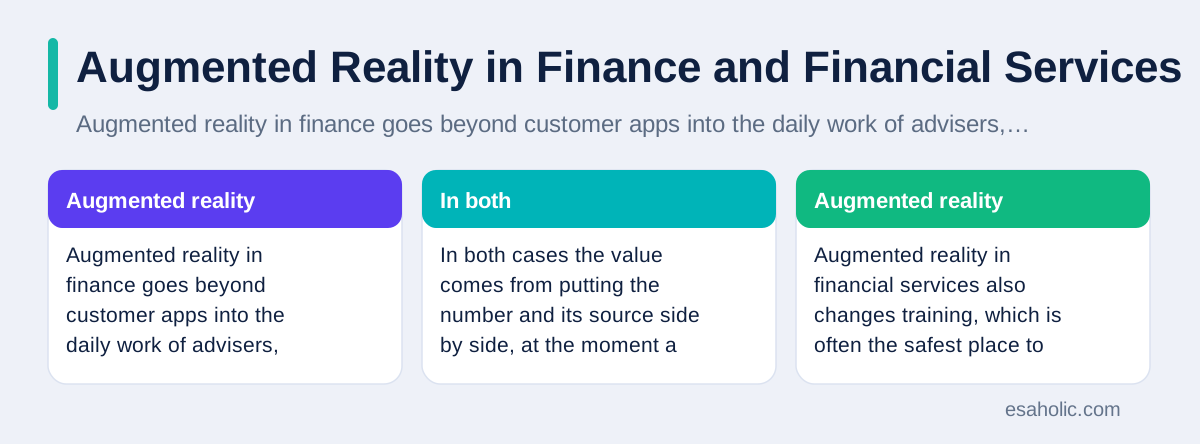
Augmented reality in financial services also changes training, which is often the safest place to start. New accountants can practise a month end close, a stock count, or a client interview in a guided AR session that uses test data, which is invented data that looks real but carries no real customer information. Mistakes in training cost nothing, and the system can show exactly where a trainee went wrong, such as matching a payment to the wrong invoice, without waiting for a supervisor to review the work. Teams that train with AR should still test trainees on plain screens too, because the job will sometimes require working without a camera, and the skill must survive without the overlay.
Reporting is a third use, and it needs restraint. A finance director can walk into a meeting with a 3D chart floating above the table, and the room will remember it, but a memorable chart is not the same as a true chart. Three dimensional bars make small differences look large and large differences look small, and an audience that cannot read the axes cannot challenge the numbers. AR reporting should therefore follow the same rules as good paper reporting: label every axis, show the source and the date of the data, and keep a flat, printable version that anyone can check later. If an AR report cannot be printed and checked, it should not be used for a decision that matters.
Augmented Reality Payments: Scan, Check, and Approve
Augmented reality payments work by turning a payment into a guided visual task. A customer scans a bill, a product, or a code, and the screen shows what will be paid, to whom, from which account, and what fee applies, before any money moves. The customer then approves with a clear action, such as a fingerprint, a PIN, or a button that states the amount. The AR layer adds context that a plain payment screen often hides, such as a warning that this payment would take an account below a limit, or a note that a subscription renews next week. Those warnings prevent the small mistakes that cause the most payment complaints.
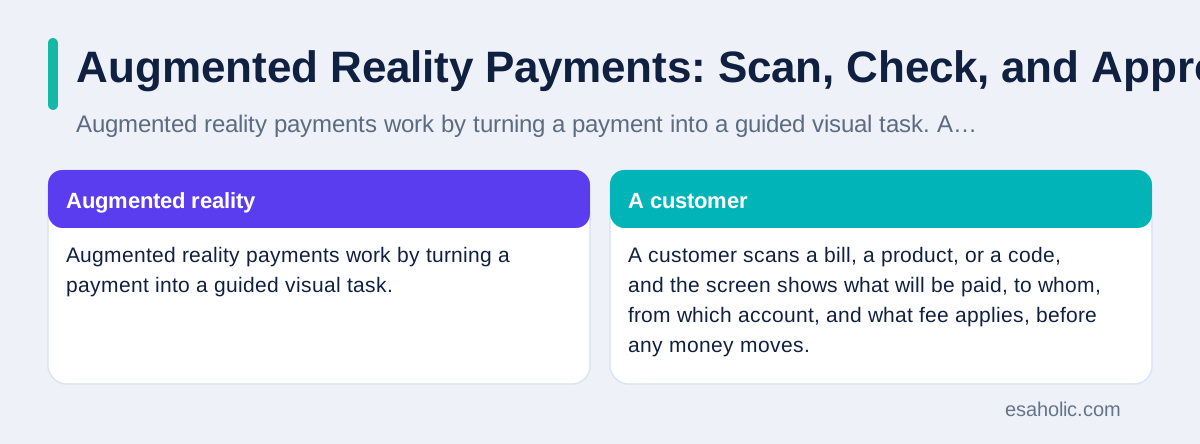
The safety design of an AR payment matters more than its novelty. Every payment needs the same controls as any other payment: strong identity checks, a clear amount shown before approval, a receipt that the customer can keep, and a way to cancel or dispute the payment afterwards. The camera adds one new risk, which is that a fake overlay could trick a user into approving a different payment than the one shown, for example by covering the real amount with a false one. Trusted payment apps reduce this risk by drawing payment details in a protected part of the screen that other apps cannot cover, and by never letting a merchant's AR content change the amount, the recipient, or the account. Users should treat any payment screen that looks slightly off, or that rushes them past the amount, as a reason to stop and check through the bank's own app.
For businesses, AR payments suit places where the payment and the physical item meet, such as a showroom, a market stall, or a delivery handover. A buyer can scan an item, see its price and terms, and pay without queueing at a till, while the seller's system records the sale against the right stock item at once. The gain is smaller for ordinary online shopping, where the buyer is already on a screen and an AR step only adds friction. As with customer AR, the test is simple: does the overlay remove a real step, a real error, or a real wait? If it only adds a visual effect to a payment that already worked, it is decoration, and decoration in payments usually costs trust when something goes wrong.
Virtual Reality Banking and How It Compares
Virtual reality banking is often mentioned beside AR, but it answers a different question. Virtual reality, usually shortened to VR, replaces the user's surroundings with a fully digital space, such as a virtual branch where an avatar, which is a digital figure that stands in for a person, walks up to a virtual counter. That design suits training and demonstrations, where a team wants to practise a branch robbery response, a difficult customer conversation, or a new branch layout without building anything real. It suits everyday banking poorly, because customers rarely want to put on a headset to check a balance or pay a bill.
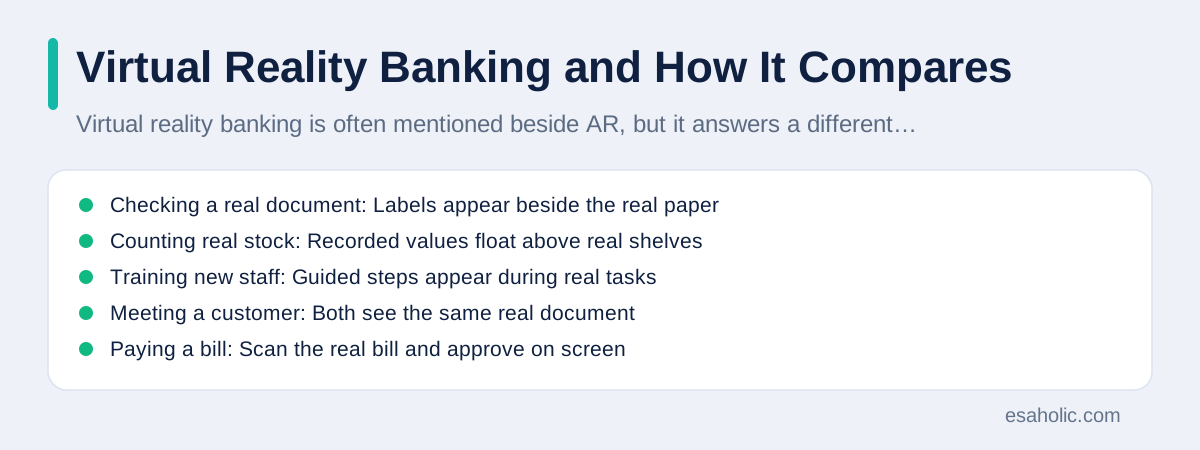
The comparison can be made with a simple table, because the two technologies fit different tasks rather than competing for the same one.
| Task | AR fits when | VR fits when |
|---|---|---|
| Checking a real document | Labels appear beside the real paper | Rarely, since the paper is not in the scene |
| Counting real stock | Recorded values float above real shelves | Only for practising a count in a fake store |
| Training new staff | Guided steps appear during real tasks | Full practice in a safe, fake branch |
| Meeting a customer | Both see the same real document | Both meet as avatars in a virtual room |
| Paying a bill | Scan the real bill and approve on screen | Almost never better than a plain screen |
Both technologies share the same security homework: identity checks, access limits, logs of who approved what, and a plain alternative for people who cannot or will not use the new device. A bank that buys headsets before it fixes its data quality and its access controls has bought an expensive way to display its existing problems. The Association of International Certified Professional Accountants publishes guidance on technology controls for finance work, and its emphasis on controls before tools applies directly here: the overlay is the last piece to buy, not the first.
Risks, Privacy, and Controls a Finance Team Must Demand
AR in finance creates risks that ordinary software does not, and the first is the camera itself. A camera pointed at a desk can capture client names, account numbers, salary details, and other people's faces, even when the task only needed one invoice. A finance team should therefore demand camera discipline from any vendor: the app should process what it needs on the device where possible, store as little video as possible, delete captures on a short schedule, and never use customer camera data to train models without explicit consent. If a vendor cannot explain what video is stored, where it is stored, and for how long, the product should not touch real client data.
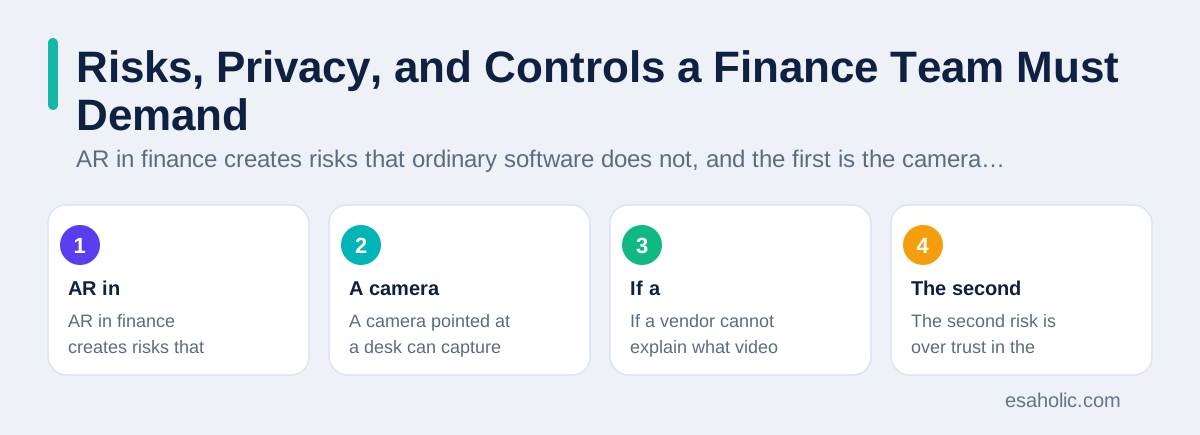
The second risk is over trust in the overlay. People tend to believe information that appears neatly labelled in their field of view, even when the underlying data is old or wrong. An auditor who trusts a floating stock value without checking its date may miss a stock movement that happened after the data was loaded. Controls against this are simple but must be enforced: every overlay must show the date and source of its data, every approval must show the amount and the account in plain text, and every AR task must keep an audit trail, which is a log of who did what and when, that can be reviewed without the AR device. Esaholic's custom software for finance teams builds these controls into the system before any overlay is added, because an overlay without a trail is a liability, not a feature.
The third risk is access. AR devices are easy to lose, easy to share, and often personal phones rather than company devices. A lost phone that stays signed into a finance AR app is a direct route to client data, so teams need device level controls: short session times, re authentication for approvals, remote wipe for company data, and a ban on using personal AR apps for client work. Clear rules for financial data should name who may see which data through AR, which tasks need a second approver, and how a breach is reported. Those rules, written before the pilot, decide whether an AR project is a controlled experiment or an uncontrolled exposure.
A Practical Rollout for a Finance Team
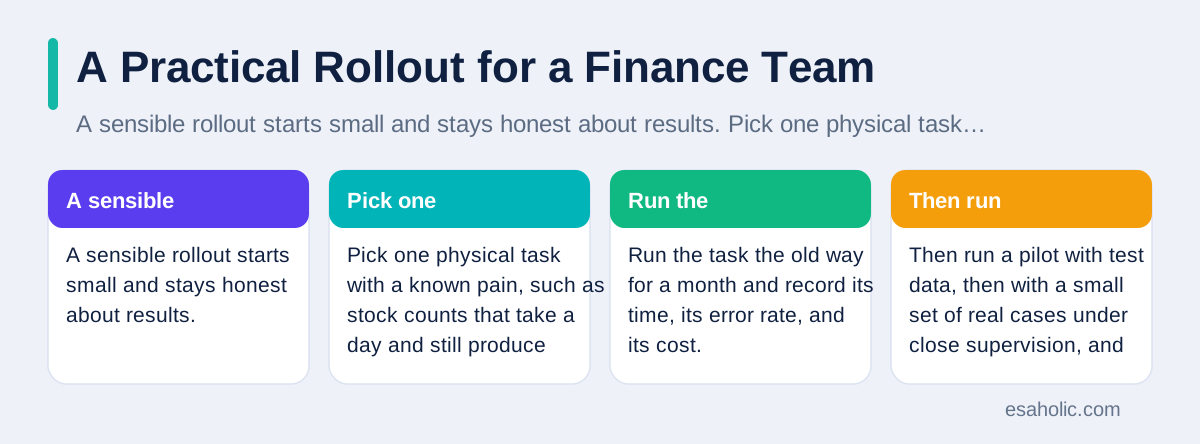
A sensible rollout starts small and stays honest about results. Pick one physical task with a known pain, such as stock counts that take a day and still produce errors, or client document checks that generate repeat calls. Run the task the old way for a month and record its time, its error rate, and its cost. Then run a pilot with test data, then with a small set of real cases under close supervision, and compare the same three numbers. If AR does not improve time or errors, stop the pilot and keep the lesson. If it improves one number without harming the other, expand slowly, one team at a time, and keep the plain screen process running beside it until the new process has survived a full reporting cycle.
Training and support decide whether a pilot survives contact with real work. Staff need time to learn the device, the gestures, and the failure modes, such as poor light, a scratched camera lens, or a marker that will not scan. Support needs a plain language guide and a fallback for every AR step, so a worker whose device fails can finish the task on paper or on a normal screen without waiting for IT. Teams that treat AR as a replacement for training, rather than a tool for trained people, usually see early enthusiasm followed by quiet abandonment, because the first week of failures teaches staff that the old way is safer.
Finally, budget for the whole system, not just the app. AR needs devices, device management, data cleanup, integration with the accounting system, and ongoing support, and automating routine finance workflows around the AR task often delivers more value than the overlay itself. A team that cleans its stock data, fixes its invoice matching, and shortens its approval chain may find that AR then shines, because the overlay finally shows trustworthy data. Teams that skip that groundwork often blame the AR tool for failures that belong to their own data. The honest order is data first, process second, and overlay last, and that order is what separates a useful AR project from an expensive demo.
Conclusion
Augmented reality in accounting is useful exactly where it puts a number beside the thing it describes, at the moment someone must act on it. Banking augmented reality helps customers understand statements and fees, AR in banking helps advisers guide customers through real documents, augmented reality payments make amounts and warnings visible before approval, and augmented reality in finance helps auditors and trainees check real work with fewer errors. Virtual reality banking serves a different need, mainly training and demonstration, and it rarely beats a plain screen for everyday money tasks. The safety rules run through every use: test data for training, dates and sources on every overlay, logged approvals, camera discipline, and a plain alternative for every task. Finance teams that follow those rules, and that measure time and errors before and after a pilot, can adopt AR with confidence. Teams that buy the overlay before fixing their data and controls will learn, at some cost, that a beautiful view of a wrong number is still a wrong number. For the wider virtual-world comparison, what is the metaverse explains where AR stops and fully virtual worlds begin. For a finance-specific build, custom software development is the route when off-the-shelf AR tools do not fit existing ledgers.
Frequently Asked Questions
Do accountants need a headset to use augmented reality?
No. Most accounting uses start on a phone or tablet, where the camera shows a document and the screen adds labels, charts, or guidance beside it. Headsets suit some training rooms, but everyday review, approval, and customer help work fine on devices teams already own.
Is augmented reality safe for real financial data?
It can be, if the system follows the same controls as any finance tool: limited access, logged approvals, encrypted connections, and test data for training. The risk grows when camera views, recordings, or overlays are stored without a clear reason, so teams should record as little as possible and review what is kept.
Will AR replace accountants?
No. AR changes how accountants see and check numbers, but it does not make the judgments that accounting requires, such as whether a transaction belongs in one period or another. The work still needs trained people, and AR is best judged by whether it helps those people work more accurately.
Written by Umar Abbas
Founder, Principal AI Architect and Operator
Umar Abbas is the founder of Esaholic and a principal AI architect who designs reliable large scale AI systems for regulated industries.
Reviewed by Amir Iqbal
Senior AI Systems Architect and Lead Technical Reviewer
Amir Iqbal is a senior AI systems architect and lead technical reviewer at Esaholic who keeps live AI systems fast and reliable.
Relevant blogs
Blockchain in Intellectual Property: A Plain Guide
What a shared record proves about creative work, and where lawyers and registries still decide.
Latest Breakthroughs in Quantum Computing 2024: A Recap
A dated 2024 recap of error correction milestones, new standards, and honest limits.
Productivity Tools: A Simple Guide for Busy Teams
How teams pick tools that save time without adding new work.
Data Governance Frameworks Explained Simply
Who owns data, who may use it, and how teams keep those rules clear.