
Lun As a Storage Term: What a LUN Really Is
If you search for lun as a phrase, you will meet a storage term that looks like a typo, a name, or a half finished question, but behind it sits a clear and useful idea. LUN stands for logical unit number, which is a plain way of saying the number that identifies a slice of storage a server can use. In a data center, which is a large building full of computers and storage that run company systems, a storage system holds many physical disks, carves out slices of that space, gives each slice a number, and presents each slice to a server. The server then treats that slice as if it were a disk plugged directly into it, formats it, and stores a database, a set of files, or a virtual machine on it. That slice, and its number, together are what people mean when they say LUN.
The confusion around the term comes from the fact that LUN is used in two closely linked ways, and guides often switch between them without warning. Strictly, a logical unit is the slice itself, and the logical unit number is its address, much like a house is a building and its house number is its address. In everyday storage talk, though, people say LUN when they mean the slice, the number, or both together, as in create a LUN for the database server, or what is the LUN size for this project. This guide uses LUN in that everyday way, while keeping the strict meaning clear where it matters, so you can read storage documents, dashboards, and support messages without tripping over the word. By the end, you will know what a LUN is, how it differs from a volume and a disk, how a server finds it, how size is chosen, and where you are likely to meet LUNs in real work.
What Is a LUN? The Short Definition
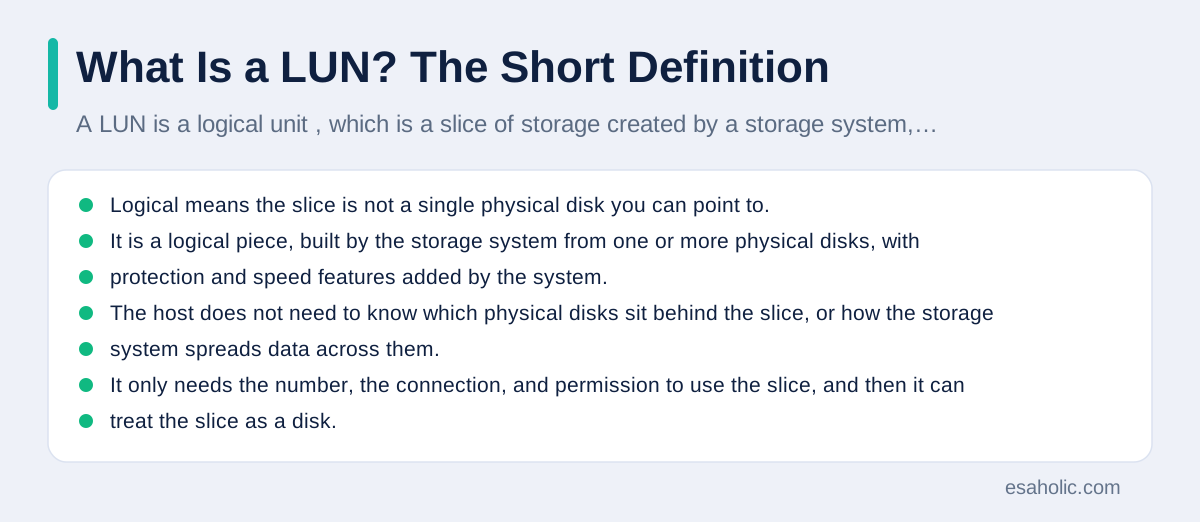
A LUN is a logical unit, which is a slice of storage created by a storage system, identified by a logical unit number, and presented to a host, which is a plain word for a server or computer that uses storage, over a storage network. Logical means the slice is not a single physical disk you can point to. It is a logical piece, built by the storage system from one or more physical disks, with protection and speed features added by the system. The host does not need to know which physical disks sit behind the slice, or how the storage system spreads data across them. It only needs the number, the connection, and permission to use the slice, and then it can treat the slice as a disk.
That separation between the logical slice and the physical disks is the whole point of shared storage. A company can buy a storage system with many disks, share it between many servers, and give each server only the slices it needs, in the sizes it needs, without buying a separate disk set for each server. When a server needs more space, the storage team can grow its LUN, often without stopping the server, instead of opening the server and fitting a new disk. When a server is retired, its LUN can be given to another server, or its space can be returned to the shared pool. That flexibility, plus central backup and protection, is why large systems use LUNs instead of giving every server its own private disks.
LUN, Volume, Disk, and Drive: What Is Different?
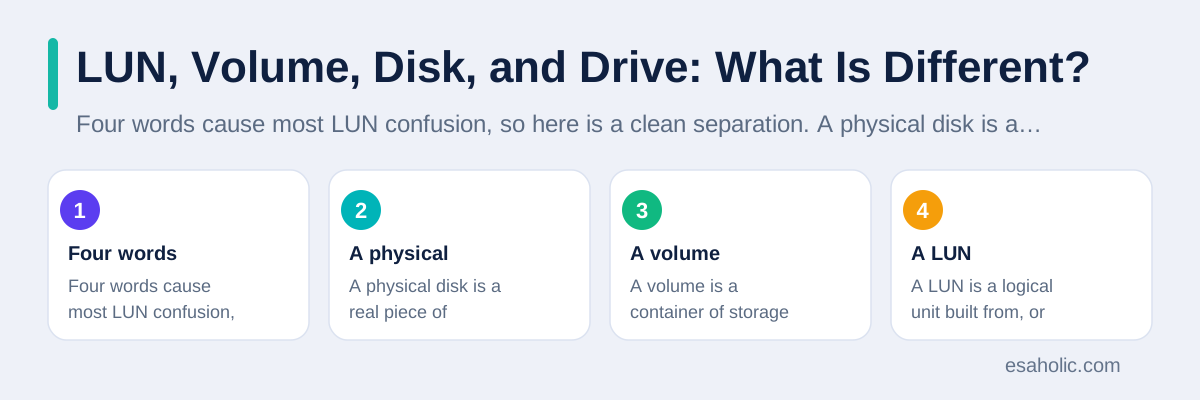
Four words cause most LUN confusion, so here is a clean separation. A physical disk is a real piece of hardware that stores data on spinning plates or on flash chips, which are fast, silent storage chips with no moving parts. A volume is a container of storage space managed by a storage system, built from one or more physical disks, and often protected so that one disk failure does not lose data. A LUN is a logical unit built from, or presented from, that storage, with a number that lets a host find it. A drive, in Windows talk, is what the host shows after it formats a LUN and gives it a letter, such as D drive or E drive, so users can open it like any other disk.
The relationship between a volume and a LUN varies by storage system, and that variation is worth knowing, because documents from different makers use the words differently. In some systems, a volume is created first, and then a LUN is created inside it, or the volume itself is presented as a LUN. In other systems, the LUN is the main object, and a volume is a different layer used for files. The safe way to read any storage document is to look for the direction of the relationship it describes: does it say the LUN is created from a volume, or that a volume contains LUNs? Either direction can be correct for that system, as long as you follow its own words. Do not assume a volume and a LUN are always the same thing, and do not assume they are always different things. Check the system guide for the pair you are working with.
From the host side, the picture is simpler. The host sees a LUN as a disk, with a size, and it can partition it, which means dividing it into sections, format it, which means preparing it to hold files in a chosen file system, and store data on it. The host does not see the physical disks, the volume layer, or the other hosts sharing the same storage system, unless the storage team has allowed it to. That clean host view is deliberate: it lets an operating system, a database, and an application work with a LUN exactly as they would work with a local disk, while the storage system handles protection, sharing, and growth behind the scenes. Our guide on multitenant database containers shows a similar sharing idea at the database layer, where one system safely serves many tenants, each seeing only its own space.
How a Server Finds and Uses a LUN
A server finds a LUN through a storage network, which is a network built for storage traffic, rather than for general office internet traffic. The two common storage network styles are Fibre Channel, which is a fast, dedicated storage network with its own switches and cables, and iSCSI, which is a method that carries storage commands over a standard Ethernet network, which is the common network type used in offices and data centers. Fibre Channel is often chosen where speed and low delay matter most, and iSCSI is often chosen where cost and simplicity matter more, because it reuses Ethernet hardware. Both styles do the same basic job: they carry read and write commands between the host and the storage system, and they carry the LUN number so the storage system knows which slice the host means.
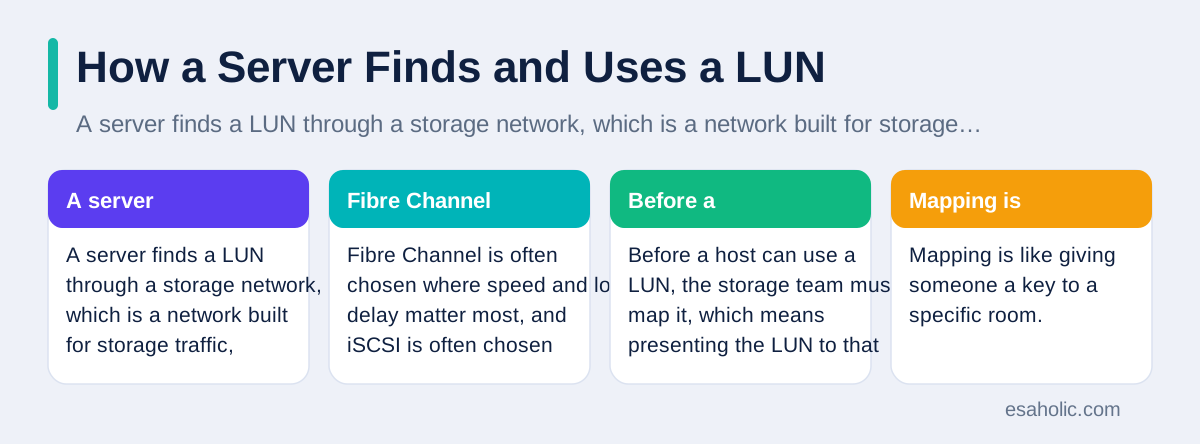
Before a host can use a LUN, the storage team must map it, which means presenting the LUN to that host, and often mask it, which means hiding it from hosts that should not see it. Mapping is like giving someone a key to a specific room. Masking is like making sure other people cannot even see that room's door. Together, mapping and masking answer two questions: which host may use this LUN, and which hosts must not see it at all? Without masking, every host on the storage network might see every LUN, which would be a security and accident risk, because one host could format another host's LUN by mistake. With correct mapping and masking, each host sees only its own LUNs, and the shared storage system stays safe and orderly.
Once mapped, the host scans for new disks, finds the LUN as a new disk, and the administrator formats it and mounts it, which means making it available for use at a chosen location, such as a drive letter or a folder. A database administrator might place a database on that LUN, a virtualization administrator might place virtual machines on it, and a file administrator might share it as a file store. From that point on, applications read and write to the LUN as if it were local, and the storage network carries those reads and writes in the background. If the LUN is moved, grown, or backed up, the storage system handles those tasks, and the application usually keeps running, which is a major advantage over a disk that lives inside one server and moves only when someone physically moves it.
LUN Size: How Large Should a LUN Be?
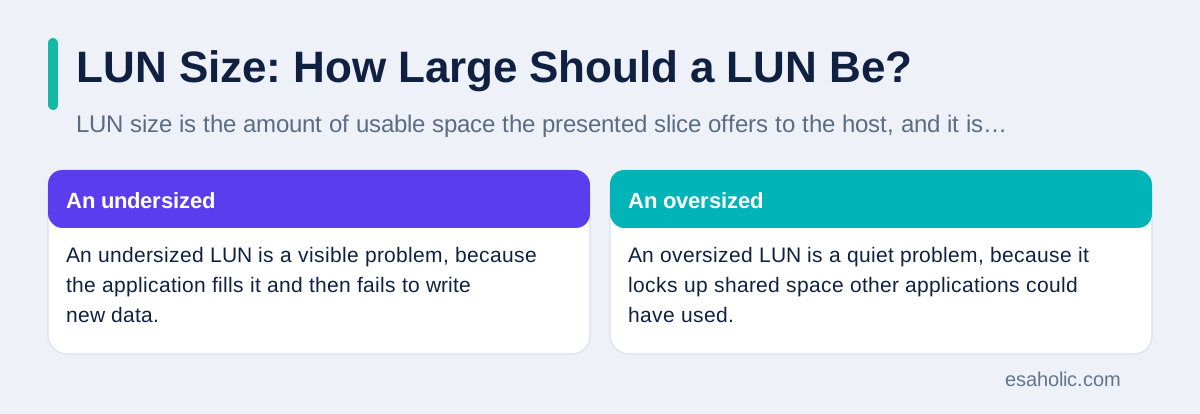
LUN size is the amount of usable space the presented slice offers to the host, and it is chosen when the LUN is created, based on what the application needs now, plus room for growth. A LUN for a small application log might be tens of gigabytes, which is a unit of storage equal to about a billion bytes, while a LUN for a large database might be several terabytes, where a terabyte is about a thousand gigabytes. Size is not just a number on a form: it decides how much data the application can store before it stops, how long backups take, and how much shared storage is tied up by one application. An undersized LUN is a visible problem, because the application fills it and then fails to write new data. An oversized LUN is a quiet problem, because it locks up shared space other applications could have used.
Growing a LUN later is often possible, and it is one of the strengths of shared storage, but it is not free of care. Growing the LUN on the storage system is only the first step: the host operating system and the file system must also be told to use the new space, and that second step varies by system and sometimes needs a maintenance window, which is a planned time when a system may be briefly unavailable. Shrinking a LUN is harder and riskier, because data may already sit in the space you want to remove, so most teams avoid shrinking and instead plan sizes carefully at the start. If a LUN is filling up, check first whether old data, logs, or snapshots can be cleaned or archived, because freeing space inside the LUN is safer and faster than resizing it under pressure. Our guide on database optimization covers the same discipline at the database layer: measure first, clean what you can, and only then change the size.
SAN and NAS: Where LUNs Belong
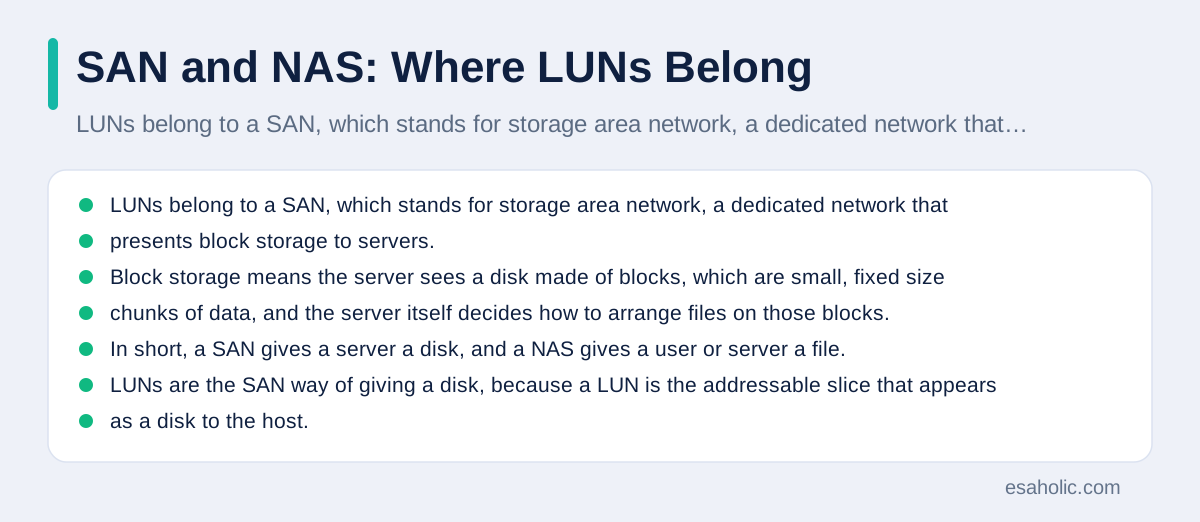
LUNs belong to a SAN, which stands for storage area network, a dedicated network that presents block storage to servers. Block storage means the server sees a disk made of blocks, which are small, fixed size chunks of data, and the server itself decides how to arrange files on those blocks. That is different from a NAS, which stands for network attached storage, where a shared device offers files and folders over a normal file sharing protocol, and the server or user simply opens a file by name. In short, a SAN gives a server a disk, and a NAS gives a user or server a file. LUNs are the SAN way of giving a disk, because a LUN is the addressable slice that appears as a disk to the host.
That distinction helps you decide, or at least understand, which system fits a job. Databases, virtual machines, and high performance applications often prefer SAN block storage, because they want full control over how data is laid out on disk, and because block access can be very fast over a dedicated storage network. Shared documents, home folders, and team file shares often prefer NAS, because users just need to open files by name, without managing disks, partitions, or file systems. Many companies use both: a SAN for databases and virtual machines, and a NAS for shared files, with the same storage system able to serve both styles. Knowing which style you are dealing with tells you which words to expect: LUNs, mapping, and masking for a SAN, and shares, folders, and permissions for a NAS.
A common mistake is to treat a SAN LUN as if it were a shared file folder that many servers can write to at once. In general, a LUN presented to one server should be used by that server alone, unless a special clustered file system, which is software that lets several servers safely share one disk, is in place to coordinate writes. Without that coordination, two servers writing to the same LUN can corrupt each other's data, because neither knows what the other just wrote. That is why mapping and masking matter so much, and why a LUN should be presented to exactly the hosts that are meant to use it, and no others. If a plan calls for several servers to share data, ask whether the plan uses a clustered file system, a NAS share, or a database that handles sharing itself, because a plain LUN alone does not safely share writes.
Where You Meet LUNs in Real Work
Most people meet LUNs in a few recurring situations, and knowing them in advance makes each one less intimidating. The first is a database or virtual machine project, where a storage team asks how many LUNs you need, what size each should be, and which servers should see them. A good answer names the application, the expected data size, the growth rate, and the server for each LUN, because those four facts let the storage team create the right slices the first time. The second situation is a backup or disaster recovery plan, where each LUN must be backed up, and the backup team must know which LUNs belong to which application, so a restore brings back a complete system, not a random set of disks.
The fifth situation is a job or a course, where LUN appears in a list of storage terms alongside RAID, which is a method of spreading data across disks for speed or protection, snapshots, replication, which is copying data to another system for safety, and thin provisioning, which is a method where a LUN appears larger than the space actually used at first, and grows as data is written. Thin provisioning is worth a plain explanation, because it changes how size works: a thin LUN may show 2 terabytes to the host while only using 200 gigabytes of real storage today, and it grows as the host writes more. That saves space when many LUNs are created, but it needs monitoring, because if every thin LUN grows at once, the shared pool can run out of real space, even though each LUN still looks like it has room. Monitoring the shared pool, not just each LUN, is the habit that keeps thin provisioning safe.
Common LUN Mistakes, and How to Avoid Them
The most common LUN mistake is presenting one LUN to too many hosts, or to the wrong host, and then discovering data corruption or a security problem. Avoid it by following the mapping rule in this guide: each LUN goes to exactly the hosts that need it, masking hides it from the rest, and any change to mapping is recorded, with the application owner, the date, and the reason. A second common mistake is creating one giant LUN for everything, instead of separate LUNs for separate jobs, such as one for a database, one for its logs, and one for backups. Separate LUNs are easier to back up, easier to grow, easier to move, and easier to troubleshoot, because a problem in one LUN does not take down every job at once. Think of LUNs as separate rooms for separate jobs, not as one warehouse for everything.
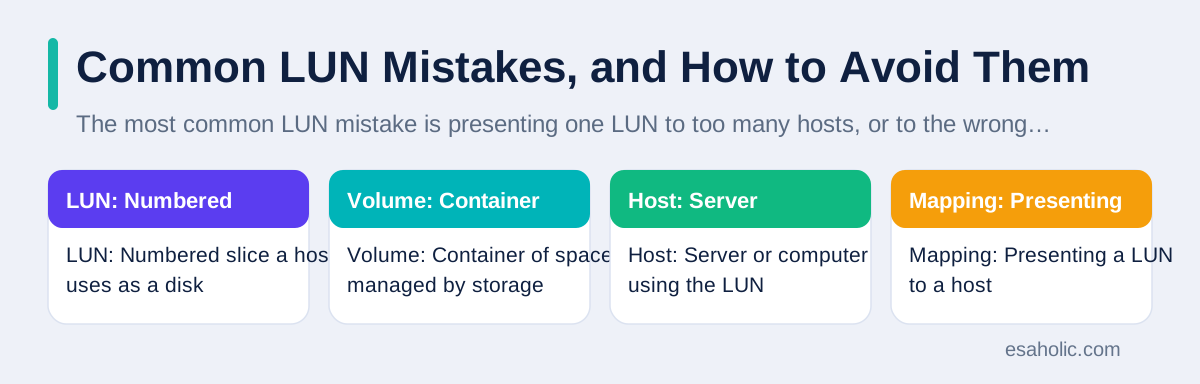
A third mistake is ignoring growth and monitoring. A LUN that is fine today can fill in months, and a shared pool that is fine today can fill when several thin LUNs grow together. Avoid it by setting alerts, which are automatic warnings when a LUN or pool reaches a chosen level, such as 80 percent full, and by reviewing those alerts weekly, not just when an application fails. That weekly review habit is the same discipline behind compliance monitoring, which checks a system regularly instead of waiting for a failure. A fourth mistake is skipping the backup test. A backup that was never tested may fail when it is needed, and a LUN restore that was never practiced may take far longer than the plan assumes. Test a restore for at least one important LUN each quarter, on a test host, and time it, so the recovery plan is based on real experience, not on hope. Those four habits, correct mapping, separate LUNs, monitoring, and tested restores, prevent most LUN problems before they start.
| Term | Plain meaning | Example |
|---|---|---|
| LUN | Numbered slice a host uses as a disk | LUN 3, 500 gigabytes, for the database server |
| Volume | Container of space managed by storage | A volume that holds one or more LUNs |
| Host | Server or computer using the LUN | The database server that mounts the LUN |
| Mapping | Presenting a LUN to a host | Map LUN 3 to the database server only |
| Masking | Hiding a LUN from other hosts | Other servers cannot see LUN 3 |
| SAN | Storage network presenting disks | Fibre Channel or iSCSI network for LUNs |
Learning More Without Drowning in Jargon
If you want to learn more about LUNs, start with the storage system guide for the system you actually use, such as NetApp's guide to volumes and LUNs, because that guide uses the exact words and steps for that system, and general guides, including this one, cannot replace it. Read the section on creating and presenting a LUN, then the section on mapping and masking, then the section on growing a LUN, in that order, because that is the order of real work. Keep a notebook of the terms you meet, with a plain definition in your own words beside each one, and revisit it after each project, because storage language sticks when it is tied to a real LUN you created, grew, or restored, not when it is memorized from a list. If a storage plan is part of a larger build, ask a custom software team for help.
Conclusion
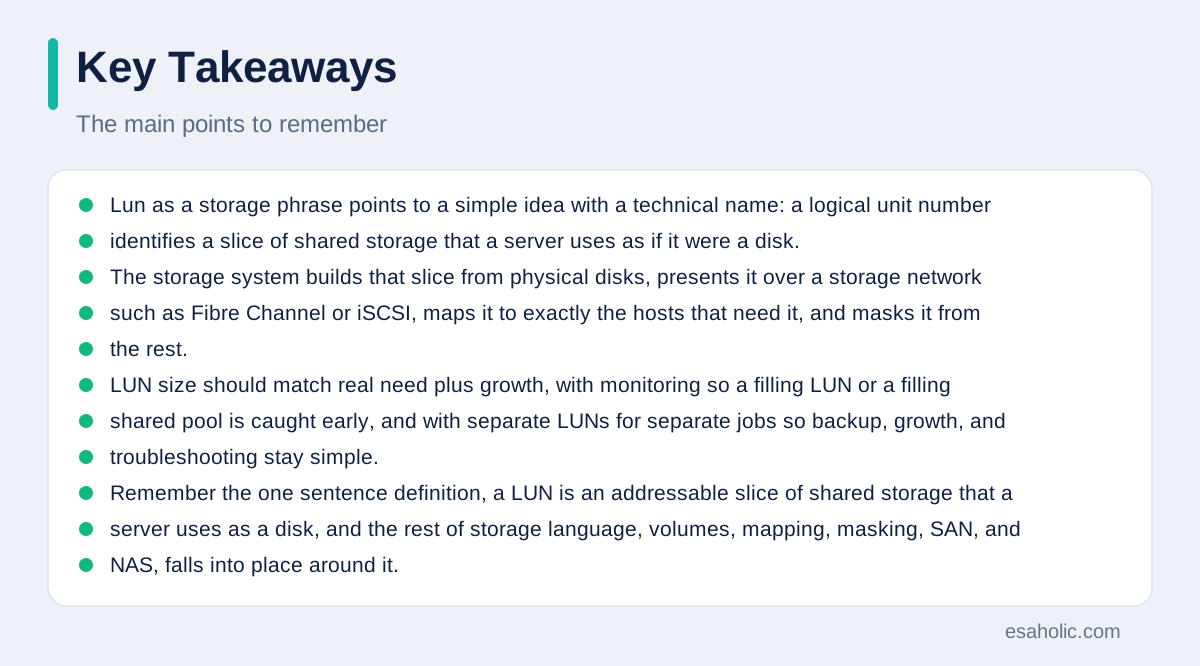
Lun as a storage phrase points to a simple idea with a technical name: a logical unit number identifies a slice of shared storage that a server uses as if it were a disk. The storage system builds that slice from physical disks, presents it over a storage network such as Fibre Channel or iSCSI, maps it to exactly the hosts that need it, and masks it from the rest. LUN size should match real need plus growth, with monitoring so a filling LUN or a filling shared pool is caught early, and with separate LUNs for separate jobs so backup, growth, and troubleshooting stay simple. Remember the one sentence definition, a LUN is an addressable slice of shared storage that a server uses as a disk, and the rest of storage language, volumes, mapping, masking, SAN, and NAS, falls into place around it. Use that language clearly in requests and plans, and storage work becomes far less mysterious.
Frequently Asked Questions
What is a LUN in storage?
A LUN, short for logical unit number, is the number that identifies a slice of shared storage that a server can use as if it were a disk attached to that server. The storage system holds the real disks, carves out a slice, gives that slice a number, and presents it to the server, which then formats it and stores files or databases on it.
What is the difference between a LUN and a volume?
A volume is a container of storage space managed by the storage system, while a LUN is the address or presentation of a logical unit that a host can reach. In many systems a LUN is built from a volume, so the two words are linked, but the volume is the space and the LUN is how the server finds and uses that space.
What is LUN size?
LUN size is how much usable space the presented slice offers to the server, such as 100 gigabytes or 2 terabytes. Size is chosen when the LUN is created, it can often be grown later, and it should match the real need plus room for growth, because an oversized LUN wastes shared storage and an undersized LUN fills up and stops the application.
Written by Amir Iqbal
Senior AI Systems Architect and Lead Technical Reviewer
Amir Iqbal is a senior AI systems architect at Esaholic who designs resilient systems and reviews guides for practical, testable detail.
Reviewed by Danish Mustafa
Senior Agentic AI Engineer and Systems Architect
Danish Mustafa is a senior agentic AI engineer at Esaholic who builds systems that find trusted answers in real documents and keep them easy to use.
Relevant blogs
Insert Key on Surface Pro: Where It Is and How to Use It
Where to look for Insert, how to toggle insert and overwrite, and what to do with no key.
Docker Containerization Explained Simply
How containers package apps and their dependencies so they run the same everywhere.
Multitenant Database Containers
How one system safely serves many tenants, each seeing only its own space.
Database Optimization
How to measure, clean, and tune a database before changing its size.